Page 65 of 87
Re: Picture Editing
Posted: 2010-10-15 07:45
by cyberzomby
Yea that one is awesome! If it where bigger I could use it in a wallpaper!
Re: Picture Editing
Posted: 2010-10-15 08:12
by Tim270
I have loads of big ones from random BRs ^_^
If anyone wants something edit also:
http://i.imgur.com/NcdkP.jpg
Also made 2 edits from Fh2 today.
http://i.imgur.com/gv2ML.jpg
http://i.imgur.com/A208v.jpg
Re: Picture Editing
Posted: 2010-10-15 18:05
by MasterGypsy
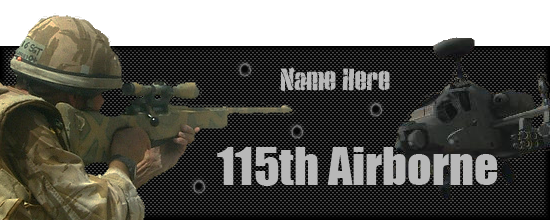
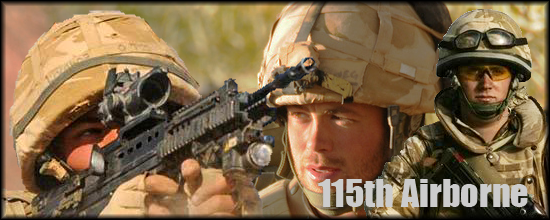
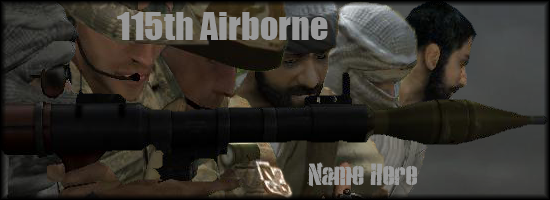
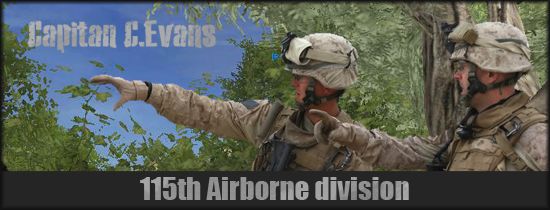
DevilDog812 wrote:i believe he means popout sigs
like this?

photoshop is preferred since it it easier to do with multiple layers.
1. get photo
2. select rectangular portion for base and copy as new layer
3. go back to original picture and select object you want "popping out" and copy/paste as new layer
4. make sure the popout portion is overtop of the bottom portion
5. stroke (make a border) around rectangular portion
6. add shadows as needed (drop shadow)
7.
SAVE AS A .PNG WITH ALPHA CHANNELS!!!
8. ?????
9. Profit
I still don't get what you're saying. Picture tutorial maybe?
Re: Picture Editing
Posted: 2010-10-25 01:08
by alvina
Re: Picture Editing
Posted: 2010-11-04 03:12
by whatshisname55
Tarranauha200 wrote:
Looks tactical
Sorry to that guy if he didn't want me editing his stuff^^^
I used that image to make a signature for myself:

Re: Picture Editing
Posted: 2010-11-04 21:14
by mazur mikola
Re: Picture Editing
Posted: 2010-12-03 00:58
by TomDackery
http://i692.photobucket.com/albums/vv285/tomdackery/NcdkPpsd.png
I <3 .PNGs too much to save as a .jpg... I sorry.
Also, thanks for the good screenie.
Re: Picture Editing
Posted: 2010-12-03 04:14
by whatshisname55
How did you fix up his lack of AA, did you just blur up the edges?
Re: Picture Editing
Posted: 2010-12-03 11:45
by TomDackery
whatshisname55 wrote:How did you fix up his lack of AA, did you just blur up the edges?
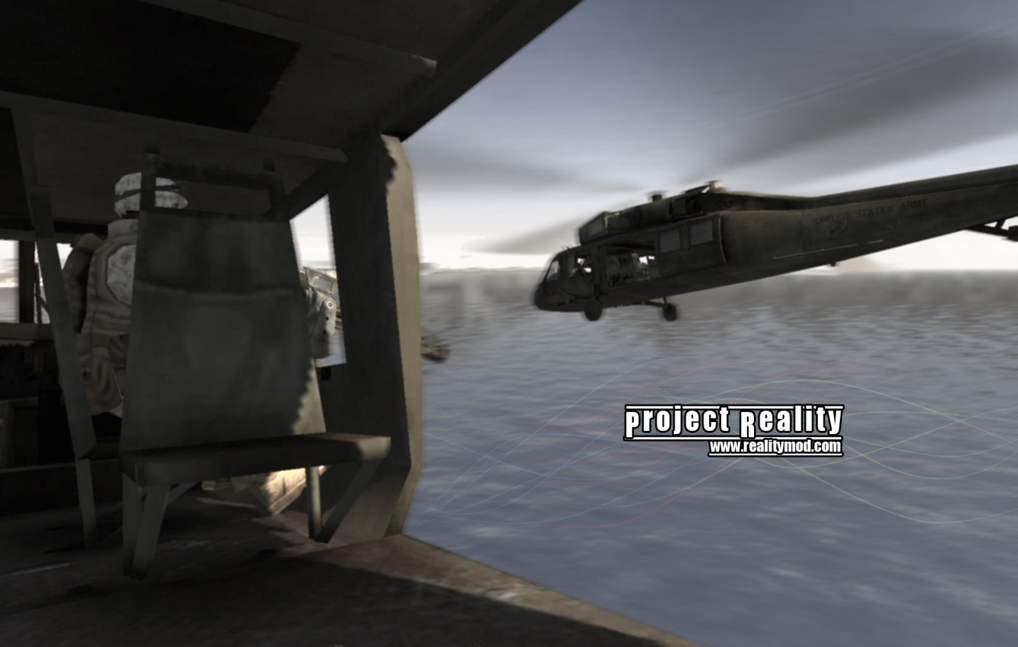
I normally use one instance of Blur filter on BF2/PR pics because the edges look edgy, and I used motion blur to simulate the idea the blackhawk is moving, so those combined I guess mops up most of the pixelation.
If that doesn't work, I do actually sometimes go in with the blur tool and blur edges as needed to get rid of blocky pixels.
Re: Picture Editing
Posted: 2010-12-04 00:06
by whatshisname55
Ah, one time I was working on an image with terrible edges so I just used the blur tool and did heavy blur on all of the most visible edges. It did what I wanted, but it looked a little odd.
Thanks, I'll be sure to try that next time!
___________________________________________________
Edit of a screenie, I enlarged it a bit from the original and tried to fix up any bad spots by hand:

Original:
http://img221.imageshack.us/img221/8624/chinookb.jpg
Re: Picture Editing
Posted: 2010-12-04 13:36
by TomDackery
Looks like a photo

Nice
Re: Picture Editing
Posted: 2010-12-04 21:05
by whatshisname55
Thanks, that was the intention.
I could have done the guys getting out a little better though >.>
Re: Picture Editing
Posted: 2010-12-04 21:13
by hobbnob
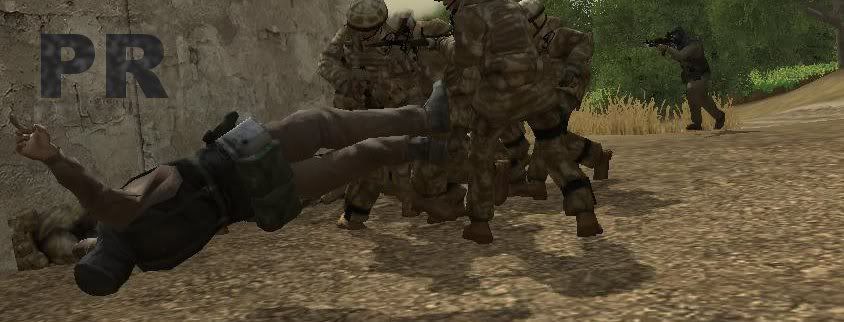
I made that picture, it wasn't intended to be linked to that event in any way, I didn't even know about it before you posted that link
Re: Picture Editing
Posted: 2010-12-05 20:15
by hobbnob
Re: Picture Editing
Posted: 2010-12-05 20:30
by whatshisname55
Those are good! What program are you using?
Re: Picture Editing
Posted: 2010-12-05 20:39
by hobbnob
The last one is adobe photoshop, but the previous verison were all gimp. I got photoshop a few days ago and wanted to try it out
Re: Picture Editing
Posted: 2010-12-05 21:03
by mazur mikola
hobbnob wrote:I made that picture, it wasn't intended to be linked to that event in any way, I didn't even know about it before you posted that link
awesom photo realy
i just remember that video when i seen this picture and say what it looks like
soldiers doing what must
kick *** its their job

Re: Picture Editing
Posted: 2010-12-05 21:11
by whatshisname55
hobbnob wrote:The last one is adobe photoshop, but the previous verison were all gimp. I got photoshop a few days ago and wanted to try it out
What version did you get? If you got CS5 tell me how it is. I'm stuck with Ps Elements 4.0 from 2005

Re: Picture Editing
Posted: 2010-12-05 21:49
by hobbnob
haha yeah it's CS5, early christmas present.
It's very powerful, can do pretty much anything you want in a very short space of time. I can't really compare it to PS4 because I've never had it but CS5 is definitely a very good piece of software, with tons of features and a good expansion community
Re: Picture Editing
Posted: 2010-12-05 22:34
by whatshisname55
Are the selection and cutting features really as good as they say? That's pretty much what I'd get it for and also more filters and effects.