JUST updated it with hello kitty boxes, improved blood effects and a series of general tweaks...
now I am adding random death screams for the boxes and a chance to get a 'crazy psychotic laughter' if you hit a hello kitty box.
chainsword has placeholder sounds now.
also notice that the blood follows the arc of your slash and both blood and sparks are a two part effect:
- when you first hit it it sprays a long spray of blood or sparks
- when you stay on it it grinds correctly
Re: Show your models thread...(IMAGE HEAVY)
Posted: 2011-01-09 13:08
by Dunehunter
For the God Emperor! Purge the false followers of the Kitty God!
Re: Show your models thread...(IMAGE HEAVY)
Posted: 2011-01-09 13:30
by Z-trooper
[R-DEV]Dunehunter wrote:For the God Emperor! Purge the false followers of the Kitty God!
Indeed. Now the kitty followers scream in agony while you enjoy some righteous laughter...
(update)
I shall stop the spam now hehe.
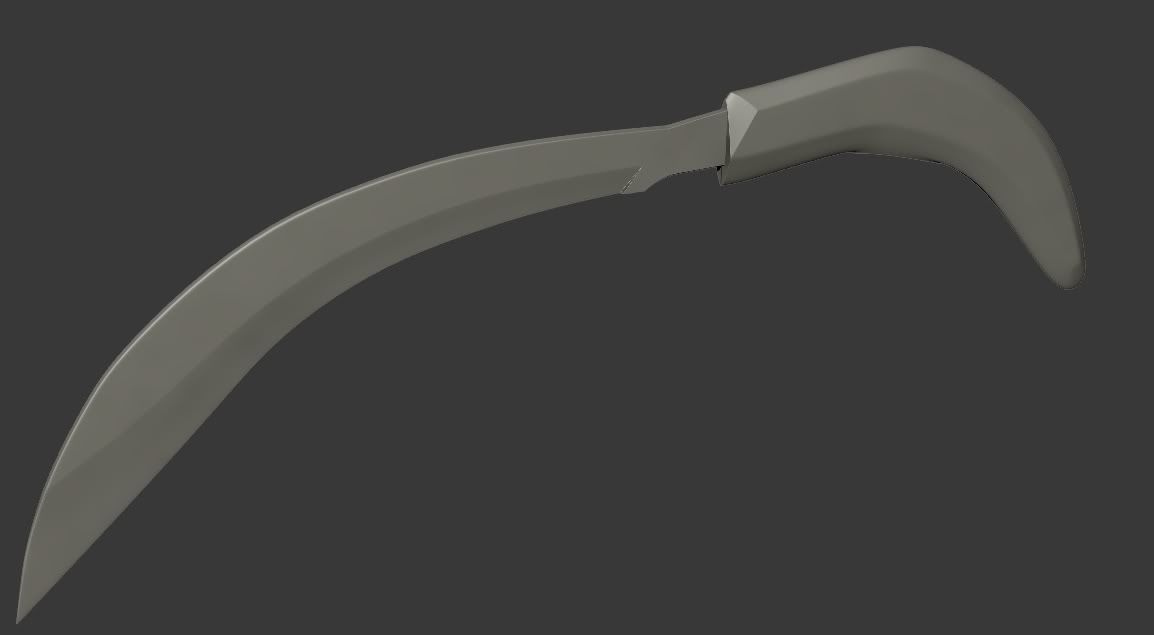
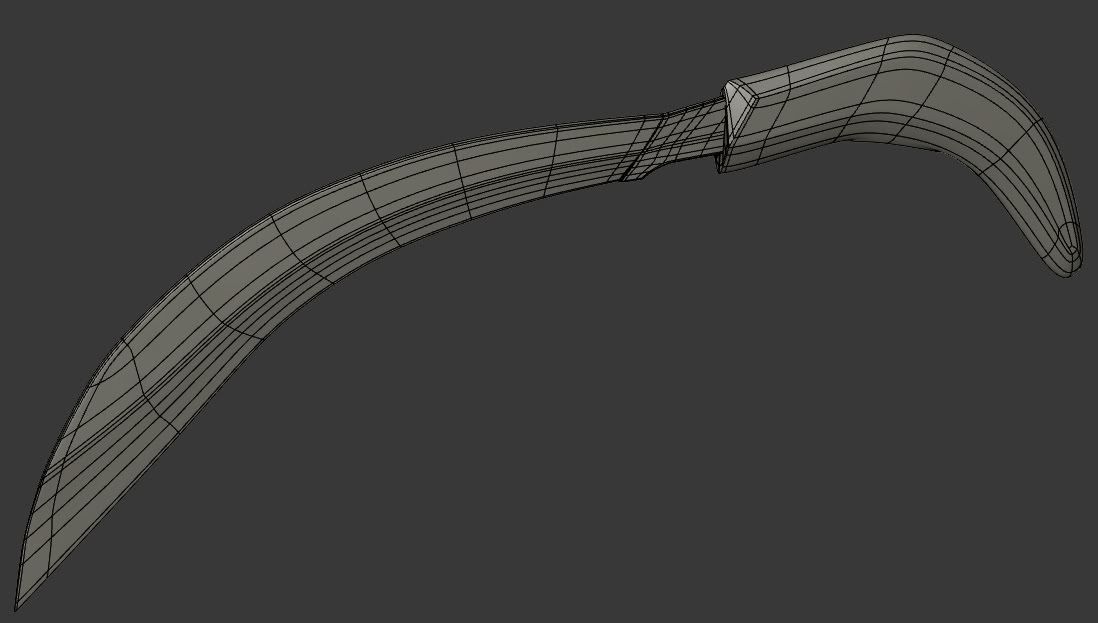
Shotgun, boltgun, combat blade and flamer will also soon be added, along with 3p camera and animations
Re: Show your models thread...(IMAGE HEAVY)
Posted: 2011-01-10 04:45
by GhostDance101
Cool stuff Z Trooper
Updated Raptor run animation with better tail movment..
And a crappy claw attack Which is not a finished animation just a test
Also shows the raptors useing some bf2 guns and animations for fun.
Which will be replaced with proper new animations if it turns out that I make raptors use guns....
Btw the first person mesh is not in use yet but I will likly add one at some point..
Re: Show your models thread...(IMAGE HEAVY)
Posted: 2011-01-10 08:27
by VapoMan
Is this going to be Humans vs Raptors? Looks good.
Re: Show your models thread...(IMAGE HEAVY)
Posted: 2011-01-10 09:17
by Z-trooper
Very nice stuff ghost, keep us updated
EDIT: for what it is worth my 'game' now has dual wield and a quick custom environment. Dual wield controls are mouse 1 and mouse 2, but for browser friendliness I have also mapped each weapon to "Q" and "E".
lolwut did a pretty similar model a day or so ago to practice baking.
Re: Show your models thread...(IMAGE HEAVY)
Posted: 2011-01-11 07:24
by motherdear
haha epic, i might add some more details to mine to do the same baking and texturing stuff. But only used 20-25min on making this up
Re: Show your models thread...(IMAGE HEAVY)
Posted: 2011-01-13 15:25
by Tim270
Still have a few loose ends to tie up here and there with the mesh, missing most of the internals also but I am coming to the point where I just do not want to look at it any-more.
Most likely just going to unwrap it as it is, paint on diffused lighting as I am just getting so many problems with baking at the moment
Re: Show your models thread...(IMAGE HEAVY)
Posted: 2011-01-13 15:30
by Rhino
its looking really sweet to me tbh
I may be able to help you out with the baking process for handheld weapons since I've made a tut on it which isn't quite finished yet and not ready to go in the public forums but could let you have a little sneak peak if you need
Re: Show your models thread...(IMAGE HEAVY)
Posted: 2011-01-13 16:58
by Tim270
That would be awesome Rhino . I have mostly got baking floating gro down ok, but when I go for full meshes I just get swamped with having to try to fix bad bakes in ps due mainly to bad cages/setup I guess ( not just the warped bands, lots of clipping that I cant seem to avoid and other problems.). My work flow for HP stuff is pretty poor.
That and I am getting severely stumped with this error. I think it has something do with textools plugin as bakes work fine most of the time when I do not use this plugin. It is annoying as even when merging the model back into fresh scenes without the plugin loaded I still get the same error. Maybe I am just missing something obvious in the render to texture settings though... I get the error any time I try to pick geo for the projection mod to bake from.
Tim270 wrote:That would be awesome Rhino . I have mostly got baking floating gro down ok, but when I go for full meshes I just get swamped with having to try to fix bad bakes in ps due mainly to bad cages/setup I guess ( not just the warped bands, lots of clipping that I cant seem to avoid and other problems.). My work flow for HP stuff is pretty poor.
That and I am getting severely stumped with this error. I think it has something do with textools plugin as bakes work fine most of the time when I do not use this plugin. It is annoying as even when merging the model back into fresh scenes without the plugin loaded I still get the same error. Maybe I am just missing something obvious in the render to texture settings though... I get the error any time I try to pick geo for the projection mod to bake from.
Right Will PM you some bits, but how I work with baking is basically baking little bits at a time as then you dont get swamped as you put it
As for the error, odd error, the textools plugin from what I've seen of it isn't worth it, although can't say I've given it much of a chance but just seems really buggy etc too me, although MD seems to like it for some reason
Re: Show your models thread...(IMAGE HEAVY)
Posted: 2011-01-13 17:31
by Z-trooper
Why do you have your bake set up to automatic unwrapping? and on channel 4?
Try setting the sub-object unwrap to 'use existing...'
It might solve it as the error exception is related to auto-wrap
Re: Show your models thread...(IMAGE HEAVY)
Posted: 2011-01-13 17:35
by Tim270
Z-trooper wrote:Why do you have your bake set up to automatic unwrapping? and on channel 4?
Try setting the sub-object unwrap to 'use existing...'
It might solve it as the error exception is related to auto-wrap
That is just the random default settings it loads on. Even If I change it to what you are meant to use I still get the error. Just loaded it up to quickly get a picture of the error.
Going to try removing textools now.
Edit: Cheers for the Pm's Rhino.
Re: Show your models thread...(IMAGE HEAVY)
Posted: 2011-01-13 17:37
by Rhino
Z-trooper wrote:Why do you have your bake set up to automatic unwrapping? and on channel 4?
Try setting the sub-object unwrap to 'use existing...'
It might solve it as the error exception is related to auto-wrap
Ye, that auto-UV map dose sound like the problem with your error in fact, because its linked to it. UV map your low poly object before you try and bake it, even if its just a simple auto-uv for now, its better than doing it in the baking process
Also PMed you the tut, hope it helps. Sorry its in so many bits but its too big to PM as one PM hehe
Re: Show your models thread...(IMAGE HEAVY)
Posted: 2011-01-13 17:37
by Z-trooper
Ok, well you haven't picked projection as your projection mapping style either it seems. Will post up some images of my settings for you to see.
Re: Show your models thread...(IMAGE HEAVY)
Posted: 2011-01-13 17:45
by Rhino
Z-trooper wrote:Ok, well you haven't picked projection as your projection mapping style either it seems. Will post up some images of my settings for you to see.
He's got images in my tut of the settings I use which should be the same as yours so it should be good
Re: Show your models thread...(IMAGE HEAVY)
Posted: 2011-01-13 17:47
by Z-trooper
Ahh alright.
Anyways I am still planning a small series of video tutorials on the subject.
I still have plans for the next week or so, but I could make a very quick one tonight showing the very basics of it.
here are 3 random files of mine and their settings: http://tom3d.dk/Tutorials/bakesettings.jpg
 and both blood and sparks are a two part effect: