Page 8 of 87
Re: Picture Editing
Posted: 2008-11-20 00:42
by Rudd
the way I did it was to make a solid black layer, add noise, add gaussian blur, add motion blur, then access lighting and move it all around until it looks..okish, I actually did another layer after that with less noise to start off with, trying to make it look like it had more depth<- I'm a learning n00b.
Re: Picture Editing
Posted: 2008-11-20 00:52
by Rudd
hehe, I used photoshop, filters -> add noise, I think I used 30% (use monochromatic)
then enhance -> adjust lighting and move those black white and grey triangles until it looks good.

better?
Re: Picture Editing
Posted: 2008-11-20 01:01
by Dude388
Colonelcool125 wrote:What kind of noise? And what's access lighting?
I'm more of a n00b.
Rudd's version works well, here's slightly different way if you want to try it
1. Adds another transparent layer (call it rain)
2. Select the new layer and add Hurl(Filters>Noise>Hurl...) any type of seed will do, more randomization makes thicker rain, less mean...well makes less rain.
4. Now add Motion Blur (Filters>Blur>Motion Blur...) and make the length anything you'd prefer though I use somewhere between 5-10. The angle is just to determine what angle the rain falls at.
5. Now go to Colours>Hue-Saturations and drop the saturation all the way to the left to remove the oily colour on the rain, and you can also fiddle with the brightness bar to make the rain clearer or darker.
6. *THIS IS OPTIONAL* Go to Filters>Render>Clouds>Different Clouds... and adjust the cloud affect any way you please. This will make the rain seem more turbulent (if you want this)
The rest is done on the actual pictures layer for darker lighting and colour as well of rain splash on weapons and bodies using the method I told Rudd.
Hope this helped.
Re: Picture Editing
Posted: 2008-11-20 01:22
by Rudd
I started having a little fun...
the bag is too bright I think, and the aimpoint I put over the top isn't quite right

Re: Picture Editing
Posted: 2008-11-20 01:54
by McBumLuv
Heh, I like this thread. Am finally starting to try out these new things with GIMP

Ok, first try with any editor really...
What do you think?
First:


My Edit:


PS, any easier way to upload images?
Re: Picture Editing
Posted: 2008-11-20 02:01
by Dude388
Dr2B Rudd wrote:I started having a little fun...
the bag is too bright I think, and the aimpoint I put over the top isn't quite right
You can easily fix the bright bag by burning it.
Also, a little plug-in for GIMP that I suggest new editor's alike should get, makes removing unsightly objects and icons from pics simple as pie.
RESYNTHESIZER plug-in
Re: Picture Editing
Posted: 2008-11-20 04:30
by pclipse_teh_owner
Here is a simple edit I made. Added the heat effect at end of barrel. And some nice Glow etc.

Re: Picture Editing
Posted: 2008-11-20 07:26
by kevlarorc
messing around with filters on the A-10 pic:

By
kevlarorc
Re: Picture Editing
Posted: 2008-11-20 10:09
by Polka
Rain...You guise are sad, use fantasy.
kthnxbai
Re: Picture Editing
Posted: 2008-11-20 10:09
by Simmage
Double meh. I'm just a n00b.

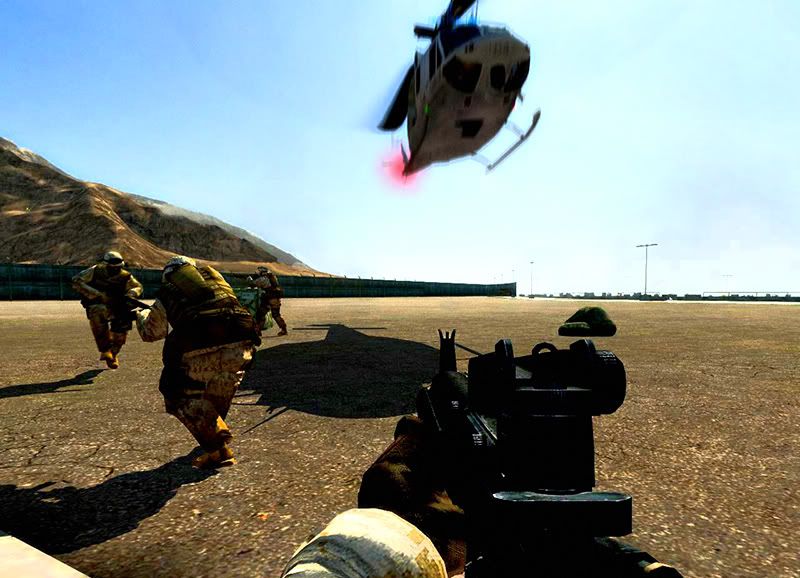
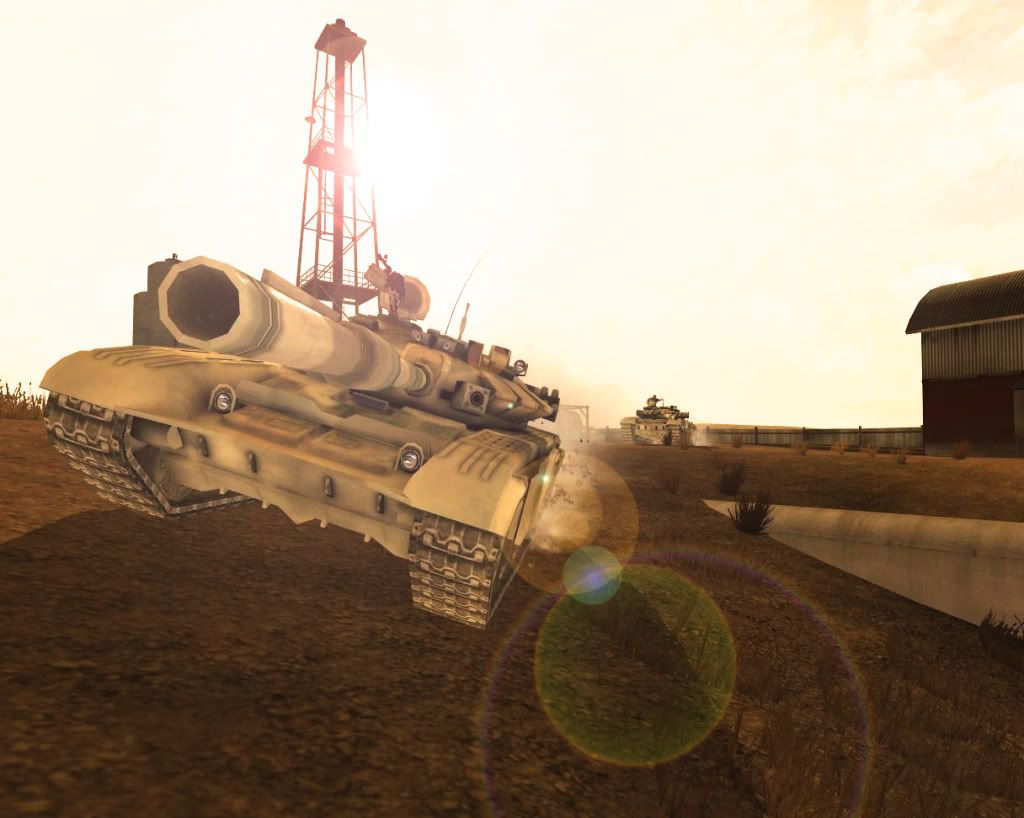
From PRT:
Re: Picture Editing
Posted: 2008-11-20 10:21
by Dunehunter
I like that first one, but maybe reduce the fuzziness on the huey a bit?
Re: Picture Editing
Posted: 2008-11-20 10:23
by OkitaMakoto
[R-MOD]dunehunter wrote:I like that first one, but maybe reduce the fuzziness on the huey a bit?
Looks a tad oversaturated too, could you drop that down a bit? :3
I know, I know, always a critic

Looks good!
Re: Picture Editing
Posted: 2008-11-20 10:27
by shifty66
Love that first one simmage for some reason.
Re: Picture Editing
Posted: 2008-11-20 13:37
by Wicca
Snow? Anyone?
that would be cool
Re: Picture Editing
Posted: 2008-11-20 15:01
by Dude388
[R-DEV]OkitaMakoto wrote:Looks a tad oversaturated too, could you drop that down a bit? :3
I know, I know, always a critic
Looks good!
“Criticism may not be agreeable, but it is necessary. It fulfils the same function as pain in the human body. It calls attention to an unhealthy state of things.” Winston Churchill
Take Project Reality for example

Re: Picture Editing
Posted: 2008-11-20 21:11
by Scot
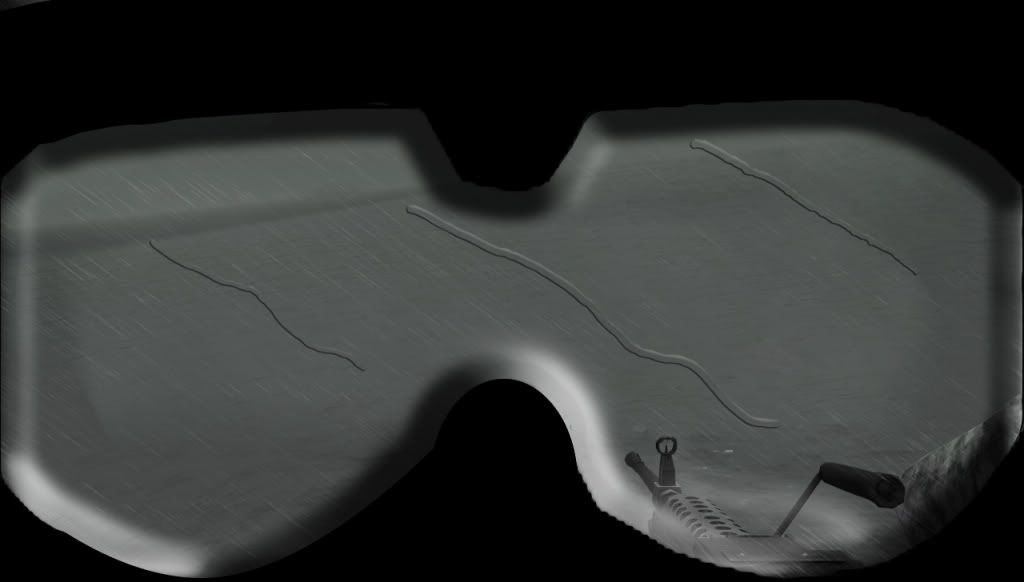
This is what I've been working on tonight, it's extremely experimental, and the goggles look like ****, but hey, it's experimental