Re: [Menu] New/Improved HUDs (PR:F) [WIP]
Posted: 2013-01-05 15:44
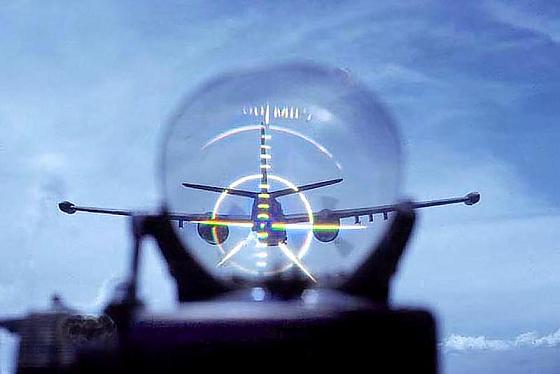
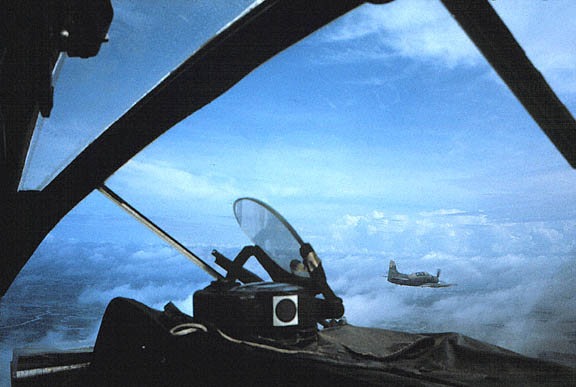
Those look to me like Mirage 2k HUDs or close to it, at least the modern version of the Mirage HUDs and not the old Mirage III HUDs, but I haven't 100% confirmed that the old Mirage III HUD is yellow and like I've shown it, but even so, think its a nice base to work on 
Also that reminds me of another idea I had about the HUDs which was to give a visual HUD warning when you where being locked, rather than just a sound, possibly a big red "locked" or something box in the bottom right or something? very low priority but might be worth looking into
No it should be part of the weapon HUD, not another HUD, you said something about having conflict HUDs inside a HUD etc.Moszeusz6Pl wrote:You mean that I should make 2 separates HUDs, for two separates weapons, one for radar and second for locking and firing?
Ye, what I meant by weapon but you are right, it is technically the projectile. But afaik the range the lock boxes come up on the HUD is limited by the HUD no?Moszeusz6Pl wrote:Missle lock range is limited nor the HUD or weapon, but by projectile. eg ObjectTemplate.seek.maxDistLock 2200 in am39_exocet.tweak
No its not if you have to do that. Any other way you can think of having both distance meter and the locked text on at the same time? Possibly just screw the locked text, or have the locked text on some other part of the HUD?Moszeusz6Pl wrote:If I would have to add text under Range, I would have to change 32x32 texture to 128x128, don't think it's cost-effective for such small thing. I can add "locked" text on bottom of the screen, much cheaper in resources.
Also that reminds me of another idea I had about the HUDs which was to give a visual HUD warning when you where being locked, rather than just a sound, possibly a big red "locked" or something box in the bottom right or something? very low priority but might be worth looking into