Page 3 of 3
Re: Mumble Local
Posted: 2013-08-08 13:07
by Rissien
nAyo wrote:Arab, why don't you just bind your local key to something else? Personally both my mumble communication keys are on my mouse, and it's much handier ; ALT is good as well, easy to reach.
Same, I have Teamspeak and Local binded to my mouse, squad chat is on alt. Ive never had any problems with mumble since launch. Only issue I had was one day my transmit icon stopped appearing but everyone could still hear me so was a non-issue.
Re: Mumble Local
Posted: 2013-08-09 04:08
by dtacs
I'd suggest anyone having issues with having Mumble commands on keyboard get a good mouse with a lot of buttons. I use a G700, using the back button for local, upper back button for squad, lower forward for SL chat, and upper forward for commander. Takes a round of getting used to and then everything is easy being all in the same place

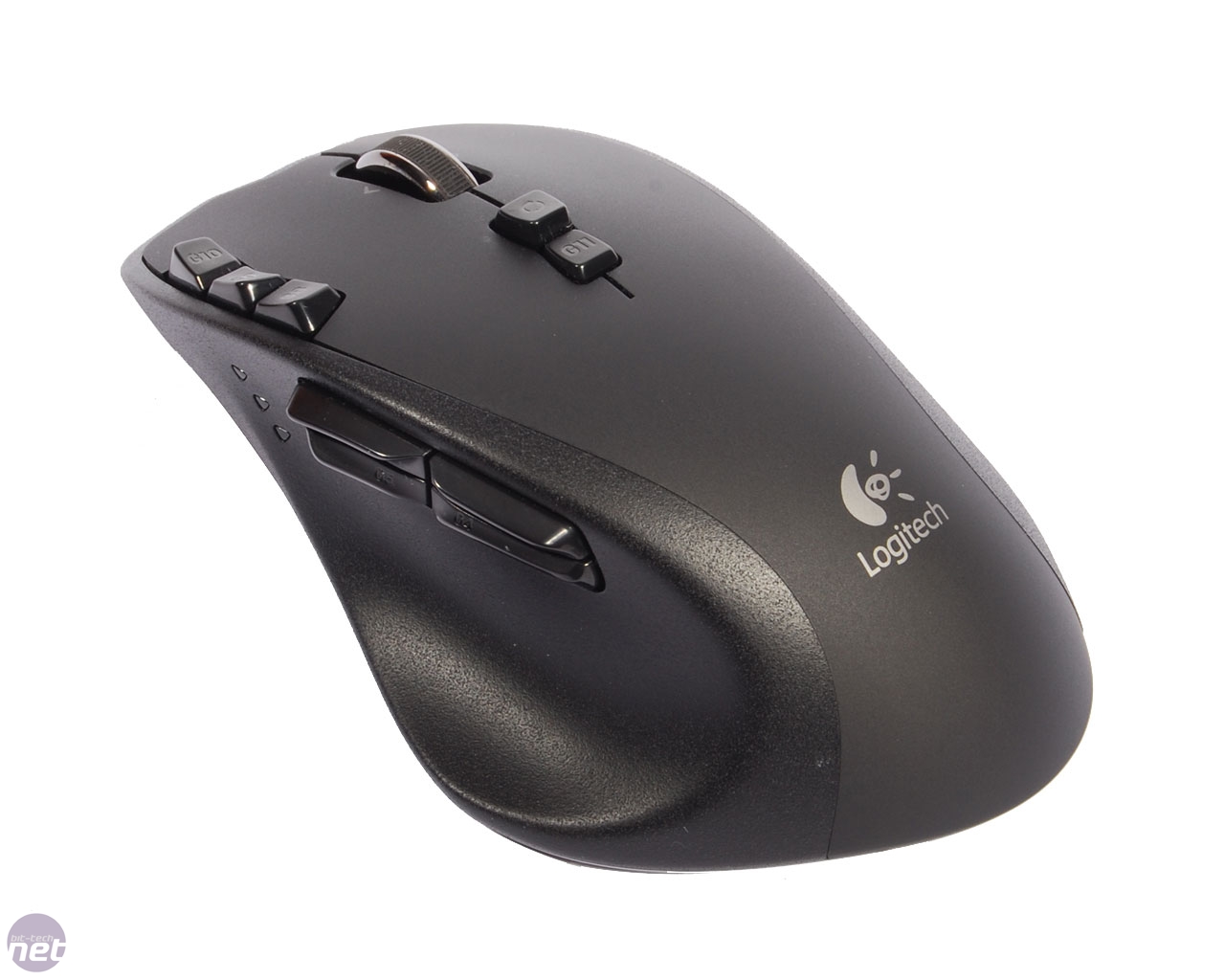
Pretty reasonably priced too.
Re: Mumble Local
Posted: 2013-08-09 06:58
by a3dboy1
1. Add Alt key for Squad chat on Middle Mouse.
2. Add Alt key for local on Tab.
3. Use F for teamspeak (you still don't need cycling when you have mouse wheel).
4. Use ~ for scoreboard.
Problem solved.
Optional:
Use C for crouch.
Use V for Camera View.
Use B for VOIP.
Use N for Commander Voip.
Change Map zoom to ,
Problem with hurting pinkies solved.
Re: Mumble Local
Posted: 2013-08-09 07:56
by Arab
nAyo + a3dboy1 wrote:Arab, why don't you just bind your local key to something else? Personally both my mumble communication keys are on my mouse, and it's much handier ; ALT is good as well, easy to reach.
1. Add Alt key for Squad chat on Middle Mouse.
2. Add Alt key for local on Tab.
3. Use F for teamspeak (you still don't need cycling when you have mouse wheel).
4. Use ~ for scoreboard.
Problem solved.
Optional:
Use C for crouch.
Use V for Camera View.
Use B for VOIP.
Use N for Commander Voip.
Change Map zoom to ,
Haven't thought of that. Thank you!
Re: Mumble Local
Posted: 2013-08-12 14:03
by [TP]Smoorenburg
Deselecting headphones in the settings menu for audio output, fixed it for me. But the directional audio used to be more clear/better, in the way you could determine where the sound originated from.