Re: PR Aerospace Improvement: Airports and Runways for Jet Aircraft
Posted: 2009-02-19 03:28
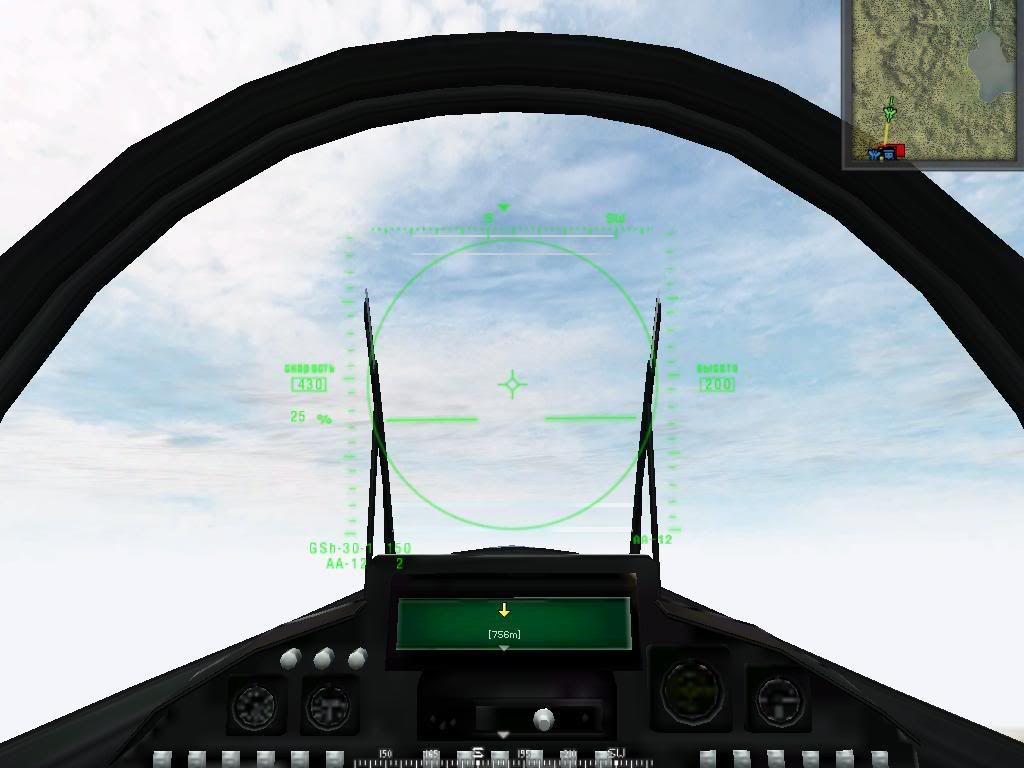
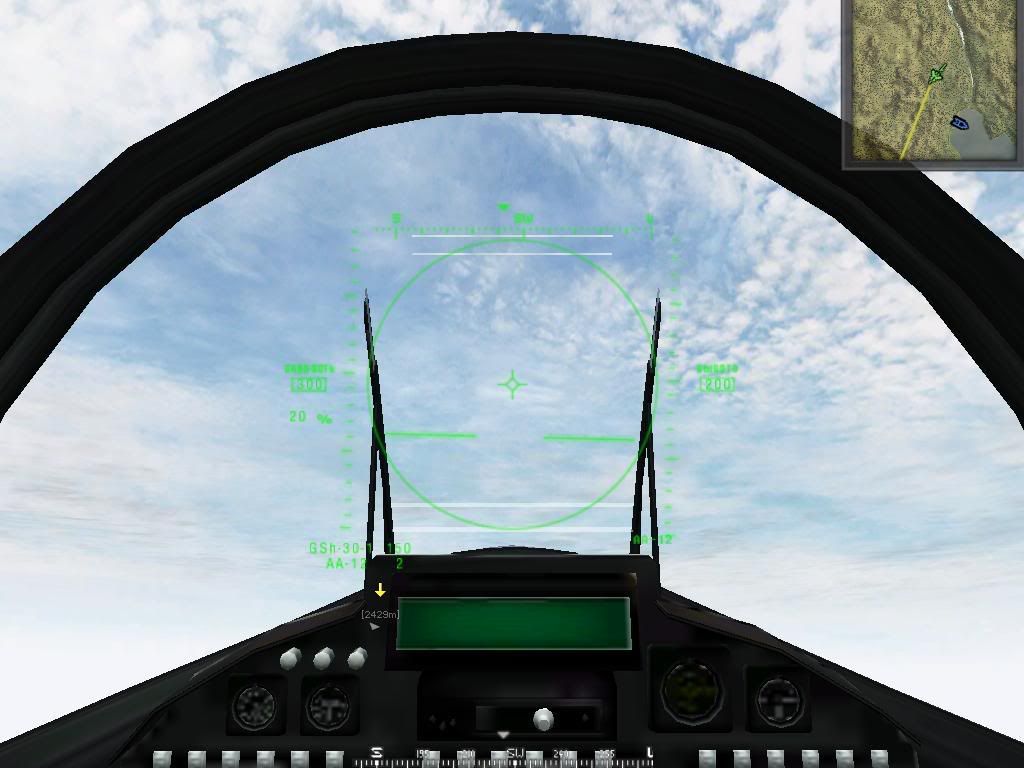
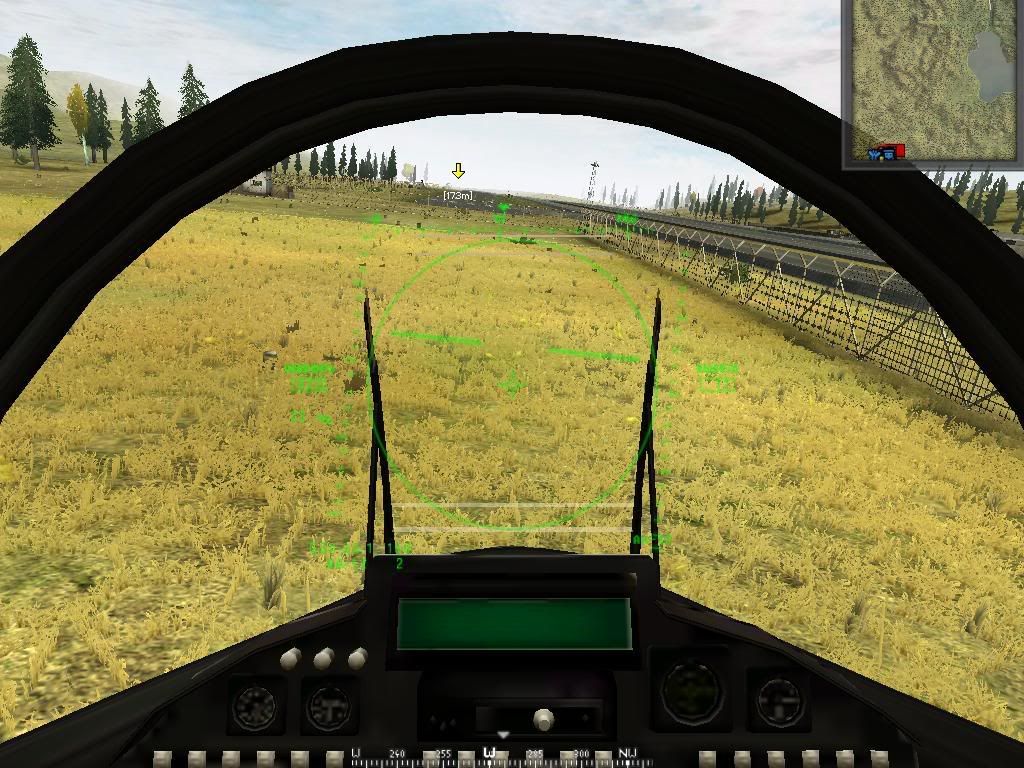
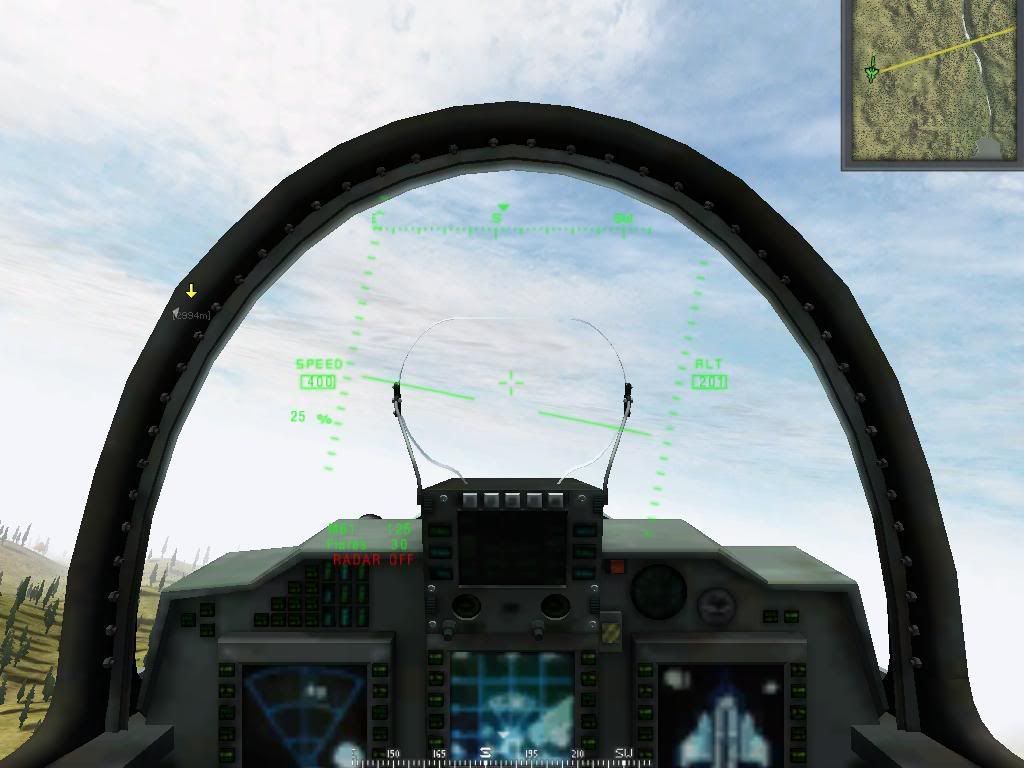
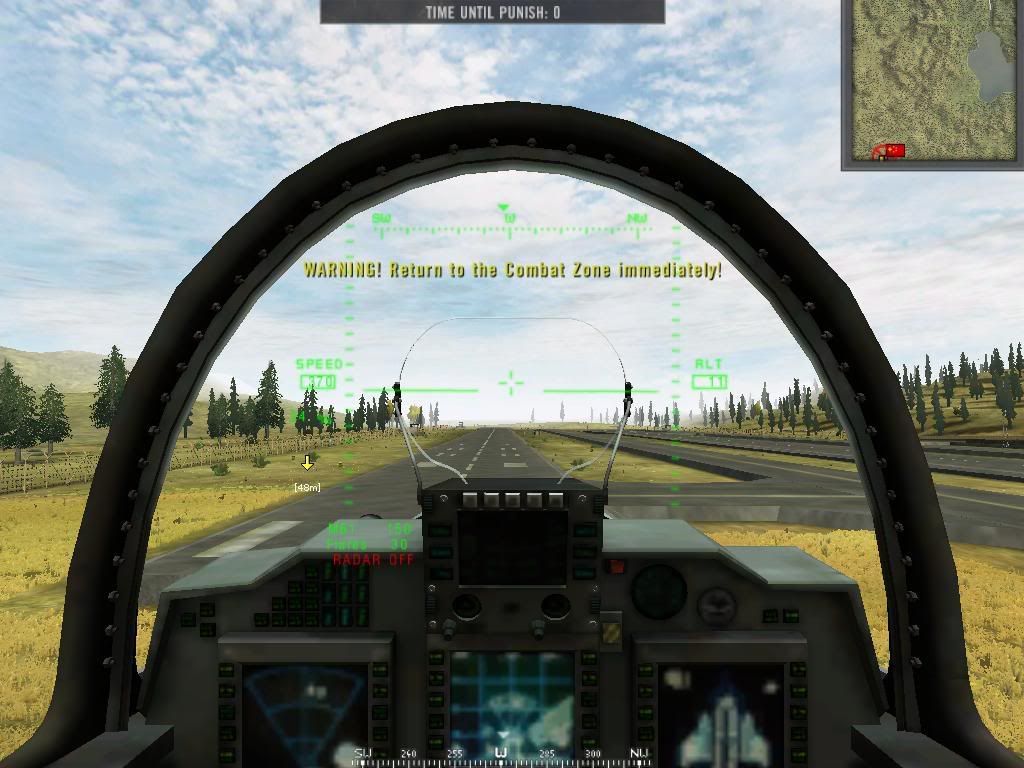
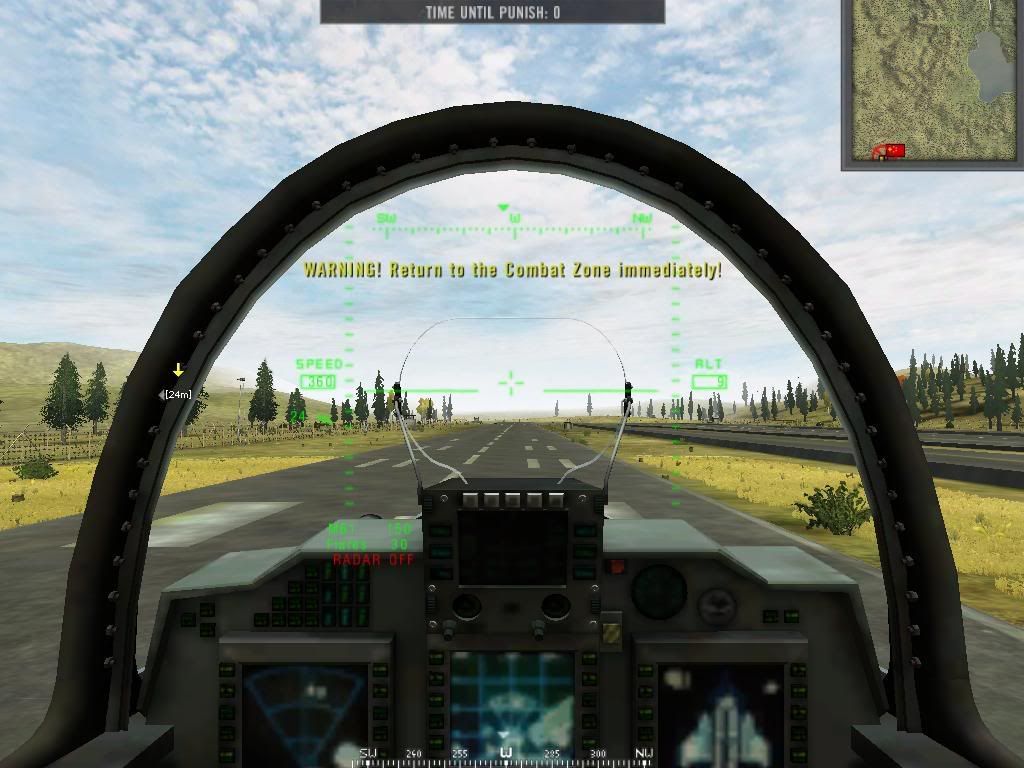
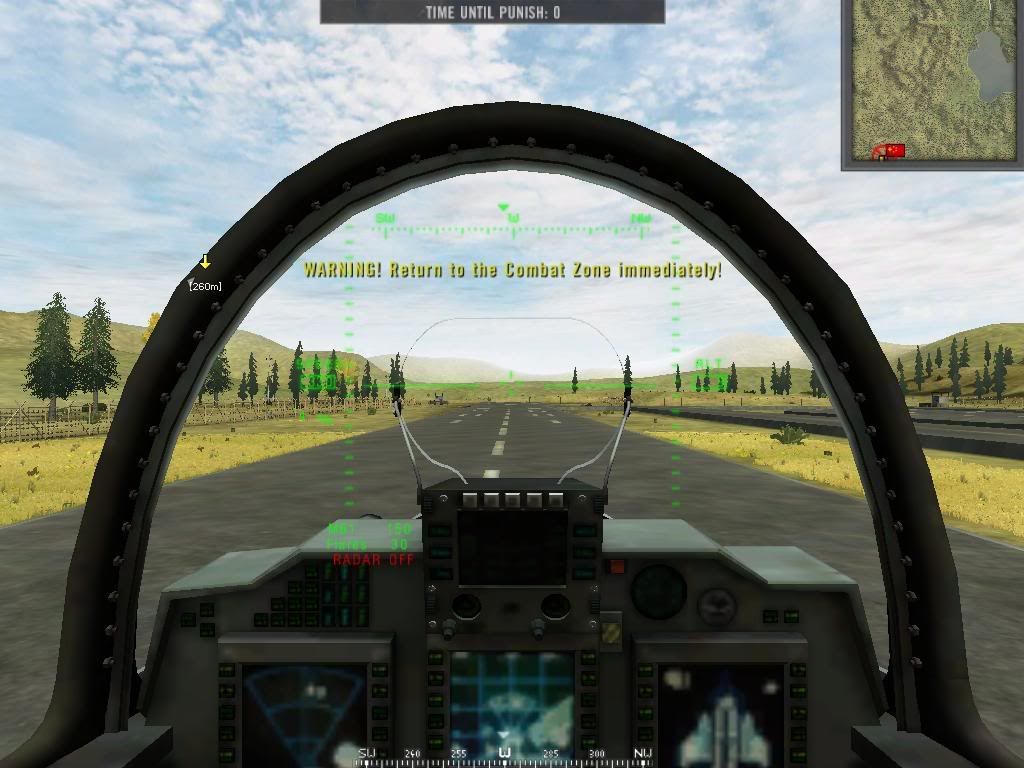
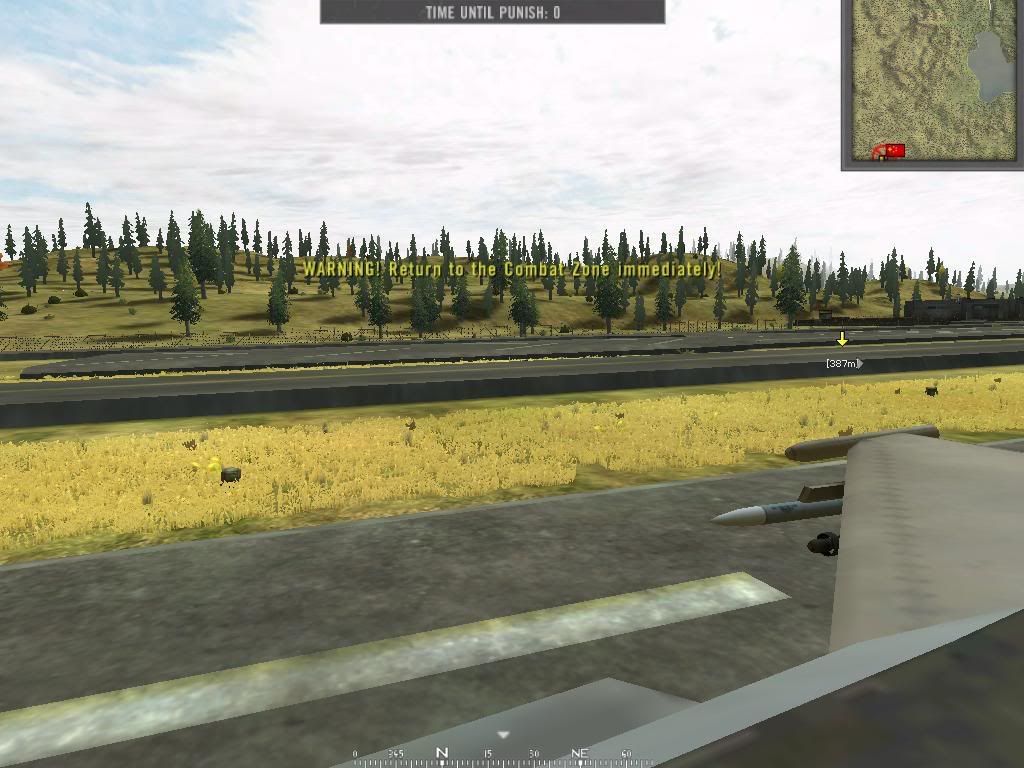
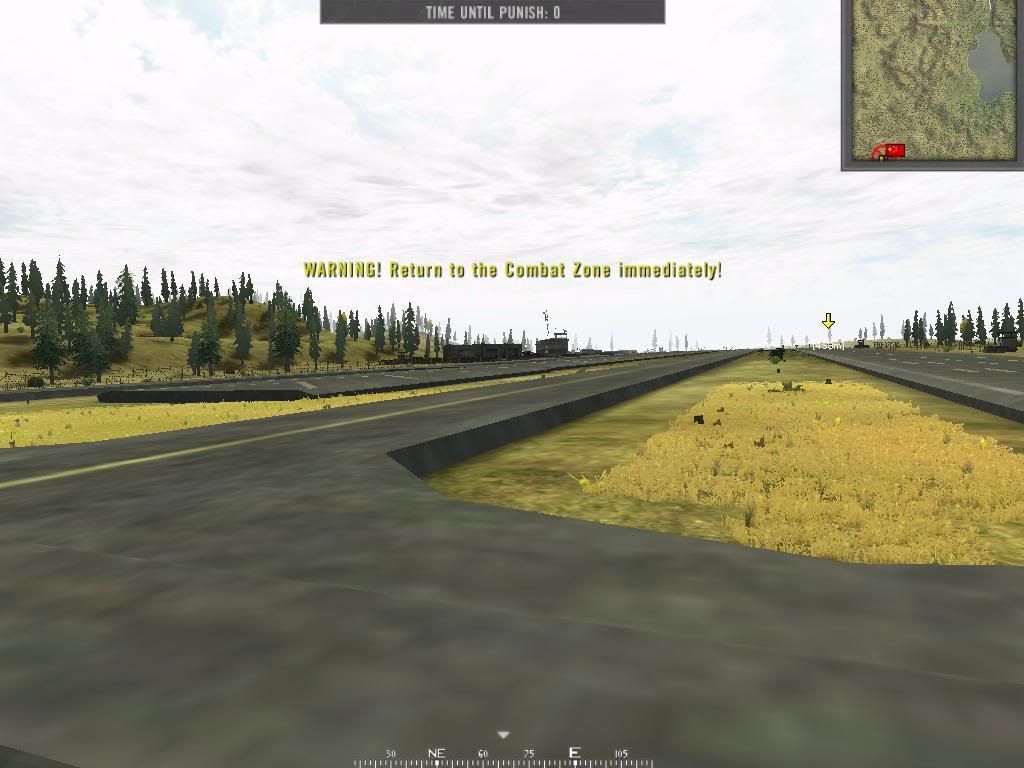
*Edit: If you don't like words, just look at the picture instead.
This is where the term "easier said than done" really becomes apparent. People like suggesting things, but have no idea what is actually involved in the process. Its pretty funny when people spend so much time typing instead of actually just going and DOING what they think is such a good idea. What do you think I did? Who knows? Maybe someone will agree with you.
Go download 0.6 when you couldn't even taxi up the raised runways cause some tool didn't give them a low enough differential. Or the 0.6 betas where the aircraft couldn't taxi and were placed perpendicular to the runway. Good times . I'm sure you all remember how often Kashan 64 was played when the AA missiles had something like a 0.01 hit rate? The F-16/MiG-29 imbalance made the J-10/EFT look like the entire flying trapeze team of Cirque du Soleil on a Gyroscope. Yeah ok you've got it so rough. I understand.
And Warren, if you are so certain that your idea is so good and easy, go start the BF2 editor and tell me how long it takes you to extend the runways on Qinling. If you take longer than the time it takes for me to edit 2 numbers in a tweak file, then you have to start making your posts readable.
Most of you I am sure haven't started the BF2 editor or opened a tweak file for more than like a few minutes. Yes even aircraft engines operate on the same principle as a car engine (Engines have nothing to do with air. Engines keep pushing even though at beyond 5000m there is nothing to push against. Your wings do depend on air however. Hence control loss and stalling.) A lot harder to make aircraft realistic when it works closer to your Sister's Honda isn't it?
The only way to have a realistic jet engine is to make a rotating wing with lift components that spin, but that is a ways off as far as I am concerned, (cause then we get into some actually complex stuff which even I have trouble fully grasping.
Now I am explaining a fairly simple concept, and I am sure I can do it in fewer words than most people.
(Dumb people can skip)
This is what an airplane engine looks like in BF2.
Engines have a certain amount of RPMs ok?
ObjectTemplate.setMinRotation 0/0/0 <- min RPMs. (Used to have a negative value. This is why you would reverse in 0.6 when you left your throttle down by accident)
ObjectTemplate.setMaxRotation 0/0/5000 <- Max RPMs.
ObjectTemplate.setMaxSpeed 0/0/25 -> 0/0/65 <- speed that engine goes from "0" to "x" RPMs ie) adding 25 RPMs, per second. (Or rotations per second)
ObjectTemplate.setAcceleration 0/0/15 -> 0/0/75 <- how fast the engine reaches max speed (rotations per second squared)
ObjectTemplate.setInputToRoll PIThrottle <- usually the "W" and "S" key
ObjectTemplate.setAutomaticReset 1 <- This doesn't behave how I expect. Kindof weird.
ObjectTemplate.restoreRotationOnExit 1 <- self explanitory
ObjectTemplate.setEngineType c_ETPlane <- Engine type. Has something to do with the direction force is applied to the engine.
ObjectTemplate.setTorque 100 <- How much oompf the engine has (no you can't set it to 99999)
ObjectTemplate.setDifferential 135 <- How long the "gearbox" is. Larger means faster, with less power and vice versa.
The rest doesn't really affect take-off.
I could go through all the math or whatever, but when you factor in BF2s extremely random lift and drag/inertial modifier values, combined with the airdensity on the map, its completely imprecise, and the actual relationship between all these factors isn't all that important.
The point you need to know is that:
as this
ObjectTemplate.setMaxSpeed
and this
ObjectTemplate.setAcceleration
are increased, takeoff becomes shorter.
In 0.85 they are just too low for the runway length. This is kindof a left over from 0.6. I could probably make planes fly more or less realistically, but it would probably take me 2 months to do one plane. So you have to cut it short somewhere. Tbh the J-10 and F-16 probably fly the closest to reality than any of them, landings aside.
*NOTE: Acceleration and Max speed work BOTH WAYS. It takes just as long for the engine to go from MAX RPM to ZERO RPM, as it does to reach MAX RPM from ZERO RPM. What does this mean? Well in BF2s retarded physics:
ObjectTemplate.restoreRotationOnExit 1
ObjectTemplate.setEngineType c_ETPlane
(THESE ARE WHY YOU STOP WHEN YOU GET OUT OF AN AIRPLANE)
Is modified by the BF2 engine to do dumb things like accelerate straight up, and decelerate straight down. This is presumably to dumb the game down for the average player (see tracer bug) and most likely to save time and money on programming, which would make me some kind of idiot. But most importantly, it has a habit of removing the effects of inertia from the aircraft. This is why you tend to not lose speed in a turn (Wing lift is also a factor but its much more minor).
(Most people resume reading)
The point is that PLANES HAVE NO INERTIA. All that makes planes keep going is CONSTANT input from engines. It takes just as long for a plane to reach max RPM as to go from Min RPM to zero Ok?
858 words (I am aware of the irony).
*edit: If someone doesn't understand I will gladly use MS paint.
This is where the term "easier said than done" really becomes apparent. People like suggesting things, but have no idea what is actually involved in the process. Its pretty funny when people spend so much time typing instead of actually just going and DOING what they think is such a good idea. What do you think I did? Who knows? Maybe someone will agree with you.
Go download 0.6 when you couldn't even taxi up the raised runways cause some tool didn't give them a low enough differential. Or the 0.6 betas where the aircraft couldn't taxi and were placed perpendicular to the runway. Good times
. I'm sure you all remember how often Kashan 64 was played when the AA missiles had something like a 0.01 hit rate? The F-16/MiG-29 imbalance made the J-10/EFT look like the entire flying trapeze team of Cirque du Soleil on a Gyroscope. Yeah ok you've got it so rough. I understand. And Warren, if you are so certain that your idea is so good and easy, go start the BF2 editor and tell me how long it takes you to extend the runways on Qinling. If you take longer than the time it takes for me to edit 2 numbers in a tweak file, then you have to start making your posts readable.
Most of you I am sure haven't started the BF2 editor or opened a tweak file for more than like a few minutes. Yes even aircraft engines operate on the same principle as a car engine (Engines have nothing to do with air. Engines keep pushing even though at beyond 5000m there is nothing to push against. Your wings do depend on air however. Hence control loss and stalling.) A lot harder to make aircraft realistic when it works closer to your Sister's Honda isn't it?
The only way to have a realistic jet engine is to make a rotating wing with lift components that spin, but that is a ways off as far as I am concerned, (cause then we get into some actually complex stuff which even I have trouble fully grasping.
Now I am explaining a fairly simple concept, and I am sure I can do it in fewer words than most people.
(Dumb people can skip)
This is what an airplane engine looks like in BF2.
Engines have a certain amount of RPMs ok?
ObjectTemplate.setMinRotation 0/0/0 <- min RPMs. (Used to have a negative value. This is why you would reverse in 0.6 when you left your throttle down by accident)
ObjectTemplate.setMaxRotation 0/0/5000 <- Max RPMs.
ObjectTemplate.setMaxSpeed 0/0/25 -> 0/0/65 <- speed that engine goes from "0" to "x" RPMs ie) adding 25 RPMs, per second. (Or rotations per second)
ObjectTemplate.setAcceleration 0/0/15 -> 0/0/75 <- how fast the engine reaches max speed (rotations per second squared)
ObjectTemplate.setInputToRoll PIThrottle <- usually the "W" and "S" key
ObjectTemplate.setAutomaticReset 1 <- This doesn't behave how I expect. Kindof weird.
ObjectTemplate.restoreRotationOnExit 1 <- self explanitory
ObjectTemplate.setEngineType c_ETPlane <- Engine type. Has something to do with the direction force is applied to the engine.
ObjectTemplate.setTorque 100 <- How much oompf the engine has (no you can't set it to 99999)
ObjectTemplate.setDifferential 135 <- How long the "gearbox" is. Larger means faster, with less power and vice versa.
The rest doesn't really affect take-off.
I could go through all the math or whatever, but when you factor in BF2s extremely random lift and drag/inertial modifier values, combined with the airdensity on the map, its completely imprecise, and the actual relationship between all these factors isn't all that important.
The point you need to know is that:
as this
ObjectTemplate.setMaxSpeed
and this
ObjectTemplate.setAcceleration
are increased, takeoff becomes shorter.
In 0.85 they are just too low for the runway length. This is kindof a left over from 0.6. I could probably make planes fly more or less realistically, but it would probably take me 2 months to do one plane. So you have to cut it short somewhere. Tbh the J-10 and F-16 probably fly the closest to reality than any of them, landings aside.
*NOTE: Acceleration and Max speed work BOTH WAYS. It takes just as long for the engine to go from MAX RPM to ZERO RPM, as it does to reach MAX RPM from ZERO RPM. What does this mean? Well in BF2s retarded physics:
ObjectTemplate.restoreRotationOnExit 1
ObjectTemplate.setEngineType c_ETPlane
(THESE ARE WHY YOU STOP WHEN YOU GET OUT OF AN AIRPLANE)
Is modified by the BF2 engine to do dumb things like accelerate straight up, and decelerate straight down. This is presumably to dumb the game down for the average player (see tracer bug) and most likely to save time and money on programming, which would make me some kind of idiot. But most importantly, it has a habit of removing the effects of inertia from the aircraft. This is why you tend to not lose speed in a turn (Wing lift is also a factor but its much more minor).
(Most people resume reading)
The point is that PLANES HAVE NO INERTIA. All that makes planes keep going is CONSTANT input from engines. It takes just as long for a plane to reach max RPM as to go from Min RPM to zero Ok?
858 words (I am aware of the irony).
*edit: If someone doesn't understand I will gladly use MS paint.