Right going to take a quick look at this now.
To start off with, your file formatting is all wrong, not that I like many of the old places where some of our old statics are thou its too late to change them, but all new statics coming in all need to be in good, sensible locations and not in staticobjects/dutch/ or w/e...
since this is a military object, this should be located in pr's military statics folder would make the most seance would it not? So I would advise for it to a location like so:
\objects\staticobjects\pr\military\atc_tower_tk\
The "atc_tower_tk"is just an example of what it could be called but "atc" is far too short etc.
Then if you where going to have sub objects they would then go in there, but right now I dont see the need for sub objects other than the camo netting from what I'm looking at now but I will get into that later.
One important thing thou is that every objects name is unique and not something like "atc" or "box" as I'm seeing here, since any duplicate names of any object will seriously mess up stuff. People should be able to tell what every object is via its name and also should have a general idea of where everything is by the type of object it is, and not by what community faction it was made for... So basically, where the file is located and the naming of the object is very important, and all static objects for pr should be in the pr folder.
Now looking at the textures, ummm, ye, not good. For a start, all pr static textures should be located in: \objects\staticobjects\pr\textures\
Spreading textures out makes them hard to find for other people working on statics who might want to use your textures and it means the location of the object can not change at all.
When looking in your textures too I'm finding duplicate textures of what's in the PR textures folders such as the "null_cr.dds" which again, you should be using the pr one and your default.dds, you shouldn't even be using such a texture for testing a object or w/e....
Now looking at your textures, why on earth do none of them have any mipmaps? mipmaps are very important for performance, much like LODs, being able to render a small texture at a long distance increase performance dramatically, without it we wouldn't have any hope of getting such high view distances in our maps. You should save your textures with as many mips as possible. Only on special textures like HUD textures such as minimaps and other few examples should you save with no mipmaps or very few mipmaps.
Now onto your textures themselves, many of them are pointless and really bad tbh...
I'll start with the atc_dutch_de.dds and atc_dutch_de
m.dds (which should really be "_de
b.dds" at the end since its a bump/normal map...) textures.
For a start, you should have never needed to make this texture in the first place, everything in it exists in vbf2 or PR already, which for the cloth texture you even used the same detail and bump textures, just made much smaller and repeated... Then you have also not done a good spec map which has lead to it being some really shiny cloth.. All in all, it looks much worse as its now pixelated as its soo small, shiny due to the bad spec, and uses more memory than you need to since this texture already exists in the pr folder, in a higher rez and far more workable since you could UV map it so it dont look repetitive like yours dose.

Now if you didn't want it to look repetitive its very easy even using the old cloth_folds.dds texture which I advised you to use in the first place by simply splitting bits up using polys. Remember its far easier for GFX cards to render a few extra polys rather than entirely new textures and here we would only be only adding on 8 extra tris which is nothing and easily worth reusing a texture that is already loaded into the memory from other statics.
Here's a really quick example of me just using the cloth_folds.dds texture and adding in a few extra polys to make it less reprieve on one bit, note that the left side is still just using it tiled normally.

Very quick and easy to do, much higher rez texture than yours so will look better and since its already in the mod and most likly already loaded into the memory since other statics use it, will have hardly any impact on performance compared to what your new texture would.
Anyways moving on, in the same texture you have a new tread plate texture too... This is pretty pointless since there are lots of good tread plate textures in bf2 and PR which are far more high rez etc. Yours is soo low rez it looks like a blur...

Here is one you could use thou doubt its the right colour for what your looking for.

Thou the vBF2 tread plate in the industrial texture pallets will probably be the best one for you, located in: \objects\staticobjects\industry\textures\industry_02_de.dds

I remember using that tread plate on my Container Handling Crane which I made for muttrah and was nice and easy to use etc.

I'm going to cut this short as otherwise I'll be up all night giving you detailed feedback on this as there is to be frank, too many problems with this model so I'm just going to give you an overview of the main problems apart from the ones I've already highlighted.
So ye I've already covered new, unneeded textures etc more or less, you really need to check which objects/faces are assigned what textures, in many areas epically on the sides of the cloth etc I'm finding bits of textures that belong on the hand rails etc... I'm also finding loads of hidden faces that could be deleted, such as on the outside of the walkway thingy and on the isndie of the building etc. You also really need to get rid of the base of your static, it looks like **** and its unneeded, a mapper can simply flatten the terrain under where he's going to place the object and texture it concrete. You need a very good reason to have a modelled base and I dont see it here. Also on the subject of many of your objects as separate objects, this is a really bad move tbh... All you objects except for the camo net (since it really should be a overgrowth object) and glass if you wanted glass since it needs to be exported as a bundlemesh. Everything else, the walkway, the stairs should be all the same object. Just use different materials using different shader techniques to get alpha etc, not hard. Also on the subject of your textures, with your text on the cloth, you have done it via a crack texture. This is a bad move since it overlays the texture under it 100% which isn't very good as it overlays even the bump etc, which if you want it to look like the cloth was spraypainted isn't the effect you want:

Instead you should do it via the dirt texture would most likley give you a better effect, try it and see how it looks, might be wrong but I'm pretty sure using the text on a dirt layer will work more effectively.
You should also check your objects are connecting correctly and make seance, your stairs are at the moment floating in mid air, and many of your cables dont even meet there objects etc. Also your stairs really need much more detail etc, check other stairs on statics in PR etc and see how they are made and copy them. If you are ever in doubt about how something should be made, check anouther static in pr/bf2 that has something similar to what you want to make. Also the main structure, texture wise has no detail what so ever... its just a orange colour and that's it, looks to have no detail texture, no dirt etc. I can't tell if its made of concrete, metal etc, right now if anything it looks like some kinda plastic at best...
There is a lot of work to go on this model, I aint even taken a look at the LODs or COLs yet as there is simply not point in looking at them until this model is much further along, there is loads of stuff still to do and fix in it before it can even be considered to be used in PR.
So try and fix all thous points then I will have a look at it again if I have some time.
Hope that helps, sorry I'm soo blunt but its the best way to get my point across in terms of what the problems are.

.


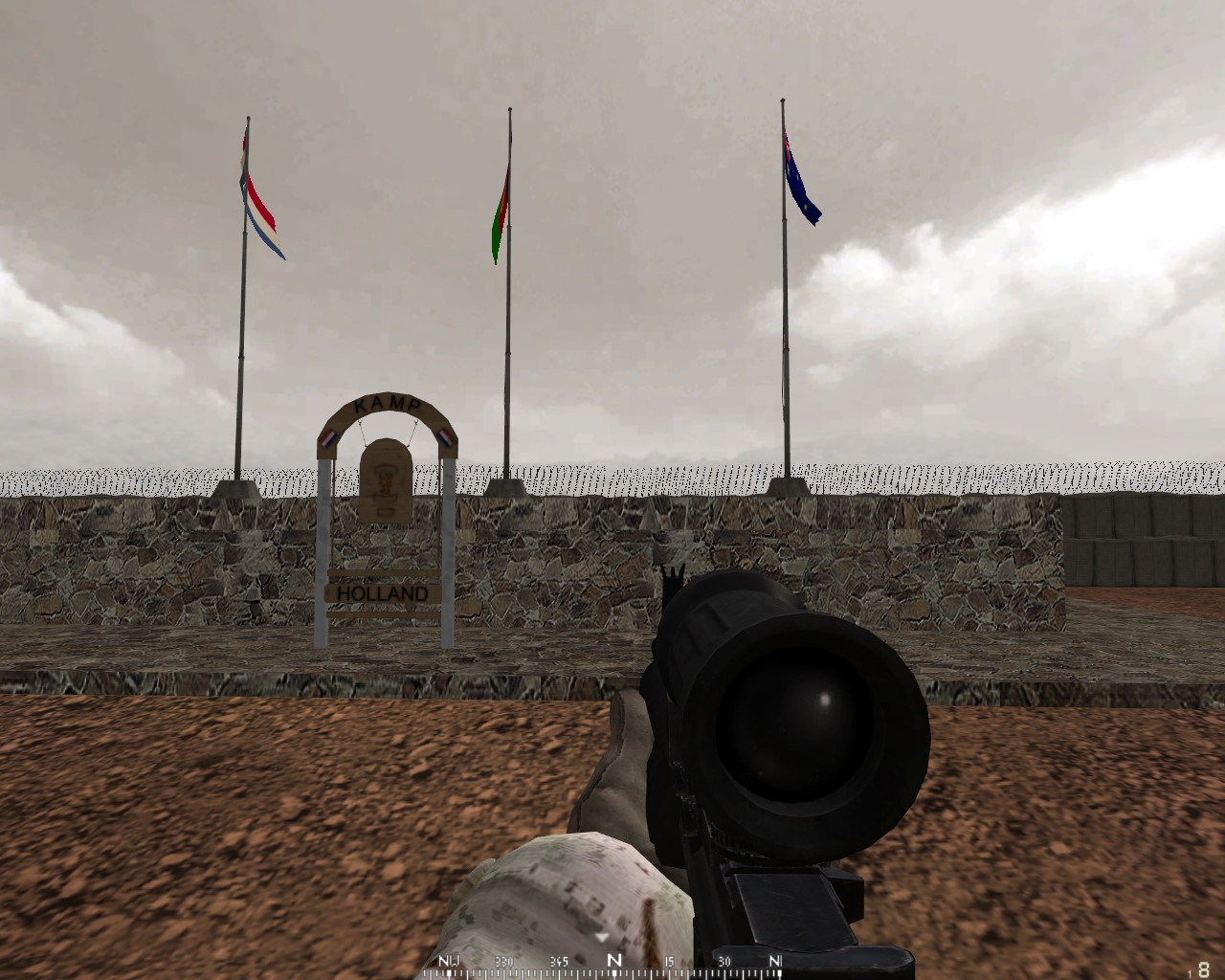
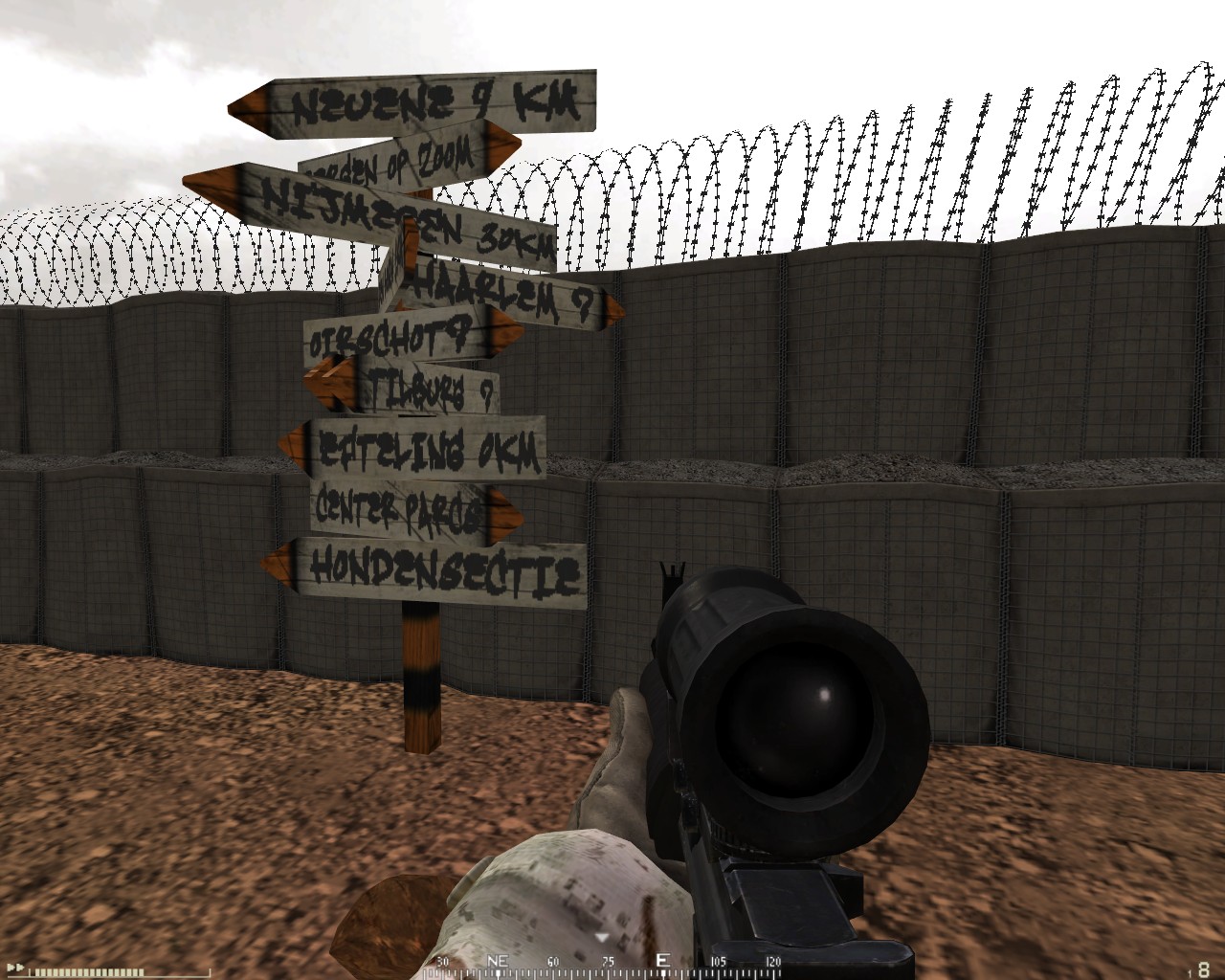
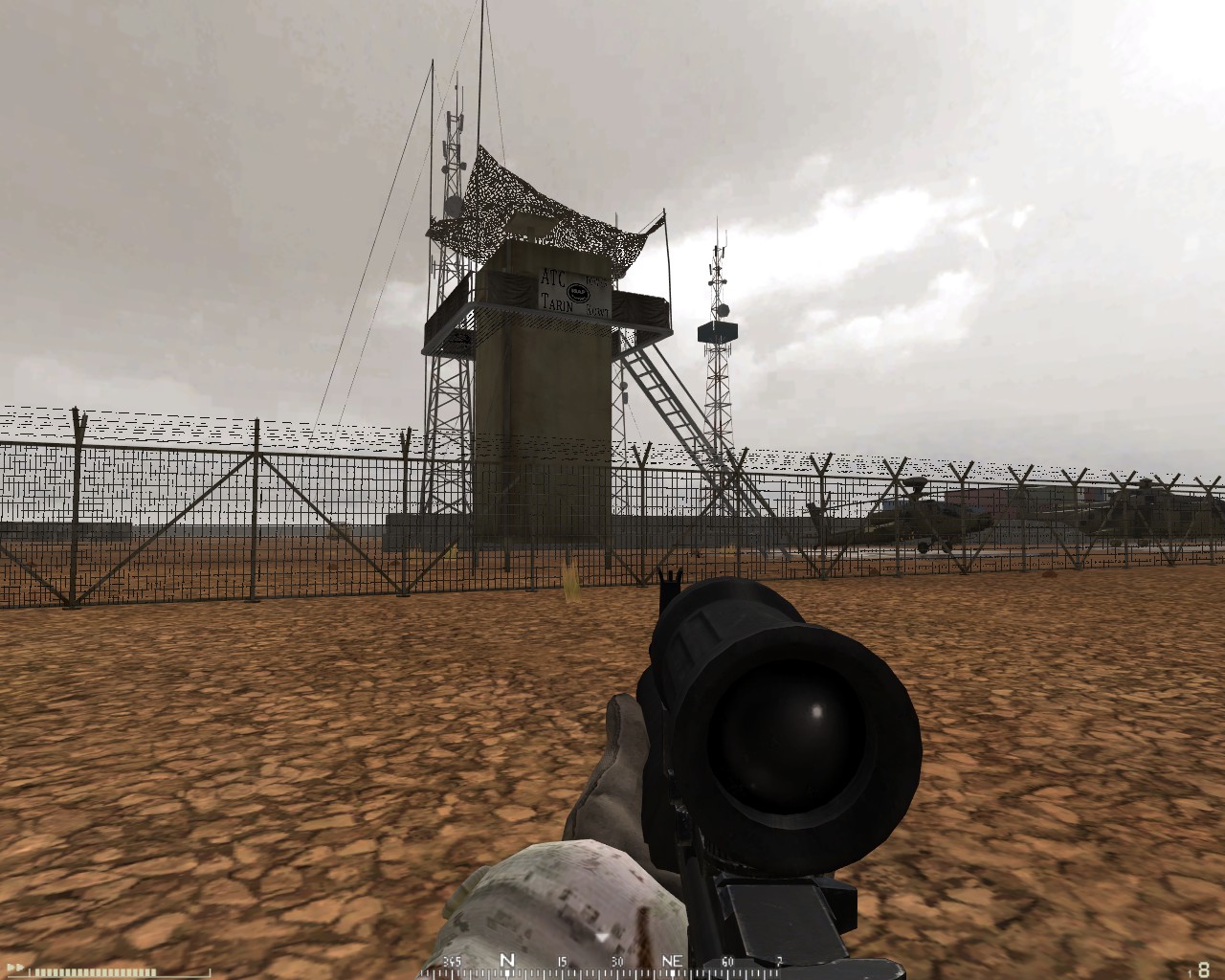


 , no mate, just joking, it's really hard to learn, and in the Netherlands we have to learn it
