Re: New - Top Of The Range Custom PC!
Posted: 2011-03-18 00:58
Decided to upload my photos of my new computer being built 
1. Mounted the Motherboard, Connecting the case front panel eg power cables, Connected the front case fan and Mounted the H70 CPU Cooler Bracket.
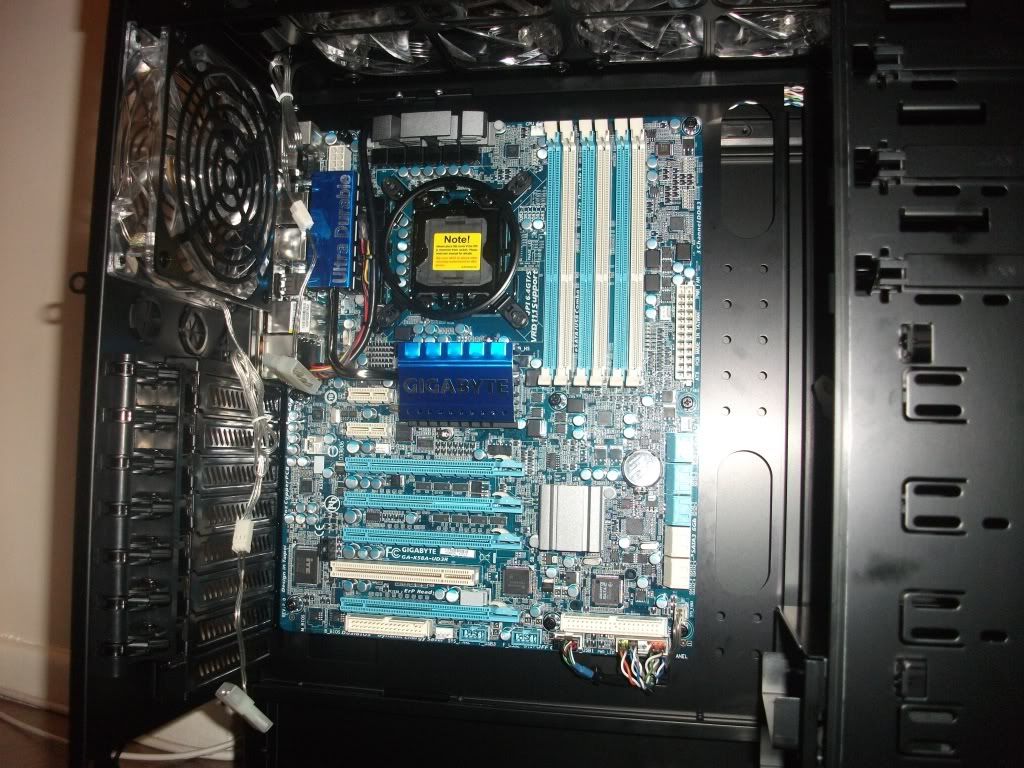
2. Mounted the 3x 2GB Total 6GB Corsair Dominator RAM.
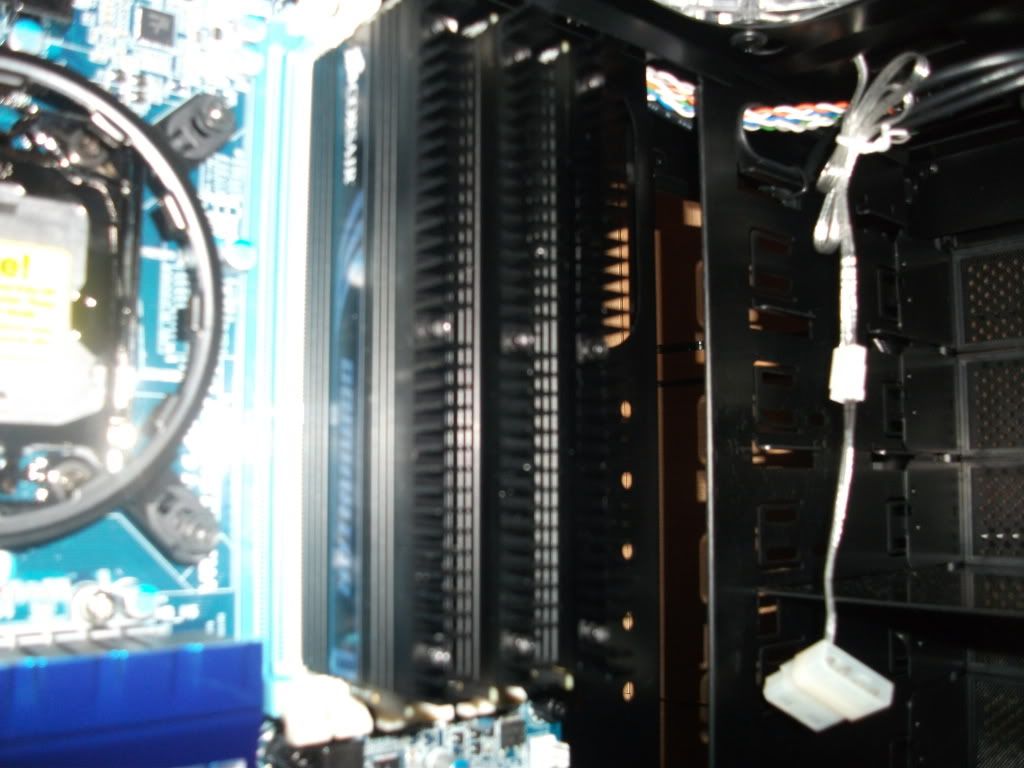
3. Installed the 1000w Corsair Modular PSU, Attatched the 2x power cables to the Motherboard.
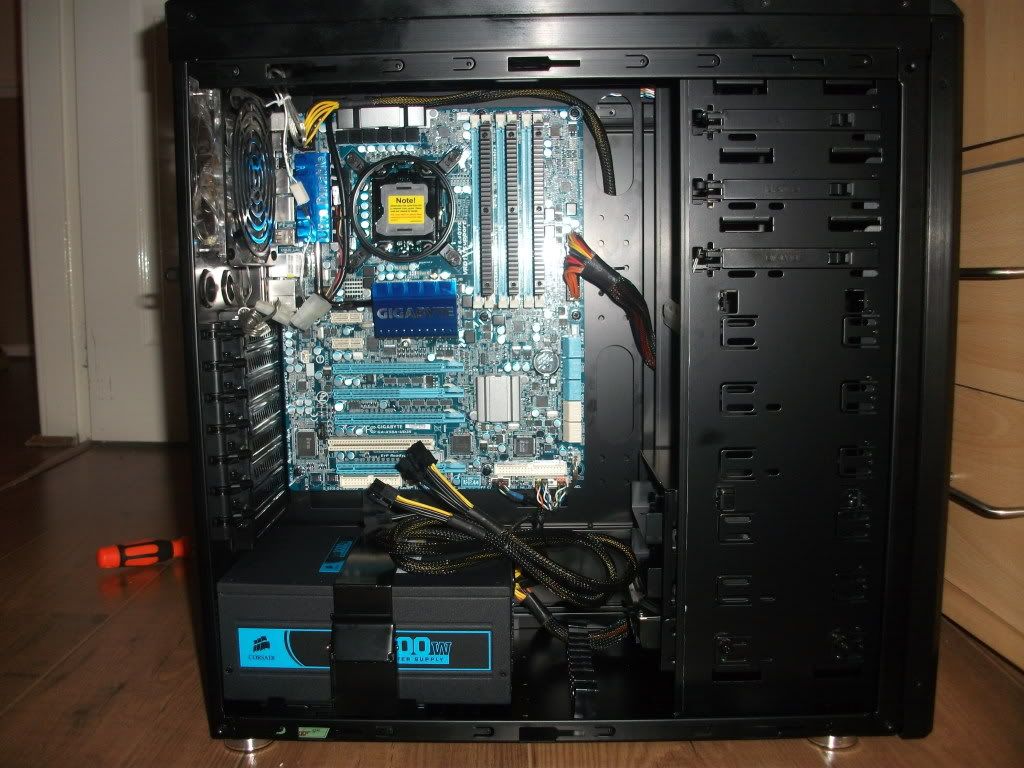
4. Had to remove the H70 bracket and then Mount my Intel i7 CPU, Then installed the H70 Bracket again.
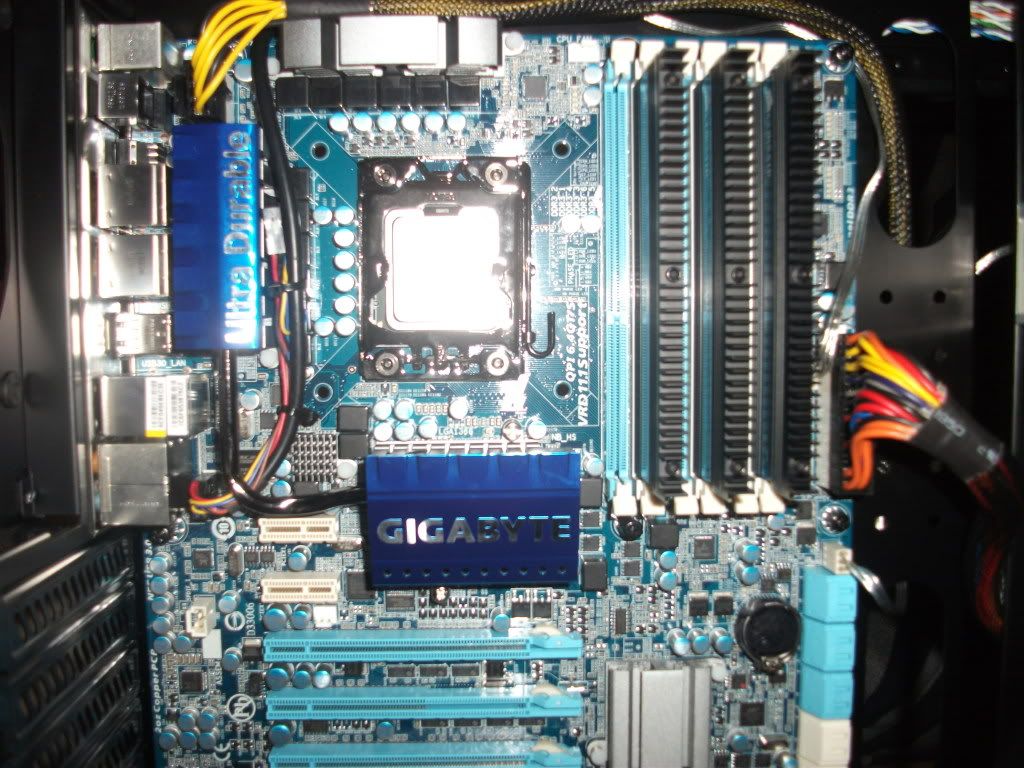
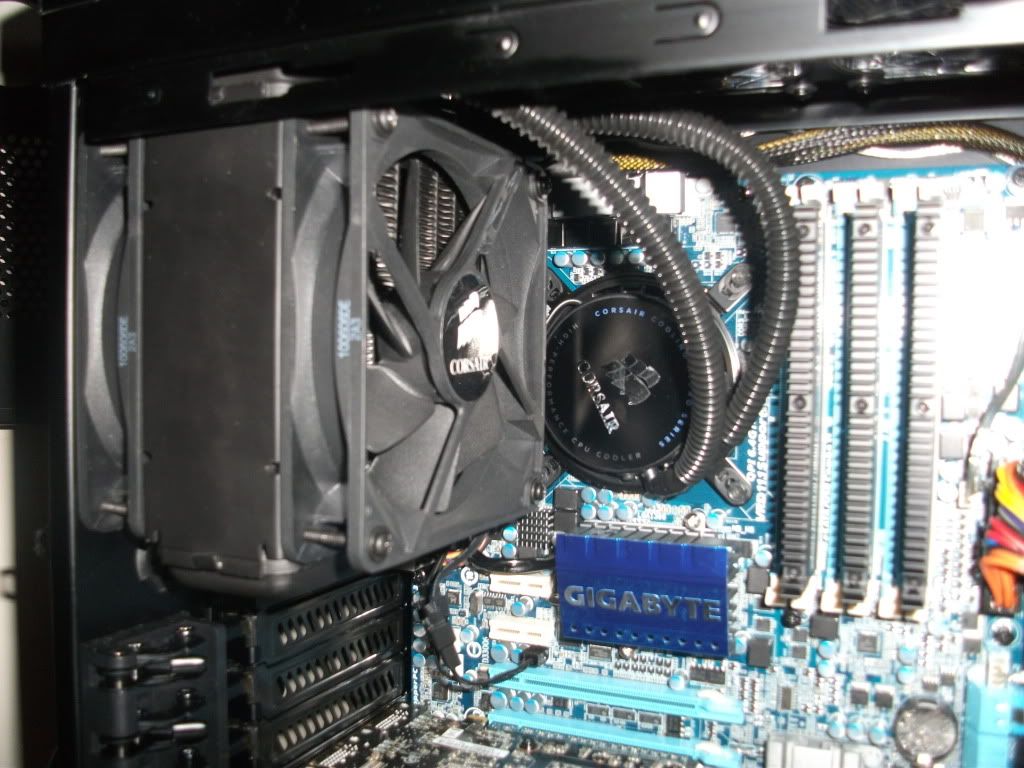
5. Removed my rear case fan, Mounted the H70 Radiator and 2x H70 Fans, Fan either side of the Radiator, Then the H70 pump on the CPU.
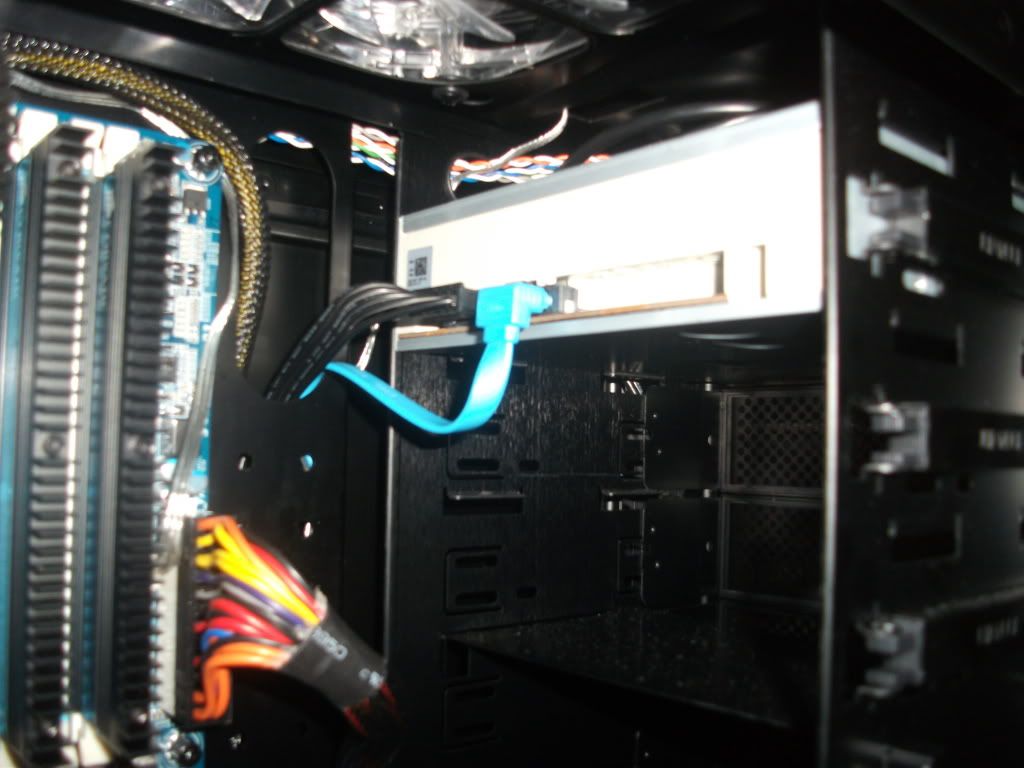
6. Mounted the Samsung DVD RW, with the power cable to the PSU and the SATA II cable to Motherboard.
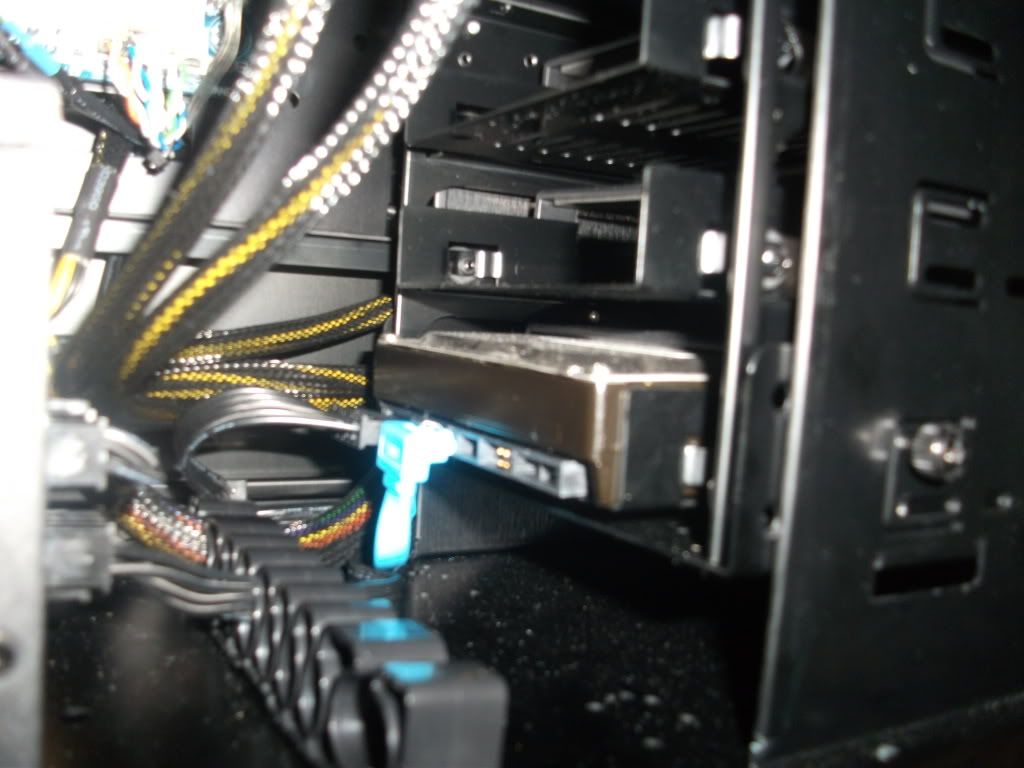
7. Mounted Samsung 1TB HDD with the power cable to PSU and the SATA II cable to Motherboard.
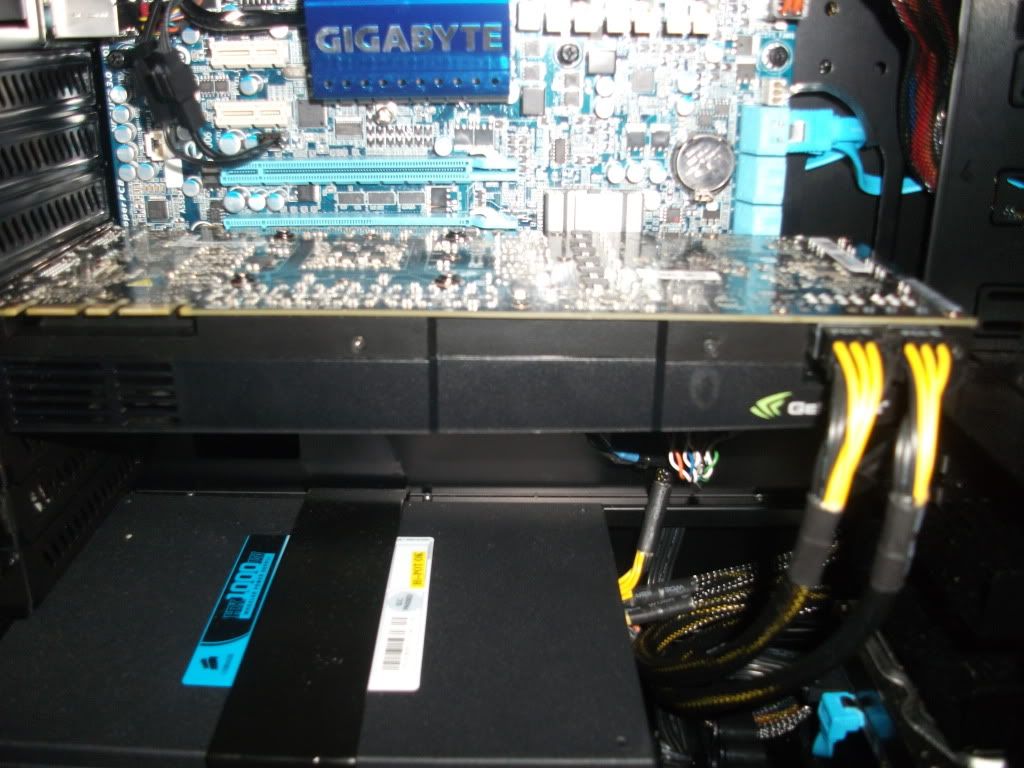
8. Lastly Installed the Nvidia GTX 580 Gigabyte Graphics Card to the Motherboard, Using the 2x Power cables to the PSU.
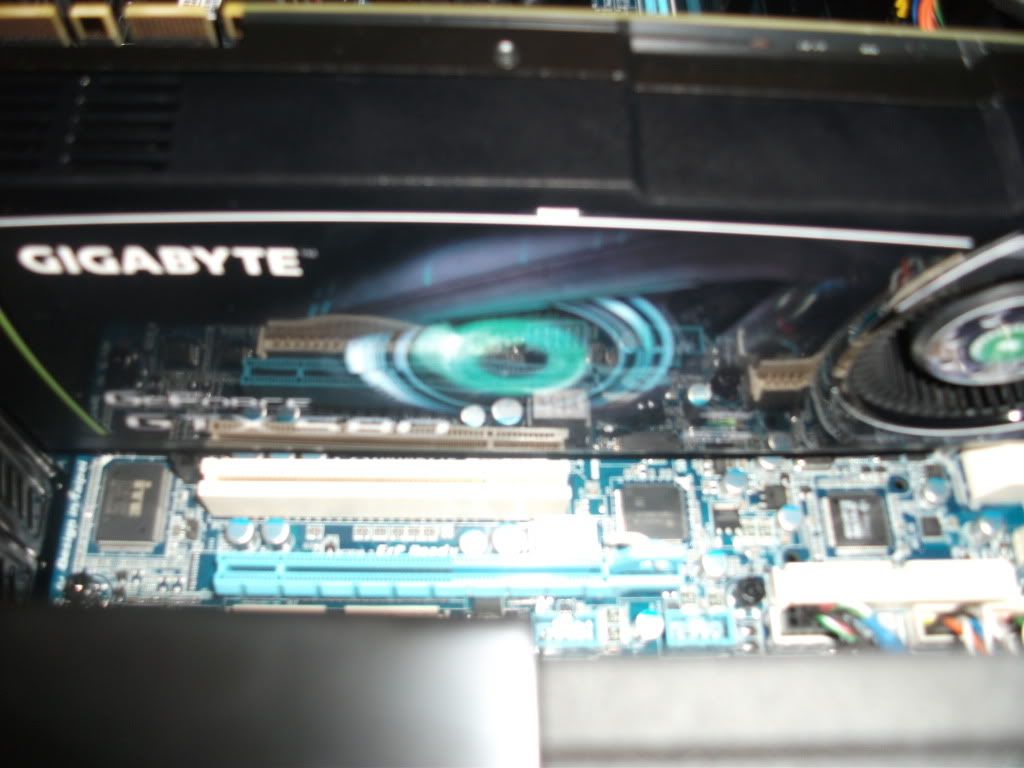
9. Finally made all the wiring nice and neat, cable management.
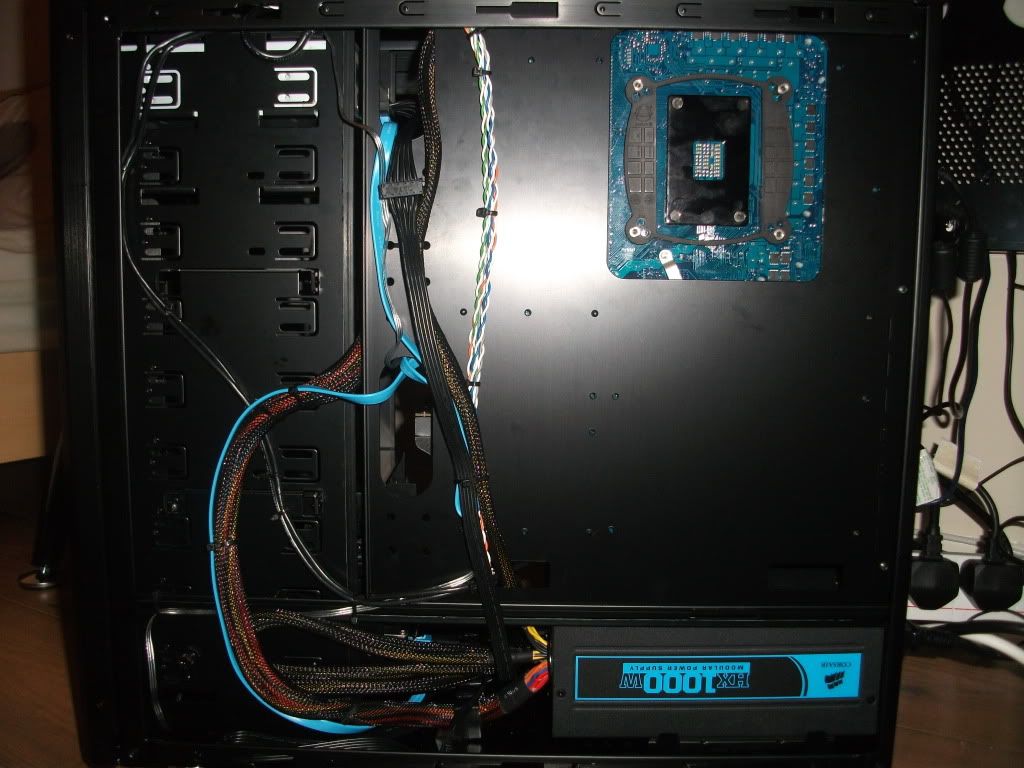
10. All done!
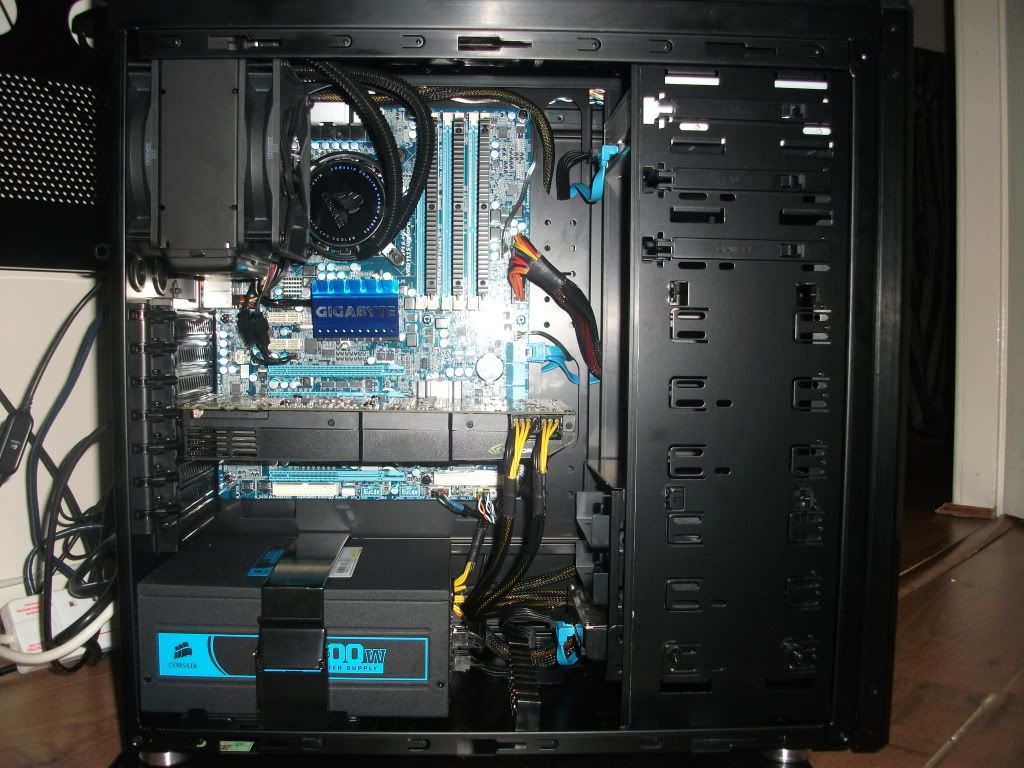
Edit - Cleaned and Gfx card in the right slot now
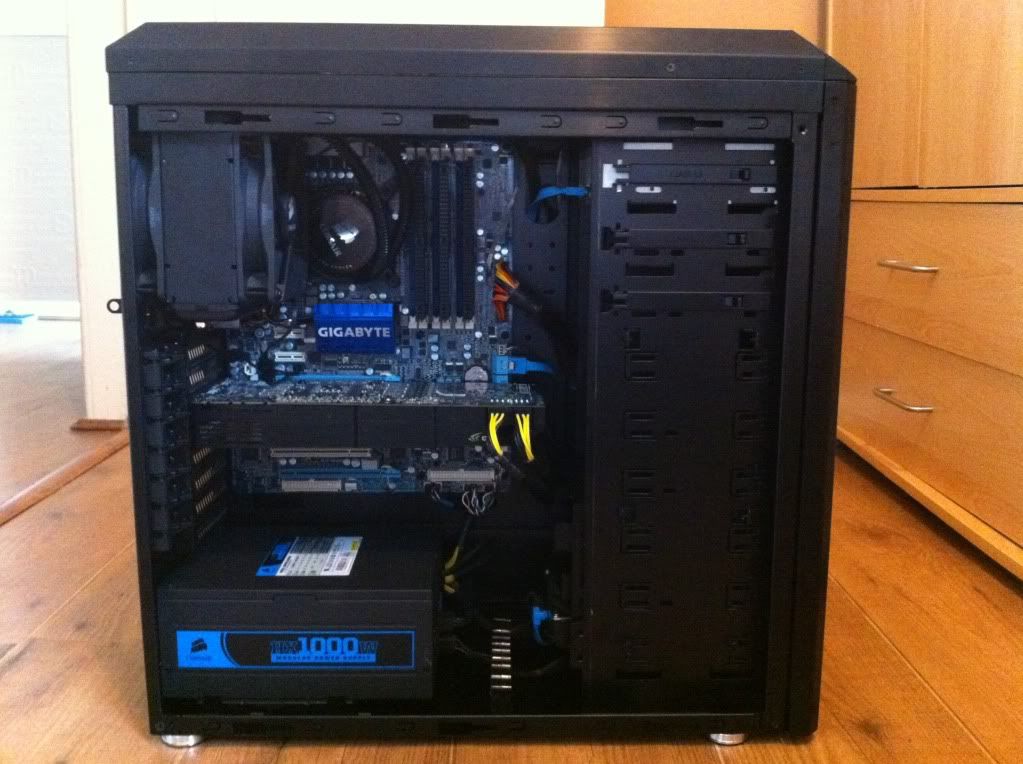
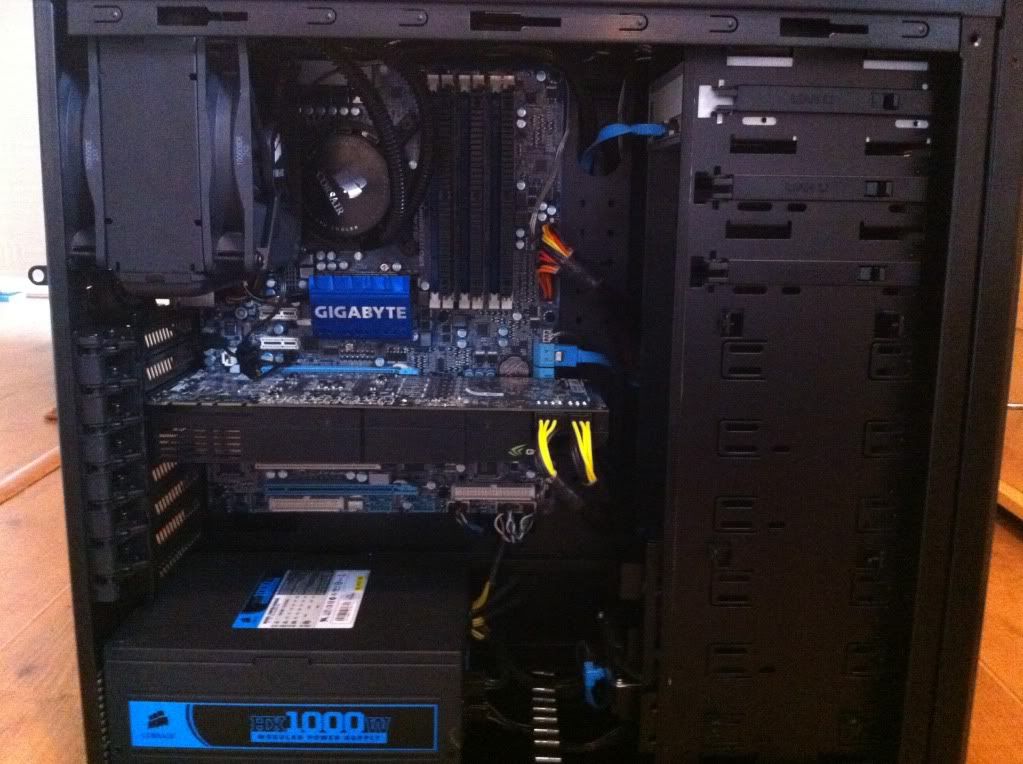
It Turned on..
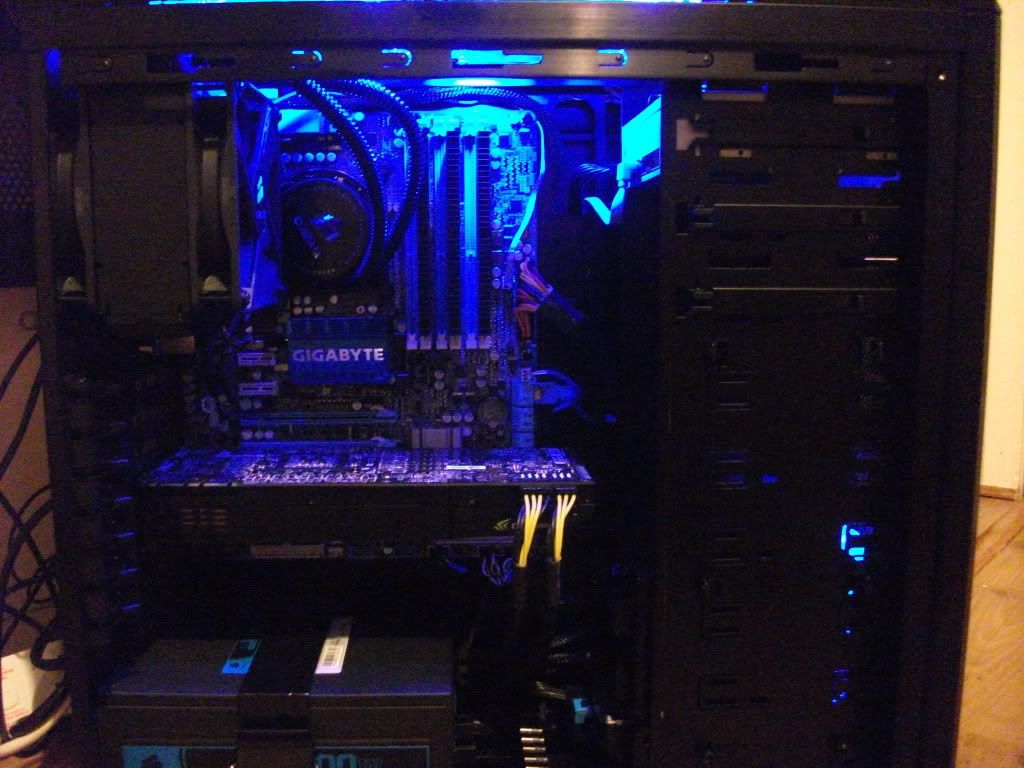
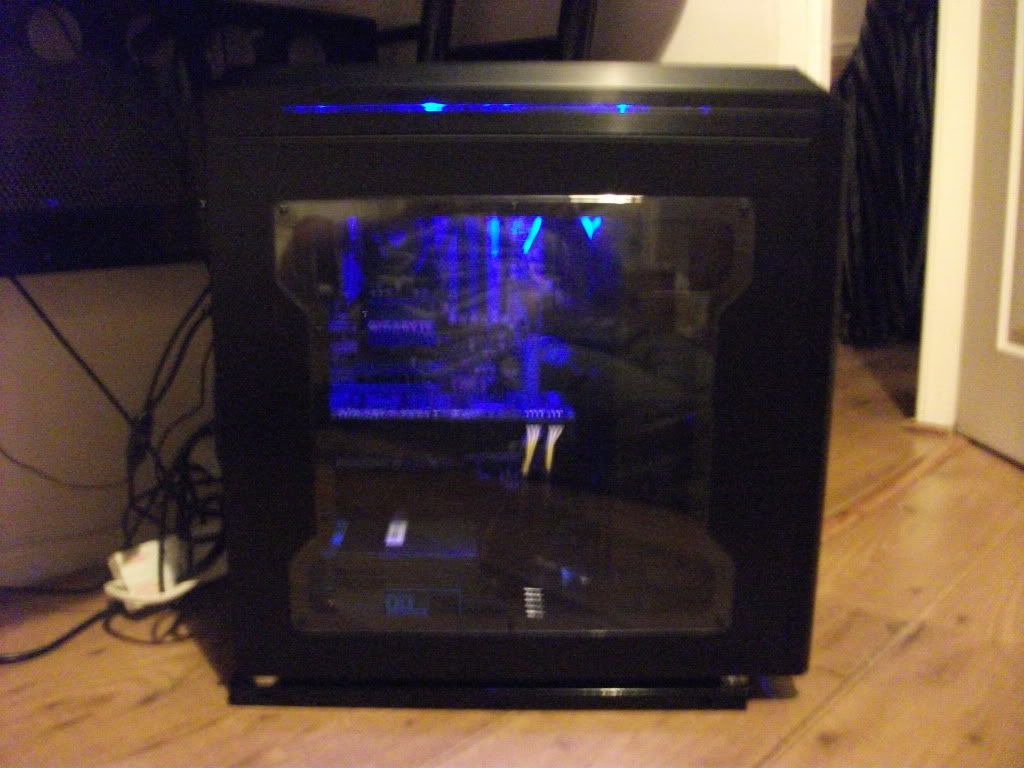
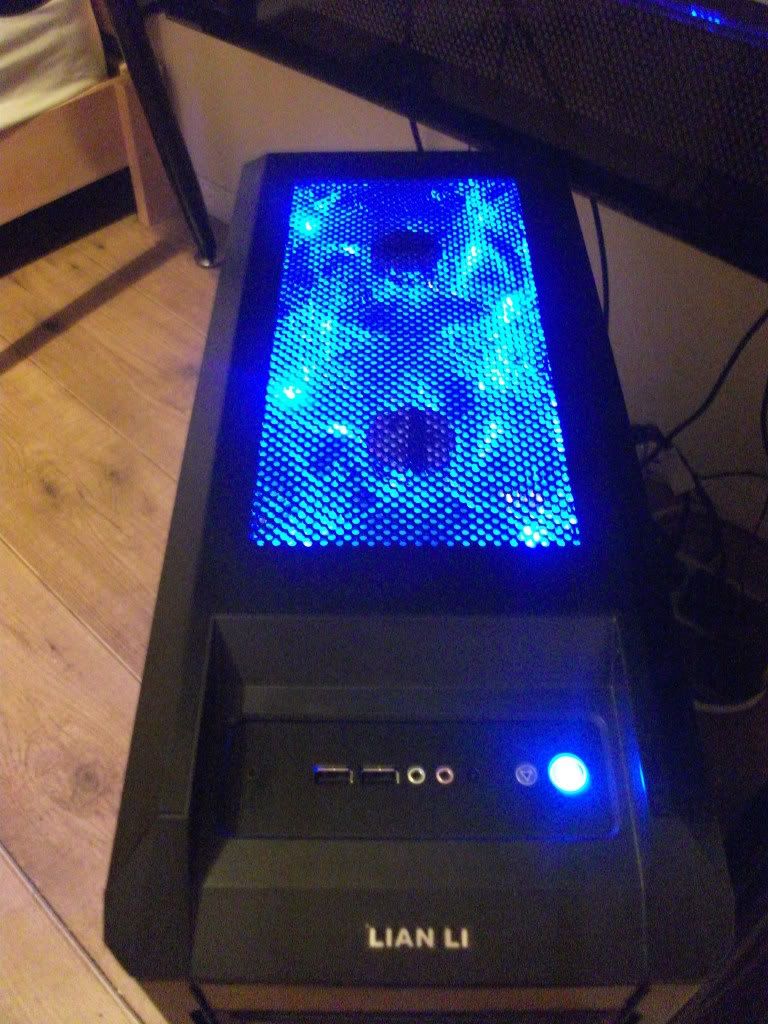
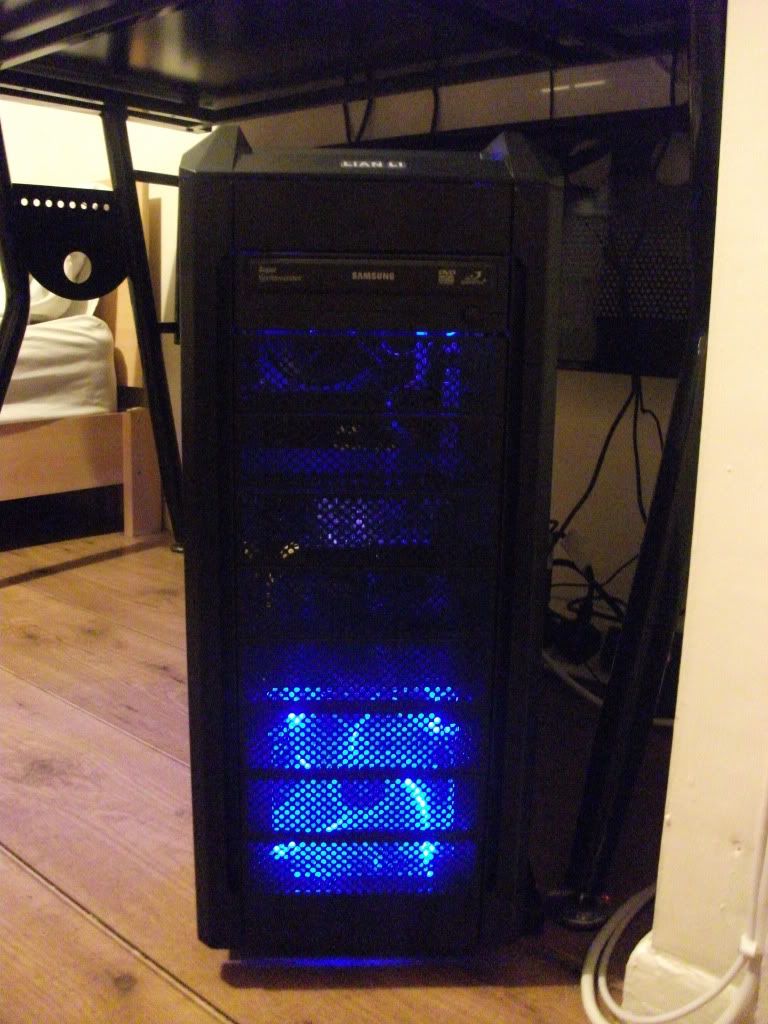
Will post a photo of all the computer soon including monitor, keyboard, desk etc...
1. Mounted the Motherboard, Connecting the case front panel eg power cables, Connected the front case fan and Mounted the H70 CPU Cooler Bracket.
2. Mounted the 3x 2GB Total 6GB Corsair Dominator RAM.
3. Installed the 1000w Corsair Modular PSU, Attatched the 2x power cables to the Motherboard.
4. Had to remove the H70 bracket and then Mount my Intel i7 CPU, Then installed the H70 Bracket again.
5. Removed my rear case fan, Mounted the H70 Radiator and 2x H70 Fans, Fan either side of the Radiator, Then the H70 pump on the CPU.
6. Mounted the Samsung DVD RW, with the power cable to the PSU and the SATA II cable to Motherboard.
7. Mounted Samsung 1TB HDD with the power cable to PSU and the SATA II cable to Motherboard.
8. Lastly Installed the Nvidia GTX 580 Gigabyte Graphics Card to the Motherboard, Using the 2x Power cables to the PSU.
9. Finally made all the wiring nice and neat, cable management.
10. All done!
Edit - Cleaned and Gfx card in the right slot now
It Turned on..
Will post a photo of all the computer soon including monitor, keyboard, desk etc...


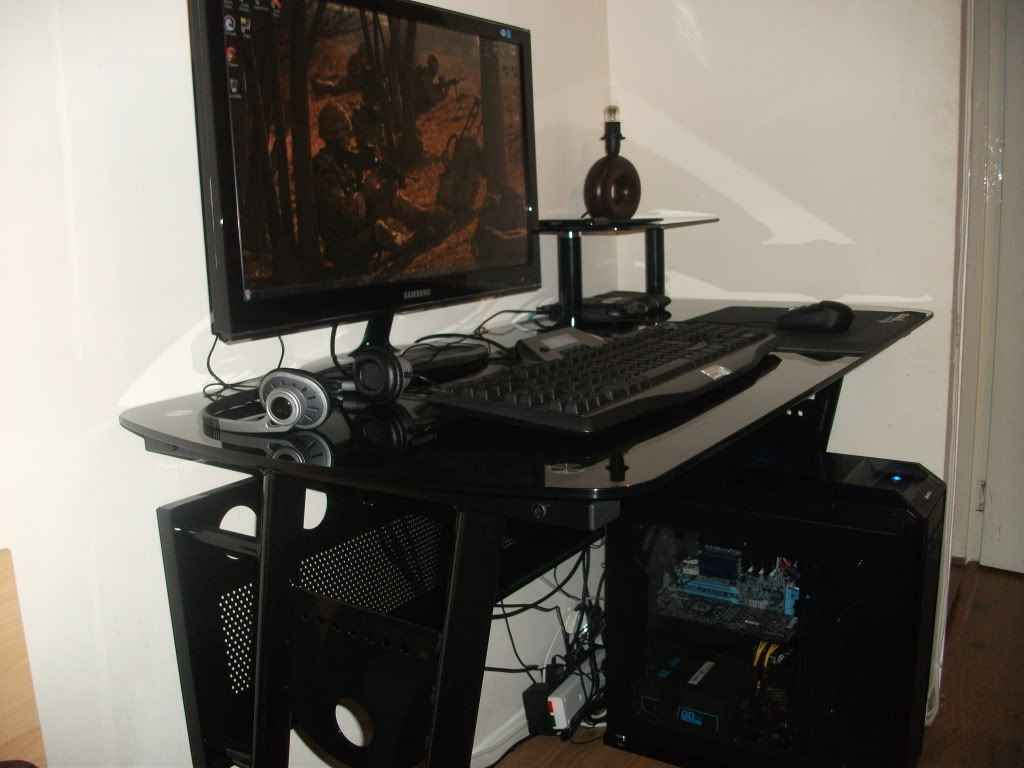
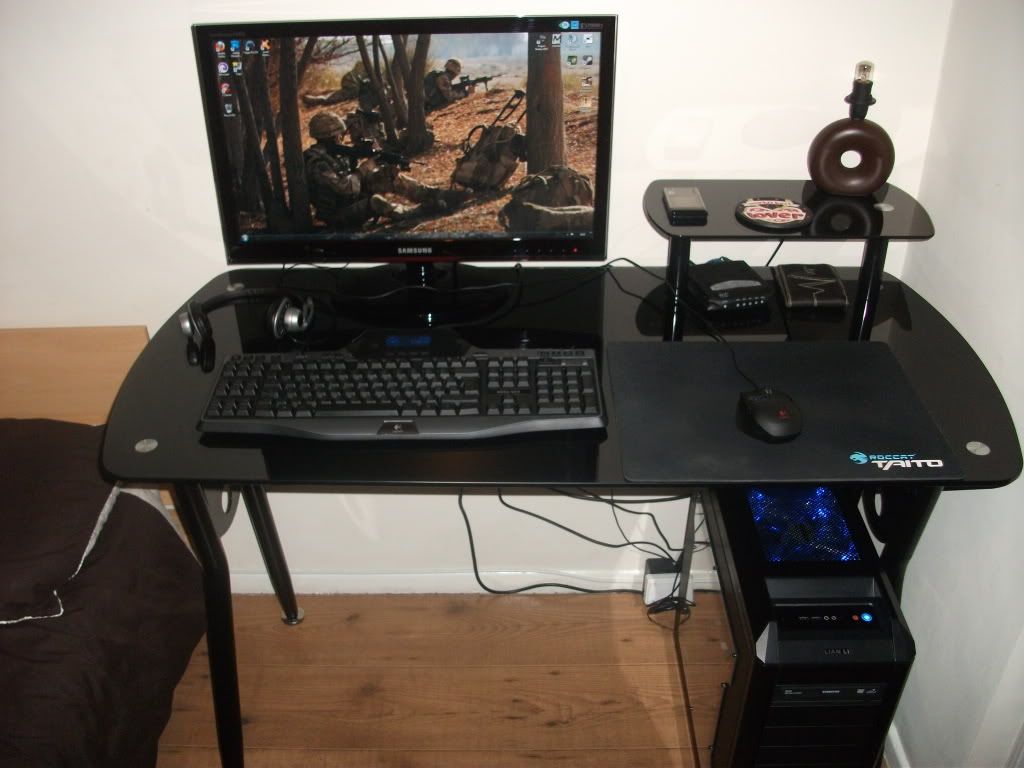
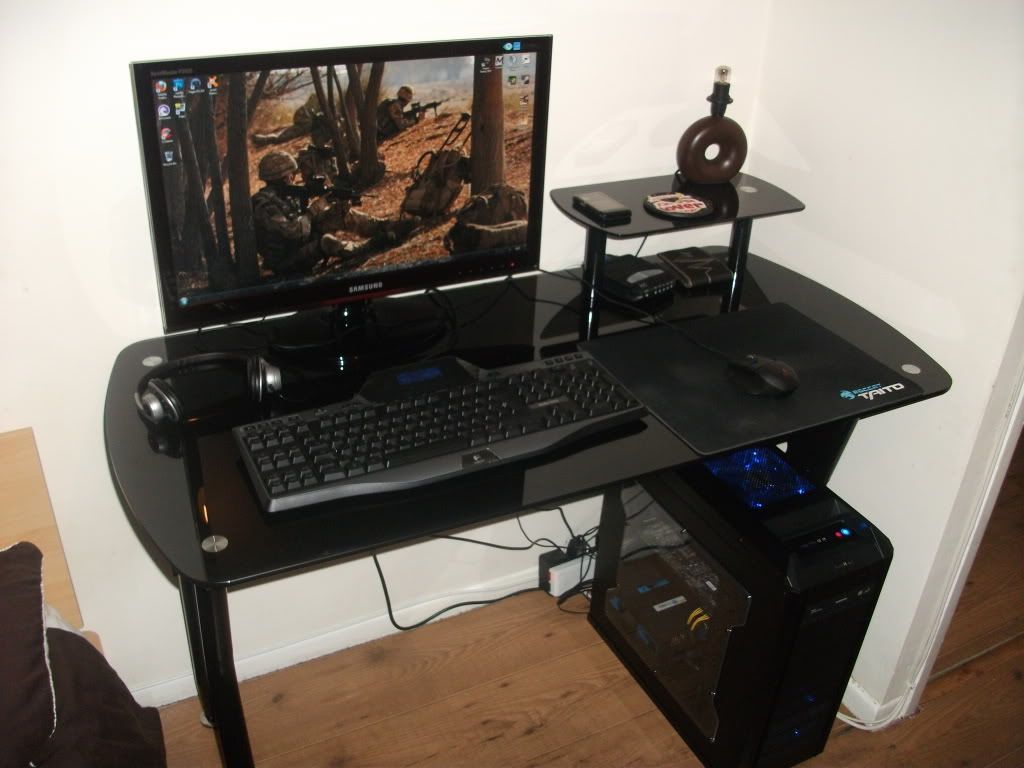
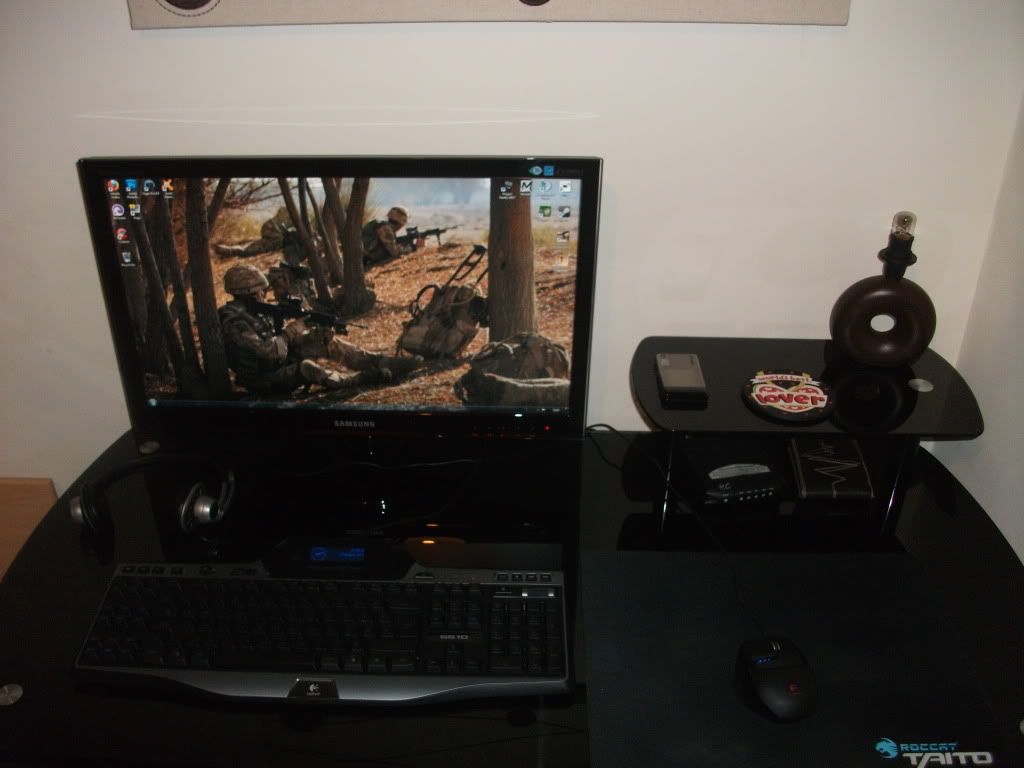
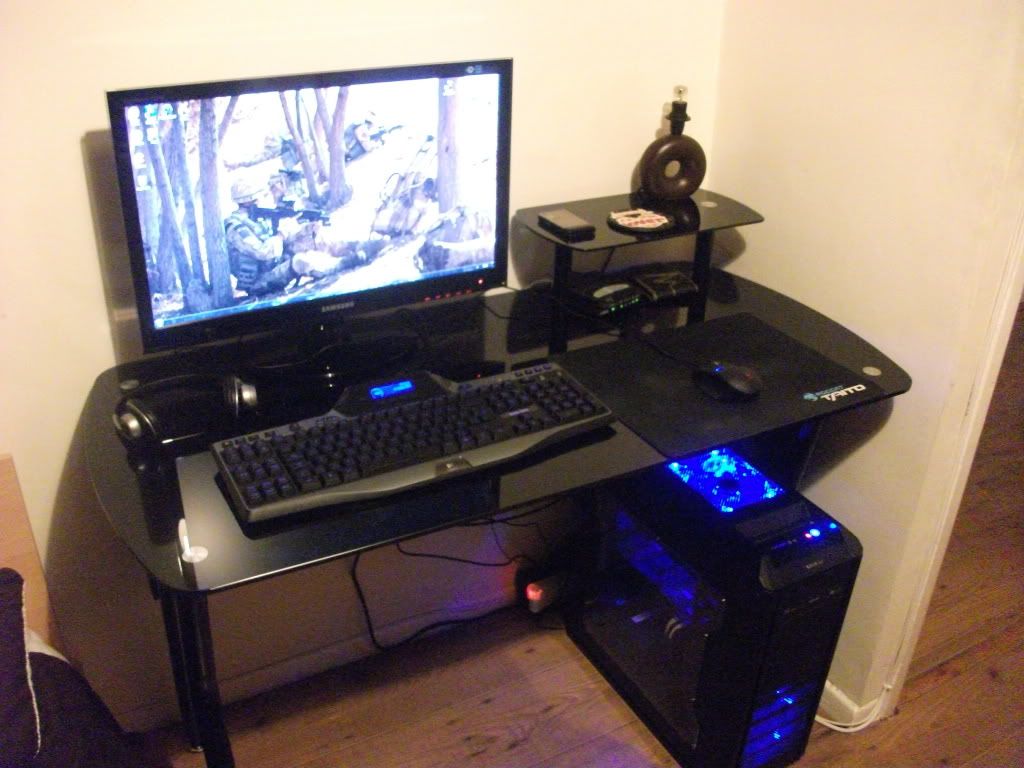
 Its always dusty lol but ye I cleaned it all for the photo


