Page 1 of 1
Pixelated BF2
Posted: 2013-02-11 17:53
by Hotshot Jimmy
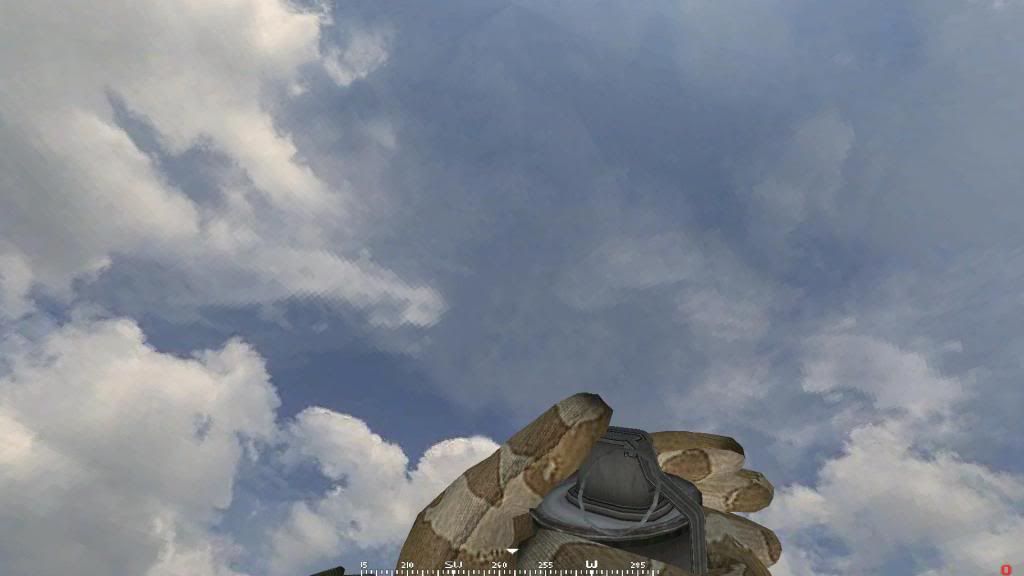
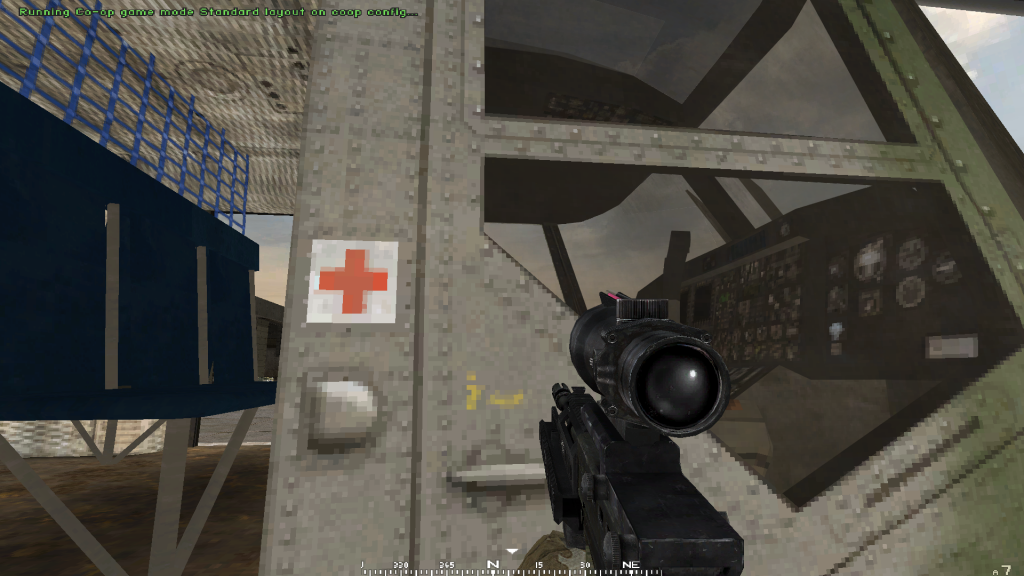
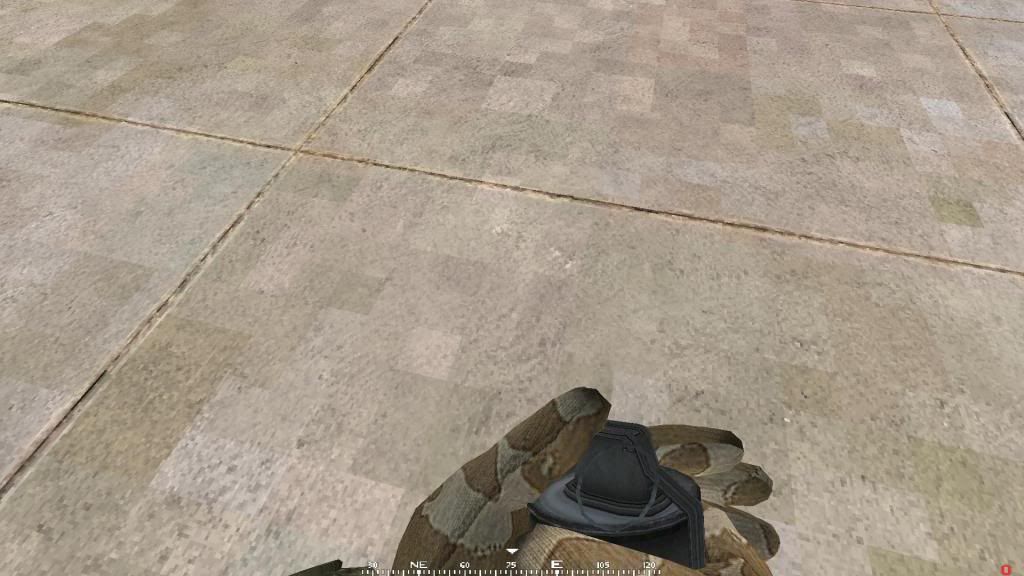
Hi all, so I thought this problem had left me when I moved to PR but its showed up today. Basically every now and then if I used to play BF2 and now BF2.PR everything from the menu to the gameplay on servers and even the startup videos become very pixelated. As if it was running on a lower level of detail than low in the settings. I looked this problem up but I havn't found a solution. It is completely random. Sometimes it'll start in the menu or other times it happens between rounds on a server in the loading screen. I tried to take a screen shot but I was left with a black screen. Has anyone else had this problem? Now in the past all I would do is restart the game or worst case restart the PC. However, this has not solved the problem today yet which is why i'm posting here. Also another issue I have always just put up with is the fact that if I exit the game, I hear a Windows beep and my screen saver will no longer work unless I edit the settings (i.e. the time it takes to show up or the type of screen saver). Again, does this happen to anyone else? Any help is appreciated. The only recent thing I did was delete items in the cache folder which stopped the showing up of black spots and squares on the map ground in game. If it helps here is my PC spec below...
Acer Aspire M3910
Intel core i3 550 @ 3.2GHz
3.0GB RAM
64 bit system
GeForce GT430 1GB
Cheers guys.
PS; i'm not posting this in the bug section as in my opinion it isn't a PR fault its more the BF2 as a whole.
EDIT: Ok so can now get a screenie, i'll post them up and you can see what I mean. Its pretty horrid.
Re: Pixelated BF2
Posted: 2013-02-11 18:11
by Hotshot Jimmy
Re: Pixelated BF2
Posted: 2013-02-11 18:30
by zombie-yellow
This is probably due to a texture filtering problem.
Re: Pixelated BF2
Posted: 2013-02-11 18:32
by WeeD-KilleR
Activate Retro Style! Doesn't look too bad.

Okay, jokes aside. I would try to update your gfx drivers, if you haven't. Also did you change something for the texture settings in your gfx setting programm most drivers come with?
Re: Pixelated BF2
Posted: 2013-02-11 18:33
by Tarranauha200
Have you tried cleaning bf2 cache?
Re: Pixelated BF2
Posted: 2013-02-11 18:37
by Hotshot Jimmy
"The only recent thing I did was delete items in the cache folder which stopped the showing up of black spots and squares on the map ground in game"
"Have you tried cleaning bf2 cache?"
Yes
I did change the anti aliasing to program controlled a couple of days back but this problem was already there. I could change it back and see what happens.
Re: Pixelated BF2
Posted: 2013-02-11 19:30
by PoisonBill
Default nvidia/CCC settings?
Re: Pixelated BF2
Posted: 2013-02-11 19:33
by ShockUnitBlack
Was just about to say that.
Re: Pixelated BF2
Posted: 2013-02-11 20:43
by Hotshot Jimmy
What about the default settings? Could they be causing this?
Re: Pixelated BF2
Posted: 2013-02-11 21:04
by ShockUnitBlack
Possibly.
Re: Pixelated BF2
Posted: 2013-02-11 22:27
by Hotshot Jimmy
Apologies I didn't notice the BF2 Support page =/ . What is CCC?
Re: Pixelated BF2
Posted: 2013-02-11 23:05
by LITOralis.nMd
Hiya Jim,
CCC is the AMD/ATI drivers user interface, doesn't concern you as you have an NVidia card.
Simply put, we can trouble shoot this, or we can save time and cut this at the root and start over.
First, Download the NVidia drivers for your GPU directly from either NVidia.com or the GPU manufacturer's website.
Then.
Driver Fusion - The Complete Driver Solution
download it, install it, run it, completely uninstall the Nvidia drivers.
Here is a longer tutorial on how to use the program, if you need:
I Love Free SoftwareFree Software to Remove Device Drivers: Treexy Driver Fusion
REBOOT.
Do NOT allow the new hardware wizard to install drivers.
Install the drivers manually that you downloaded, make sure to do a custom install so no junkware is added in the installation.
REBOOT.
You should then be good to go, though on some games you might need to delete the shaders caches once, especially with BF2 and PR.
Re: Pixelated BF2
Posted: 2013-02-12 20:28
by Hotshot Jimmy
Ok excellent i'll keep this in mind if the problem arises. Basically I looked at the settings I had changed in the Nvidia control panel and returned them to normal. So far so good and thats 2 days now. ONe thing I would rather not do is change the driver I currently have. Basically for some reason the latest update shows my display as a TV and not a PC. Therefore all the advanced settings are missed out if you understand me. The driver I am using is the only one (i know of) that will work with a HP 2159 screen as it defaults as a TV screen or something. Anyway all good for now but I shall favourite this page in case I need to follow these instructions in the future. Thank you lads for your input, much appreciated =)