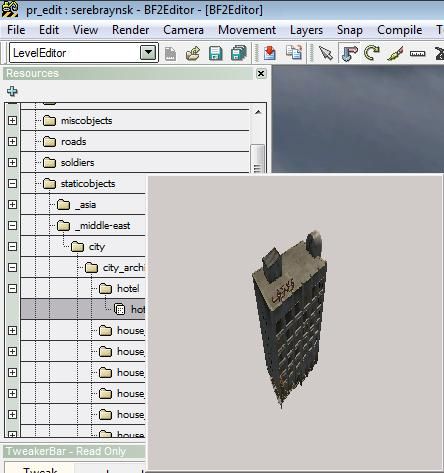
[HELP] bf2 editor, when placing object.
Posted: 2013-03-01 23:03
Dear PR community.
I have been playing around with the BF2editor for a while and hoping to finish my current wip as i continue on it.
i messed up the level settings with the sky or shadows maybe or at least i did something wrong after that. i was changing the fog and sky setting, etc.
My problem: when i load my map in the editor everything looks fine, as soon when i try placing a object in the level editor everything goes black, the ground, the objects and the water, the sky stays blue howsoever.
Is there a file i can delete in my map folder so it will reset or take a few files out and copy them over to a new map folder and keep the terrain/objects?
I have searched true the forum and cannot find anything similar to my problem.
Greetings, meus.
EDIT: The problem was with the "preview" function, updating my PR_edit folder worked just fine.
I have been playing around with the BF2editor for a while and hoping to finish my current wip as i continue on it.
i messed up the level settings with the sky or shadows maybe or at least i did something wrong after that. i was changing the fog and sky setting, etc.
My problem: when i load my map in the editor everything looks fine, as soon when i try placing a object in the level editor everything goes black, the ground, the objects and the water, the sky stays blue howsoever.
Is there a file i can delete in my map folder so it will reset or take a few files out and copy them over to a new map folder and keep the terrain/objects?
I have searched true the forum and cannot find anything similar to my problem.
Greetings, meus.
EDIT: The problem was with the "preview" function, updating my PR_edit folder worked just fine.