Profile Management - PR Launcher
Posted: 2015-06-11 07:35
Hello!
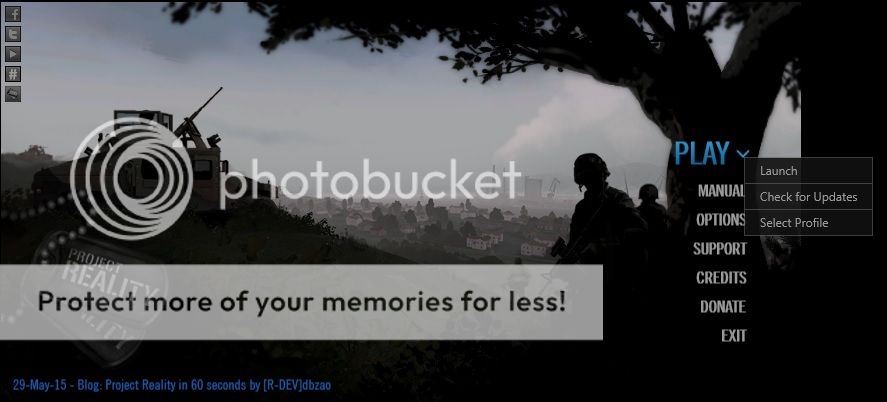
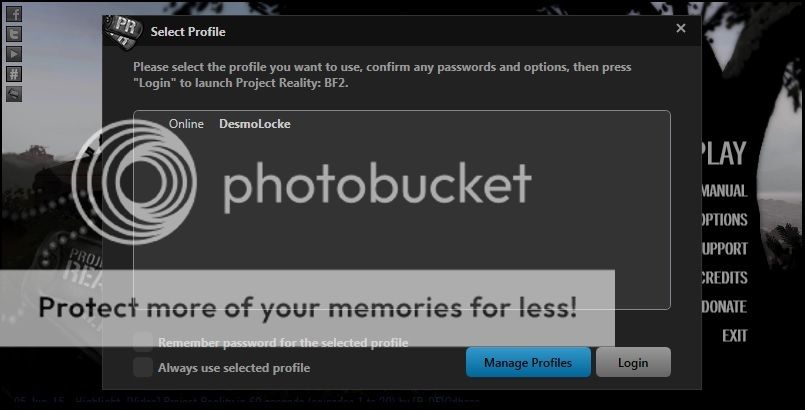
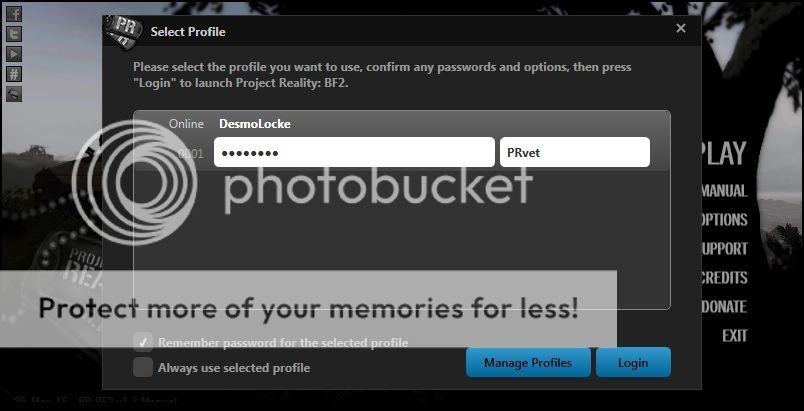
Having a horribly hard time locating the profile/account management tab in the options menu of the Project Reality launcher. I elected to automatically sign in when launched, but I'd like to add a prefix to my username and perhaps a second account/offline account in the future. I've tried the Selected Profile drop down, but it only offers the option to select the profile I'm already using. I've read about a "small button" in the corner of the launcher/drop down menu after searching on Google but it's not there either. Anyone willing to help me take on this.... daunting task? I'd really appreciate it! Thanks.
Having a horribly hard time locating the profile/account management tab in the options menu of the Project Reality launcher. I elected to automatically sign in when launched, but I'd like to add a prefix to my username and perhaps a second account/offline account in the future. I've tried the Selected Profile drop down, but it only offers the option to select the profile I'm already using. I've read about a "small button" in the corner of the launcher/drop down menu after searching on Google but it's not there either. Anyone willing to help me take on this.... daunting task? I'd really appreciate it! Thanks.