Cheers guys

dysin wrote:the brit carrier was a cluster, of course it was 48v48 at the time.
Ye the VW Layer is more of a seeding layer for maps than anything else but I have plans for PR:Falklands to make it easier to play its VW layer with more players
dysin wrote:rhino i really appreciate the shit you do haha, this is your work again? i remember those falkland vw rounds we got in on the low pop servers, can't wait for that to come back around again. they were just fun to play whenever i saw the chance.
Ye this is my work and since the VW mode worked so well with PR:F I I applied what I had learnt from that to this but on a slightly smaller scale
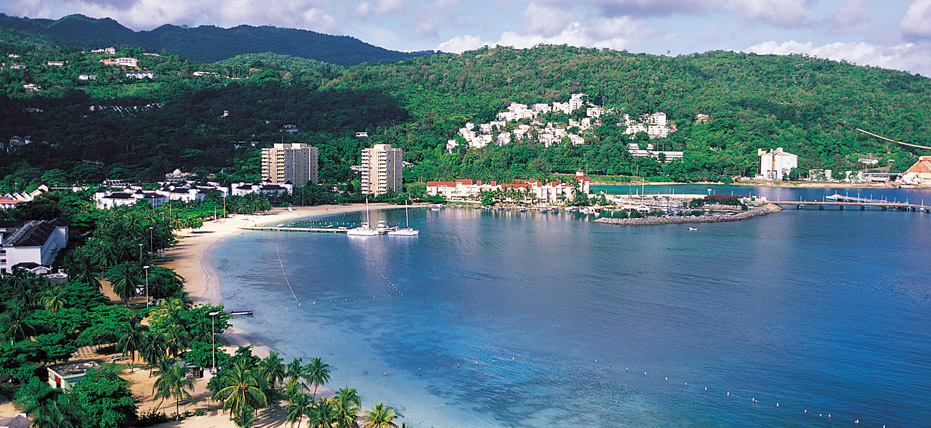
PatrickLA_CA wrote:IMO the beaches are too yellow
Ye I agree, beaches are too yellow, spotted that too late and can't be asked to change it at this point, might do in time but ye, not a really big deal IMO.
Ts4EVER wrote:Wait, some of your overgrowth doesn't have lods????? how does that even work?
Basically traditionally in BF2 as I'm sure your aware, there are really three main LODs in Overgrowth in two separate mesh files.
There is normally a LOD0 and LOD1 mesh in the primary mesh file, with LOD0 only ever seen by high gfx users, and LOD1 only ever seen by low gfx users, and like in this case, LOD1 isn't even optimized at all and is just a waste of mesh memory, and in some cases the primary mesh doesn't have any LOD1 and as such low gfx users use the LOD0 mesh.

Then in the secondary "_lod" mesh, there is a single lod that at a set distance depending on the map setting, is swapped with the primary mesh though a fade transition.

This works fine for normal BF2 maps with their low view distance but with PRs high view distance, the transitional fade between the primary and _lod meshes, which while this is happening, means there is actually two trees for every one which is changing, not only seriously increasing the amount of draw call the clients CPU and GPU have to process, but also strains the GPU with a load of overdraw on the transparent materials...
As such ditching the BF2's traditional Overgrowth method by instead having all the trees in the staticobjects.con with the line "Object.isOvergrowth 0" under each OG object which stops the OG object from using the normal OG settings and the fade transition from the main mesh to the _lod mesh really helps a lot with performance. Not only that but this also allows you to have individual cull distances settings for each OG object so you no longer have to have tiny bushes drawing all the way out to the edge of the view distance and instead can cull them at a few hundred meters, seriously cutting the work load with long view distances.
The problem with doing this is that naturally, BF2's Overgrowth was not setup with this system and as such, doesn't have the full set of LODs you really want on the primary mesh (which is the only mesh used now) to make it as easy as possible to draw the OG over at a distance. That palm tree I posted above is still 352 tris with two materials if your 5m away, or 500m away....
As such for some of the higher poly trees I did make a full set of LODs for them which did help with performance quite a bit:


But naturally this takes quite a bit of time to do and I haven't had time to do them for all the OG objects, only done them for a select few and as such, at most some trees only have a slightly optimized LOD1 which high GFX users see from a few meters away, and low gfx users see when up close or far away.





 , but this FPS drop makes me worried. In the other maps I also have fps drop but it's not so much. I turned on my windows' at best performance settings and turned off all unnessessary programmes (windows button+R/msconfig/system configuration/services/hide all Microsoft services checked/disable all/apply/ok/restart now). Also I reduce view distance scale at minimum (50%) and also set my graphic properties (3D settings) at best performence so I don't think my Laptop can do better . Here are my laptop specs.