Page 1 of 8
Official: Post your high quality 0.8 Screenshots!
Posted: 2008-01-04 03:39
by requiem
Rules & Tips (mods, please enforce):
- MUST: No larger than 1024 wide
- MUST: .JPG/.GIF only, no .BMP, etc.
- MUST: Max of 5 images per post.
- Remove the HUD if you can !
- Take shots of Teamwork if you can too (i.e. squad on map, squad fire, etc)
- Show off lots of the latest gear !
- Last but not least.... the higher the video quality settings, the better !
Show 'em off troops!
Posted: 2008-01-04 03:50
by GeZe
There is a stickied thread here
https://www.realitymod.com/forum/tales- ... -f112.html
"Post your v0.7 screen shots!"
7 pages long, with peoples screenshots of .7
You may want to look there as well.
Posted: 2008-01-04 10:37
by Gaz
Cleaned up thread to remove the pointless spam. As GeZe says, there's a general screenshot thread to post random screenshots.
But if your image fits into the more specific guidelines outlined by requiem, then you are welcome to post them here. Think of it as a higher quality 0.7 screenshot thread, to really showcase community screens

Spamming will be dealt with via the warning system.
Posted: 2008-01-04 11:25
by LtSoucy
Can i ask a question, Is what does 1024 look like. Any examples? I dont want to make them too big.
Posted: 2008-01-04 12:13
by Makee
Isn't it a beauty:

I just said "Commander need us for building a bunker" and not one of them even bothered himself to say "you got it", they just lied down and started to build it.
Just round before, some of them didn't even knew that they have a shovel and what it is for.
Almost liquefied myself from happiness when I saw that.
Posted: 2008-01-04 12:21
by Masaq
It depends on the size of your monitor as to how large 1024 pixels will seem.
ANY picture editing software will be able to tell you the dimensions of an image you have loaded. So will right-clicking on the file in Windows and selecting Properties -> "Summary" Tab -> "Advanced" Button.
Posted: 2008-01-04 12:47
by Jarven
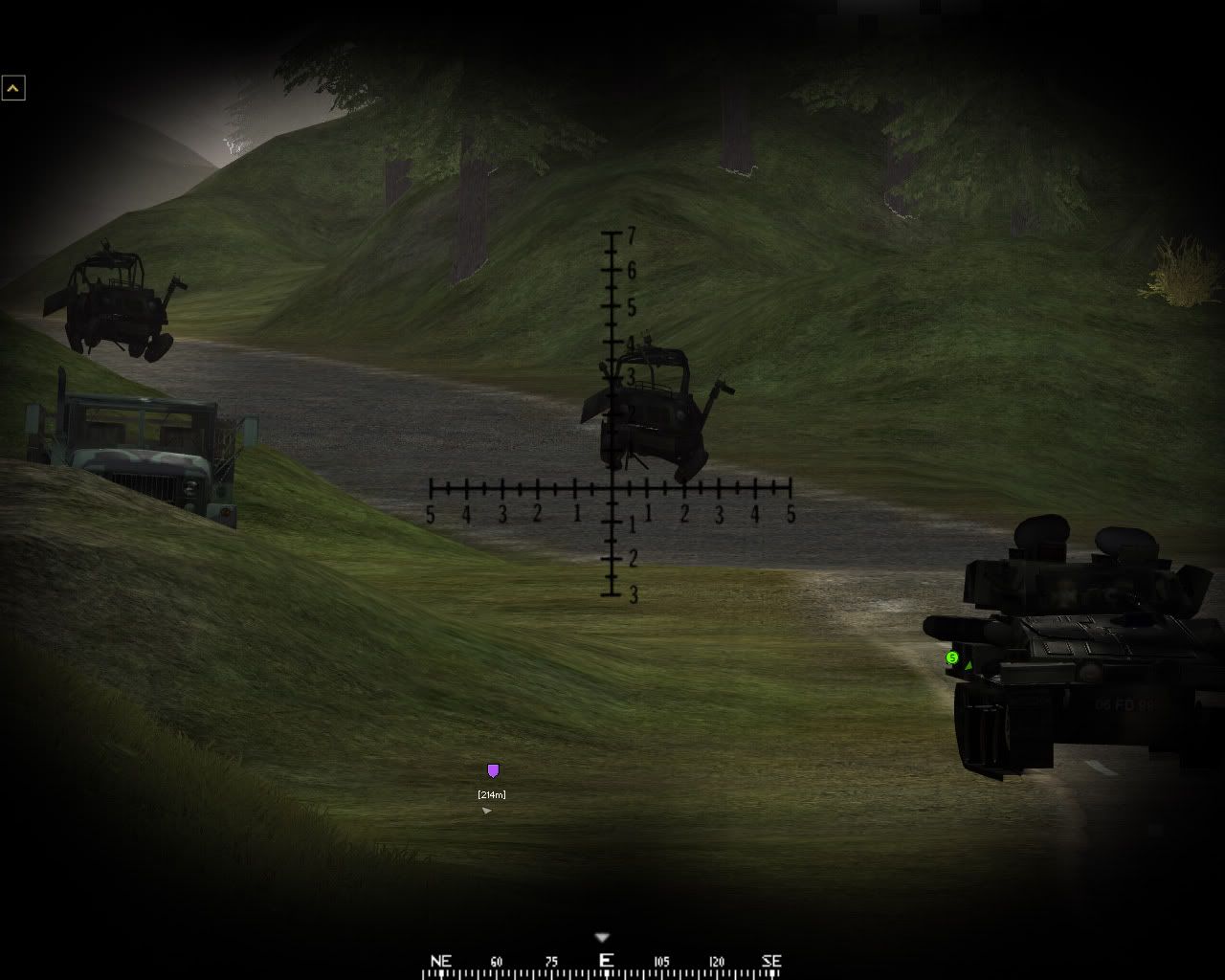
This is what Fool's road is all about. Lots of destroyed and abandoned vehicles can be found on the road as a result of numerous militia ambushes.
Posted: 2008-01-04 14:22
by Spearhead
Hey that's me on the far right of the bunker building pic

Even I was surprised when all of a sudden 4 guys drew their shovel and ran to the bunker as if trying to win a competition. Good work.
Posted: 2008-01-04 14:36
by bosco_
Posted: 2008-01-04 14:46
by bumbling_gimp
aaah.. the good old eurofigher Typhoon.
They make them just down the road from me at BAe Systems in Warton. See them test flying every now and again. Beautiful aircraft, great to be British
Great pic bosco.
cheers
gimp
Posted: 2008-01-04 15:24
by =Romagnolo=
It isn't at high everything, but it isn't ugly

Posted: 2008-01-04 15:36
by Tipsi
beautioful
Posted: 2008-01-04 15:57
by Uncle Blues
lovely views at Fools' Road. Helicopter Base on the left, behind the trees. The infamous road on the right. Great round BTW.


Posted: 2008-01-04 16:19
by Safekeeper
BF2 has BattleRecorder, right? If so, I heartily recommend it if you want to take quality screenshots. Play the game at whatever setting you like, then fire up BR with everything set to full and hunt down those sweet wallpaper material scenes. I was about to type that BattleRecorder also has the benefit of not cluttering the screen with a HUD, but then I remembered that so does PR
.
My favorite so far is the Fools Road one. I'm
so looking forward to play that map.
Posted: 2008-01-04 17:05
by SuperTimo
bumbling_gimp wrote:aaah.. the good old eurofigher Typhoon.
They make them just down the road from me at BAe Systems in Warton. See them test flying every now and again. Beautiful aircraft, great to be British
Great pic bosco.
cheers
gimp
This man is a GOD!!
Posted: 2008-01-04 18:26
by para_hjs
Posted: 2008-01-04 18:42
by S.P.C-[Reality]-
does anyone know the command to remove the HUD?!
Posted: 2008-01-04 18:45
by Uncle Blues
renderer.drawhud 0 or 1
Posted: 2008-01-04 18:47
by S.P.C-[Reality]-
ok tyvm

