Page 1 of 7

[Map] 2km Afghan map

Posted: 2008-02-13 01:33
by Hans Martin Slayer
i guess the title explains it.

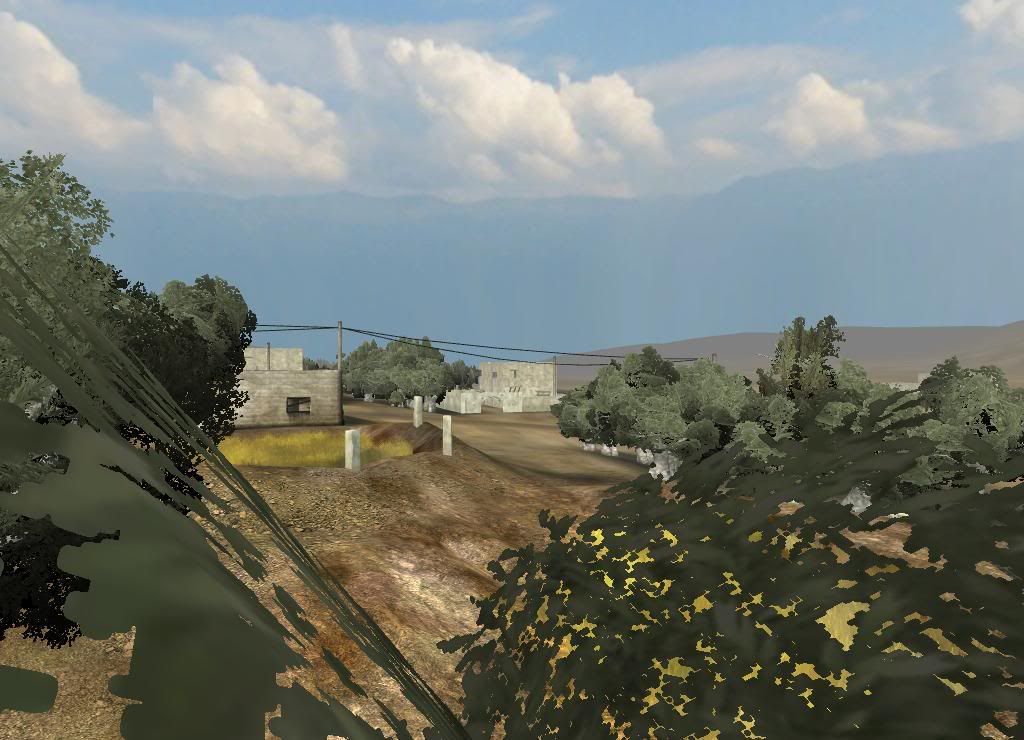
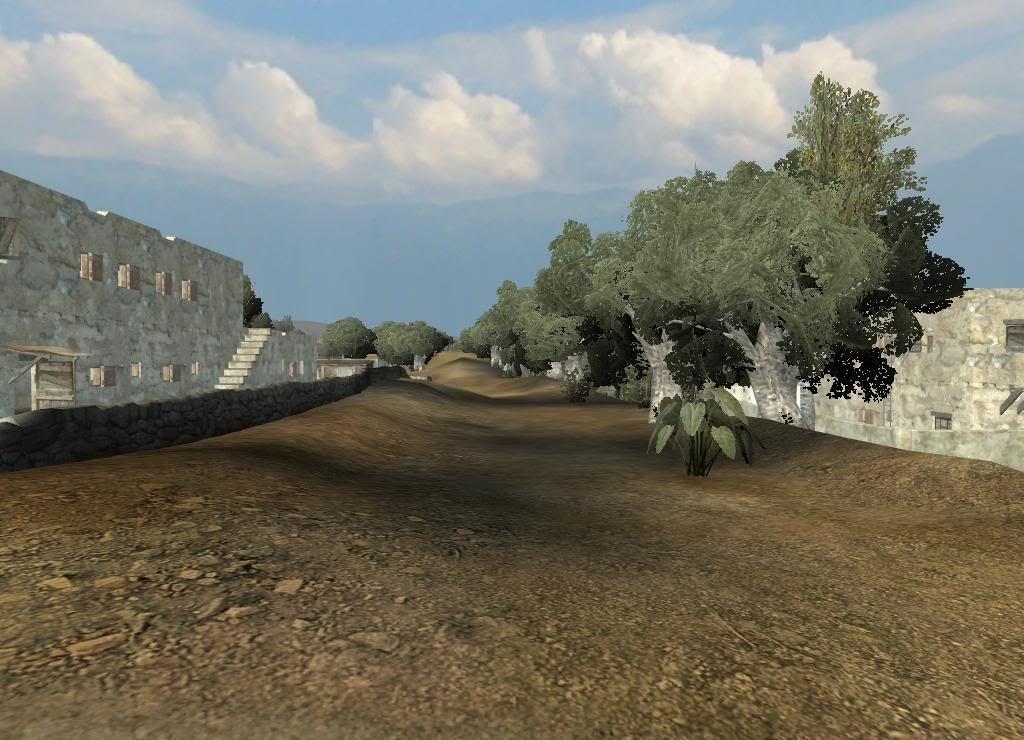
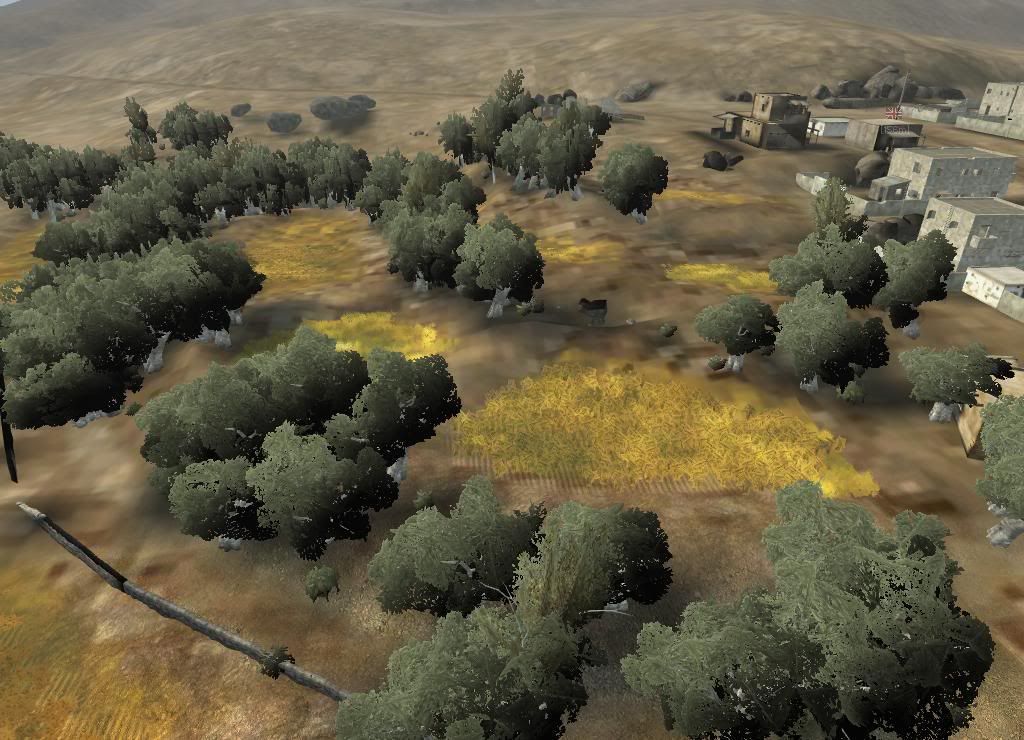
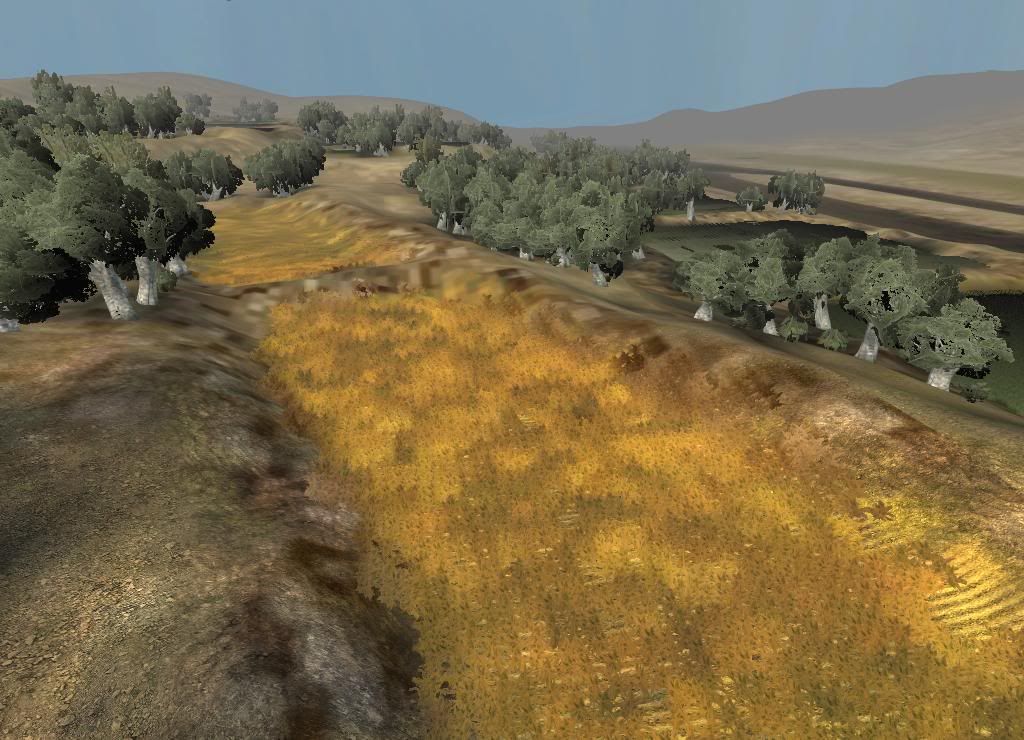
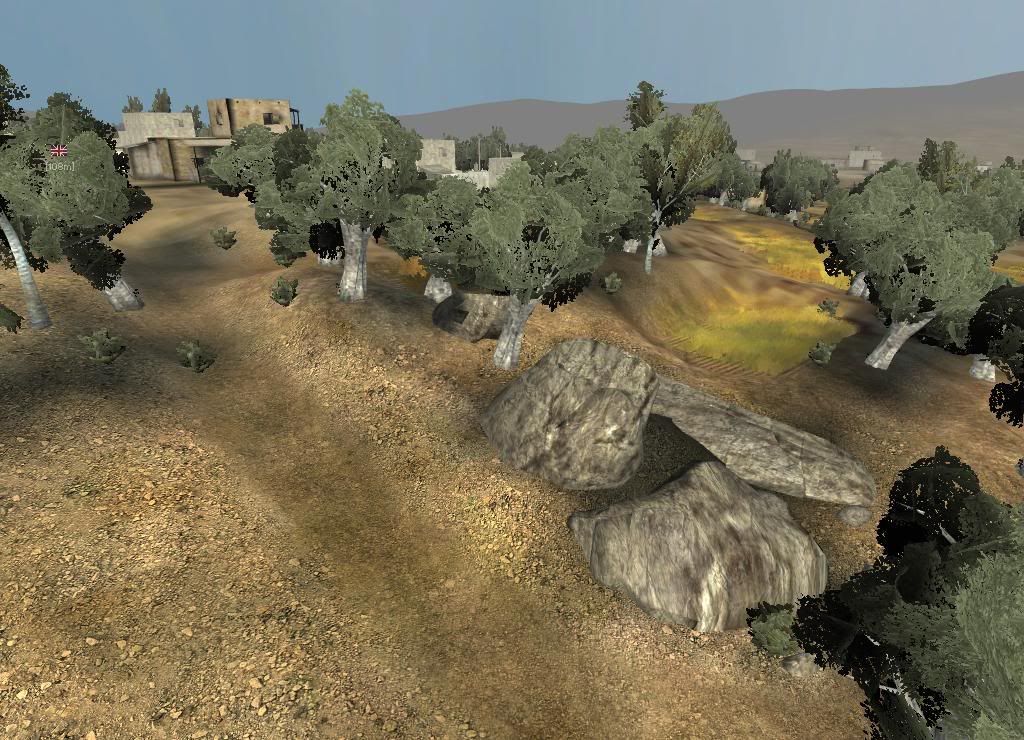
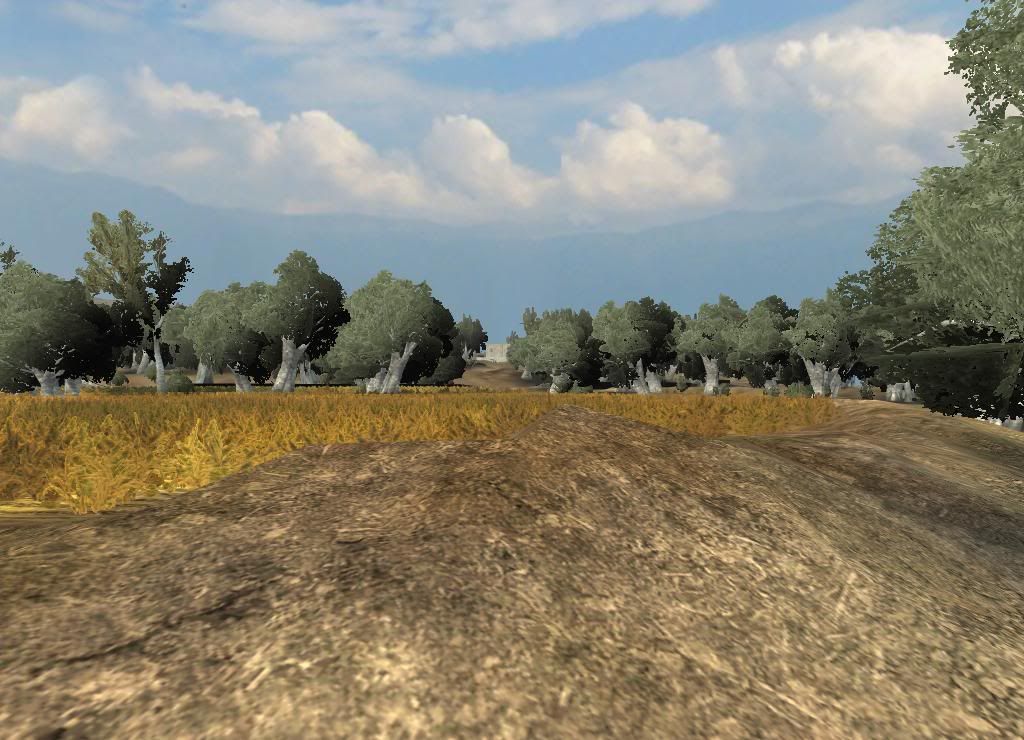
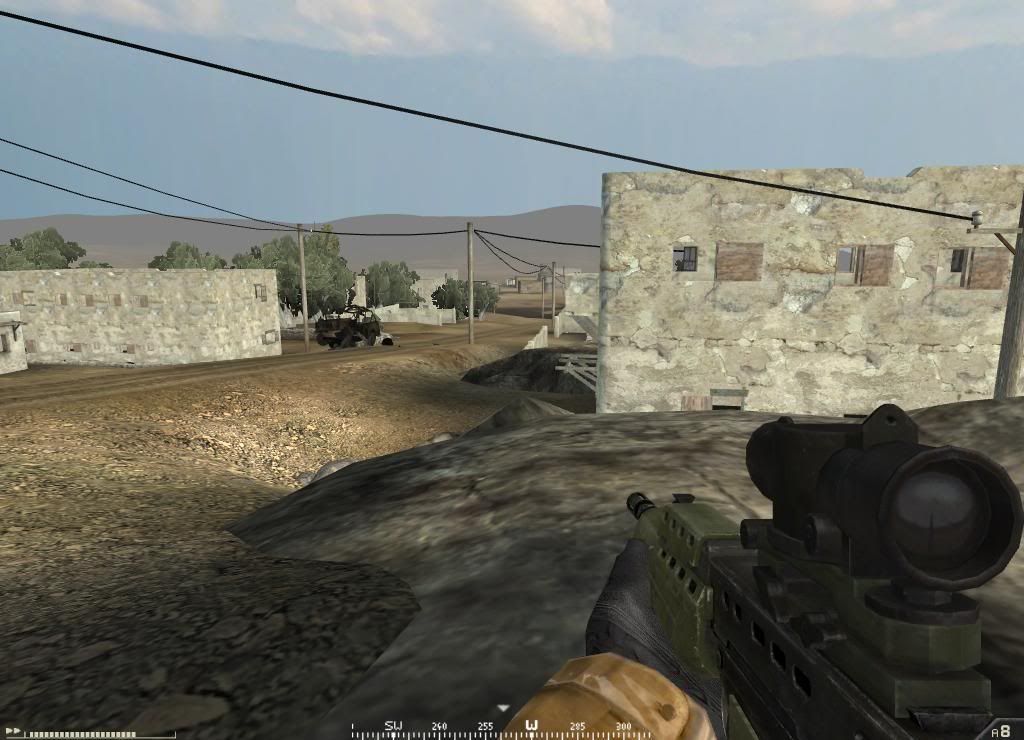
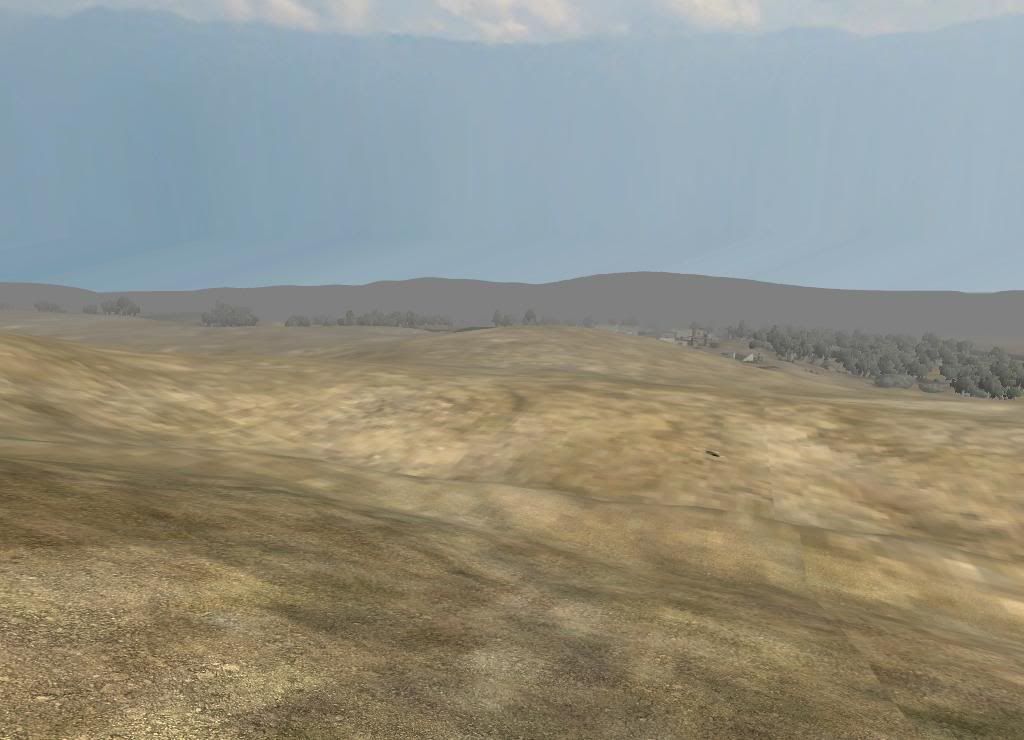
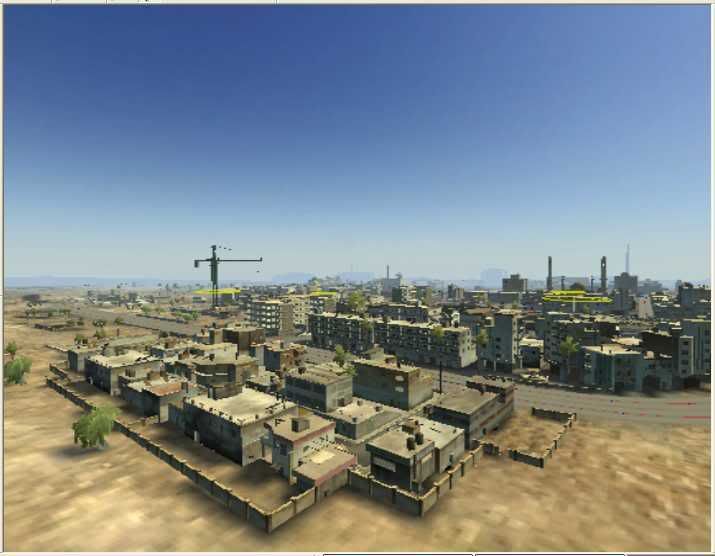
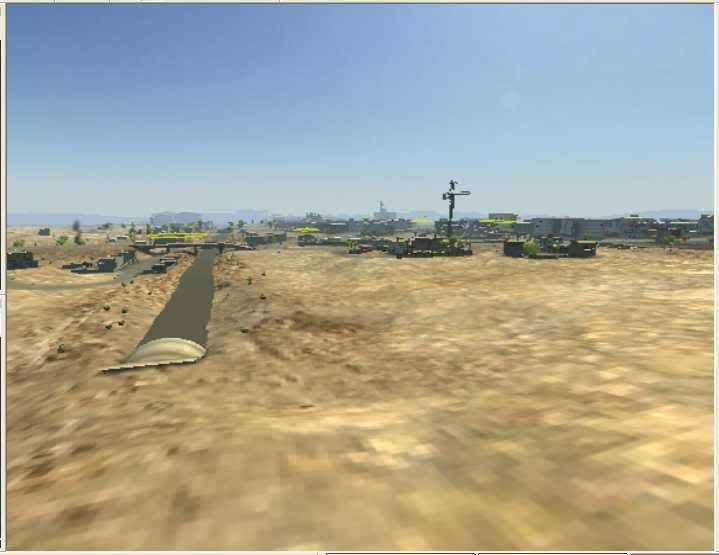
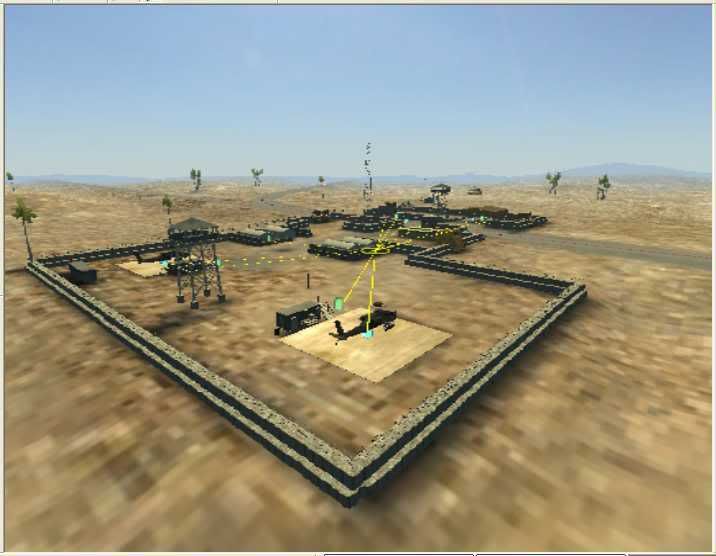
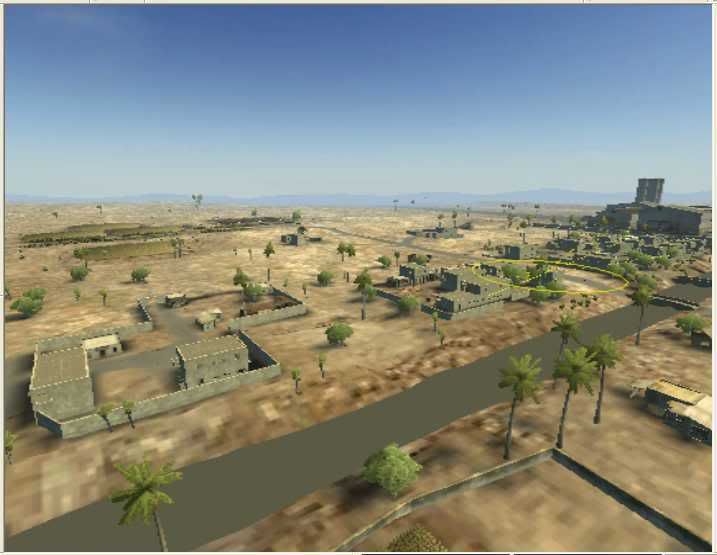
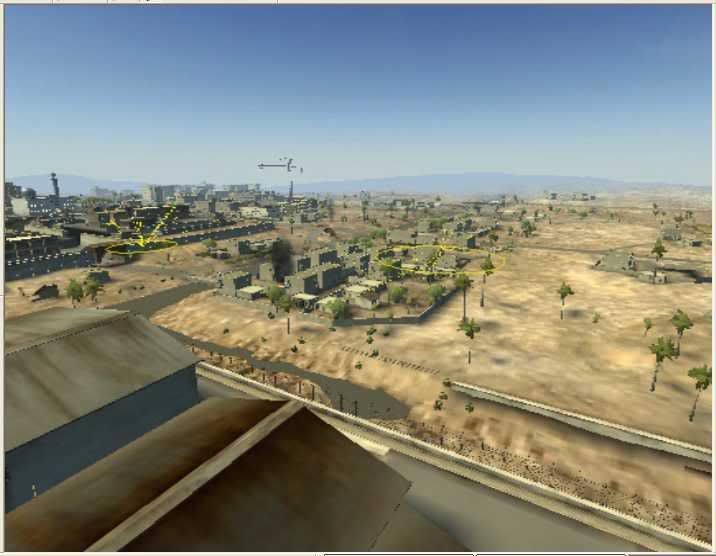
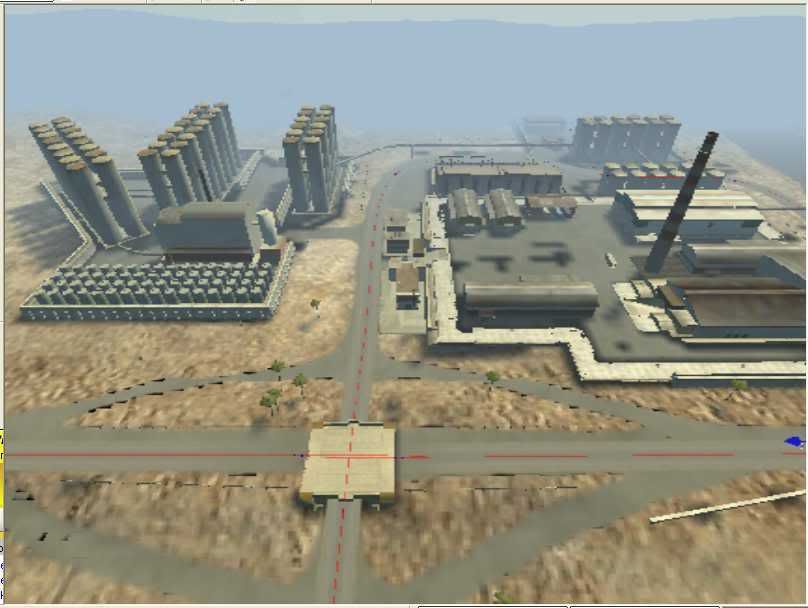
so here are a couple of pics, it's an afghanistan style project.

just very low quality lms so far since it's far from beeing finished. got 1000 other things on my mind right now (:sad :) so i'm making slow but steady progress.

i've got some other projects in the works as well and i'll post screenies as soon as i think it's good enough to show you.

so have a look and give me some input please, i'll continue working on that one as soon as sp 0.7 is finished and as soon as i've got my r/l issues sorted..

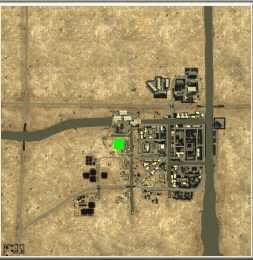
for the overall layout: it's 1024x2, located in an quite large (southern) afghanistan valley, main combat zone is a village with farm land surroundings. blue team will get into action from a small f.o.b., red team will attack the village from hideouts/ caves up in the mountains.

.... more to come, hope you like it 8)
Image

Image

Image

Image

Image

Image

Image

Image

Image

- i know many things need adjustment, but i could use some 'overall thoughts'... :wink:

Posted: 2008-02-13 01:37
by graeli
looks great to me

Posted: 2008-02-13 01:55
by Dr Rank
Nice start! :D But pleeeeeeease change you sky settings! It'll map your map look 100x better for very little work! Try just putting in a sky.con from another map and tweaking things from there. You could even use the old Helmand Province one and adjust the view distance on it:

4shared.com - online file sharing and storage - download sky.con

Keep it up! Post some more screens when you've set up that sky ;)

Posted: 2008-02-13 01:55
by =Romagnolo=
Hoah! Nice begining ! What theses videos here and try to get inspiration to continue doing the map because it is looking good:

http://www.youtube.com/watch?v=B2r3C0PJ1LM[/youtube]

http://www.youtube.com/watch?v=qaC-w2dIxZc[/youtube]

http://www.youtube.com/watch?v=_FcXWZ0XVuw[/youtube]

I hope I helped you

Posted: 2008-02-13 02:21
by DeePsix
*has to go change pants*

Thanks for posting! I can't wait!

Posted: 2008-02-13 02:25
by BloodBane611
Lookin' good HMS!

Posted: 2008-02-13 02:42
by Desertfox
Any idea of the faction's? Because I have an idea ;) Looks Awesome =D

Posted: 2008-02-13 03:33
by OkitaMakoto
looks great, but you have the same terrain problem I had. Its easy to fix, I just dont know the terms for it.

load your map in the editor, go into texture edit, and on the right tool bar under the texture tabs[the six textures you have] there's the button to render some sort of textures... I wish I knew the name... Someone else will know... but it will make the distant terrain not look like it does on yours now :)

Looking great, though the terrain in the first picture is a bit smooth/looks like it was all done with one size brush :) Mine was like that too until IronTaxi fixed it :) Hehe

Posted: 2008-02-13 04:53
by Hans Martin Slayer
hey thanks for the nice feedback guys!

the skybox is just the first i've picked so far and i'll try out different settings for sure - thanks for the download link! 8-)

i didn't think too much about the sky setting so far but like you said - easy change, great effect, so i'll post more pics with dif. settings some time soon.

thanks for the vids as well. actually i get many ideas from vids like that, so bring it on... :-)

factions is totally w.i.p. and i'm open for everything, my main goal is to create a nice navmesh and bring it into pr sp of course, no matter wich teams are on the map. 8)

my first thought was brits vs ins, but i could imagine the canadians or the germans on that one as well since it would fit in imho.. ;-)

i just make the map - the rest is up to you. :D

okita: i think i know what you mean, the low detail map thing?! (can't remember at the mo and it's too late to fire up the editor now :-P )

and yea, of course the terrain get's more detailed as soon as i'm sure about the overall layout. especially the terrain around the first pic is very w.i.p. - just the raw layout.

again, thanks for the input - it's greatly appreciated and of course i'll keep you updated.

Posted: 2008-02-13 05:08
by Nimble
I can just imagine the Canadians on this map, looking good so far, can only get better!

Posted: 2008-02-13 05:14
by Hans Martin Slayer
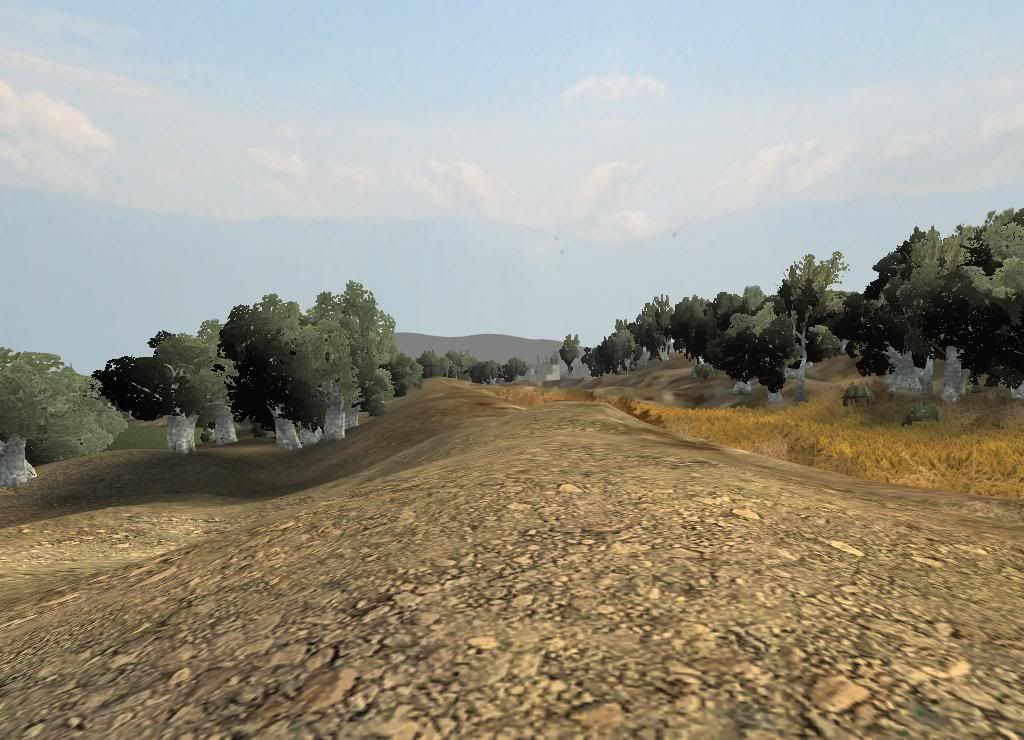
well, i thought why not throw in some screenies from my other wip as well...

still lots of work to do but it's coming along.. so here you go:

(sorry, just crappy editor pics, but i guess you'll get the idea.. :-) )

Image

Image

Image

Image

Image

Image

Posted: 2008-02-13 07:05
by HughJass
WOW i am inspired nice aghan map dude. BTW I am having problems with loading bf2editor forums for some reason, and i need help setting up roads. Something with splines or whatever, if you can copy and paste some tutorial on ther eit would be greatly appriciated.

btw good luck on your maps!

Posted: 2008-02-13 08:59
by General Dragosh
This is going to get lovely !

Posted: 2008-02-13 09:11
by Dylan
Oh em gee. Thats so awesome. Loving the road ways.

Posted: 2008-02-13 11:27
by Mora
whooo finally a real map witch supports apaches :D

Posted: 2008-02-13 11:33
by =Romagnolo=
We need that map !

Posted: 2008-02-13 11:53
by Dr Rank
'[R-CON wrote:OkitaMakoto;608085']load your map in the editor, go into texture edit, and on the right tool bar under the texture tabs[the six textures you have] there's the button to render some sort of textures... I wish I knew the name... Someone else will know... but it will make the distant terrain not look like it does on yours now :)
You need to assign set a low detail texture to your textures. There's a box on the righthand side when you're in the terrain editor that allows you do do that under the Texture Tab: Set Low Detail Texture. You then need to make sure it saves the ground properties when you next save the map.

Love some of those screens of your other map! :D Keep it up! 8-) I'd like to take a look round and give you some more detailed feedback, pm me if you're interested :)

Posted: 2008-02-13 12:45
by LekyIRL
Wow two great looking maps! Keep it up! :thumbsup:

Posted: 2008-02-13 12:45
by Hans Martin Slayer
You then need to make sure it saves the ground properties when you next save the map.

i guess that's the part i've missed there.. :-P
I'd like to take a look round and give you some more detailed feedback, pm me if you're interested
hey thanks - that's appreciated.

unfortunately it ctds since the last editing session, i guess it's the overgrowth.. but i didn't have time to debug so far, i'm friggin busy with r/l at the mo. :-(

so i'll get back to the map and provide a download as soon as things calm a bit down.

- thanks -

@ HughJass: i've no idea why the bfeditor site shouldn't work for you?!?! anyways, here's the link to a thread that explains it: Roads - Detailed Explanation - Official BF Editor Forums

oh, and here's some (really mini) minimap just to give you an overall idea so far:
Image

Posted: 2008-02-13 12:57
by Dr Rank
Nice minimap :) if you pm me with a link to it I'll fix the CTD ;)