Page 1 of 87
Picture Editing
Posted: 2008-11-13 22:23
by Dude388
Starting this thread to prevent the screenshot thread from being gimped 
Please put original pictures you want edited, discussions about them etc. here. If a large amount of win is detected in a picture, it may be posted in the screenshot thread too for great justice.
Dunehunter
I enjoyed doing the first Project Reality Rain picture so much, I decided to do another using a Al BASRAH map pick (an older one too). Tell me what you think.

P.S. It's not final, I'm still tweaking it.
Re: PR v0.8 Screenshots
Posted: 2008-11-13 22:48
by Celestial1
Dude388 wrote:I enjoyed doing the first Project Reality Rain picture so much, I decided to do another using a Al BASRAH map pick (an older one too). Tell me what you think.
P.S. It's not final, I'm still tweaking it.
The amount of 'white splash' is just a lick too high, and you should reduce the opacity of them as well.
Another thing you should do is tweak the color balances, give it a bluish-grey hue.
Re: PR v0.8 Screenshots
Posted: 2008-11-13 23:53
by Dude388
Celestial1 wrote:The amount of 'white splash' is just a lick too high, and you should reduce the opacity of them as well.
Another thing you should do is tweak the color balances, give it a bluish-grey hue.
Once I looked it over, I saw what you meant. Here's my re-attempt:

This version looks a little more pleasing/easier on the eye.
Re: PR v0.8 Screenshots
Posted: 2008-11-14 00:12
by Scot
Still is a bit too much white blur around the people IMO.
Re: PR v0.8 Screenshots
Posted: 2008-11-14 00:25
by Dude388
[R-COM]TheScot666 wrote:Still is a bit too much white blur around the people IMO.
OK I guess it's still a bit "white". I lowered it a bit more, but not too much as to loose the effect of rain bouncing off the soldiers. It may not
SEEM noticeable at first, bu there is a drop in white blur.

Re: PR v0.8 Screenshots
Posted: 2008-11-14 07:48
by Scot
Dude388 wrote:OK I guess it's still a bit "white". I lowered it a bit more, but not too much as to loose the effect of rain bouncing off the soldiers. It may not
SEEM noticeable at first, bu there is a drop in white blur.
that is very nice

Re: PR v0.8 Screenshots
Posted: 2008-11-14 16:25
by Celestial1
Extra touchups:
1) Duplicate of bottom layer with high-pass filter on overlay with halved opacity and fills to sharpen game details
2) Cloud layer + angled strokes filter set on one of the overlay settings to add multi-directional rain and shadows.
3) Refined splash areas.
Re: PR v0.8 Screenshots
Posted: 2008-11-14 16:32
by Dude388
Celestial1 wrote:Extra touchups:
1) Duplicate of bottom layer with high-pass filter on overlay with halved opacity and fills to sharpen game details
2) Cloud layer + angled strokes filter set on one of the overlay settings to add multi-directional rain and shadows.
3) Refined splash areas.
1) It looks good, but I mainly used the blur effect to get the feeling of wind and reduced visibility.
2) I tried cloud layers multiple times, but I never got it to look the way I wanted (still learning :wink
. However you got it perfect
.
3) I like the improved splash additions...but they make some of the rain look a bit too white before they impact on some of the soldiers (ie. the point man), it almost seems as the though the wind is blow the opposite direction cause a larger splash impact. If you can bring the total white blur a tiny bit closer to the body, it will look perfect.
All in all, a big improvement over mine. I see I have a ways to go to using GIMP to it's fullest

.
P.S. For those of you who are curious, here's the original pic unaltered.

Re: PR v0.8 Screenshots
Posted: 2008-11-14 21:01
by cfschris

An edit of Recon squad working it's magic on Muttrah....
Re: PR v0.8 Screenshots
Posted: 2008-11-14 22:00
by sakils2
cfschris, it is amazing! Looks really beautiful, makes me to buy ticket to the RL Muttrah

Re: PR v0.8 Screenshots
Posted: 2008-11-14 22:21
by Scot
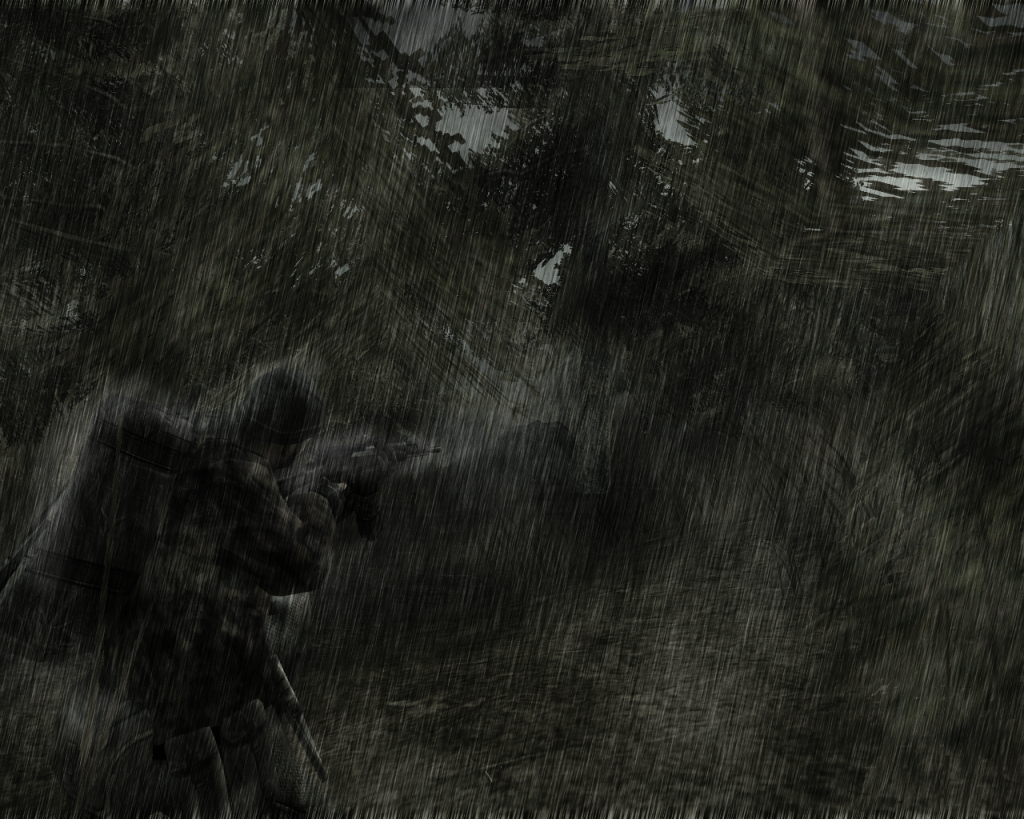
I made NVG of Basrah
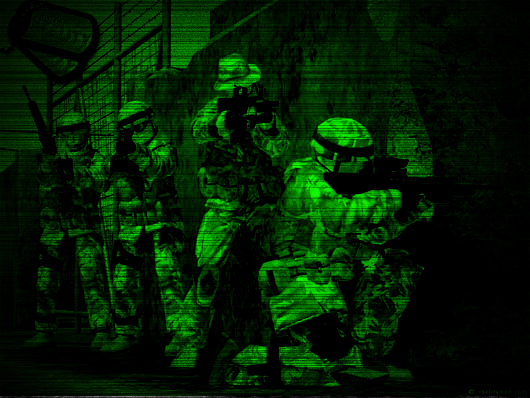
also timo, my effort at rain:
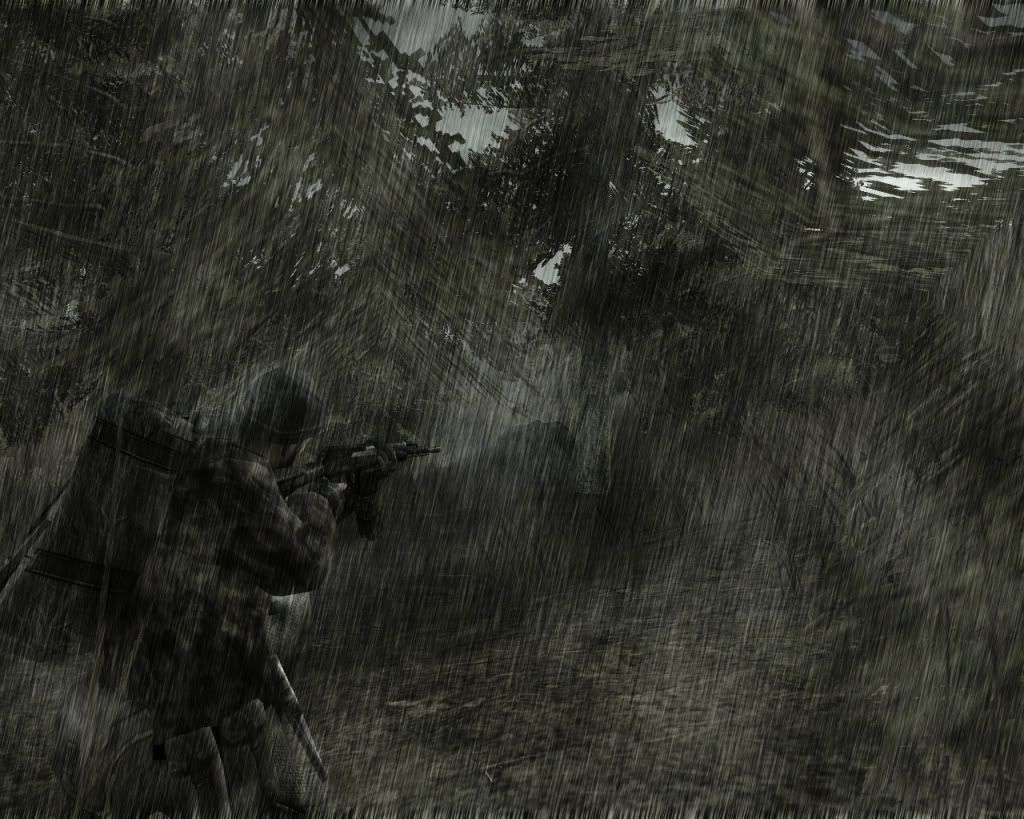
Re: PR v0.8 Screenshots
Posted: 2008-11-14 23:43
by Dude388
'[R-COM wrote:TheScot666;848291']
Sweet
'[R-COM wrote:TheScot666;848291']
The sky could be a bit darker, and you need a wee bit more white blur on the gun and backpack, other than that
EPIC
Re: PR v0.8 Screenshots
Posted: 2008-11-15 00:02
by Scot
Re: PR v0.8 Screenshots
Posted: 2008-11-15 00:07
by Smegburt_funkledink
Win! Shashkaaaaa!
Re: PR v0.8 Screenshots
Posted: 2008-11-15 00:54
by Dude388
This is about 99.999% perfect (bear in mind this is one opinion).
My only issue is that the White blur on the very back of the backpack is a bit too thick. If you compare it to the angle at which you have the rain falling in your picture you'll see that you wouldn't get as much splash shown due to the angle of the falling rain.
If you bring that down a bit or even just remove the splash entirely from this location, this will be 100%
WIN(remember I'm talking about the very back of the backpack,the top is perfect). One more thing, you need just a tiny bit of white blur on the right arm, due to the angle the rain is falling at.
P.S. I apologize for being so damn nit picky, it's a small pet peeve of mine

. I'd do it myself to stop bothering you but I can't get GIMP to work right now, keeps freezing during loading

.
Re: PR v0.8 Screenshots
Posted: 2008-11-15 12:16
by SuperTimo
awesome stuff scot
we need a picture editing specific thread. id love to see if some one could take one of my many typhoon screen shots on qinling and turn it to night with rain
how do you make that rain effect? ive been shown before that you add noise and then motion blur it, but it looks **** most of the time
Picture Editing
Posted: 2008-11-15 12:41
by Dunehunter
Starting this thread to prevent the screenshot thread from being gimped

Please put original pictures you want edited, discussions about them etc. here. If a large amount of win is detected in a picture, it may be posted in the screenshot thread too for great justice.
Post Your edited/high quality PR screens
Posted: 2008-11-15 12:44
by SuperTimo
Didn't notice SuperTimo's thread which he made about the same subject, so I moved his post here, gj on finding some posts I missed
here are some from the normal picture thread

by [R-DEV]Bosco

by [R-DEV]Rhino

by [R-DEV]Bosco
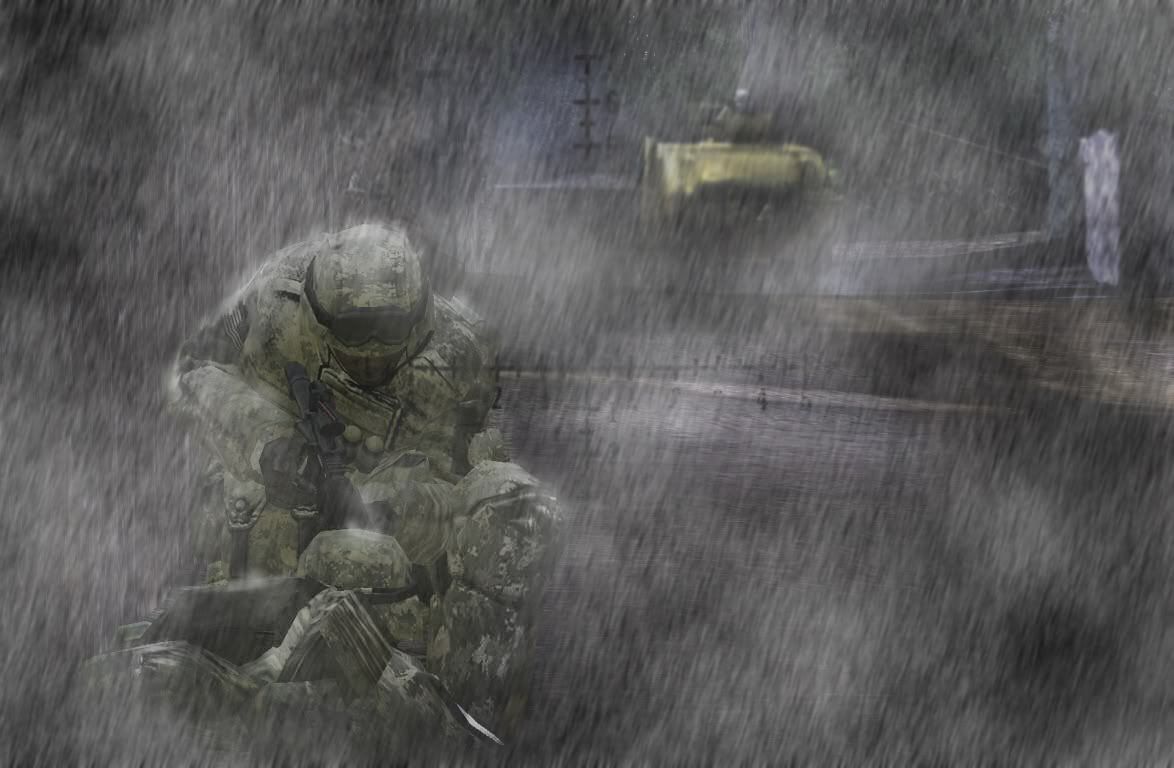
by Someone from TG (ill find out later)


By me

edit of a pic taken by me edit by surround

edit of a pic taken by [R-CON]Alex6741 edit by surround

by HunterMed


both by [R-DEV]Bosco

by [R-DEV]Rhino
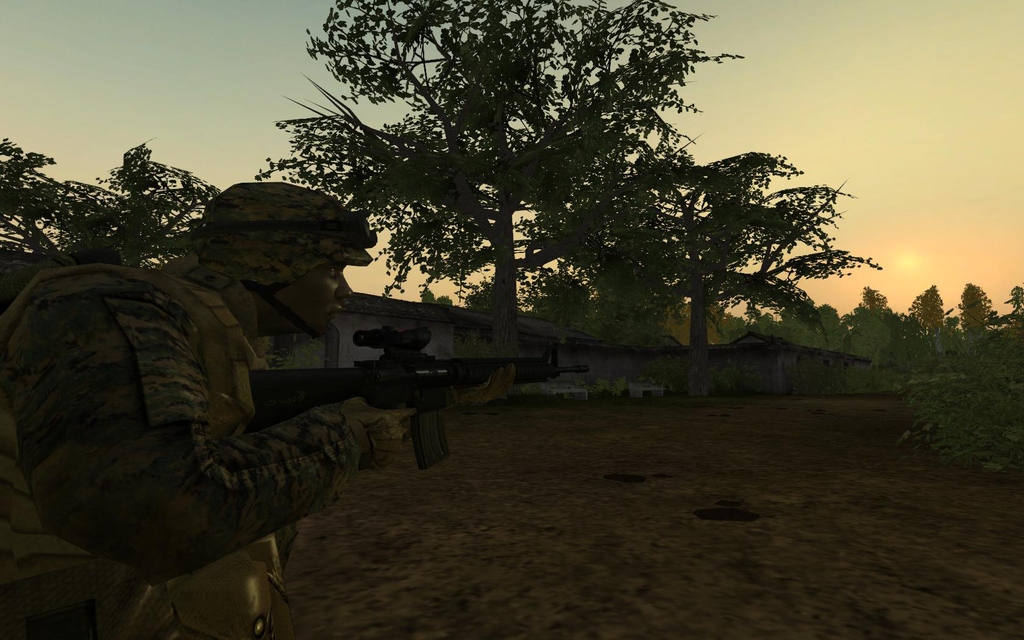
by [R-DEV]Nickbond (PNG what a noob
)
Re: PR v0.8 Screenshots
Posted: 2008-11-15 21:17
by Dude388
SuperTimo wrote:awesome stuff scot
we need a picture editing specific thread. id love to see if some one could take one of my many typhoon screen shots on qinling and turn it to night with rain
how do you make that rain effect? I ive been shown before that you add noise and then motion blur it, but it looks **** most of the time
You asked about it so here's by BETA version of one of the pics. NOT FINAL!(unless you like it that way :wink

P.S. The rain effect is kinda odd to do and a bit long, I'll just send you how to in a PM.