[R-DEV]IronTaxi wrote:in the init.con....no?
renderer.globalStaticMeshLodDistanceScale 1
renderer.globalBundleMeshLodDistanceScale 1
renderer.globalSkinnedMeshLodDistanceScale 1
no that's not it taxi.... that changes the scale at the distances the LODs change, not the distances for how far the object culls, you can set the object to change from lod1 to lod2 at 500m but the object might stop culling (drawing) at 200m or w/e.
HughJass, if you want to change the cull distance for a specific object then the line your looking for which is part of the objects .tweak file is:
ObjectTemplate.cullRadiusScale 1
at default its 1 but in most cases this is set to 5 for most objects in PR.
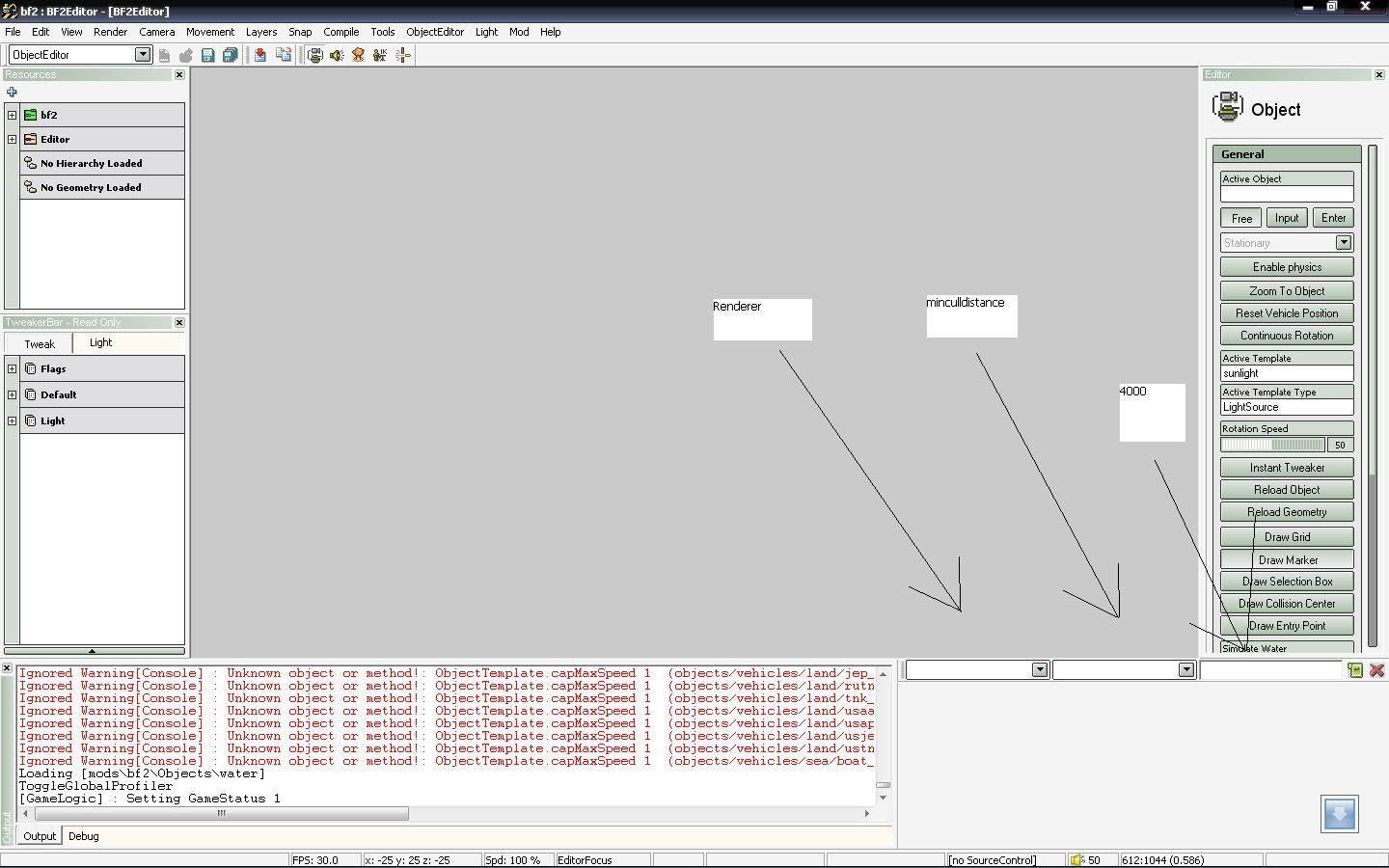
the Cull / draw radius is based on the objects size when exported, you can't change that without making the object itself bigger, but you can change the scale of its cull, keeping it at 1 keeps it at its default, but making it 2 makes it draw for around 2x its distance and so on. Best to just open the object editor up and without using the renderer.minculldistance command see how long it draws for then get it right, if its a large object you will want it culling for a very, very long distance and then let the map's view distance decide when to stop drawing it.
In the object editor you can tweak it here:

you can also put the "renderer.minculldistance" command into the init.con file but I would VERY strongly advise against this as you will be drawing every tea mug upto the point specified or until the view distance kicked in. Culling is process that is very much needed to weed out the small objects that no longer effect game play and are worth not drawing at all as you can hardly see them. This would also effect the low gfx users which struggle enough with running PR.
Thou I do force that command (and a few others) some times when I'm taking final screenshots of a map etc but that's only because its just a screenshot and I have a high end system, and even then my FPS get shot up

Hope that helps.