Page 1 of 1

[help] Gmax on click black screen.

Posted: 2009-04-08 13:38
by chargat
I wasn't sure wether to post this here or in the tech support forums, but eventually posted it here due to the fact it had to do with modelling.

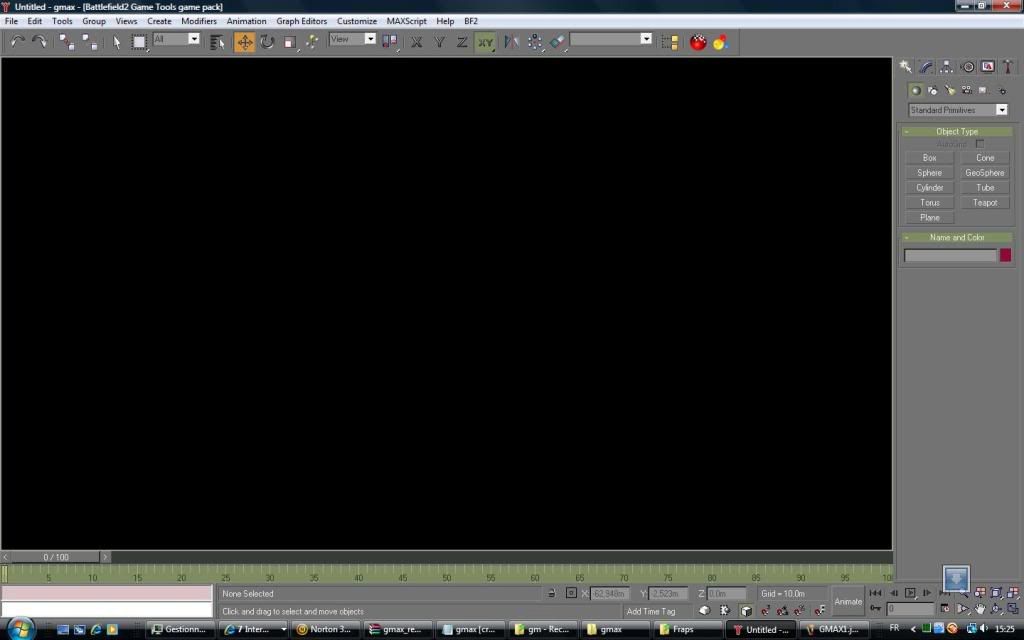
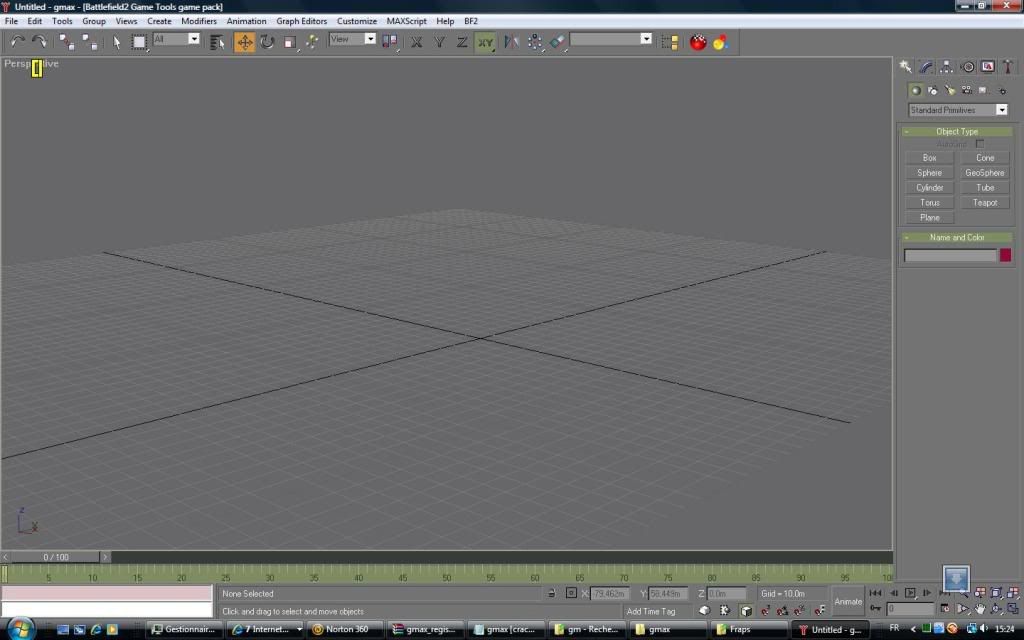
So basically, I have just installed Gmax with as objective to start modelling. It seems to work fine (pic 1), but when I click (LMB/RMB/mouse roll) the screen goes black (pic 2)

Pictures :
pic 1:
Image

pic2
Image

If anyone knows how to sort it out, please tell me. Any help would be apreciated,

Chargat.

Re: [help] Gmax on click black screen.

Posted: 2009-04-08 14:13
by e-Gor
I don't know what the problem would be, but here are a few things to try:
- Run in compatability mode for windows XP
- Run with desktop composition disabled (both this and compatability mode can be turned on by right clicking the exe, properties, compatability tab)
- Try a different display mode - in the gmax folder in the start menu I think there should be a 'change graphics mode' shortcut or something. If you're currently using directx, try openGL or software rendering. Software will make it run slower, particularly with larger scenes, but is perhaps more likely to work correctly.

Re: [help] Gmax on click black screen.

Posted: 2009-04-08 14:32
by chargat
[R-DEV]e-Gor wrote: - Run with desktop composition disabled (both this and compatability mode can be turned on by right clicking the exe, properties, compatability tab)
Thats the one, thanks.
Also (for others who may encounter this, it is for WinVista.)

Re: [help] Gmax on click black screen.

Posted: 2009-04-08 15:16
by Pte.Paynter
chargat wrote:Thats the one, thanks.
Also (for others who may encounter this, it is for WinVista.)
Roger That :p

:mrgreen: :mrgreen: :mrgreen: :mrgreen: :mrgreen: