Page 1 of 1
flickering shadows on ground
Posted: 2010-08-12 09:16
by Kulik242
Hi, can somebody help me with this, i get these black flickering spots on my terrain, it seems like something to do with lightning but changing the settings of shadows and lights had no effect (its an ATI card with up to date drivers)
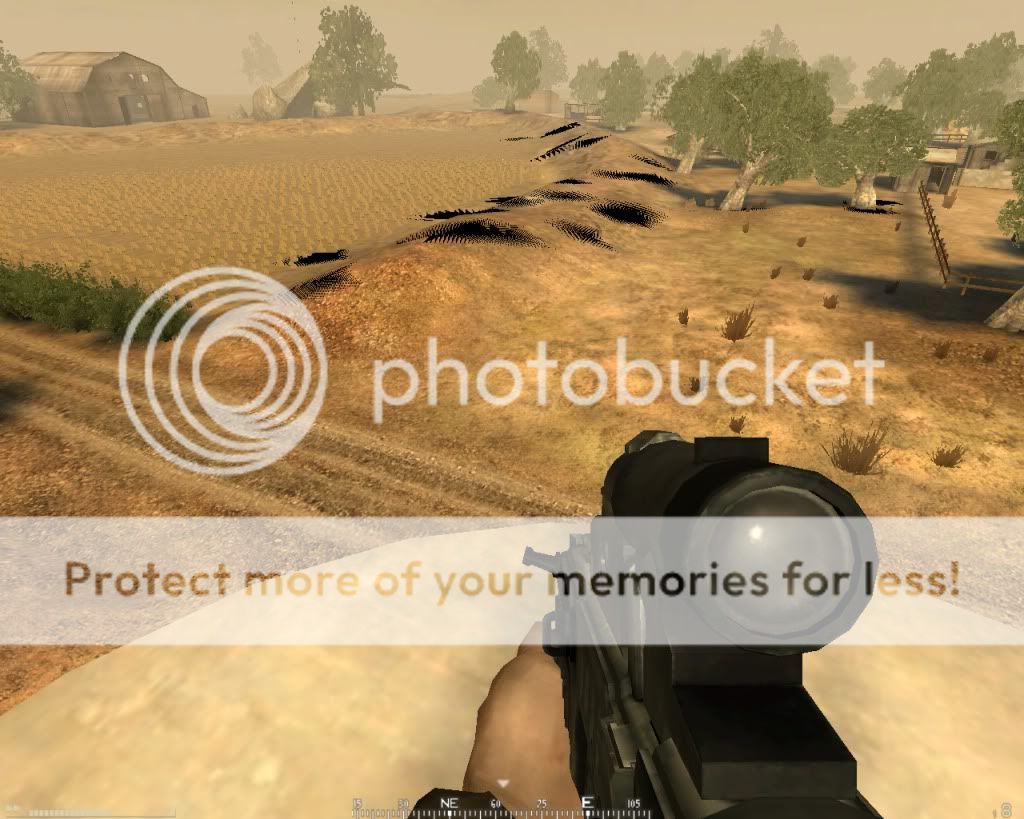
Re: flickering shadows on ground
Posted: 2010-08-12 10:03
by AfterDune
I had that exact same thing the other day. Do you have Mz Ram Booster and Gamebooster running?
I had the same issue only a couple of days ago. I think this is caused by Mz Ram Booster for cleaning up RAM and CPU Cache too often. If that doesn't help, visit your ATI control panel and put your settings back to default, see if that fixes anything. And another thing is to use BF2 Cleaner to clean up BF2's cache, though I doubt this last option is the problem.
This is what it looked like on my end;
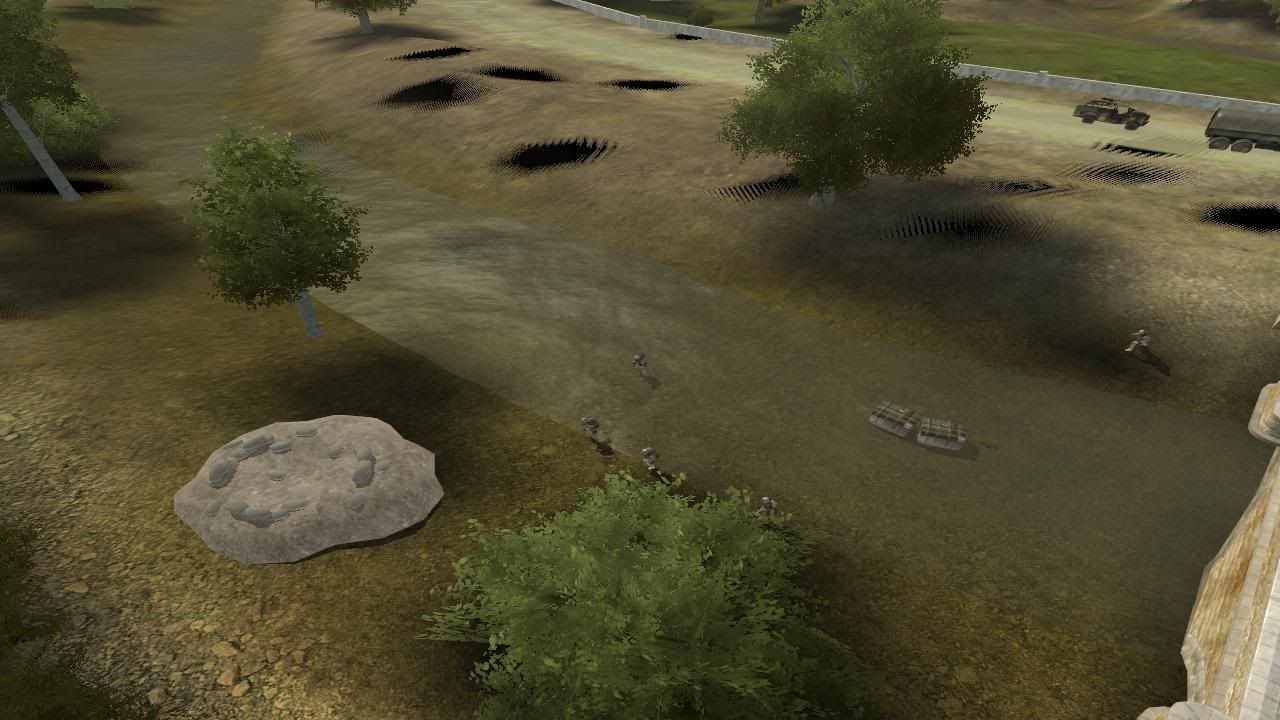
Turned out, I played with way too many graphical settings in BF2, ATI and running boosters. But now, everything's fine again, running everything maxed out and no weirdnesses anymore

.
Re: flickering shadows on ground
Posted: 2010-08-12 15:11
by Kulik242
Thanks, for me setting terrain detail to low fixed it.
Re: flickering shadows on ground
Posted: 2010-08-12 21:39
by AfterDune
Okay. Though low terrain looks really bad

.
I believe it was Rudd who said he found another fix for it. Something to do with vertical sync and something else (forgot what he said). Should both be turned off anyway. So if your system can handle it, you could take another look at your ATI settings.
Re: flickering shadows on ground
Posted: 2010-08-12 21:44
by Rudd
I believe it was Rudd who said he found another fix for it. Something to do with vertical sync and something else (forgot what he said). Should both be turned off anyway. So if your system can handle it, you could take another look at your ATI settings.
vsync and thread optimisation iirc, when I had a ATI card that is what fixed it
Re: flickering shadows on ground
Posted: 2010-08-15 05:48
by LithiumFox
Also if you have an ATI card, turn on ATI Catalyst AI.... If you turn it off you get those D: