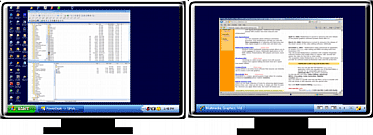
Dual monitor question
Posted: 2011-01-29 17:10
Ok so my brother is using his old monitor, so i figured why not try a dual monitor setup with this 19" ? so i am, if i get use out of it ill keep it, if not ill lose it.
I want, and currently have, Gaming on one screen and mumble/xfire/browser on the 19". This is great as it allows me to monitor them without alt tabing, but to use them on the other screen it alt tabs my game. Any way to correct this? do any of you have a dual monitor set up? what do you use it for.
I guess its because them programs are still being run on my main monitor, anyway to give the second a task bar of its own and run programs on it? or will i need another computer for that?
I want, and currently have, Gaming on one screen and mumble/xfire/browser on the 19". This is great as it allows me to monitor them without alt tabing, but to use them on the other screen it alt tabs my game. Any way to correct this? do any of you have a dual monitor set up? what do you use it for.
I guess its because them programs are still being run on my main monitor, anyway to give the second a task bar of its own and run programs on it? or will i need another computer for that?
 .
.