Java Apps are Blurry

Discussion on Computer Software & Operating Systems
Post Reply
Papajonathan
Posts: 22
Joined: 2009-12-21 22:05

Java Apps are Blurry

Post by Papajonathan »

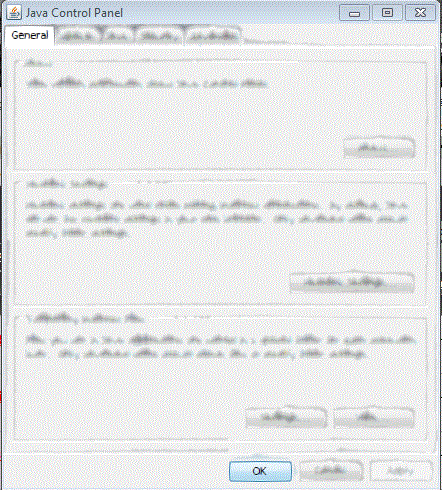
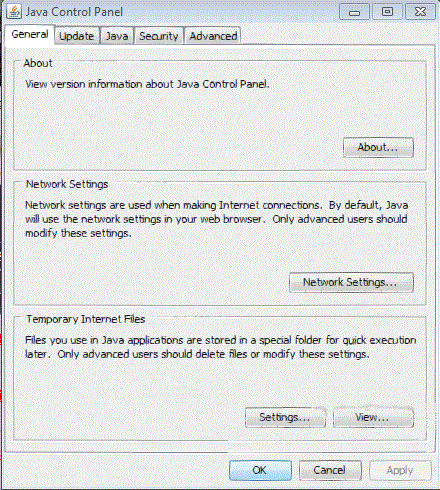
I Have never had this problem before, so it's beyond me. Java applications all look blurry, texts, images, anything that uses java (Java code works fine though, so I think it's a graphics thing).
This happens
Image

and most of the time like this.
Image

That's Java itself, I've done nothing to them.

Anyone have an idea what the problem could be?

Windows 7 Prof 64-bit
ASUS Crosshair IV Formula AM3 AMD 890FX
AMD Phenom II x6 Thuban 3.0Ghz
G.SKILL 6gb DDR3 1333 RAM
Gigabyte AMD Radeon ATI HD 6870 1GB
CORSAIR CMPSU-750TX 750W
COOLER MASTER HAF X RC-942-KKN1
Last edited by Papajonathan on 2010-12-29 21:42, edited 1 time in total.
SnipingCoward
Posts: 2326
Joined: 2007-12-31 22:40

Re: Java Apps are Blurry

Post by SnipingCoward »

Looks a bit like that AERO glass effect is being applied. As if the application is believed to be behind something. Maybe try turning down windows visual effects, to see if its the cause.
Got a PROBLEM? Check this: PR:BF2 Installation Guide

Got a common QUESTION? check here first: PR:BF2 FAQ, MUMBLE FAQ

"Hello, IT! ... Yes, have you tried turning it on and off again?"
Papajonathan
Posts: 22
Joined: 2009-12-21 22:05

Re: Java Apps are Blurry

Post by Papajonathan »

At the risk of sounding like an idiot, how would I do that? I haven't quite made the adjustment from XP to 7 yet.

Oh nvm, I found it. I turned off all visual effects to see if it changes any, but same problem.
Last edited by Papajonathan on 2010-12-30 00:30, edited 1 time in total.
Reason: New info
Windows 7 Prof 64-bit
ASUS Crosshair IV Formula AM3 AMD 890FX
AMD Phenom II x6 Thuban 3.0Ghz
G.SKILL 6gb DDR3 1333 RAM
Gigabyte AMD Radeon ATI HD 6870 1GB
CORSAIR CMPSU-750TX 750W
COOLER MASTER HAF X RC-942-KKN1
Papajonathan
Posts: 22
Joined: 2009-12-21 22:05

Re: Java Apps are Blurry

Post by Papajonathan »

Found another thing that gets fuzzy on me. If I put Windows Media Player into full screen it does the same thing as in shown above, but only in full screen. I don't use Windows Media player often cause I use GOM which doesn't blur in full screen, but maybe knowing this might help find an answer.
Windows 7 Prof 64-bit
ASUS Crosshair IV Formula AM3 AMD 890FX
AMD Phenom II x6 Thuban 3.0Ghz
G.SKILL 6gb DDR3 1333 RAM
Gigabyte AMD Radeon ATI HD 6870 1GB
CORSAIR CMPSU-750TX 750W
COOLER MASTER HAF X RC-942-KKN1
Post Reply

Return to “Software”