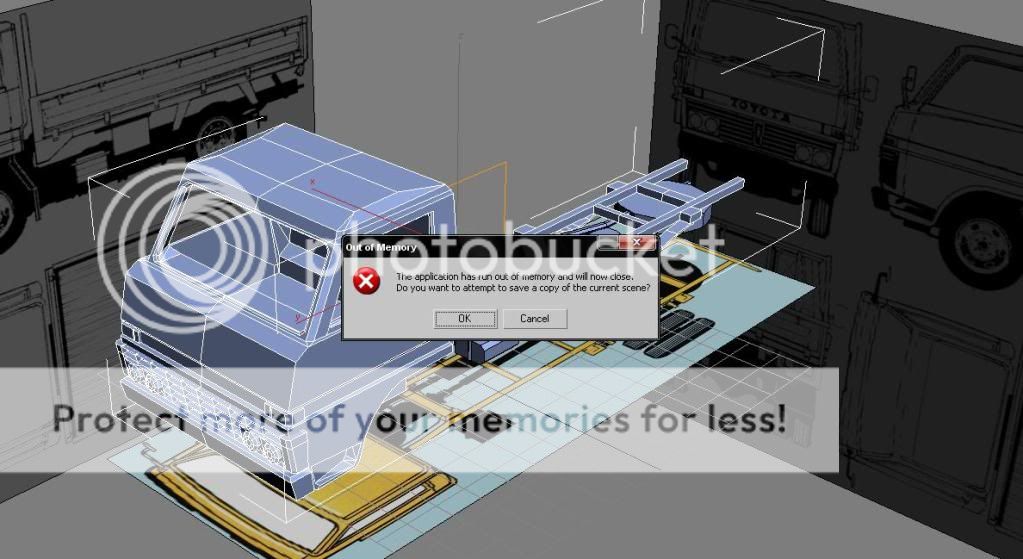
There are at least 2 options (and a lot more) I'd recommend. Though I don't know how much this will increase you performance.
Option 1 - Increase your Page-file size. This is "virtual RAM" managed by your (windows)system. It assigns the actions it can't deal with at the moment to the "page-file" located on your hard-drive. When it can handle them again, it calls the stored actions from the hard-drive and executes/finishes them.
note: This is slower then your system RAM, but it's a good alternative to buying more RAM or closing all your programs. Depending on how much RAM you have in your system I'd recommend it. (up 'till about 3 gigs is worth your while I think. Because your sytem RAM can handle all those actions a lot quicker then your HDD). Also: Make sure you don't increase the size to 3 times your current system RAM.
Find out how to increase your page-file size here:
Change the size of virtual memory - and do some googling to find out what's best for you.
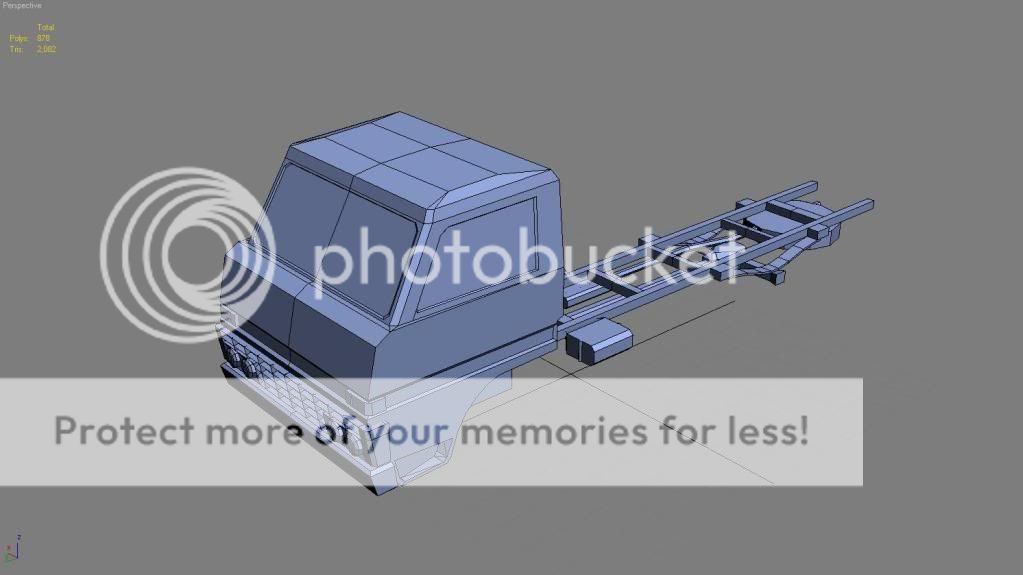
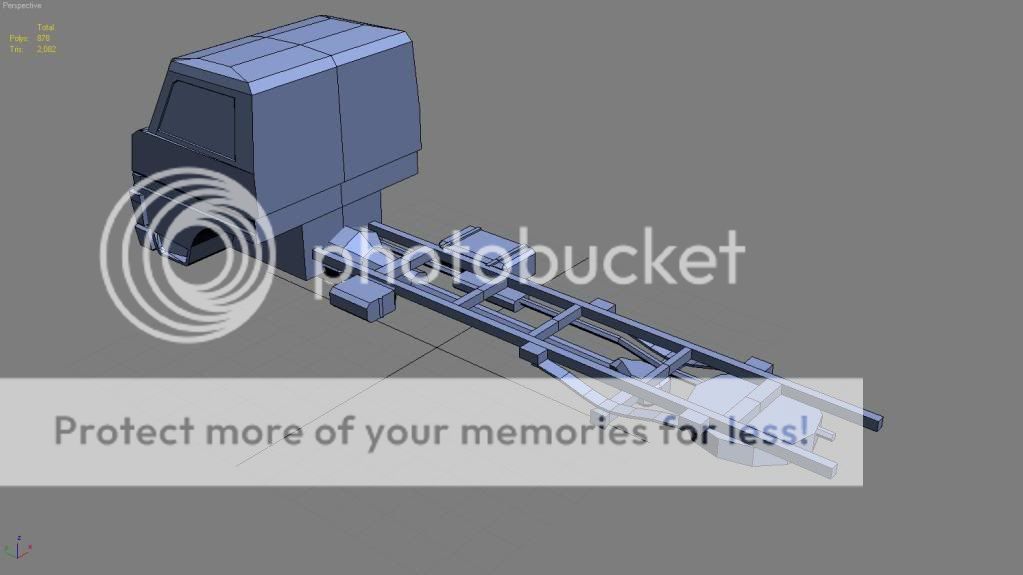
Option 2 - Hide some of the parts of your vehicle in 3ds Max. This will help the system cope with higher tri counts etc. Though might get confusion + not exactly how much you want to do that (since I'm a noob with 3ds Max myself). Try a google for that too

.. Hope this helps?
-edit: I'm not sure if the page file would do anything in a case with 3ds Max, but it's worth a try

(worked for my old computer when I first started playing BF2

)
-edit2: You might consider assigning the 3ds Max process a high priority (can be done in task manager) but I'm not even sure that would do anything.. Just something I though of just now.. Who knows
-edit3: (lol.. 3 edits) PS. The model looks awesome so far!