So with the PR 1.0 Open Beta the new PR mumble works differently then before. And quite a few people are having trouble trying to set it up correctly.
One very important note to start with: PR 1.0 beta uses a different mumble then 0.98, so you don't need to launch that one for the open beta.
The new mumble auto-launches when you join a PR 1.0 beta game and was installed when you installed the beta.
1. Where is mumble? How can I change settings?
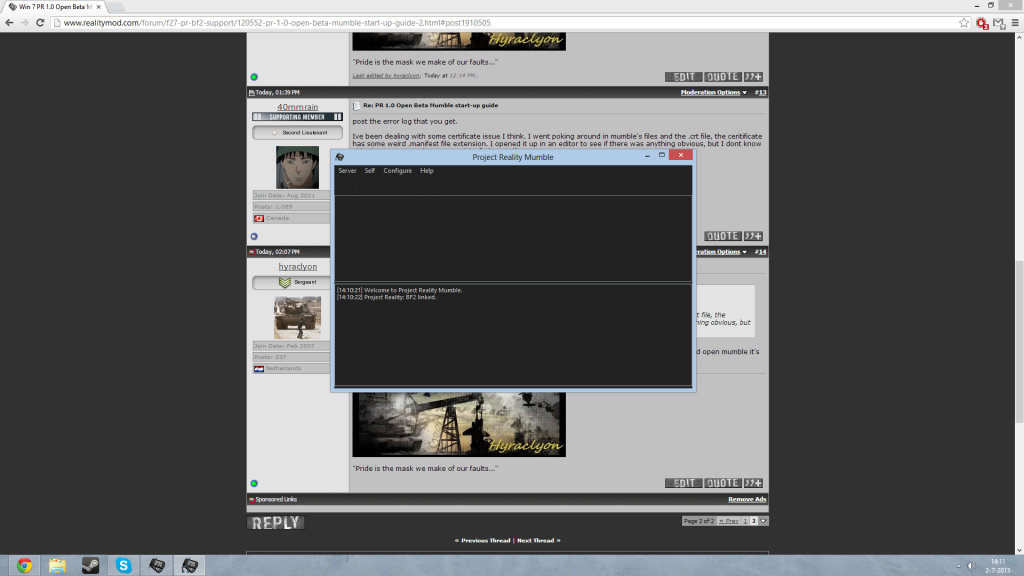
It will start minimized and have a icon in your tray. Now there is a bug that this icon can go invisible, but it's still there and clickable. This is fixed in a future release.

You can click on it and then you will see the full window. Now simply go to Configure->Settings and you will be able to change the settings as before. You should definitely take a look at the Input and Output devices(mic and speakers) to make sure those are correct.
If you want to change your buttons simply change them in the Shortcuts tab.
NOTE: You MUST minimize PRMumble to Tray before playing PR, or PRMumble will capture focus and alt-tab you out of PR continuously.
2. Can't I pick an overlay anymore?
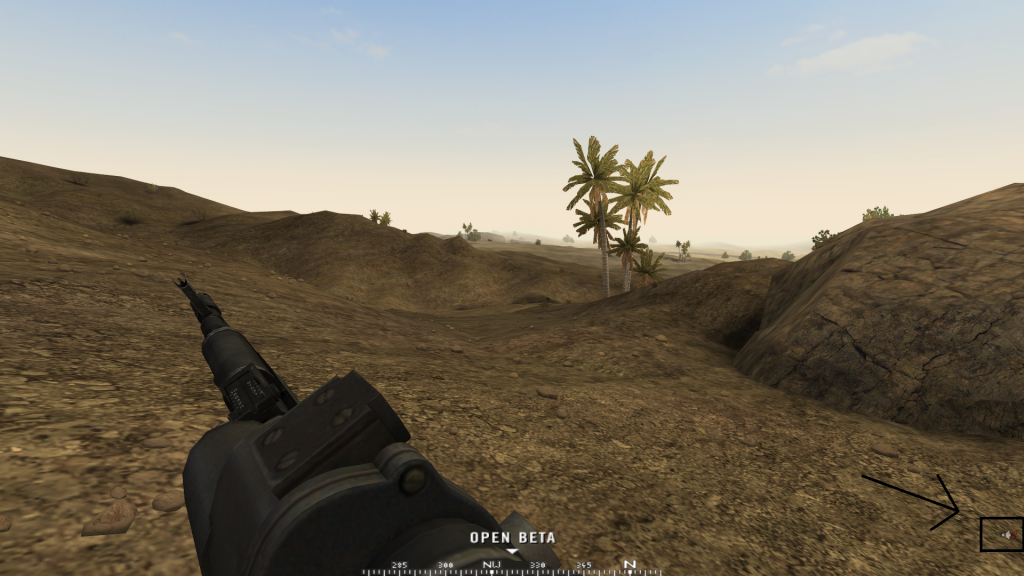
There is no more need for an overlay in PR 1.0 Open Beta. This is now build in to the HUD of the game.

3. How do I know if mumble is working fine? What if it crashes?
While in-game you will also have icons to the right bottom corner showing you a status of your current mumble.

From left to right:
- You are transmitting audio
- Your mic is muted
- Your sound is muted
- Your mumble is disconnected
If you alt+tab out of the game you will see the Crash report. Simply send or don't send it and mumble will autorestart and will work again.
If you have any other issues post them on the forums so they can be used as feedback for a future PR update.
have fun in the beta