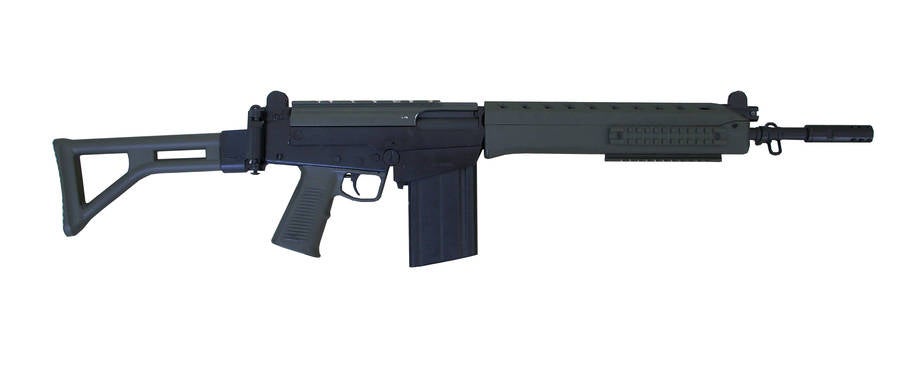
There are still loads of unnecessary veracities all over this model. Worst bunch are on the side rails...

Tell your modeller to go over all of your model looking at every bit in edged frame mode and tell him to ask himself, is that vert doing anything there? If yes, leave it, if no, remove it.
EDIT: I'm debating telling you about this but its a useful tool if used with care so I will. There is also the optimize modifier you can apply to your object, which dose what it says on the tin it optimizes you model, removing useless verts etc. The problem with it however is not only dose it miss a lot of things it can optimize, it can also screw up your model and if your model has any UVs, it will also screw them up big time too. As such its best use is to actually just look and see what it dose, and by switching it on and off while looking at different parts of your model in edged frame mode, will show you some areas you can then optimize by hand afterwards. But like I said I would advise only using it to preview optimizations, then removing it to do them by hand, rather than using it to optimize the model unless you know excatly what your doing with it and then only in a few select cases.