

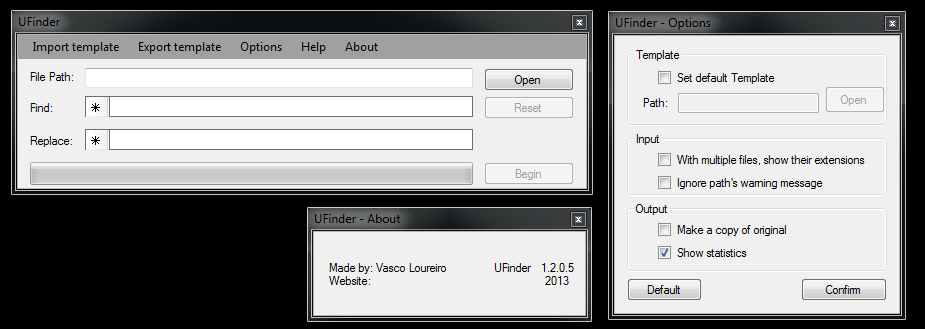
Well in that case, first of all, for the sake of making things as least confusing as possible and keeping it consistent with other programs "Replace:" should be "Find:" and "With:" should be "Replace:". Just a bit of nit picking
Next it would be good to have the "Find" box bigger, I had over 10 words to put in there and couldn't really see what I was working with. Ideally if the box could be in a sort of columns format where you could see each word line by line? Having a comma on the end of the word is fine but would be good if after the comma you could have a "next line"? Same also goes for the "Replace" (currently "With") box
Lastly, although this is kinda out of context with the rest of the changes, it would be really good if you could load a text file with multiple find and replace strings to then apply to your file. Something like:
Code: Select all
Find: A,B,C,D,E
Replace: a,b,c,d,e

Find: f,g,h,i,j
Replace: F,H,H,I,J

Find: K,L,M,N,O,P
Replace: K,L,M,N,O,P

etc...If not, as I said its not a problem but would speed the process up quite a bit each time I need to do this, but nothing urgent
Cheers!




 )
)