
Zoom in tanks
-
czesiek77
- Posts: 26
- Joined: 2014-04-20 18:56
Re: Zoom in tanks
Does it work with SmokeLaunchers too?
-
Mats391

- PR:BF2 Lead Developer
- Posts: 7643
- Joined: 2010-08-06 18:06
Re: Zoom in tanks
Hmmm? I dont understand what you mean.czesiek77 wrote:Does it work with SmokeLaunchers too?
You mean when you switch away from coax and to the smoke launcher? It would be the same principle then.
You could also try to make a third weapon that is on the PIFlareFire slot and is always active (using blank projectiles+infinite ammo). Then add the zoom comp to that as well as use guiIndex from it (not sure if this will work). This way you wouldnt lose the zoom level when switching away from the coax gun.
-
czesiek77
- Posts: 26
- Joined: 2014-04-20 18:56
Re: Zoom in tanks
It is working now, God bless you.
-
Mats391
- PR:BF2 Lead Developer
- Posts: 7643
- Joined: 2010-08-06 18:06
Re: Zoom in tanks
Greatczesiek77 wrote:It is working now, God bless you.

Which solution did you go with?
-
czesiek77
- Posts: 26
- Joined: 2014-04-20 18:56
Re: Zoom in tanks
I created "empty" coax guns and now I got what I wanted Thanks.
Thanks.-
czesiek77
- Posts: 26
- Joined: 2014-04-20 18:56
Re: Zoom in tanks
Is there any way to create in HUD a square border for horizon, that if a part of horizon pass it, that part dissapears? I mean something like compass but for horizon and including vehicle banking and normal moves of horizon. Like here :http://1.bp.blogspot.com/-vSYJkBbEQC4/U ... nation.jpg
As you can see there is only part of horizon becouse that part is visible on that glass. I want to achieve something like that.
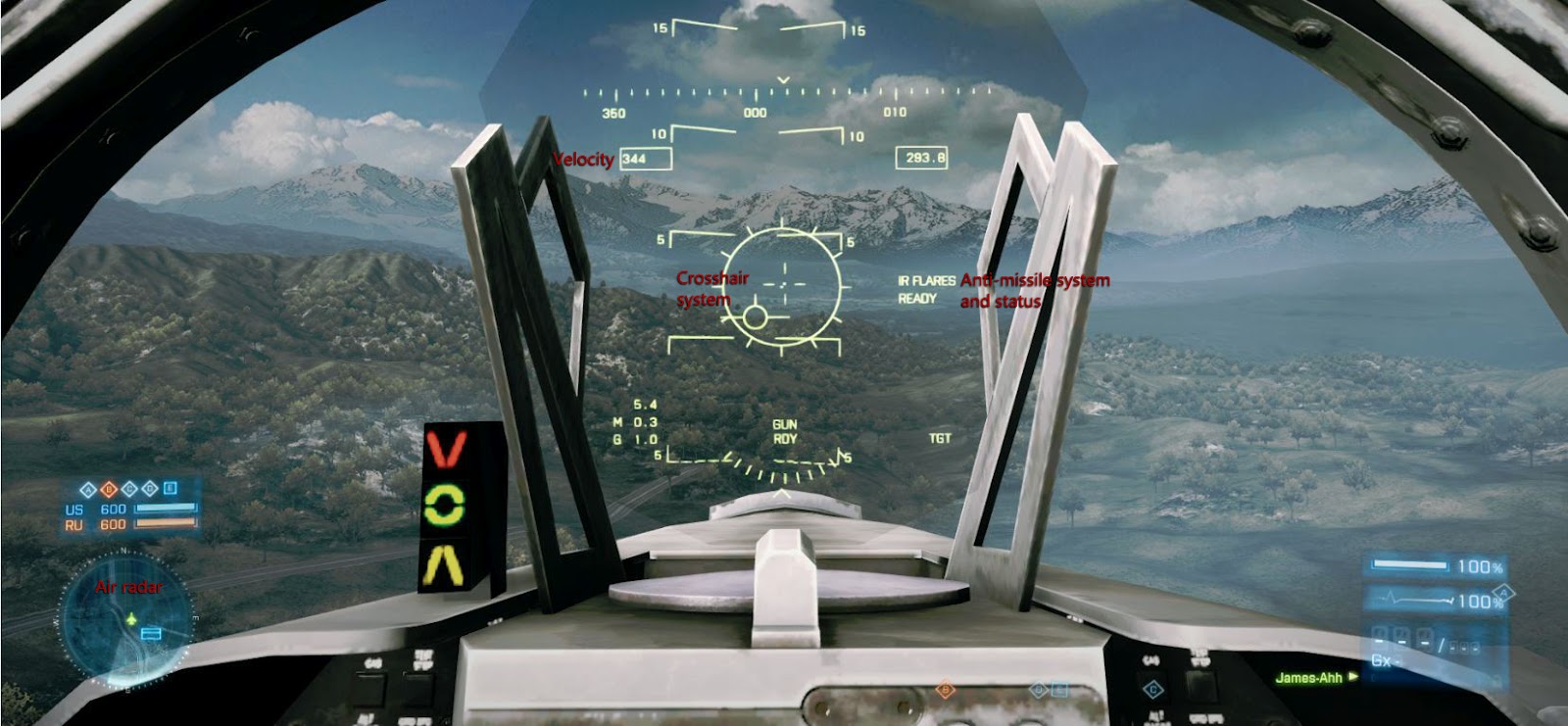
As you can see there is only part of horizon becouse that part is visible on that glass. I want to achieve something like that.
-
Mats391
- PR:BF2 Lead Developer
- Posts: 7643
- Joined: 2010-08-06 18:06
Re: Zoom in tanks
I dont know an direct answer to this only some things you could try.
1. Use "AngleOfAttack" variable in a CompassNode
2. Use a TransformNode and add the textures to that. Transform nodes are kinda like SplitNodes but do have a specific size, maybe it wont draw outside of the nodes size then.
Im not sure if either will work. Maybe someone has a better answer to this.
1. Use "AngleOfAttack" variable in a CompassNode
2. Use a TransformNode and add the textures to that. Transform nodes are kinda like SplitNodes but do have a specific size, maybe it wont draw outside of the nodes size then.
Im not sure if either will work. Maybe someone has a better answer to this.
-
czesiek77
- Posts: 26
- Joined: 2014-04-20 18:56
Re: Zoom in tanks
How to use this TransformNode? And I was thinking about one more. What that extra numbers in compass means?
Code: Select all
hudBuilder.createCompassNode PilotHud JETCompass [b]3[/b] 130 50 533 43 [b]1[/b] [b]0[/b]-
Mats391
- PR:BF2 Lead Developer
- Posts: 7643
- Joined: 2010-08-06 18:06
Re: Zoom in tanks
TransformNode is similar to SplitNode. You can create other nodes in the TransformNodeczesiek77 wrote:How to use this TransformNode?
Example:
Code: Select all
hudBuilder.createTransformNode	CommanderTools Artillery 0 32 234 100

hudBuilder.createPictureNode 		Artillery CommanderArtilleryBackground 0 1 234 15
hudBuilder.setPictureNodeTexture Ingame/Commander/buttonBig_Up.tgaThe size of a TranformNode is only used for TransformListNode i think. I am unsure if it draws subnodes outside of the initial size, my guess is that it will.
The first digit is for the orientation of the compassnode, so whether it goes from left to right, right to left, bot to top or top to bot. Valid numbers are 0-3. I dont know which number is for what, so dont even askczesiek77 wrote:And I was thinking about one more. What that extra numbers in compass means?Code: Select all
hudBuilder.createCompassNode PilotHud JETCompass [b]3[/b] 130 50 533 43 [b]1[/b] [b]0[/b]

The last two i forgot
