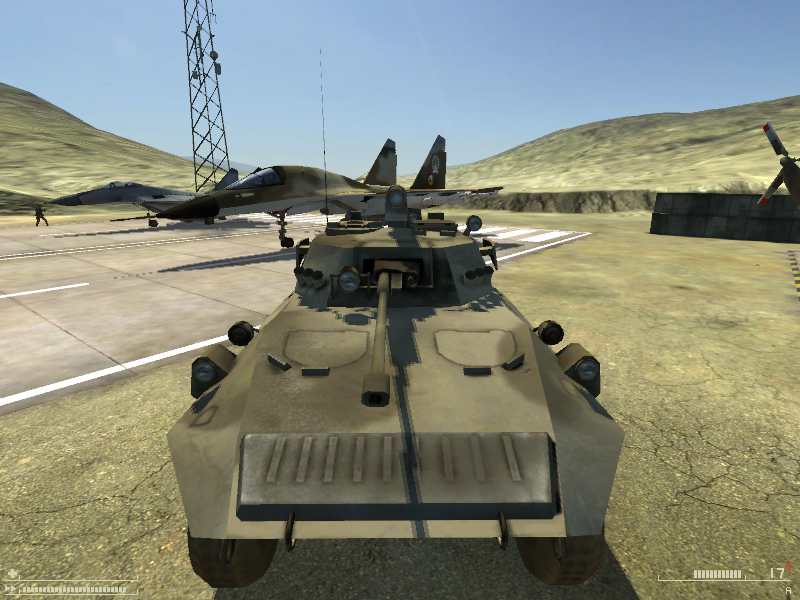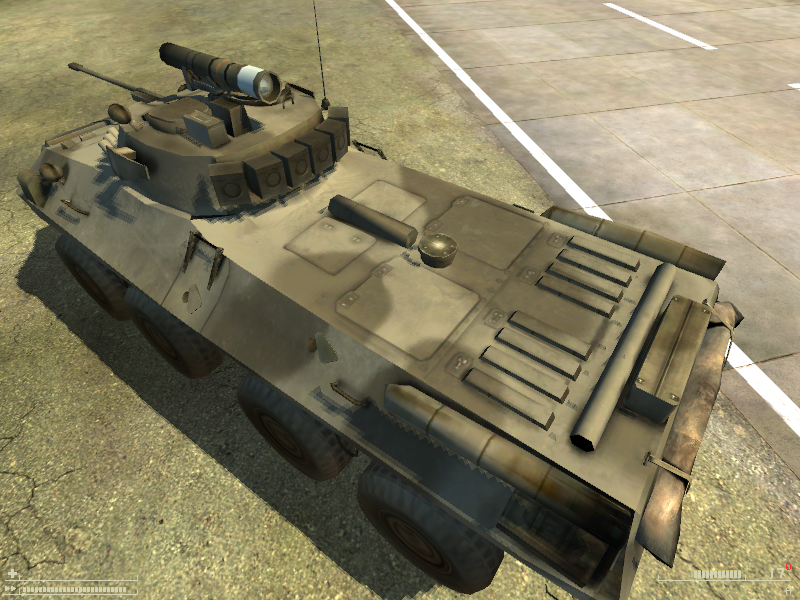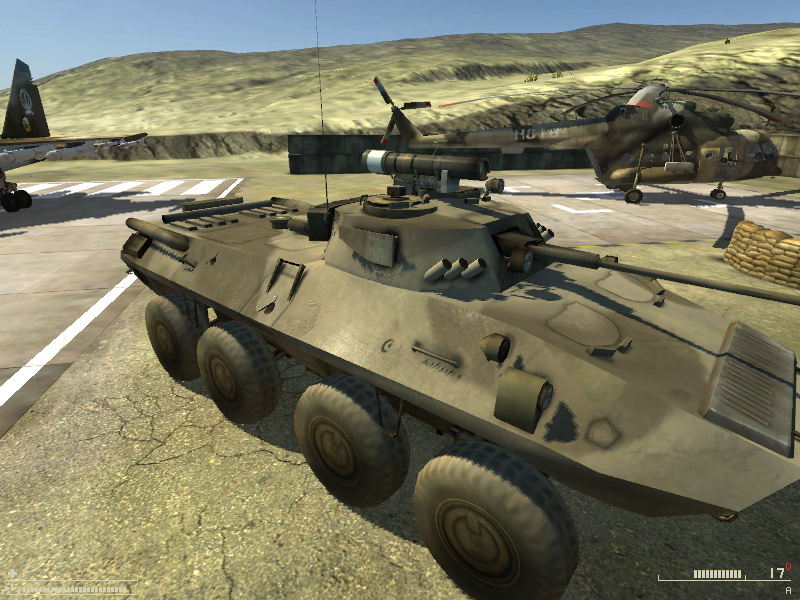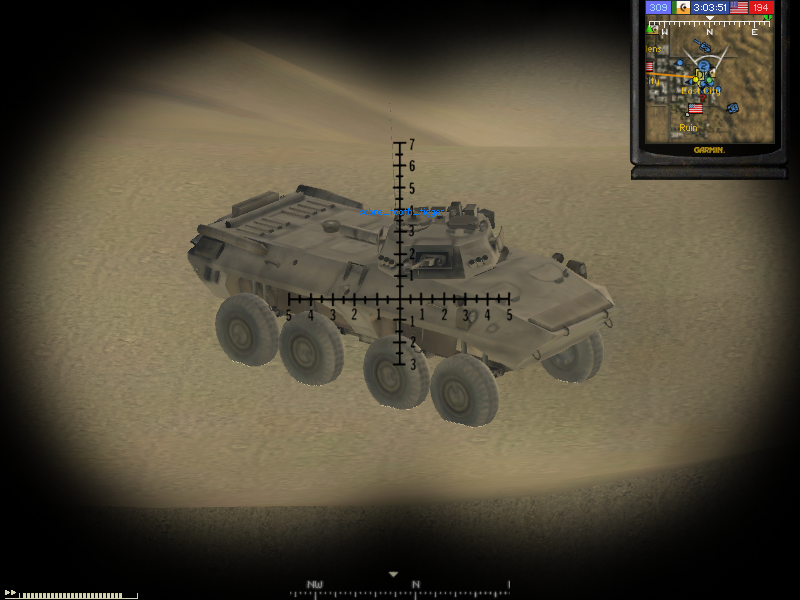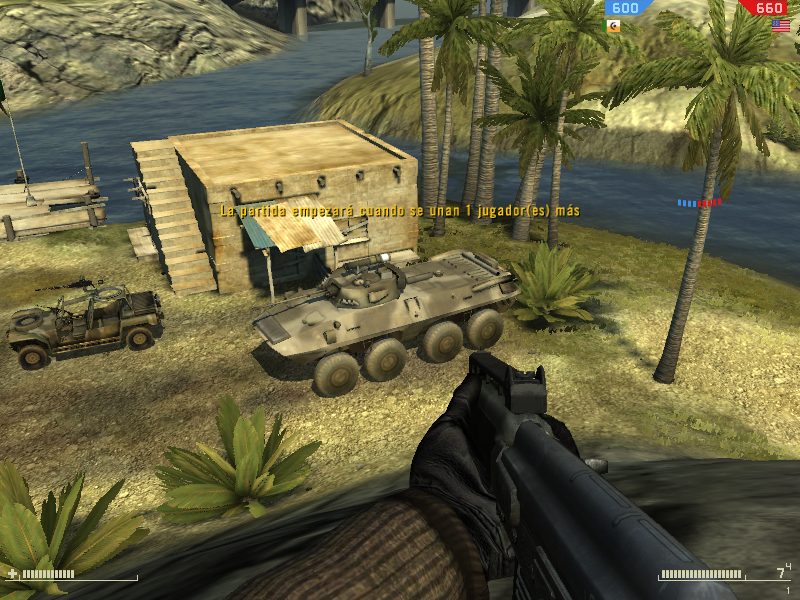
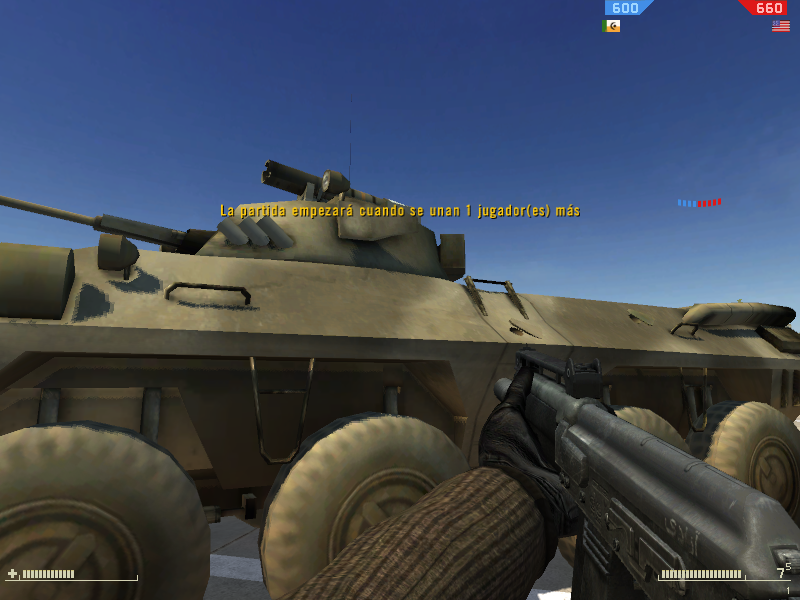
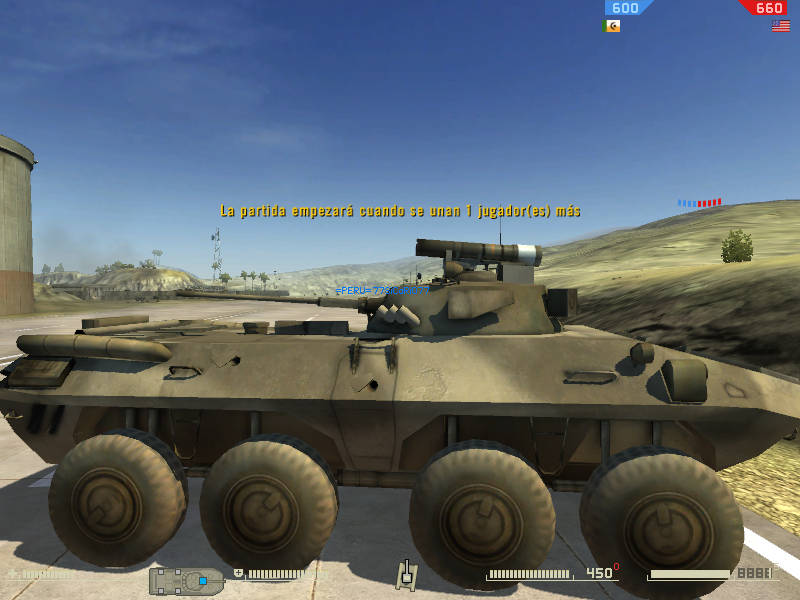
[Texture] BTR-90 MEC reskin

Making or wanting help making your own asset? Check in here
Post Reply
77SiCaRiO77
Retired PR Developer
Posts: 4982
Joined: 2006-05-17 17:44

[Texture] BTR-90 MEC reskin

Post by 77SiCaRiO77 »

Image
Image
Image

70 % done , need to add more details and the flag/icon/number of unit in it .

graphics are all on medium except textures.

KP
Posts: 7863
Joined: 2006-11-04 17:20

Post by KP »

I like it. :D
Image
More guns and bullets make bad guys go away faster,
which in turn makes everyone in the area safer.

-Paul Howe
Outlawz7
Retired PR Developer
Posts: 17261
Joined: 2007-02-17 14:59

Post by Outlawz7 »

More yellow/bright, the brownish colors make it an excellent target in the desert

How come I never figure out, how to skin without ruining the texture or making it solid color without any detail? Is there a tutorial on this?
Image
77SiCaRiO77
Retired PR Developer
Posts: 4982
Joined: 2006-05-17 17:44

Post by 77SiCaRiO77 »

you cant , what i do is paint it and then add a layer with a texture that looks like the original (like a wall, or grass) , then i desature it and play with the blending mode and opacity, until it didnt looks so bad :mrgreen:
Outlawz7
Retired PR Developer
Posts: 17261
Joined: 2007-02-17 14:59

Post by Outlawz7 »

Yeah, but when I tried to reskinn the T90, I ended up erasing the details on it, like turret hatch outlines or metal plates :/
Image
77SiCaRiO77
Retired PR Developer
Posts: 4982
Joined: 2006-05-17 17:44

Post by 77SiCaRiO77 »

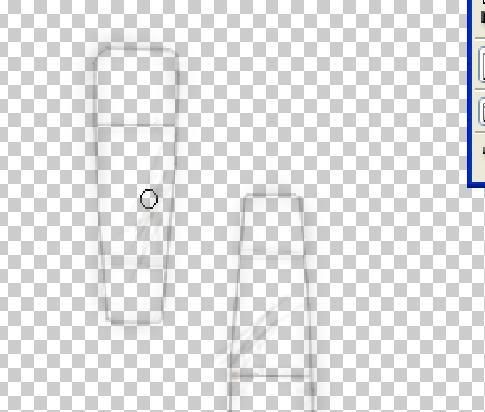
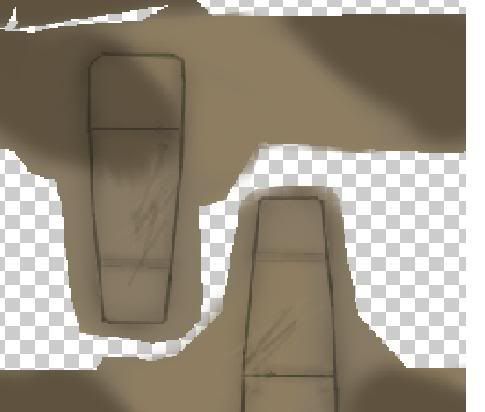
i paint them by hand in a layer , using the brush or the line tool , messing with the gluke of the brush

Image

and then with the color it looks like this

Image

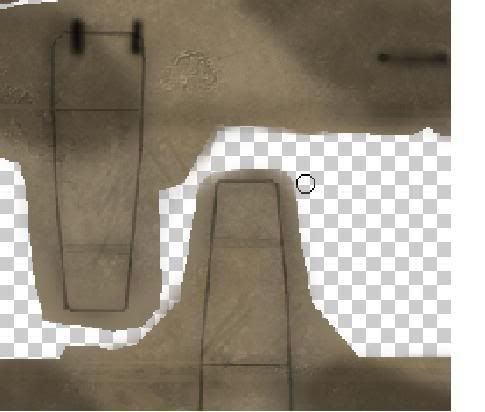
then , create a new layer called shadows, i put the texture there and paint it with black by hand at 30% of opacity


Image
77SiCaRiO77
Retired PR Developer
Posts: 4982
Joined: 2006-05-17 17:44

Post by 77SiCaRiO77 »

90% , still not shure about the color
Image
Image
Image
Pride
Retired PR Developer
Posts: 1467
Joined: 2007-07-19 18:13

Post by Pride »

Nice one.

All i do when re-colouring textures, is go around with the pen tool drawing the camo out line, and copy the areas that will be a certain colour into a new layer. Then i just edit the Hue/saturation for that layer.

Keeps all the detail, but changes the colour.
Image

eddie: the MoD aren't just going to start blurring their faces so they look 'well ard' are they?
BlakeJr
Retired PR Developer
Posts: 3400
Joined: 2004-09-12 12:04

Post by BlakeJr »

77SiCaRiO77 wrote:i paint them by hand in a layer , using the brush or the line tool , messing with the gluke of the brush

Image

and then with the color it looks like this

Image

then , create a new layer called shadows, i put the texture there and paint it with black by hand at 30% of opacity

Image
Umm..."gluke of the brush"???
Nice tips though and I'm sure they will help some budding texture artists. ;)
Image
{ pretty sig removed construction on new one has not begun }
... yet ...
hall0
Posts: 1700
Joined: 2007-06-09 17:20

Post by hall0 »

Looks very good
Prydain
Posts: 325
Joined: 2007-08-26 21:34

Post by Prydain »

Looks so much better than the skin it has. The wheels need a touch up on the APCs, Dice's wheel skin makes it look flat.

Exellent work!
77SiCaRiO77
Retired PR Developer
Posts: 4982
Joined: 2006-05-17 17:44

Post by 77SiCaRiO77 »

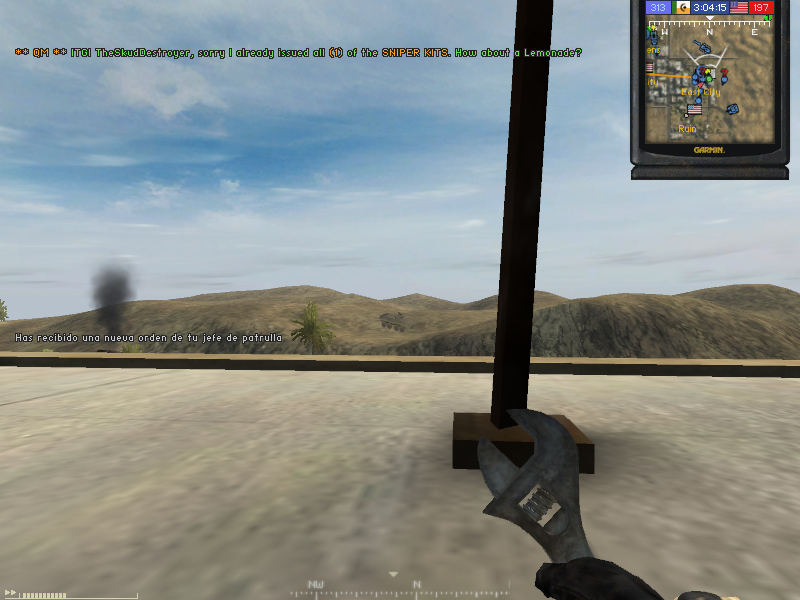
lets play a game , find the APC !!! :mrgreen:

Image


its here !

Image

:p

graphics are on medium , im gonna put a screen with high later .
Post Reply

Return to “PR:BF2 Community Modding”