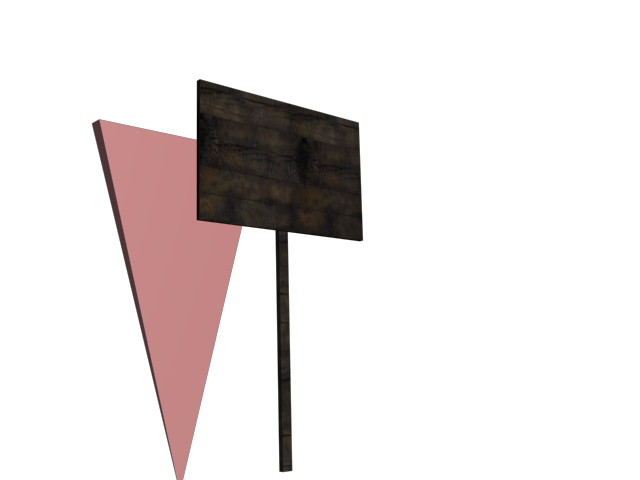
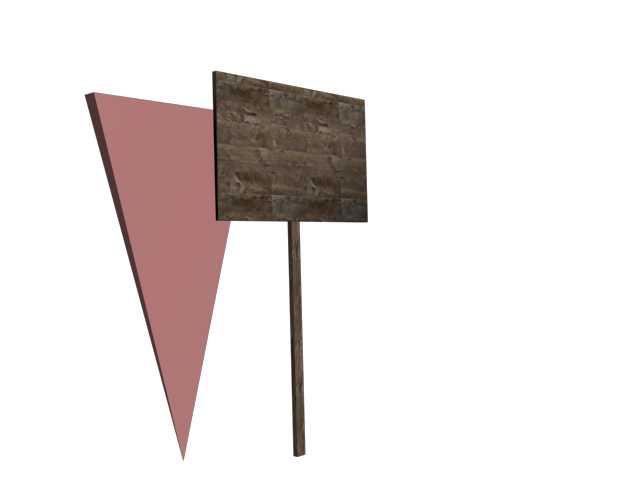
Make sure the model is only 1 item, then clone it 3 times with the following names - keep them at same place as originalZ-trooper wrote:Ok. I'm pretty new to this modelling thingbut we have to learn at some point right?
Let me see if I got this right:
The only things I should make are the unique stuff like the nails and the text, for the wooden part I should use vbf2 texture pallets?
if that is correct, I know very little of how to proceed. I can imagine I sould open the BF editor
But how to save my 3ds max model and import it into the editor, along with saving the unique texture bits and loading them in aswell - I have no idea on how get start. Not even thinking about how to edit it when I finally get that done.
I guess I should just spend some time searching the web for tutorials, reading them, but that will have to wait a bit cause its getting late now.
Anyway, thanks for spotting my errors at this stage. I could just imagine I had finished it and then got shot to pieces
I'm just trying to learn, thats all.


col0 col1 col2
Select everything, the sign & cols, bf utilities in max -> bf2 utilities, select static object from the dropdown menu, click on run.
Now while everything is still selected, run the exporter, assign it a folder[make sure you create it before actually exporting] and export.


 but I'll sure try to get good - and hopefully fast too