Some interesting glitches in PR nothing too serious.

If you find a bug within PR:BF2 (including PRSP), please report it here.
Locked
ralfidude
Posts: 2351
Joined: 2007-12-25 00:40

Some interesting glitches in PR nothing too serious.

Post by ralfidude »

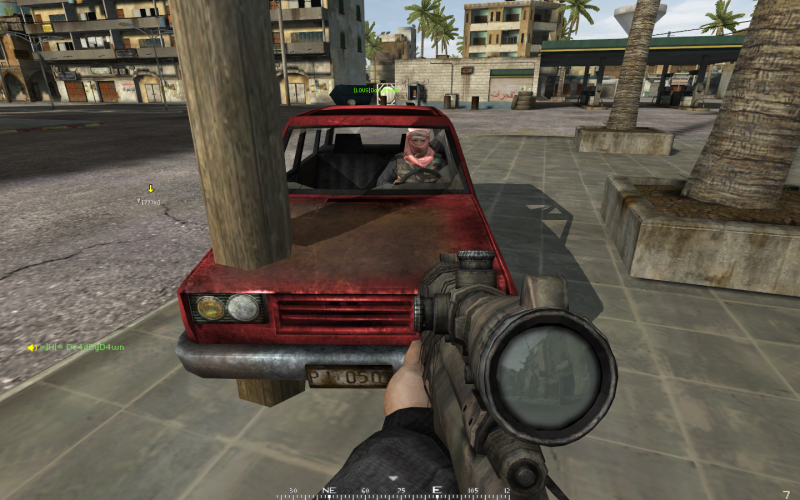
Ok what happened here is that i got my kit and went up to get in the armor, but i over jumped the hatch and landed inside the stupid cage... DONT EVER GET STUCK IN THE CAGE, its an instant death trap!!!
Image
Image
Image

Apparently i got TKed when the scrimitar next to me got manned and took off. Mind u i was still stuck in the death trap and was nowhere near the other scrimitar....
Image


I was about to exploit this glitch but instead i alt-tabbed out of the problem and went about my business fairly... I could see enemies behidn hills clearly.
Image

This one was just weird happens from time to time, when the pilot leaves and the chopper looks like its rotors are still operational.
Image
Image


These are just a few shading things gone wrong in multiple games iv been too, some are preety interesting.
Image
"somebody called in the Navy Seals??"

Image
The big red suicide truck... now comes in BLACK!


Image
My tank crew did this... we didnt know if they were dead or not, kept firing...


Image
OMG ALBRASHAR AT NIGHT MAP!

Image
The challenger also comes in black!


Image
Image
Jesus?
Image
unlocks_r_emo
Posts: 39
Joined: 2007-12-23 10:11

Post by unlocks_r_emo »

all the glitches where something changed to the black colour is because your graphics card was overheating, the same goes for seeing through the ground.
jOHNNYdOUBE
Posts: 637
Joined: 2007-09-13 21:28

Post by jOHNNYdOUBE »

Put a window fan next to your case and open it before you fry something.
Ablack77
Posts: 209
Joined: 2007-06-06 09:48

Post by Ablack77 »

IMO = your video card is dying :(

Have you taken it out and cleaned the dust from the cards fan?
There he goes. One of God's own prototypes.
A high-powered mutant of some kind never even considered for mass production.
Too weird to live, and too rare to die.
SnipingCoward
Posts: 2326
Joined: 2007-12-31 22:40

Post by SnipingCoward »

i had a lot of too black textures in COD4 - updated my GFX drivers to the newest ones and all is fine now (except for that i can't play OGL games anymore... totally bugged)
that would be cheaper than an overheating/dying card ;)

driver: NVIDIA GeForce 7900 GTX 169.21
os: xp pro 64
Got a PROBLEM? Check this: PR:BF2 Installation Guide

Got a common QUESTION? check here first: PR:BF2 FAQ, MUMBLE FAQ

"Hello, IT! ... Yes, have you tried turning it on and off again?"
OkitaMakoto
Retired PR Developer
Posts: 9368
Joined: 2006-05-25 20:57

Post by OkitaMakoto »

Wow, yeah man, thats pretty intense stuff there. Def. your card as thats not game related heheh. [most of what you mentioned at least, dont know about for instance the chopper rotors, I seem to remember that coming up now and then]

I know I know, I just had to buy a new card myself...

Image

and I just got my other replacement a few months ago... *sigh*
ralfidude
Posts: 2351
Joined: 2007-12-25 00:40

Post by ralfidude »

Well the thing is this is a brand new XPS laptop m1330 with a geforce 8400gs i think and an intel centrino duo chip set. i play COD4 on medium settings and everything runs as smooth as a babys butt. These shading instances go away with the alt tab trick but i guess u guys are right. On my desktop back home i have 2 geforce 8600's running the game and i dont think iv ever gotten that shading glitch yet. All my settings are at the lowest for PR on my laptop though.. cant do much more than that for now. Hope i dont fry my baby, but im too adicted to PR to stop.
Image
Deadfast
Retired PR Developer
Posts: 4611
Joined: 2007-07-16 16:25

Post by Deadfast »

Ah notebook.

Might be overheating issue, as notebooks are very notorious for that. Just too many stuff in too small place.

Install some heat-monitoring utility (SpeedFan would be my choice) and post the temperatures when the glitches appear.
Locked

Return to “PR:BF2 Bugs”