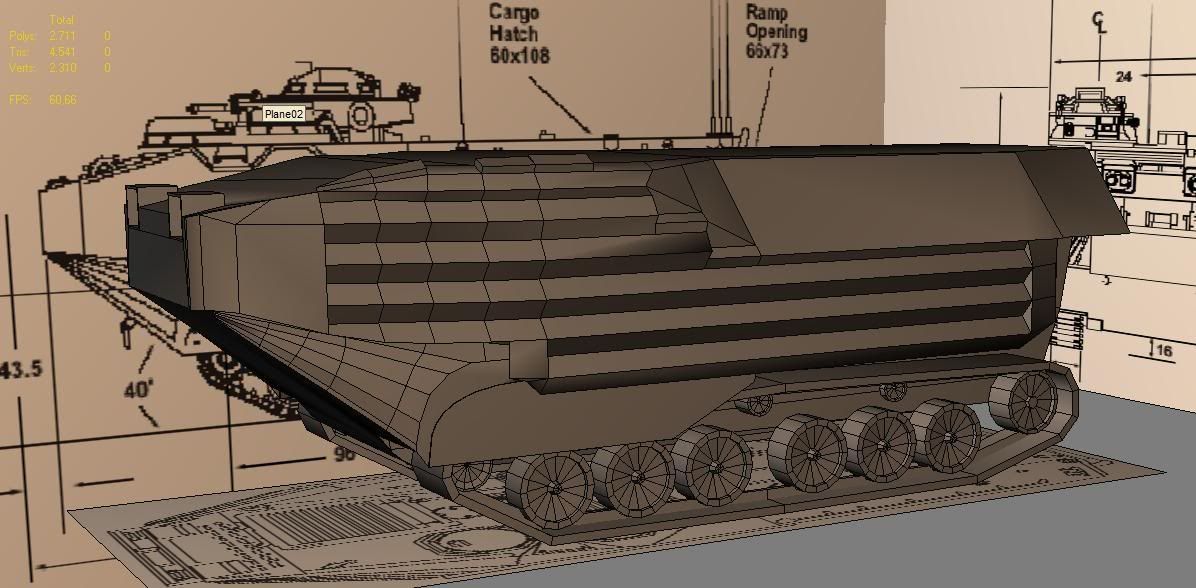
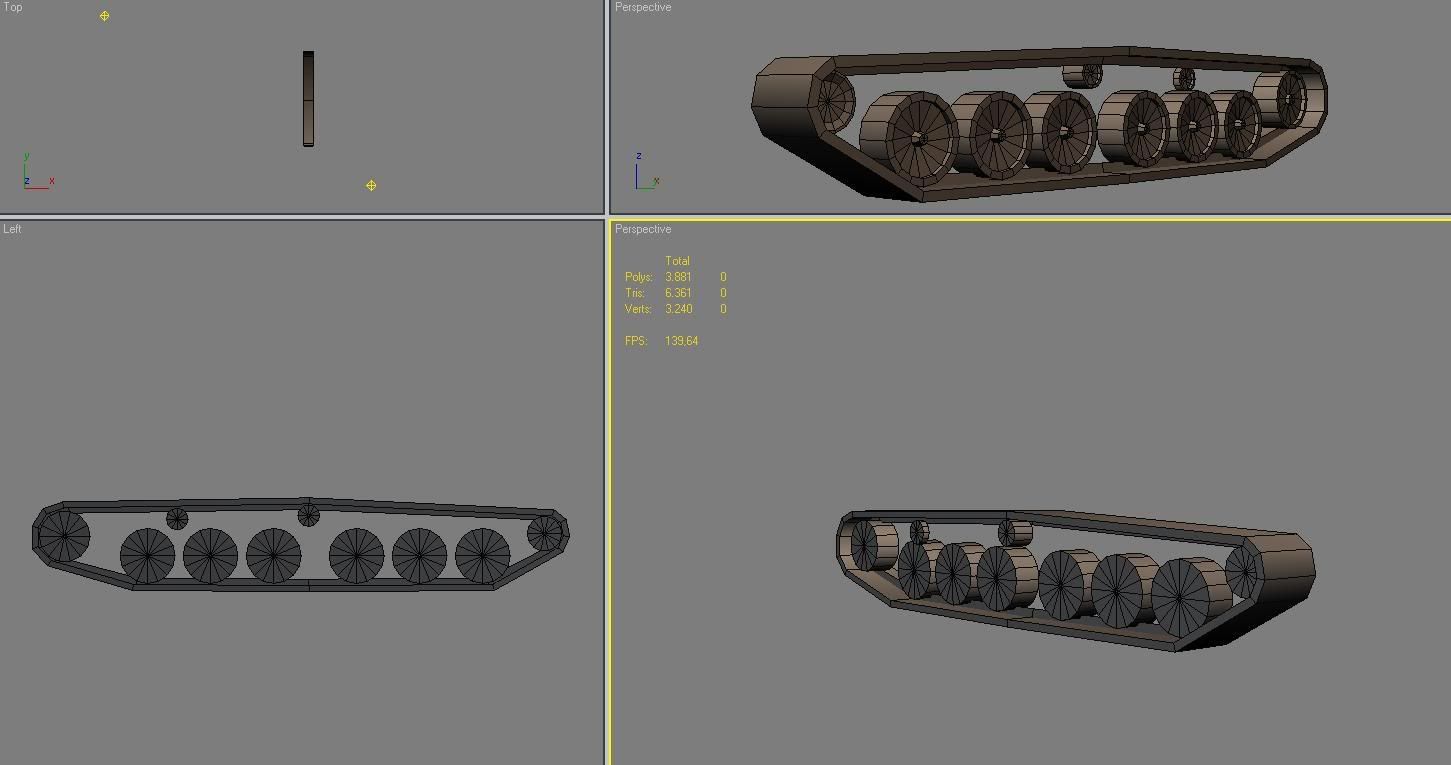
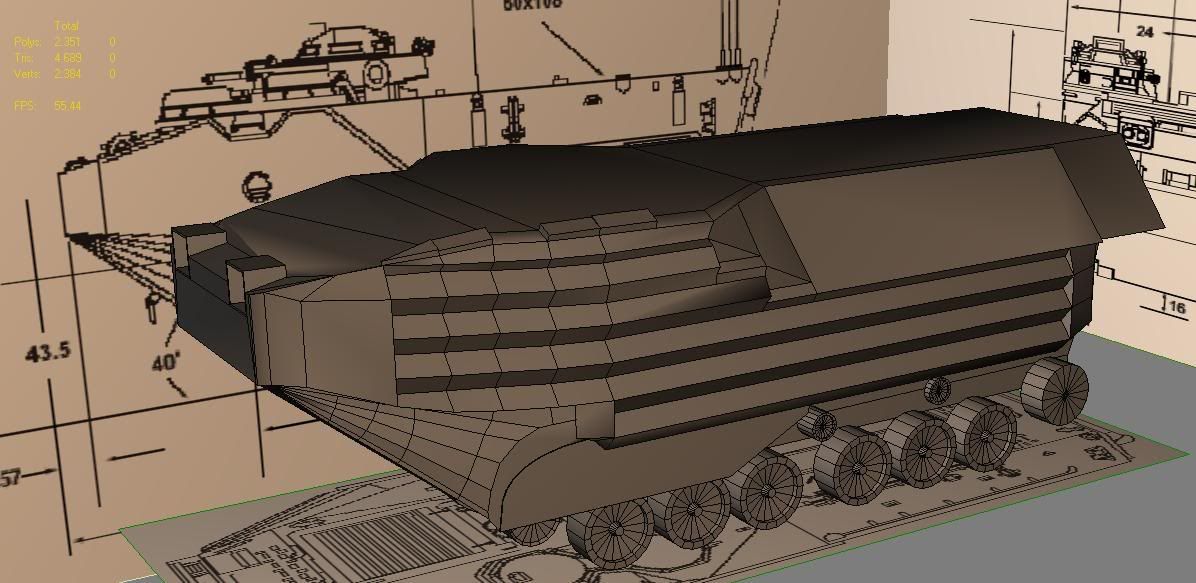
motherdear wrote:quick blockout of the wheels for the tracks, will make the tracks when i get home tonight but at the moment i'm heading out the door. thought i would give you guys a quick update since nothing was shown yesterday.
Right as I said to you on xfire, some improvements you can make to your wheels etc

To show you how to improve I've quickly made your wheel pretty much in max:

Now going to quick shave some polys off with keeping pretty much the same level of detail as at the moment, in that little nob bit in the middle your using loads of polys where you really dont need to be.

With some nice simple welding I've drastically reduced the polys on the inner nob bit and made it look much more like the outside of the wheel
This cutting the tri count down from 212 to 176, saving 36 tris
You could if you wanted reduce it even more but might start to look really crappy.
There how ever remains one large problem with this wheel, that I mentioned before in this topic and to you on xfire, but just to make sure you do this I'm going to repeat myself


If you look at the centre of the wheel/nob, you will notice there is no centre vert as we need for the texture to be animated around so the wheel will seem like its turning.
As such, we will need to add this. I'm going to do it manually since I prefer that kinda method but do it w/e way you like providing it gets a good end result that's correct

As you can see, now I have a centre vert for the texture to "spin" around
You will need to do this on both sides of the wheel (front and back) and even thou this will add 4 extra tris to your model in total, its needed for your wheel to work ingame.
Hope that helps
EDIT: damn you Z! You fecking ninja!

Interesting to see you did exactly the same thing as me pretty much hehe. Also dont do the optimize bit, since it will get rid of that centre vert you need, or if you use it, use it with care and make sure it dont get rid of it or if it dose, replace it afterwards.
Also for what will be your front wheel, with the teeth on the side of the track, (which for most tracked vehicles is the rear wheel) its best not to model the teeth. Instead what we normally do is we make a flat texture with a alpha channel we stick on the side of the wheel that looks like the teeth

Saves a hell of a load of polys and to the casual eye, looks pretty much the same
Remember, hardly any one pays any attention to the tracks


As you can see, just a flat, 2 sided cylinder with only a few faces
Hope that helps