
To start with, I must confess that I actually made this back in January/February now and even thou it only took me a few weeks to make, I haven't posted about this until now (other than an odd SS you might have seen me sneaking in on the forum
 ) as I first wanted to confirm we had this new system totally sussed out before getting everyone hopes up
Now I'm going to try and not bore you all with the details but basically, this new system I've made of doing Airbases pretty much solves all of the problems that all the old airbases has, with there also being hardly any cons. To keep it short and sweet for those of you are interested, here is a quick list of all the problems it solves from the old airbase systems, will go into how later for those of you who are interested.
- No Z-fighting between the Airbase Model and the Terrain from both up close and far away
- Realistic Airbase Layouts with Realistic Detail Markings such as Taxiway Lines and Runway Marking which also makes the airbase Friendly to Multiple Aircraft.
- New detailed, realistic textures giving the new Airbase System a realistic look and feel.
- Airbase is a 3D model, but only a few cms off the ground which are realistic
- Aircraft which "fall off" the taxiway/runway can get back on the taxiway/runway (unlike the Qinling Airbase)
- Fixed Wing Aircraft (Jets) are encouraged to use the proper Taxiway and Runway setup as going off the runway will mean you take damage from the terrain (this now applies to all maps)
- No large Lightmap file required as the new Airbase System uses the Terrain's Lightmap
- Aircraft Reloading and Repair in Appropriate Areas, not on the Runway

Before I go any further I would also like to give a big thanks to [R-DEV]Mosquill for all the work he put into getting the shaders to work for this new system, as well as helping me solve a bunch of bugs and also a big thanks to [R-DEV]AFsoccer, whose Military Advice and Feedback on Airbase setups, taxiway and runway markings etc has made the new Airbase system very authentic

The Camp Bastion Airbase:
I decided to apply this new Airbase System while making the Camp Bastion Airbase for [R-DEV]Dr Rank's map, Sangin. Well worth looking at his latest blog here which shows Camp Bastion with the new Airbase in, surrounded by my new tents etc too
I have created the Camp Bastion Airbase as close to its r/l design as possible, with cutting a few things out and modifying a few bits too so it works better with gameplay but the only real major difference between the real one and this one, is the scale but that is to only be expected as if we were to make it to scale, the entire map would just be the runway
With this I've created both the Main Runway, which is used mainly by fixed wing aircraft and the Helicopter Runway as per the r/l layout, which is mainly used by the Apache as it struggles to get off the ground in Afghanistan without the use of a runway, which you can see in the "Camp Bastion Emergency Call Out" reference video that you can find at the end of this post.
Ingame the Helicopter runway will have very little purpose however as we can't effectively simulate poor engine performance in hot temperatures and high altitudes which are present in Afghanistan, nor more importantly extra lift generated by a helicopter from the use of a runway in BF2 so its mainly there as a cosmetic element, but the Helicopter Ramp (where the aircraft sit and most take off and land from) is fully functional.
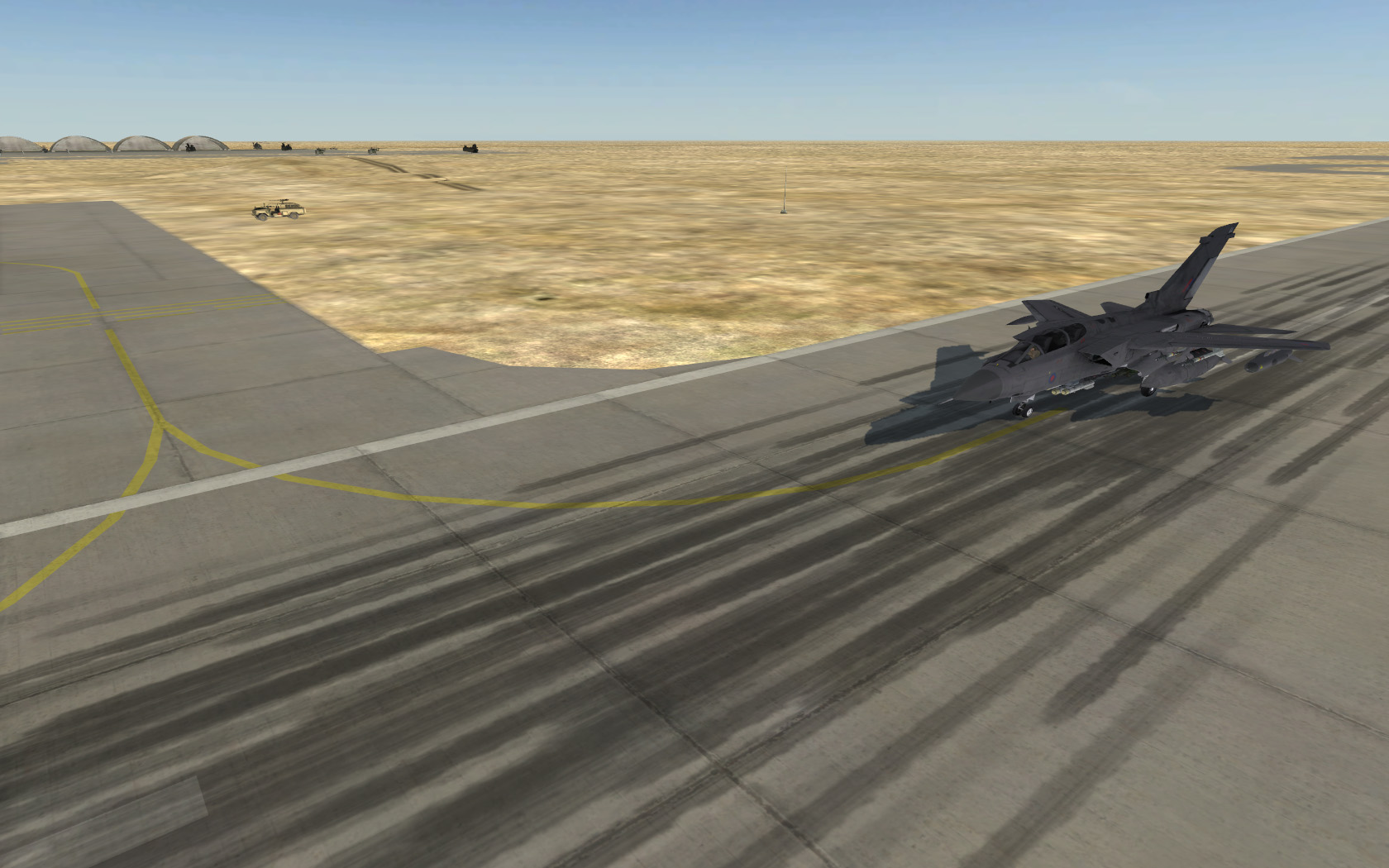
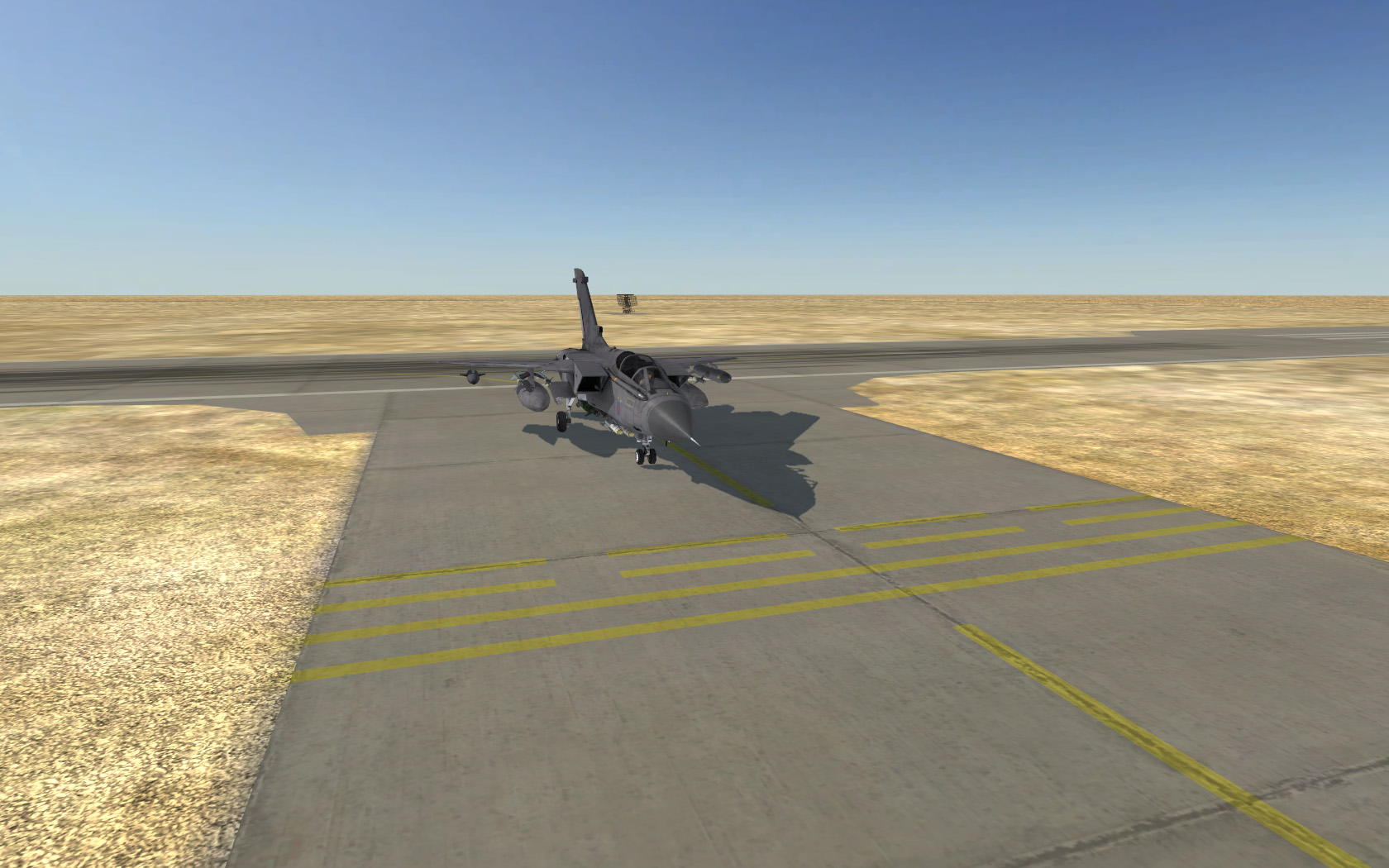
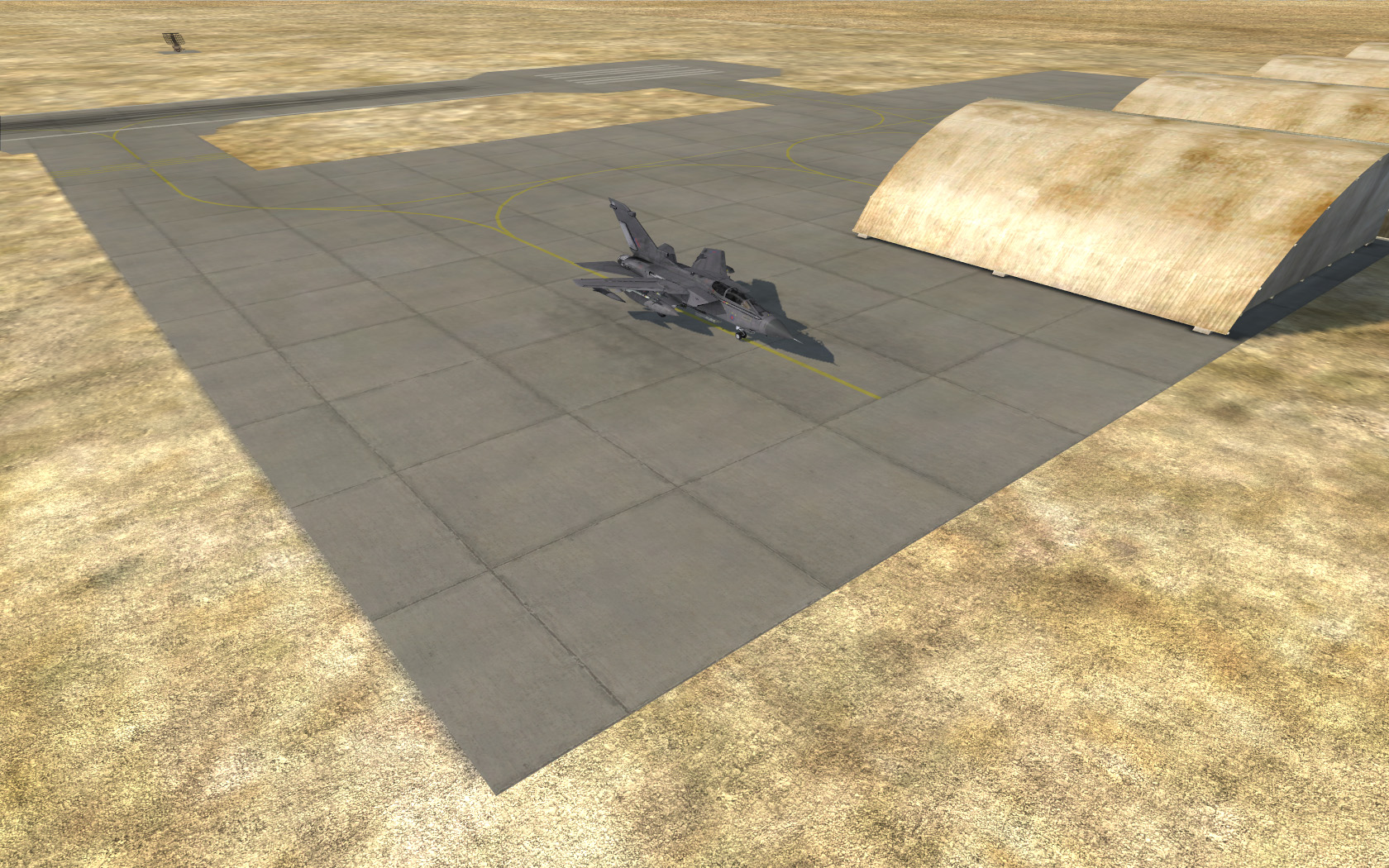
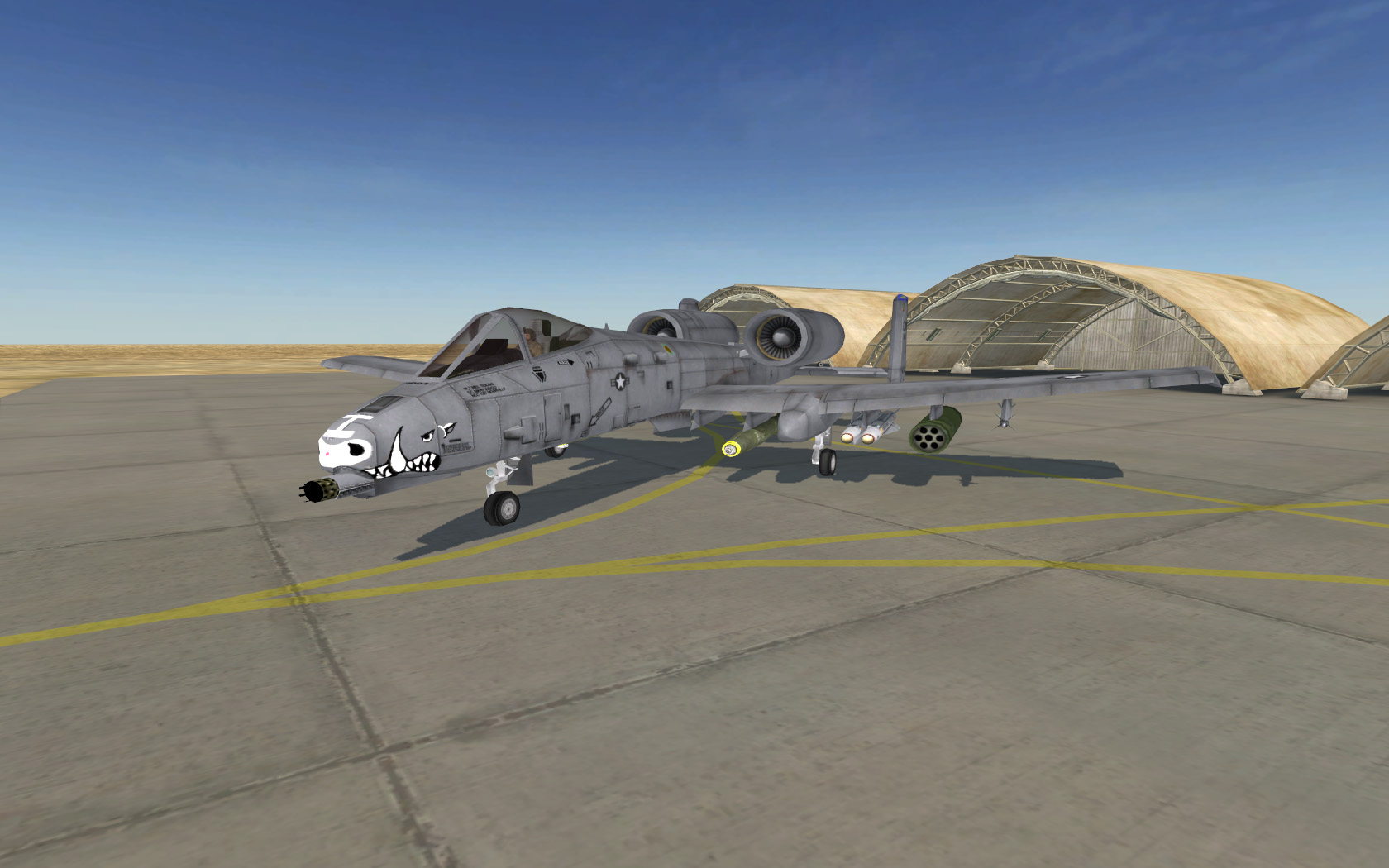
Anyways enough jibber jabber, here are some Screen Shots of the Camp Bastion Airbase, using the new Airbase System. Please note that the airbase is being showcased here on a test map. This isn't the Sangin map, and all vehicle placements are there just for you to get an idea of the layout and what things might go where. Don't expect there to be four usable Apaches on the full map just because I'm showing four here
Overhead:
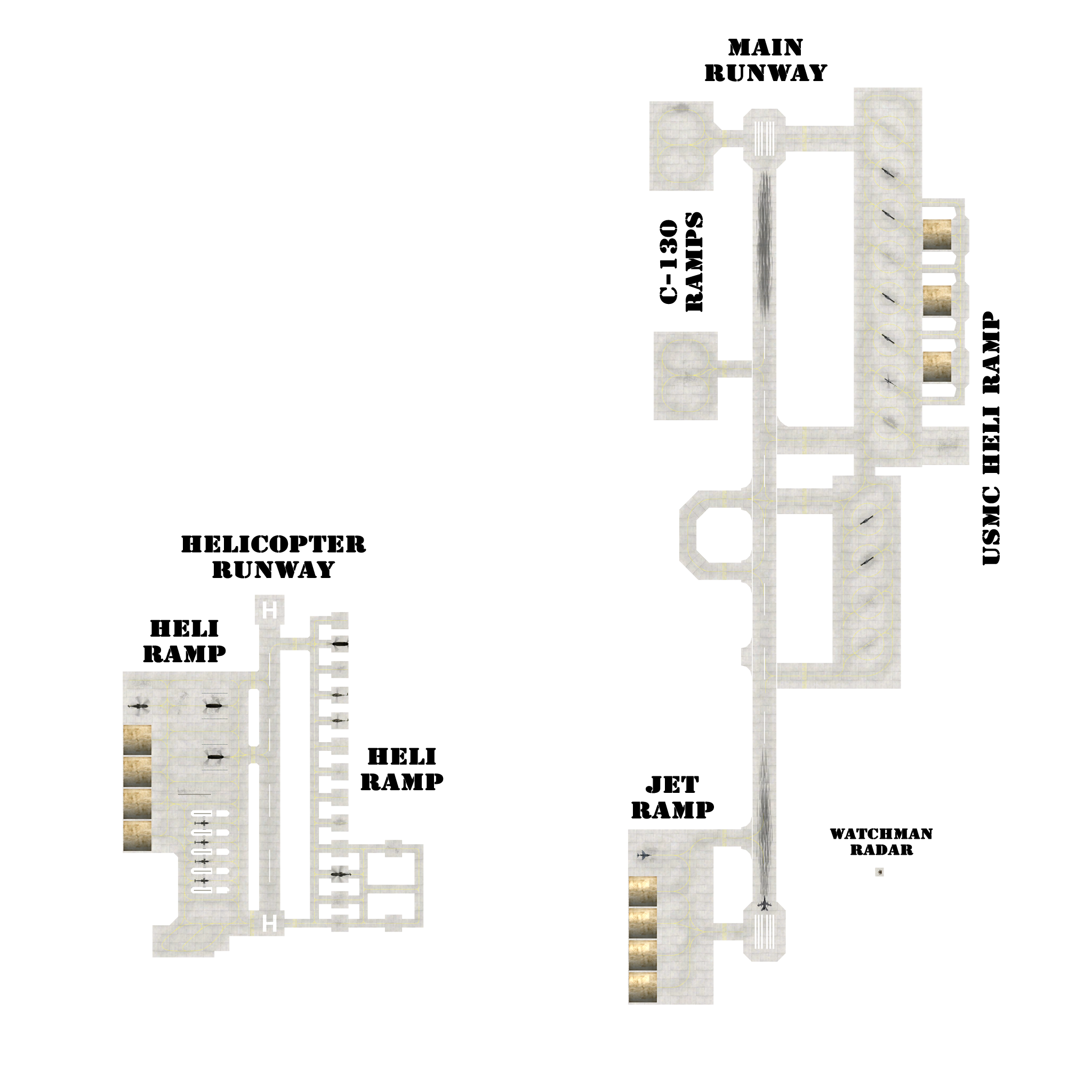
(Click to Enlarge)
Resupply and Repairing Zones:
Please note that British and USMC Helicopter Supply Points are separate from each other, so if the map is a British map, only British helicopters can resupply from their points, and if its a USMC map, only USMC helicopters can resupply from their points. This isn't to say that the USMC will ever use this exactly, this is just encase they ever do. Also please note that the Jet supply points are common for both factions.
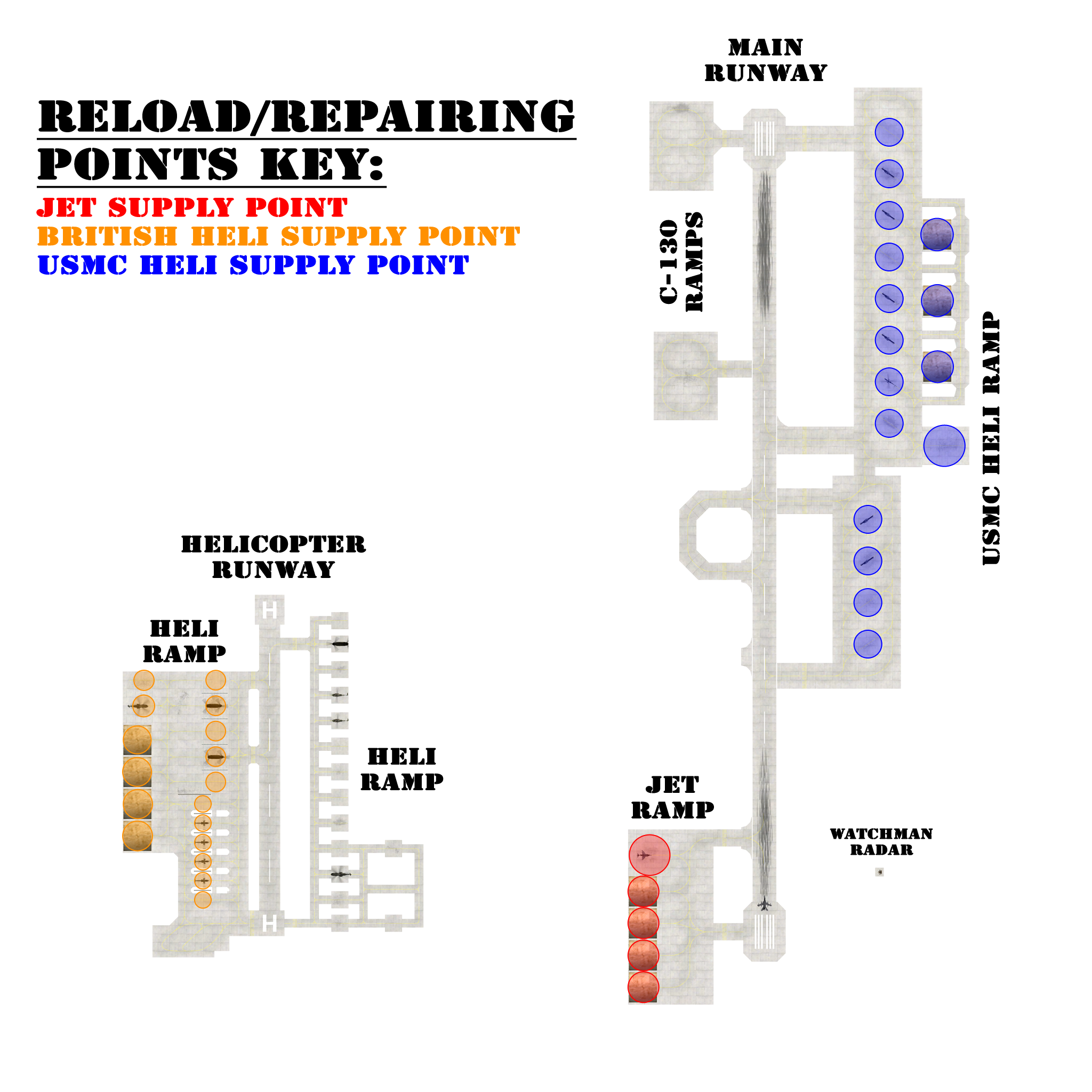
(Click to Enlarge)
Screen Shots:

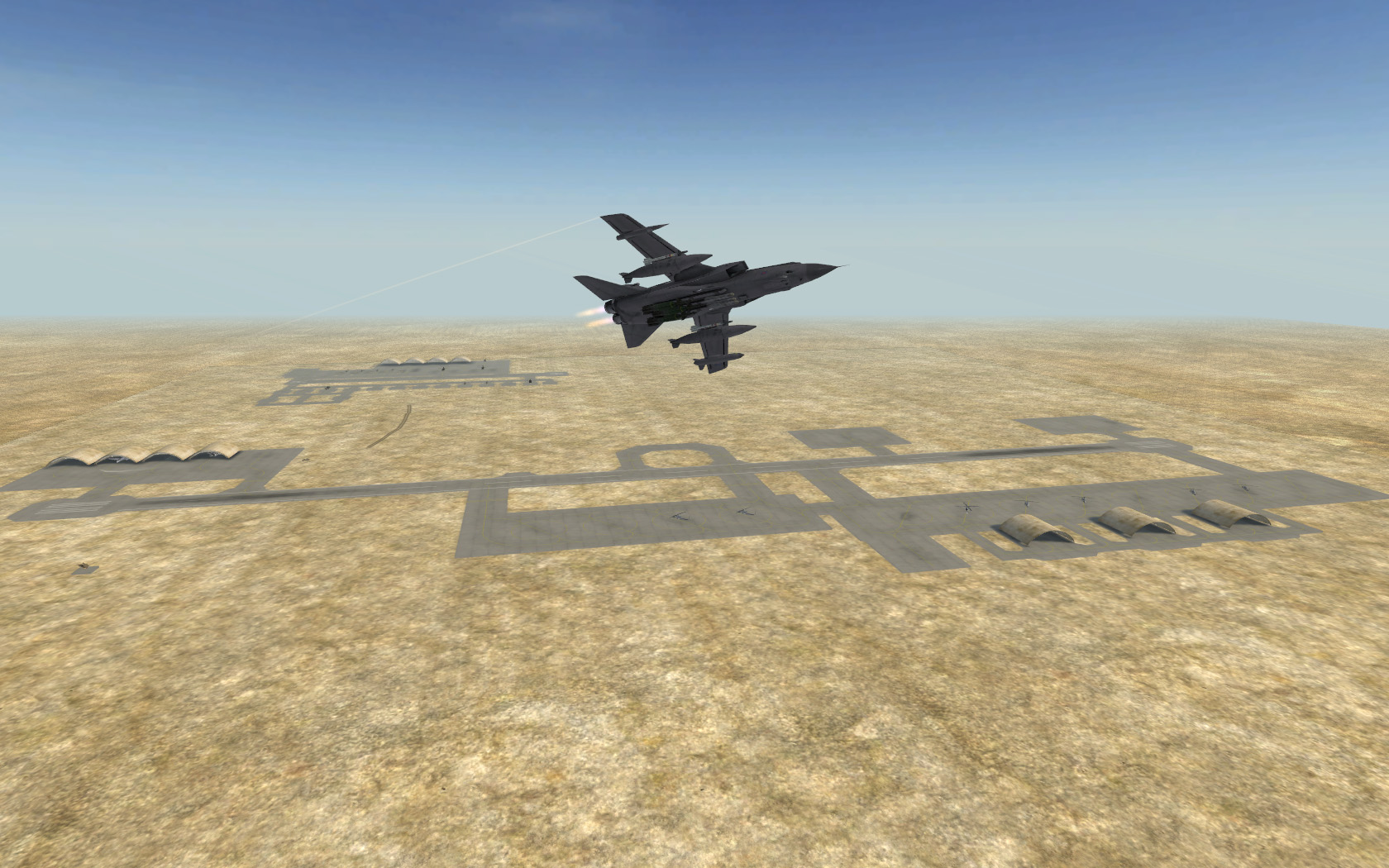
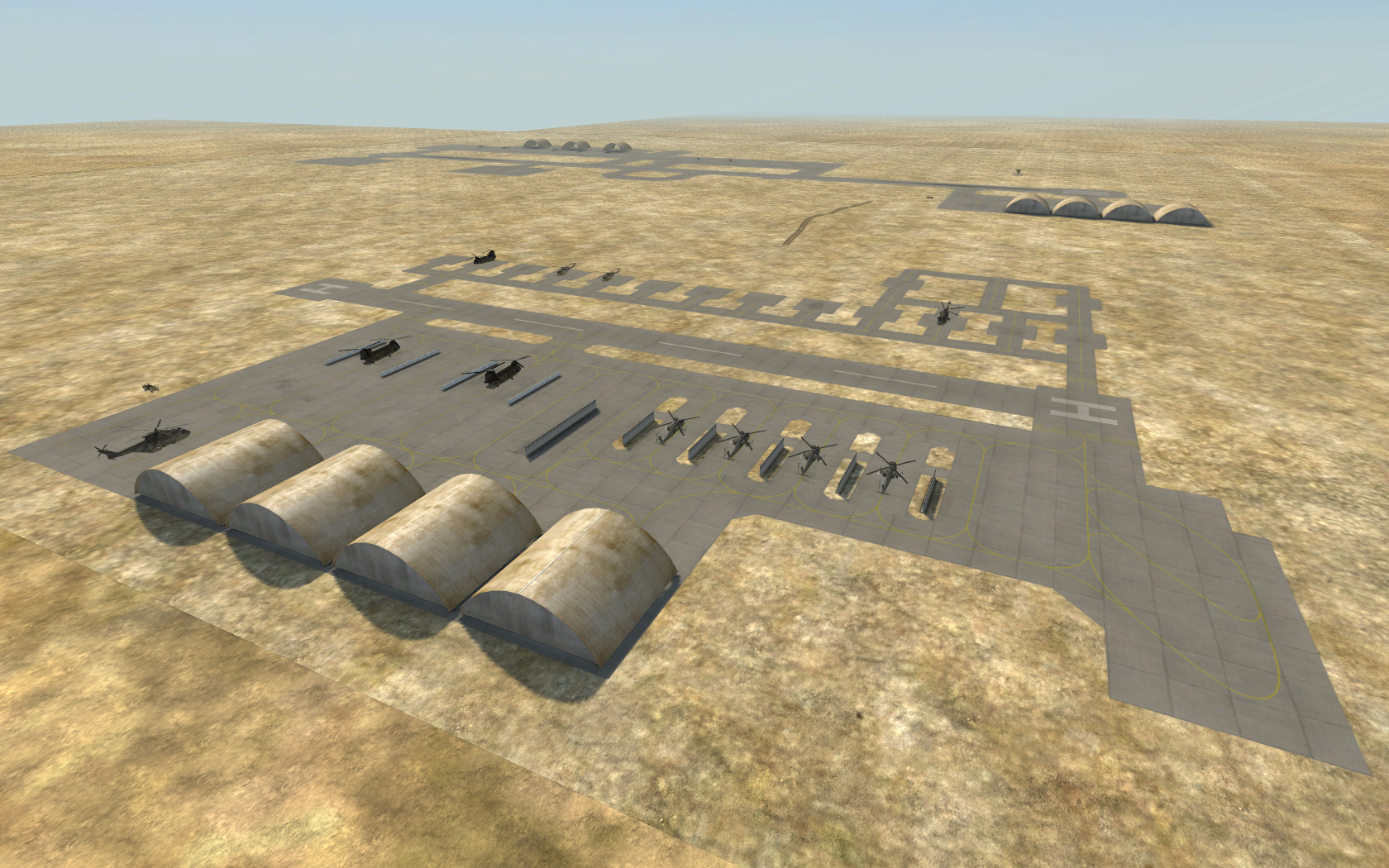
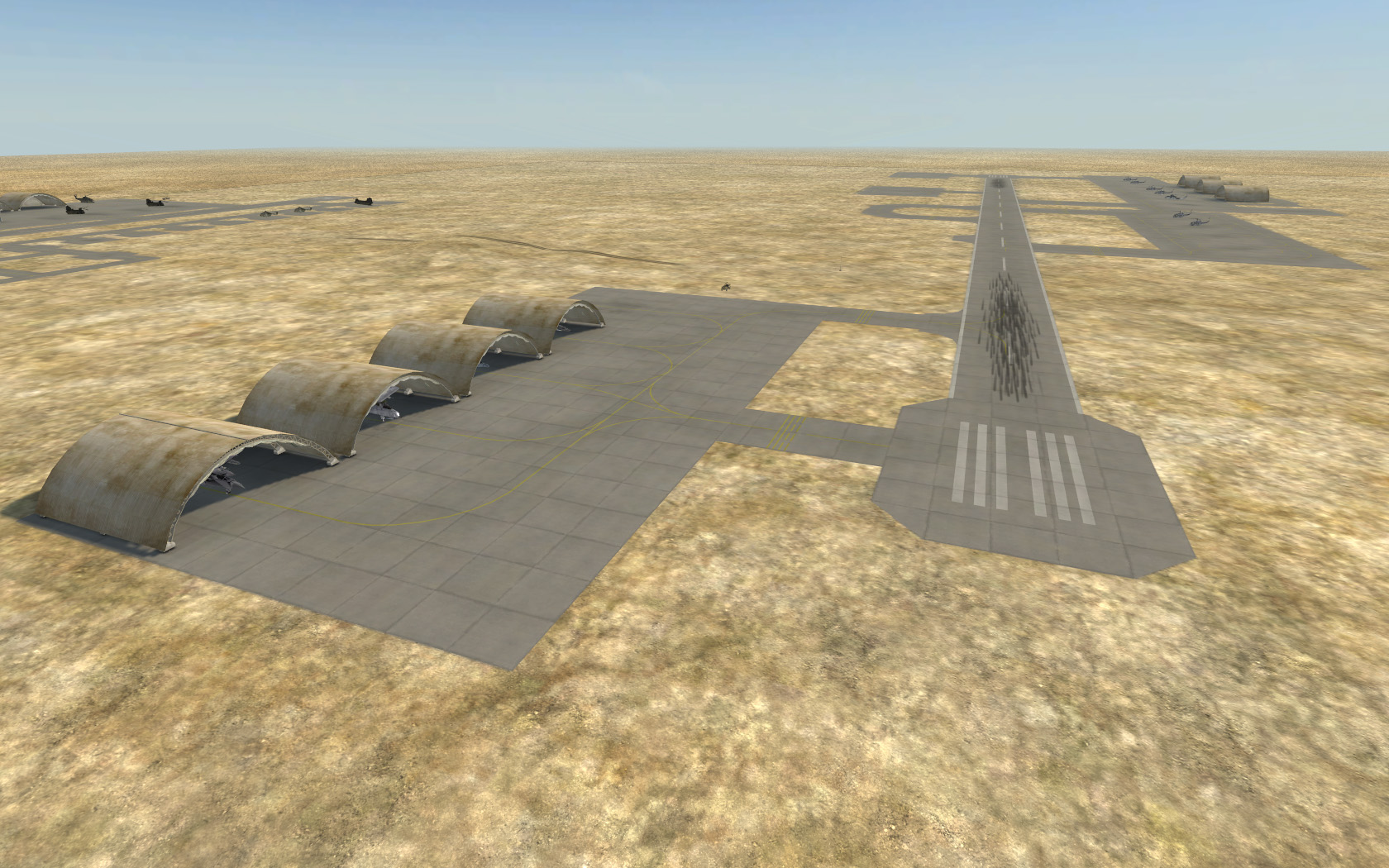
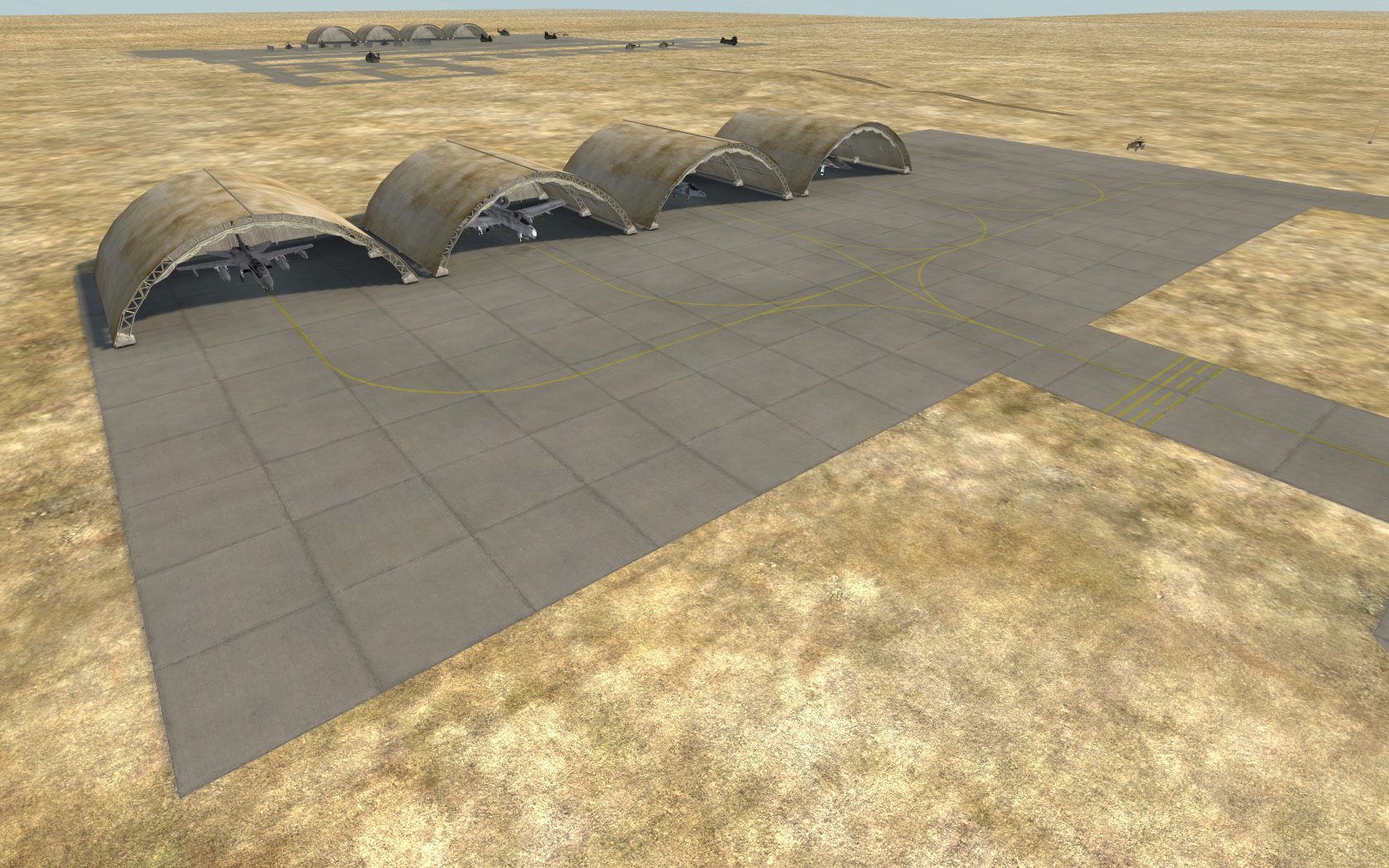


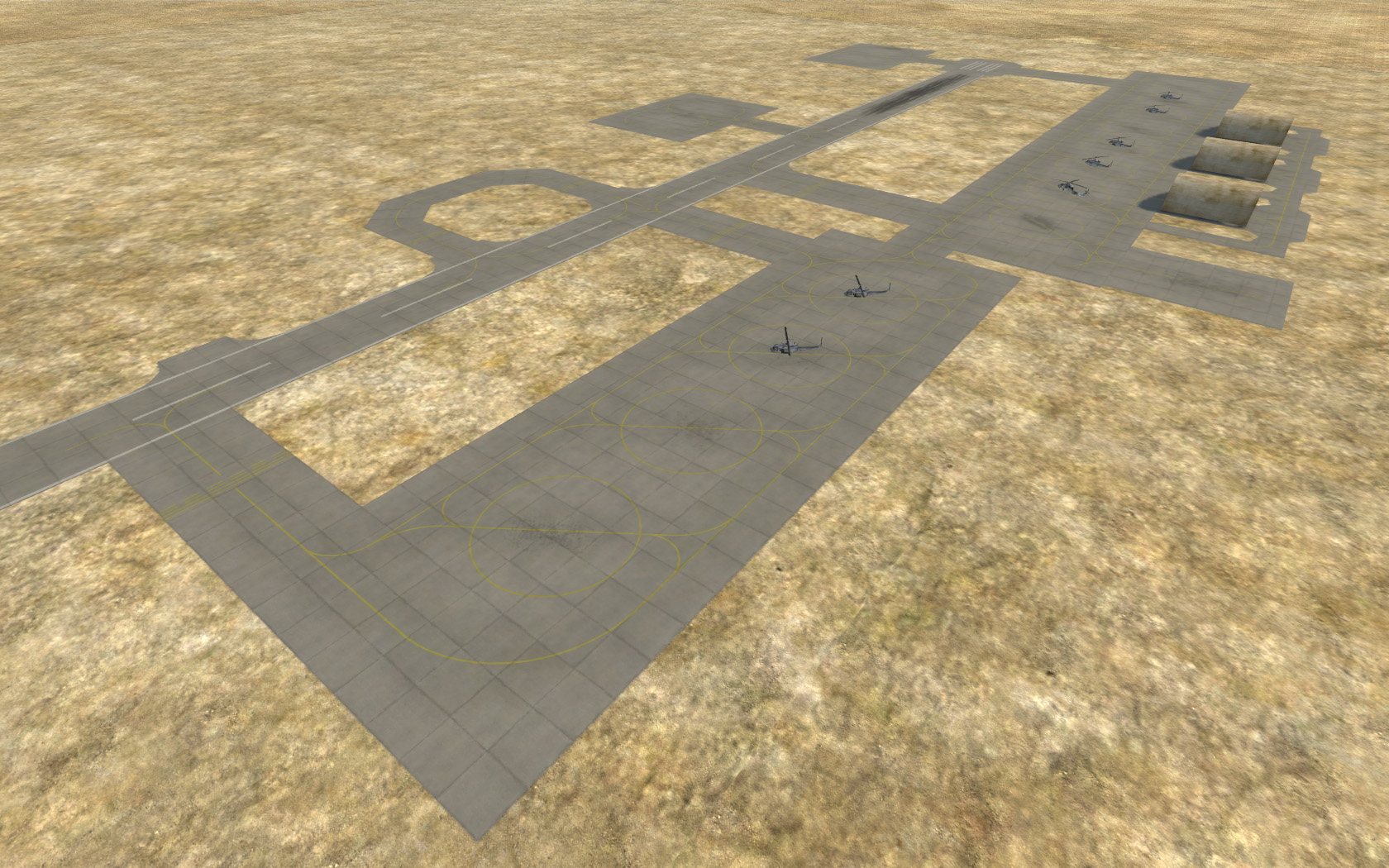

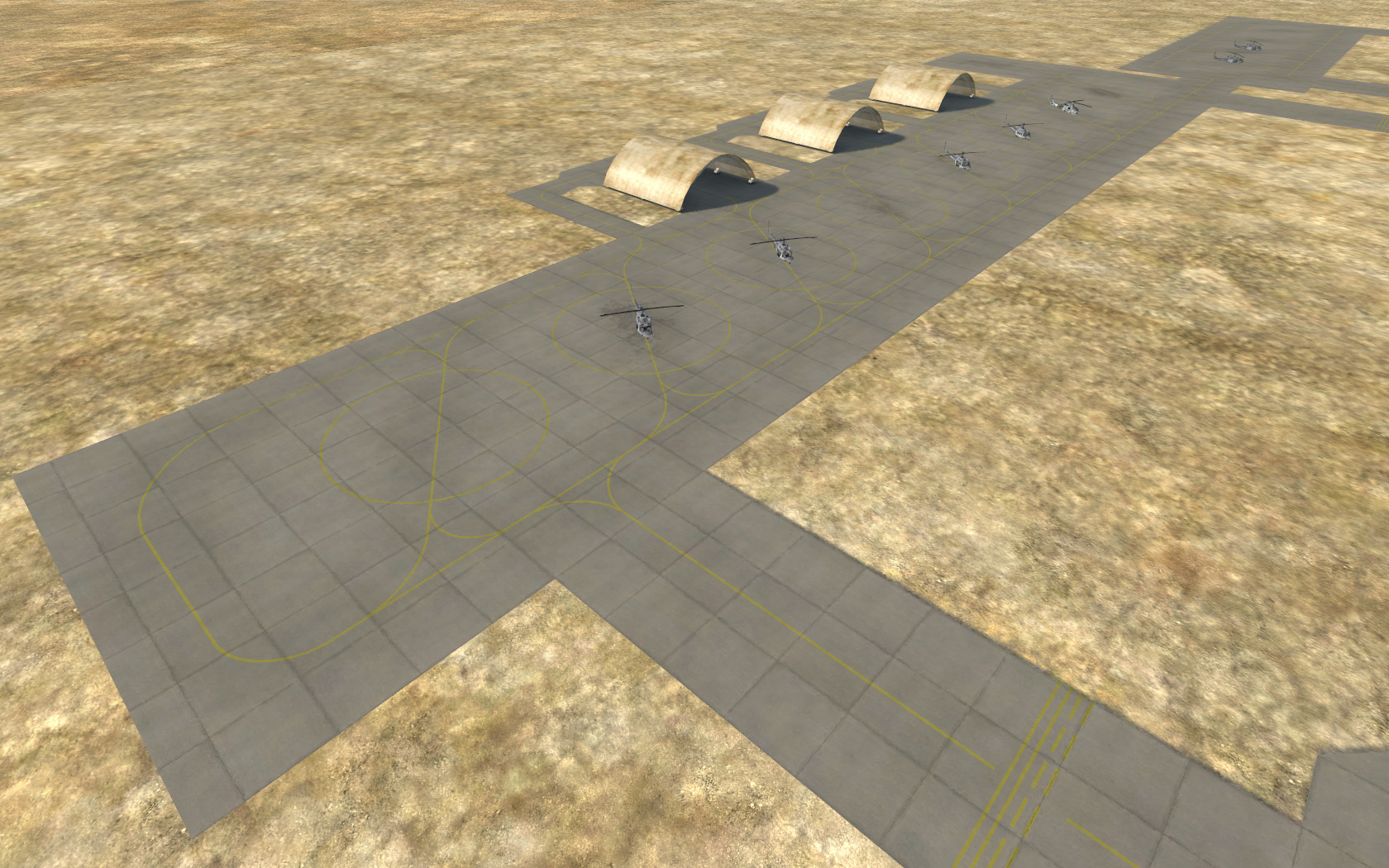
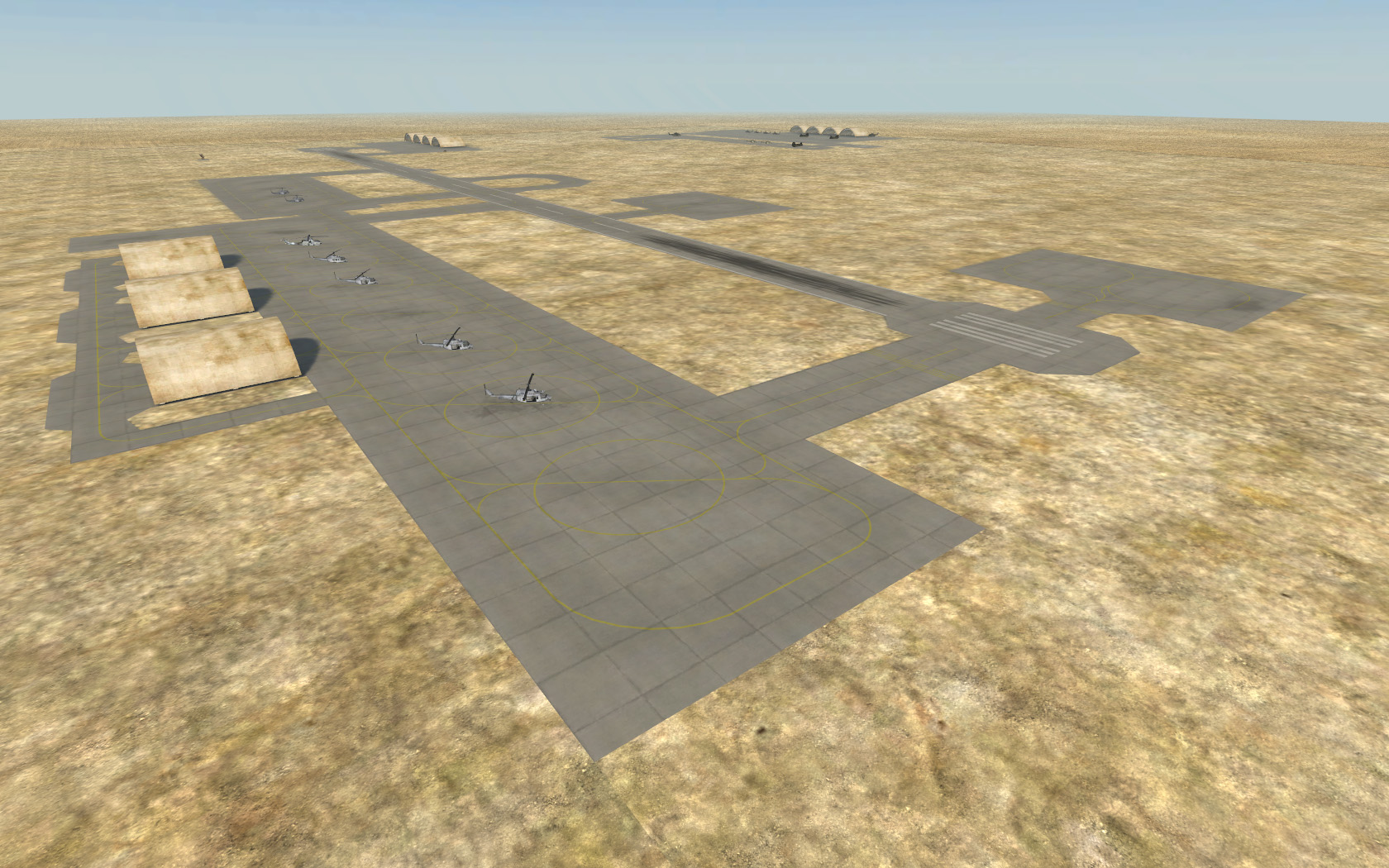
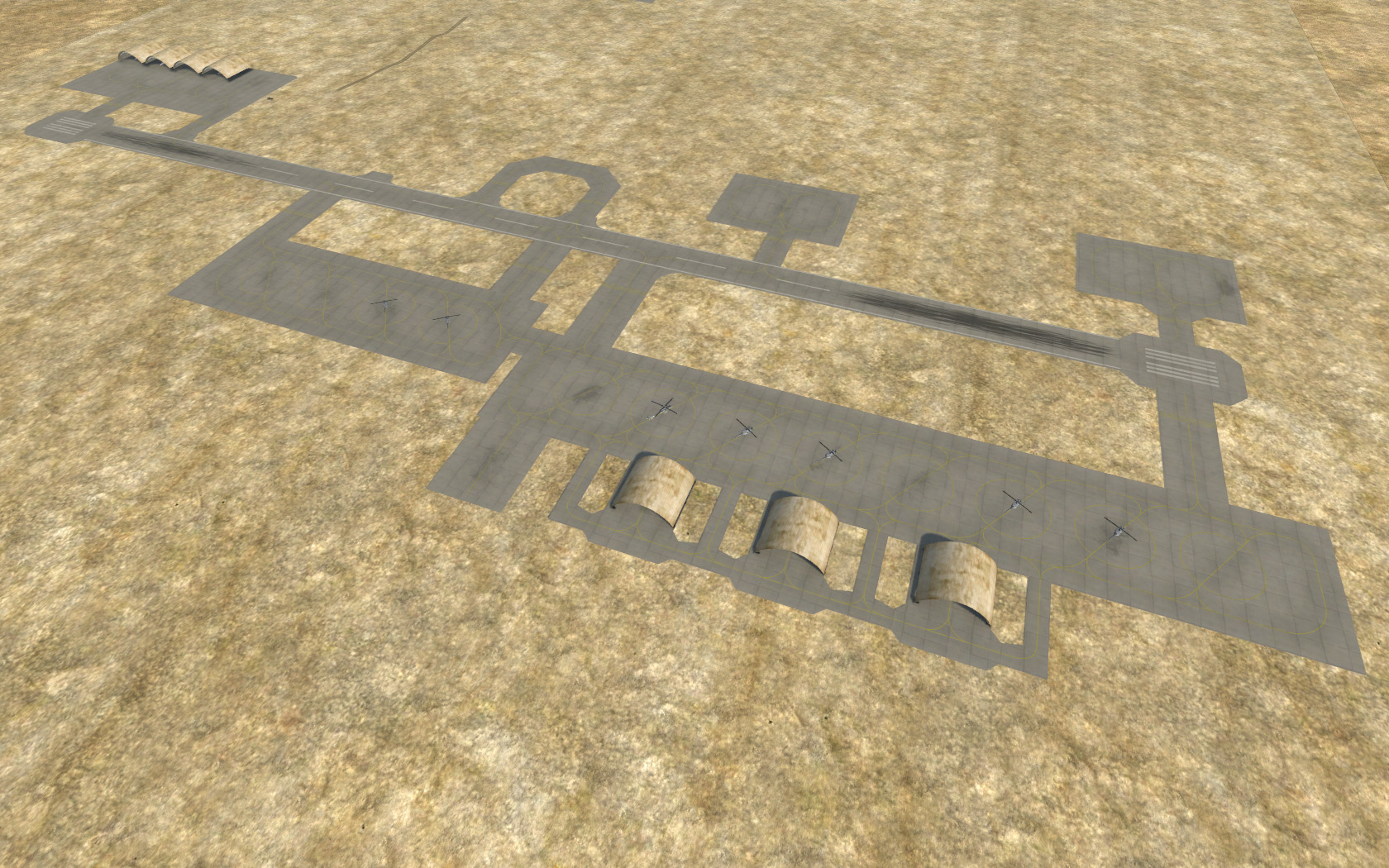
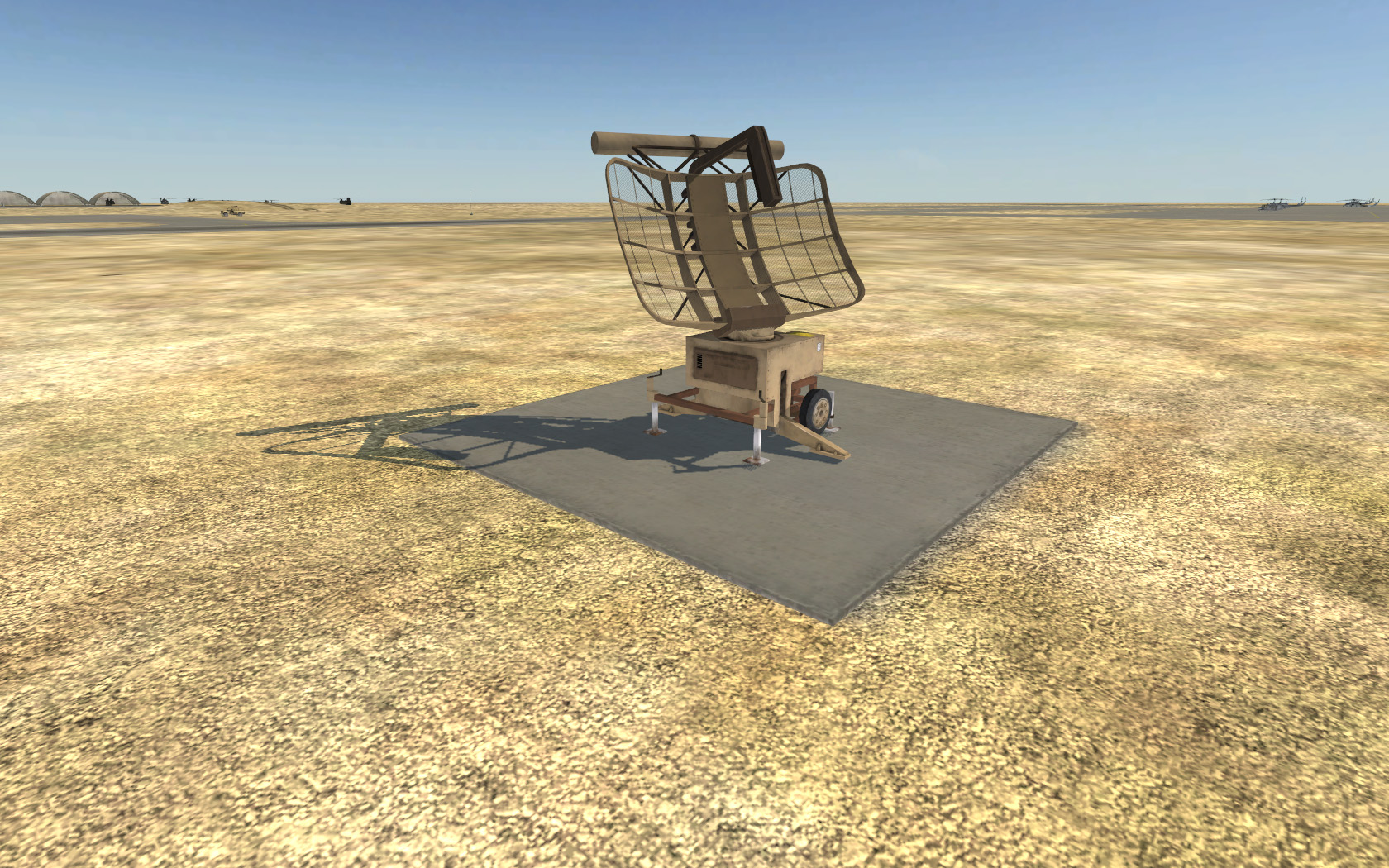
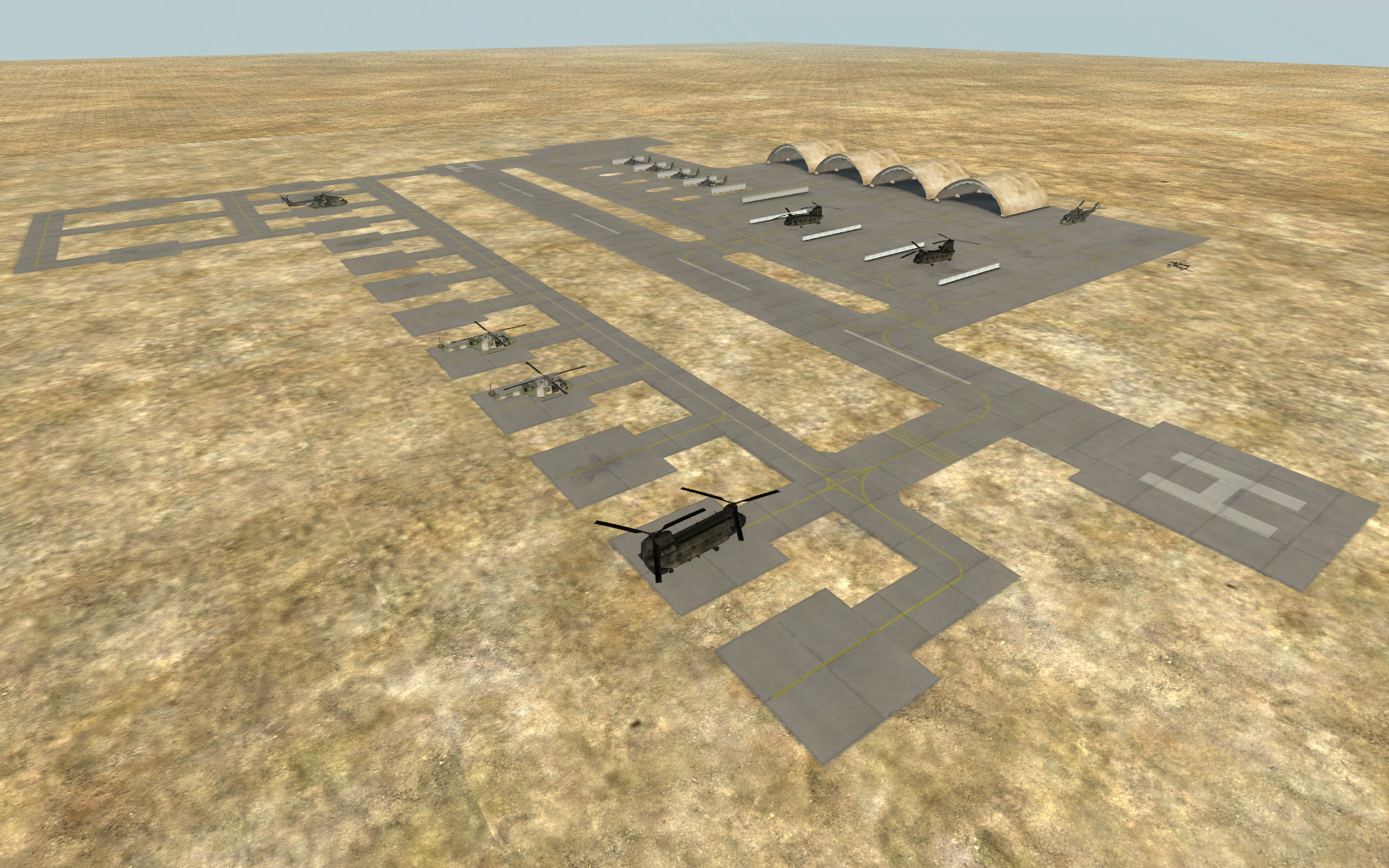
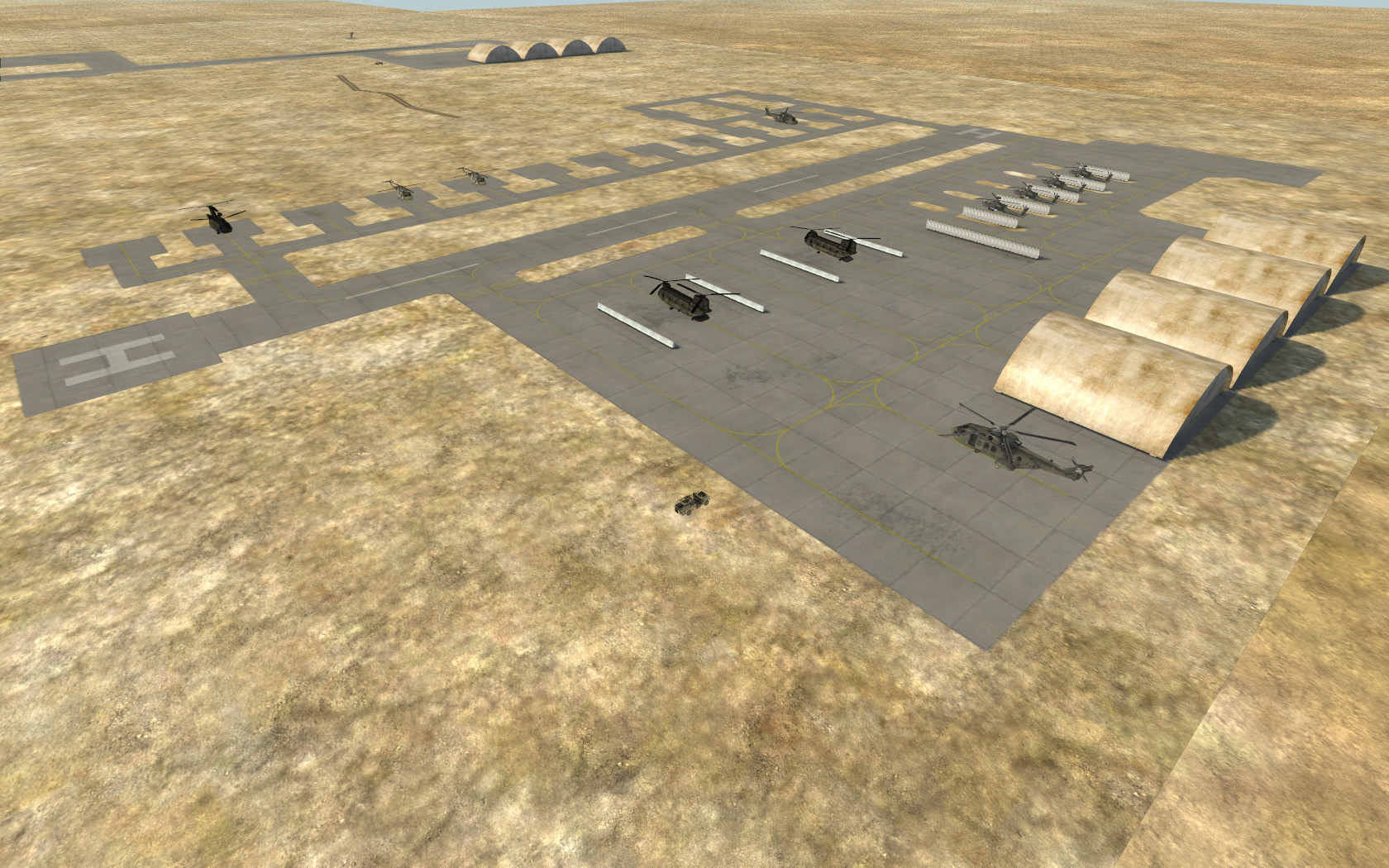

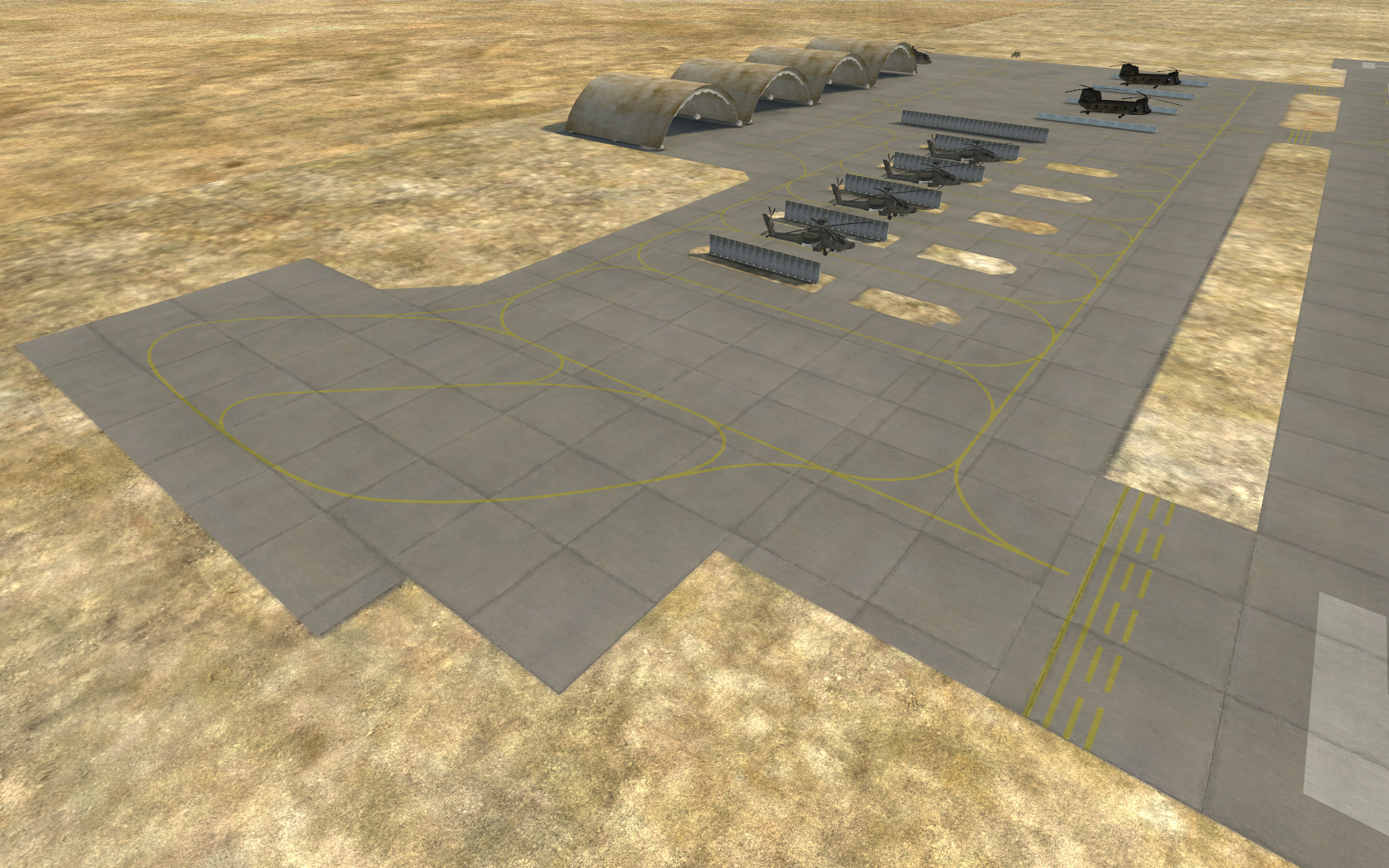
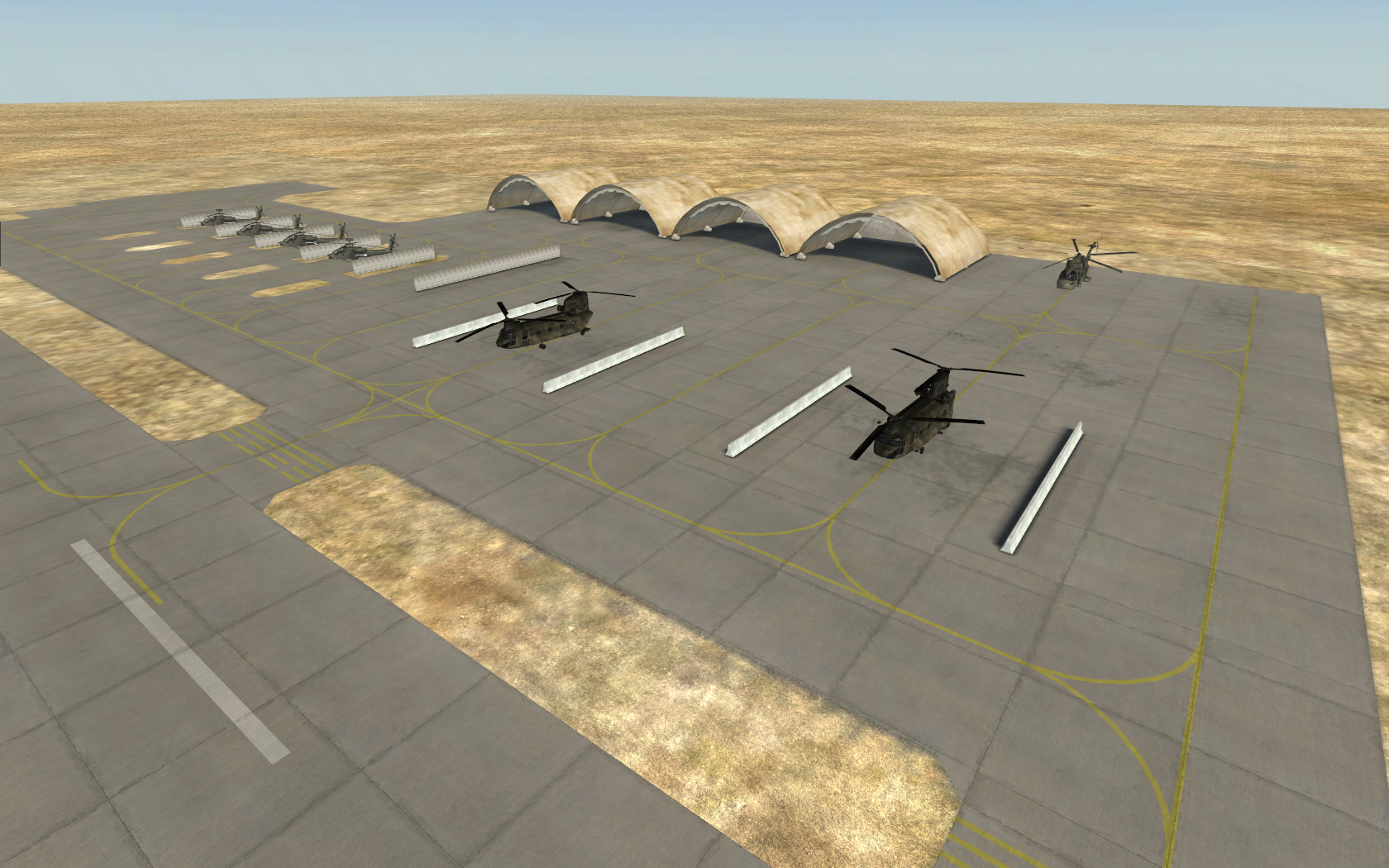
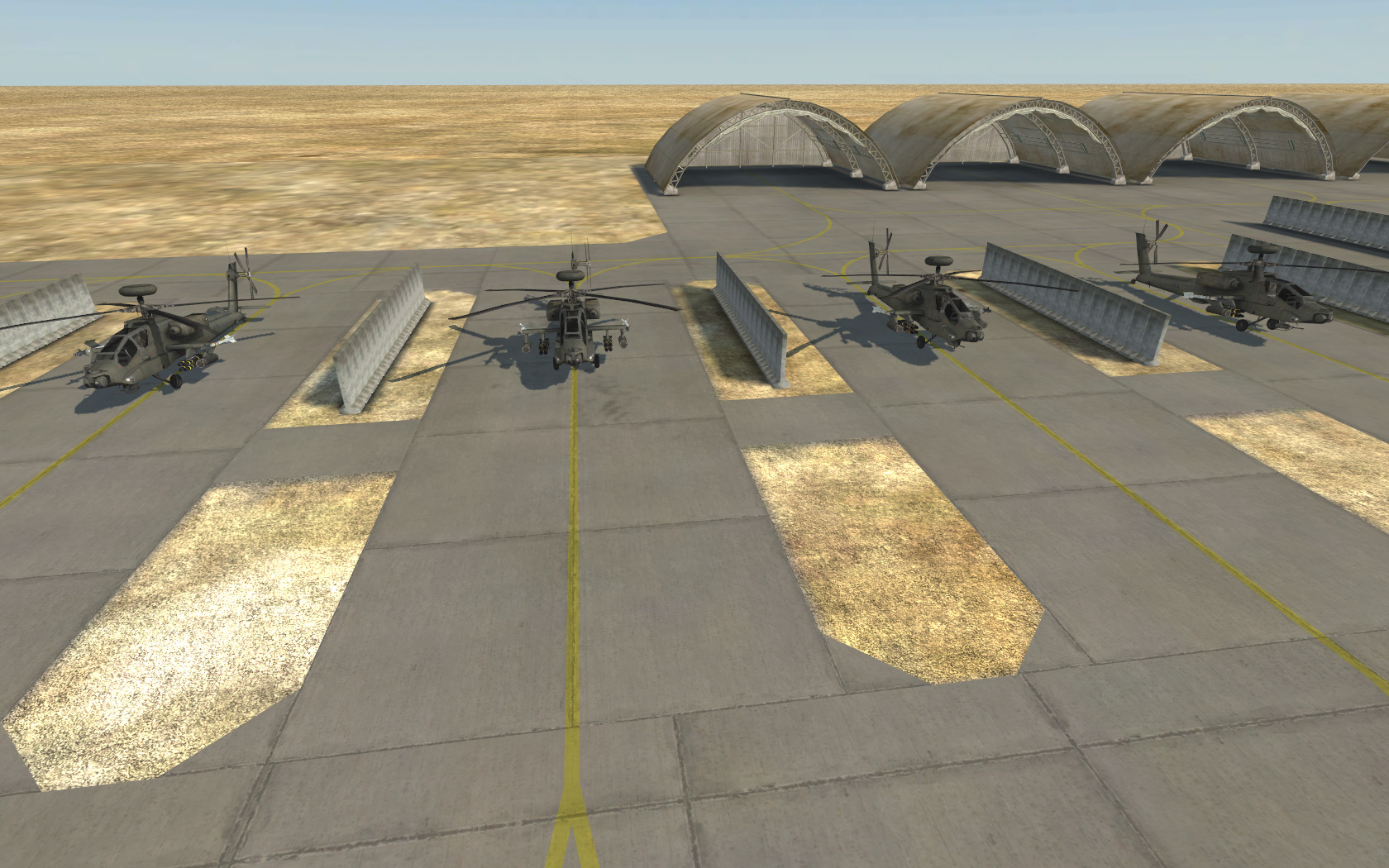
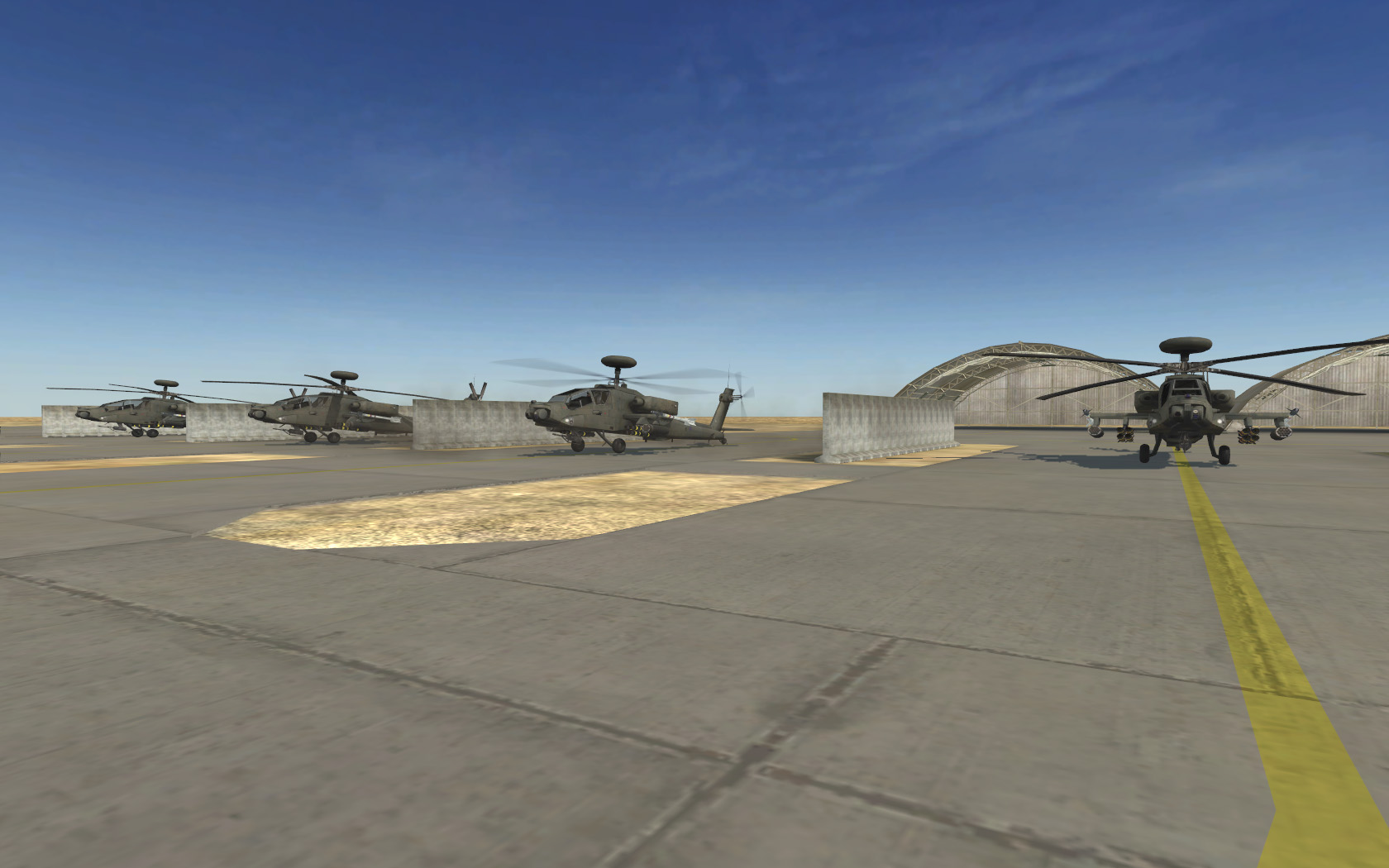
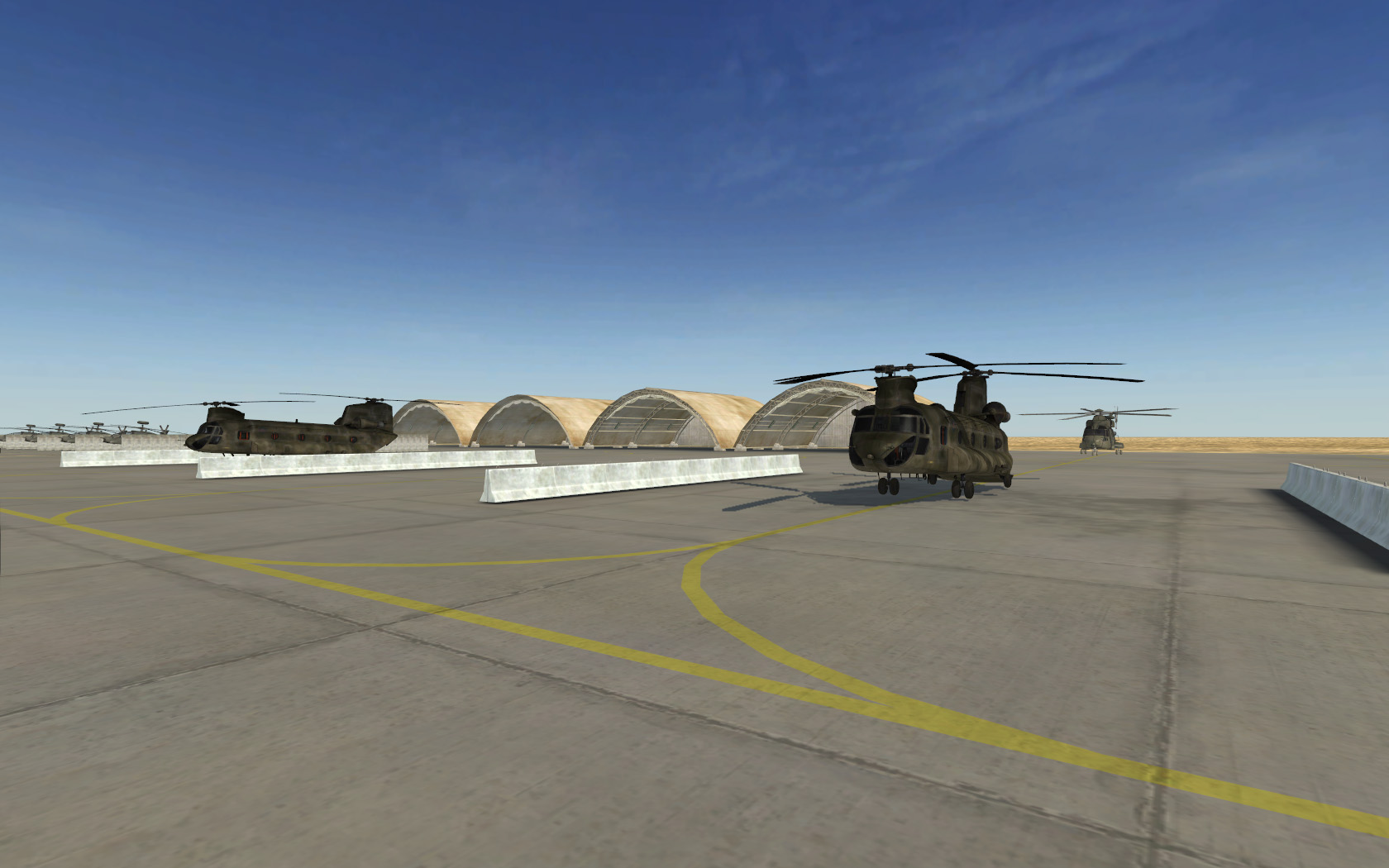
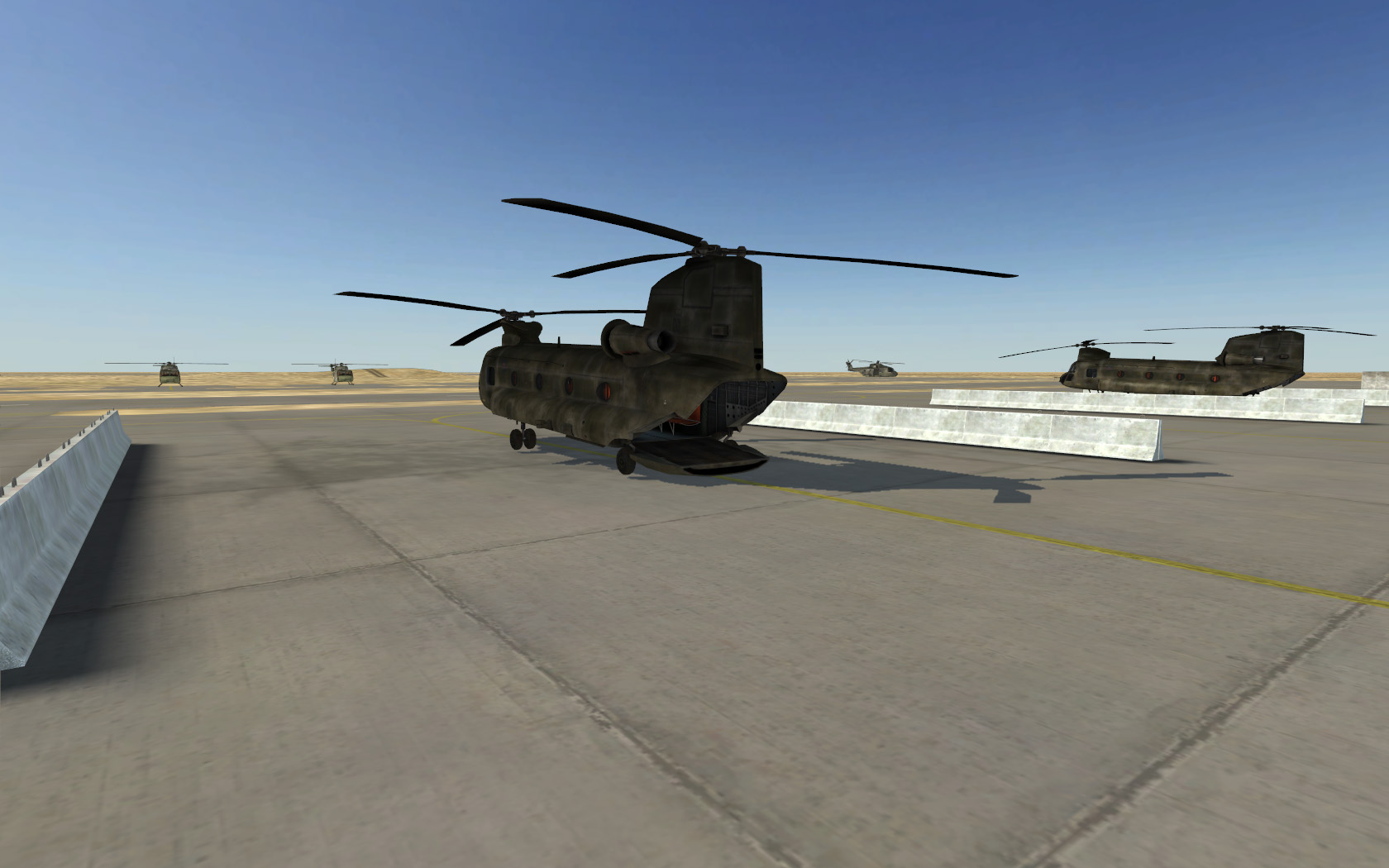

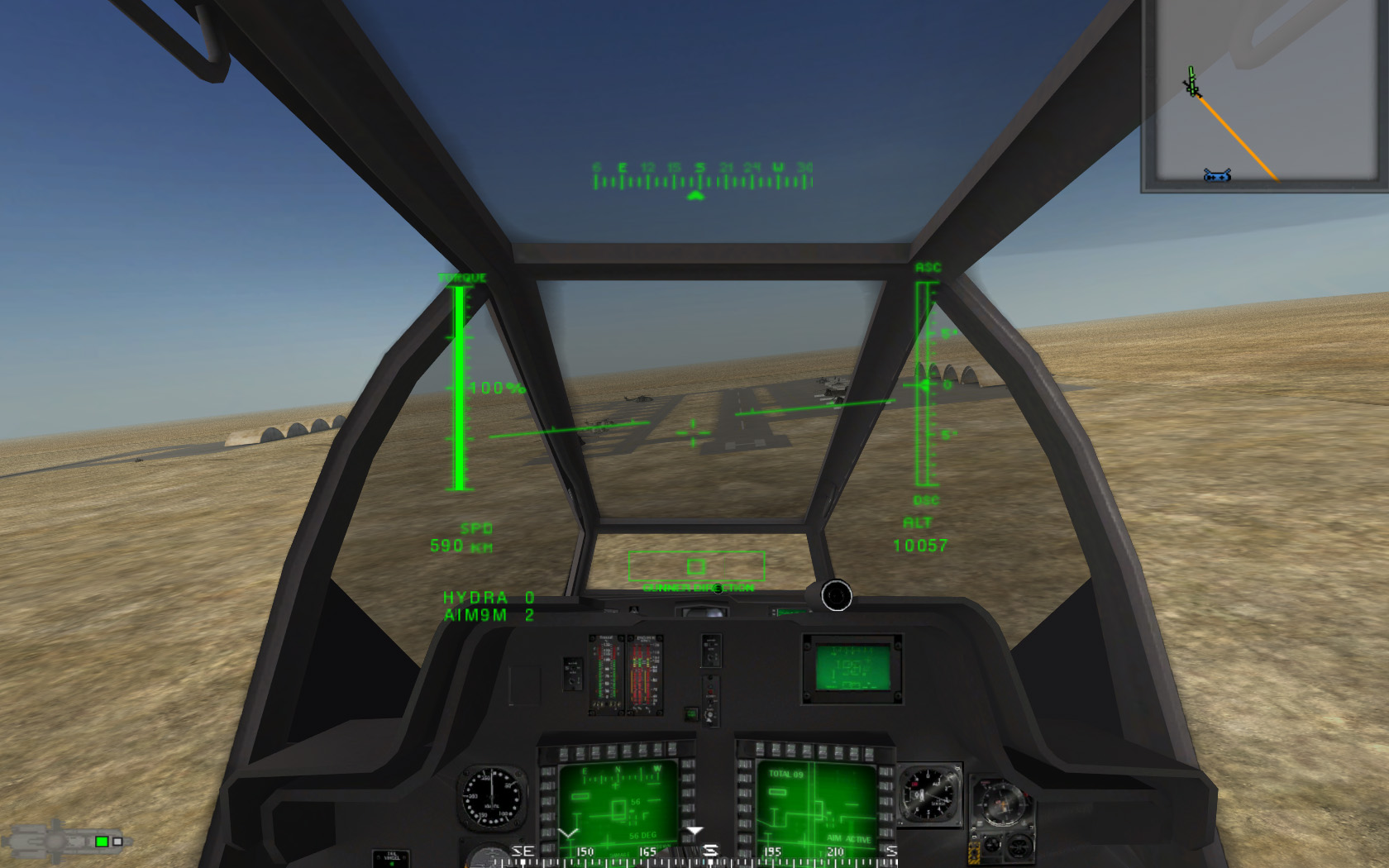
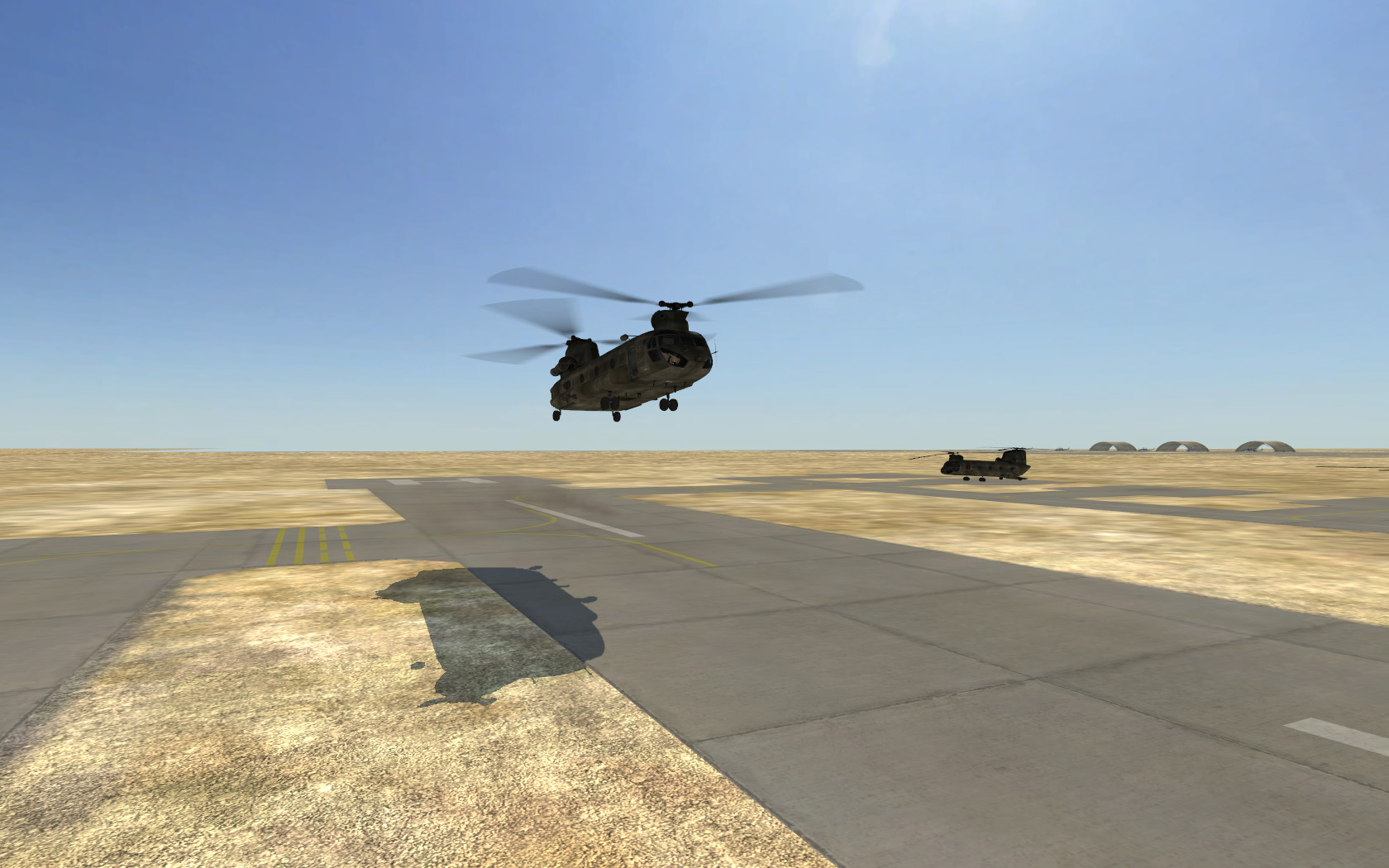
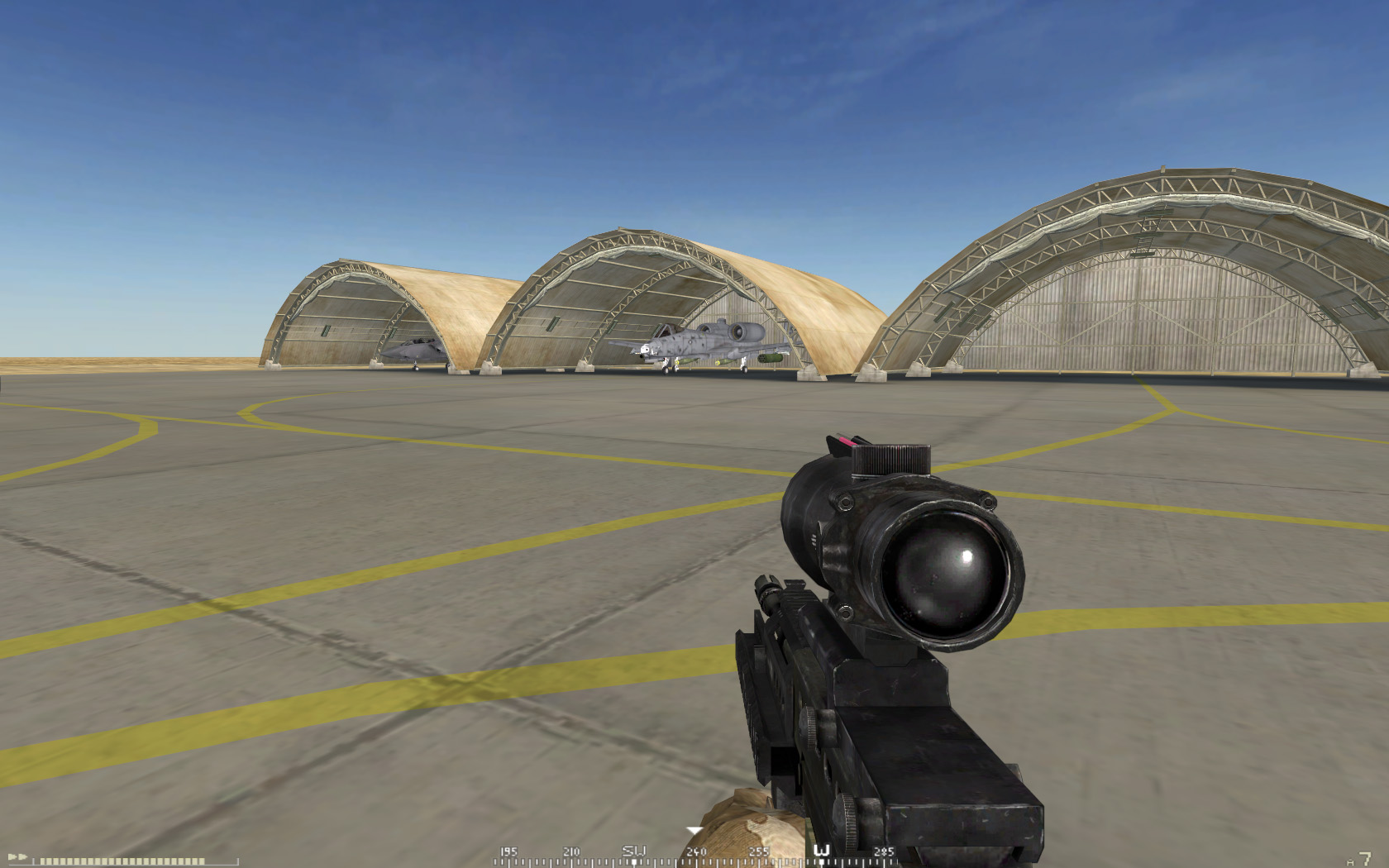
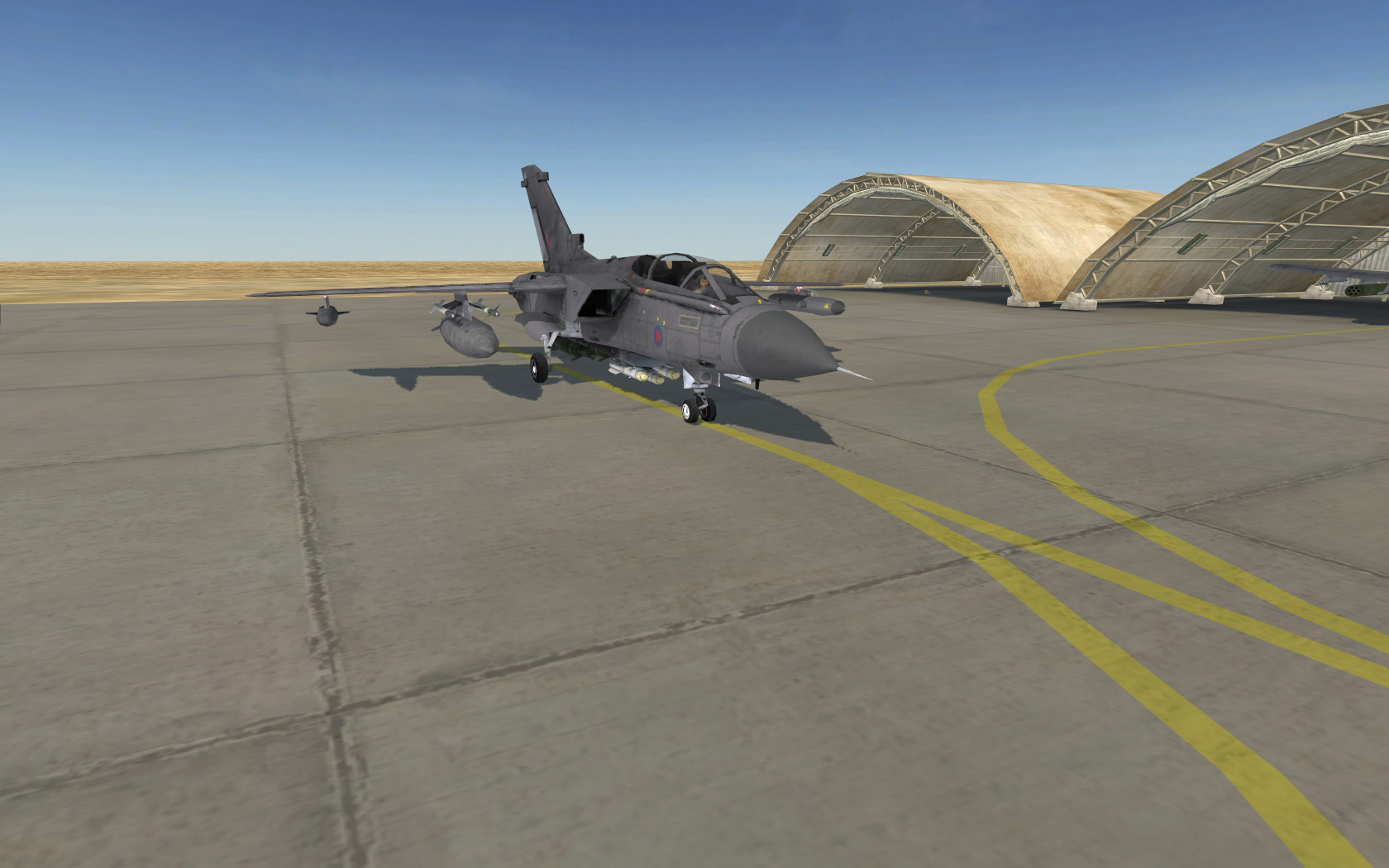

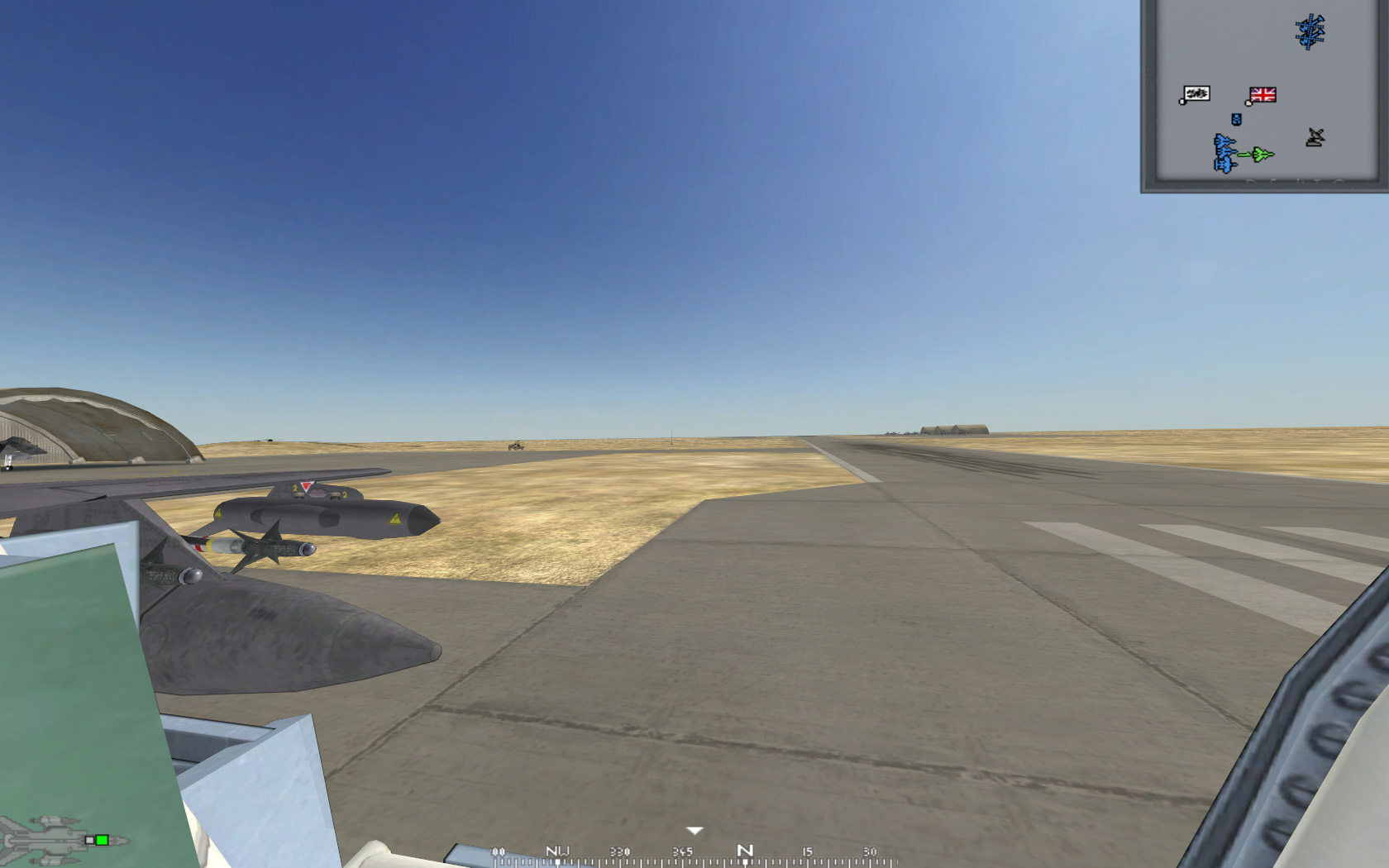
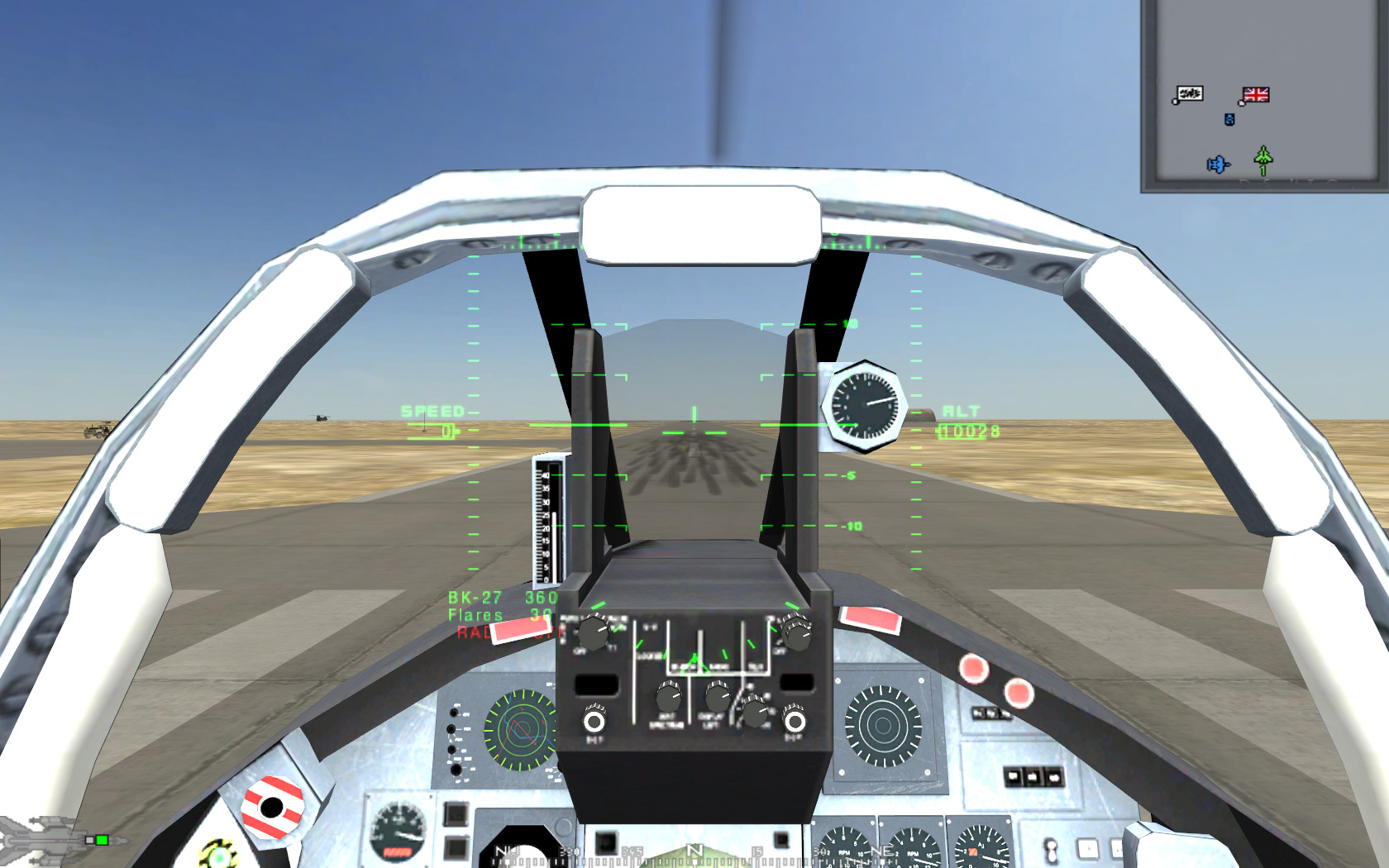
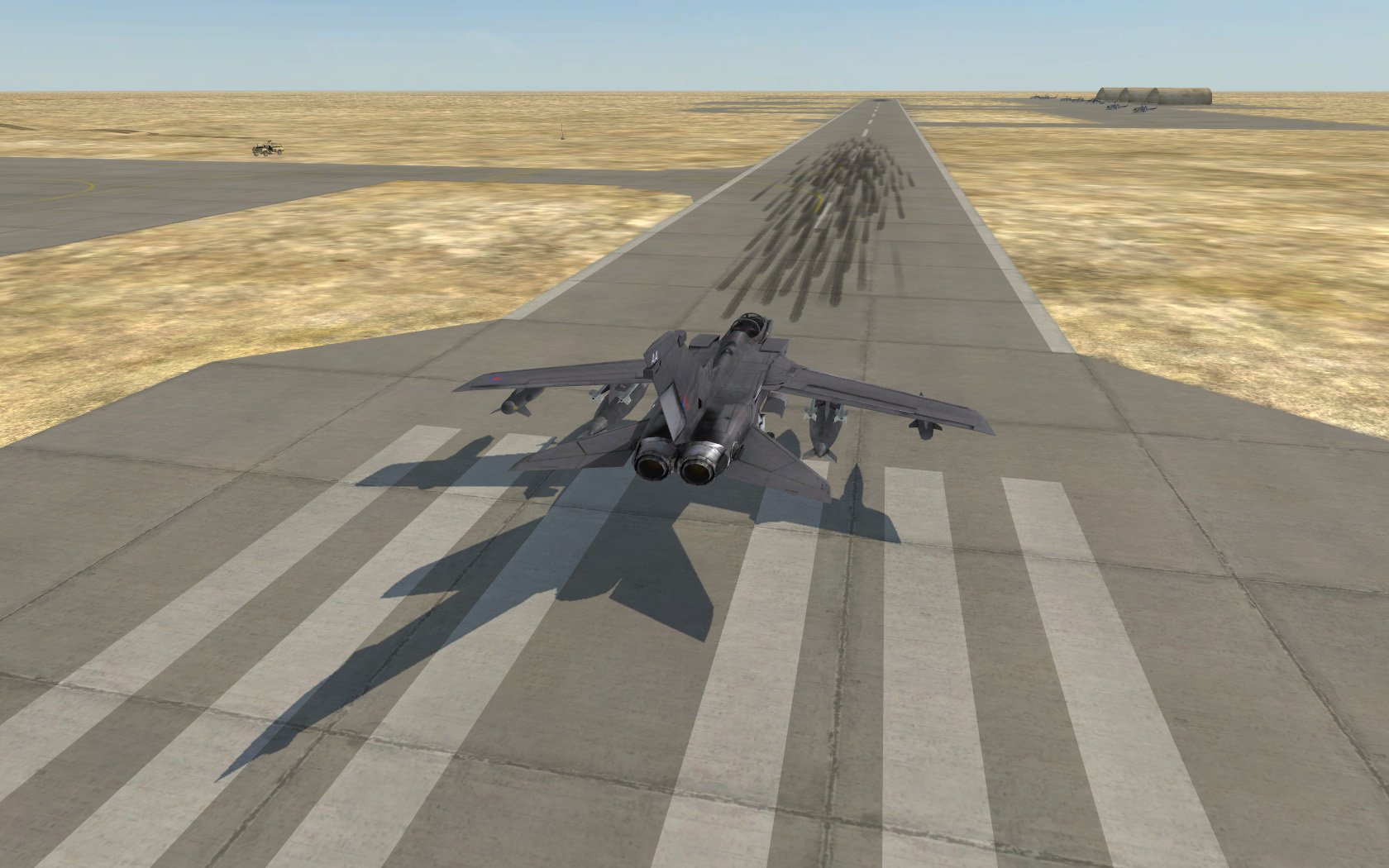
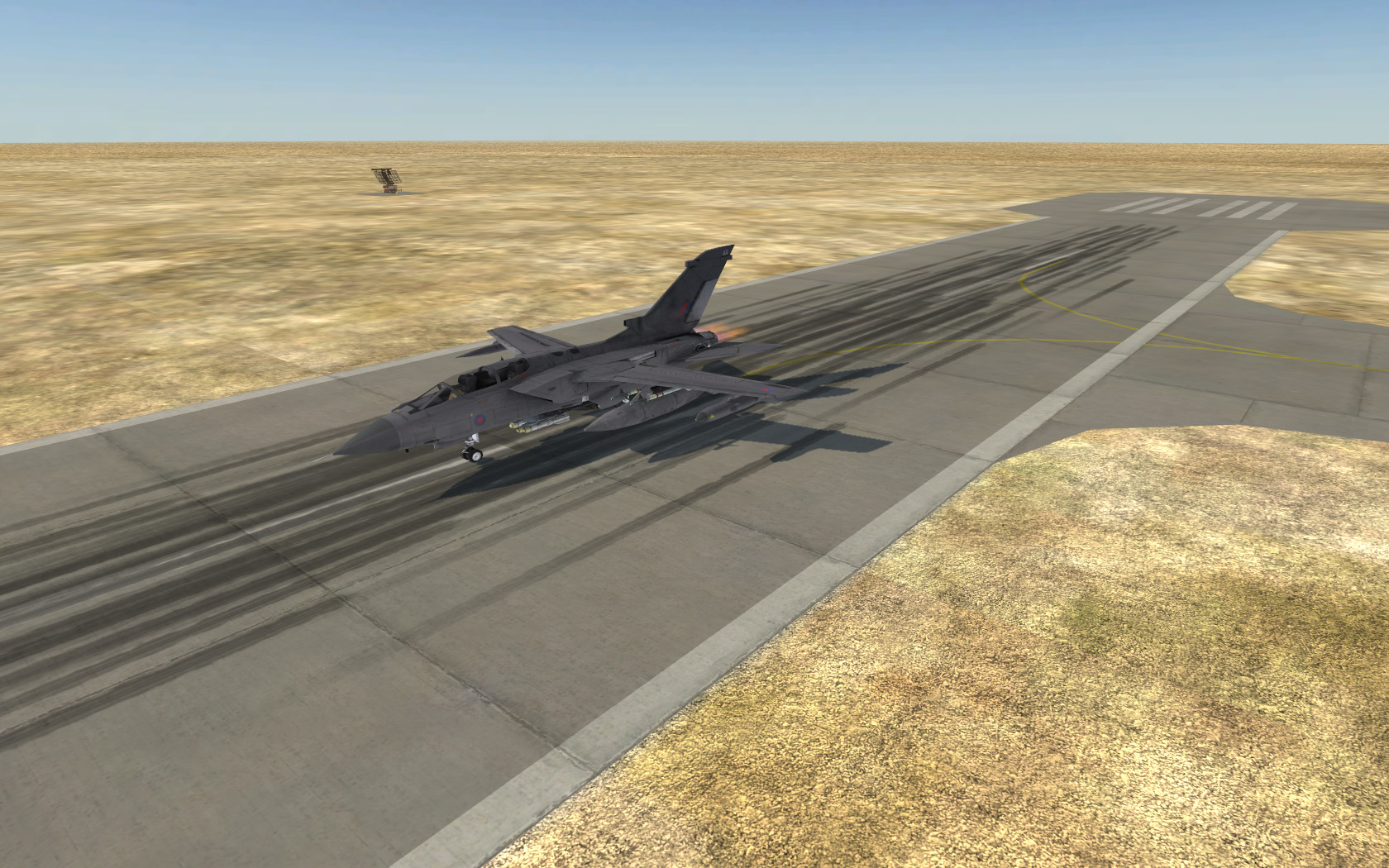
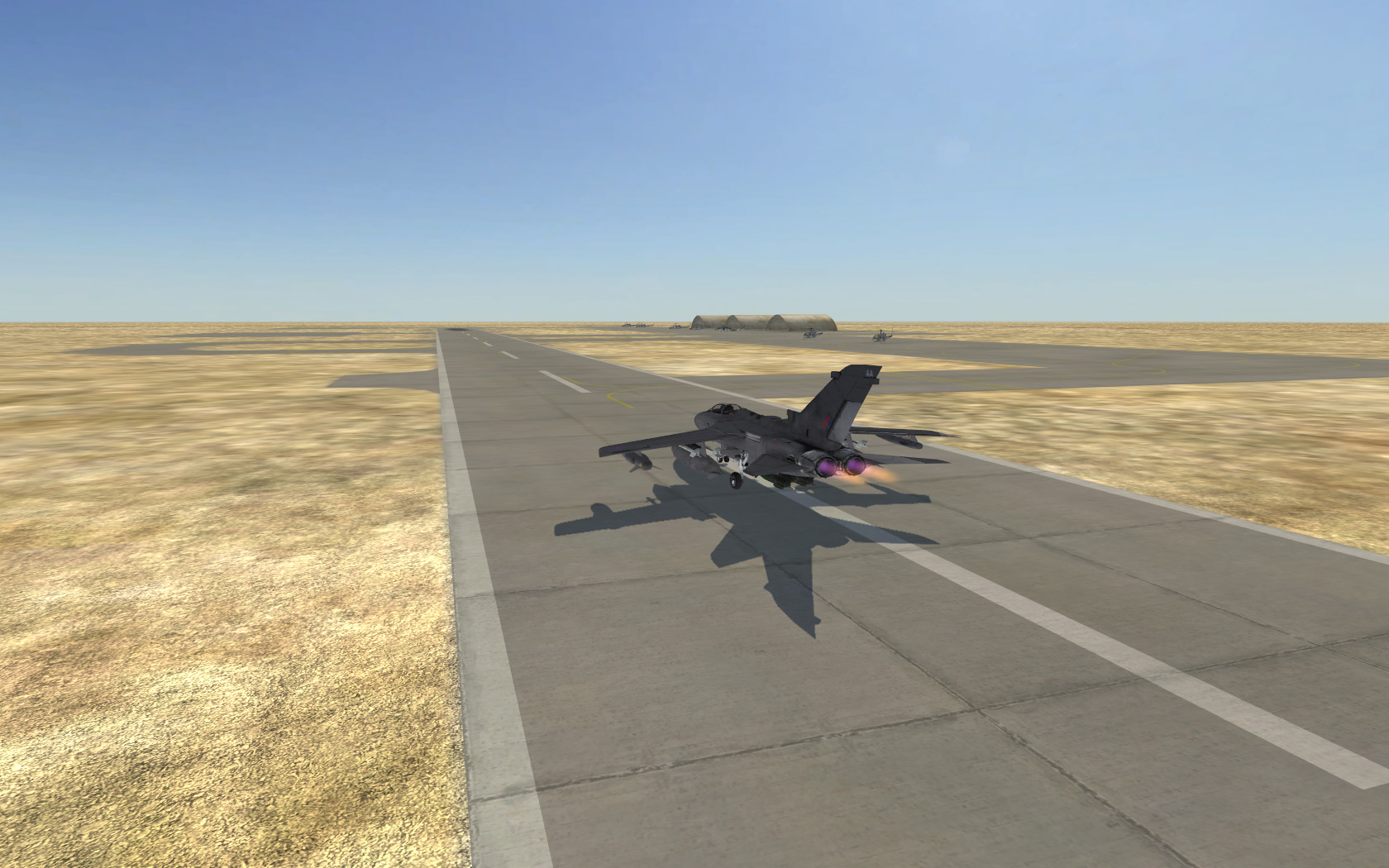

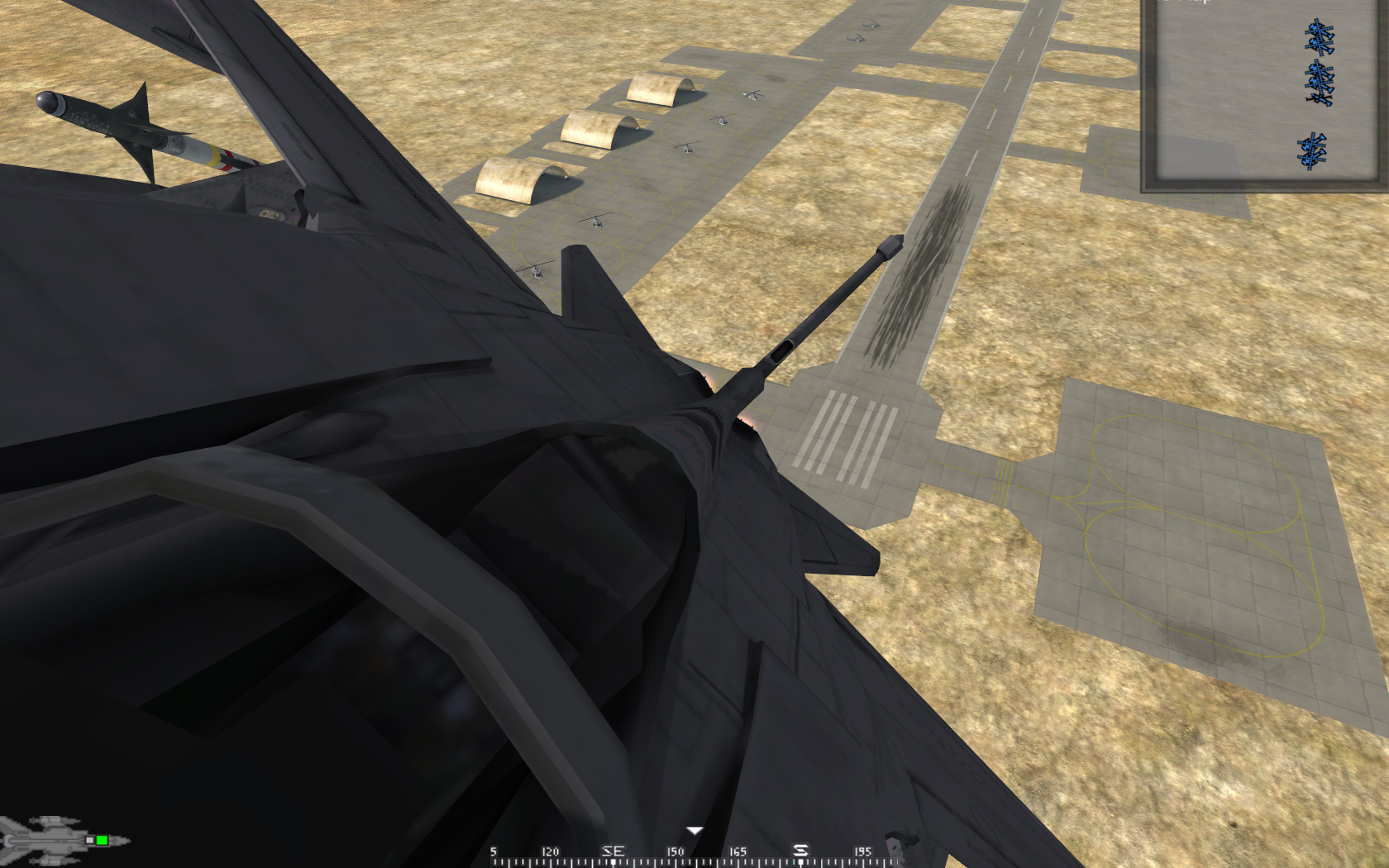
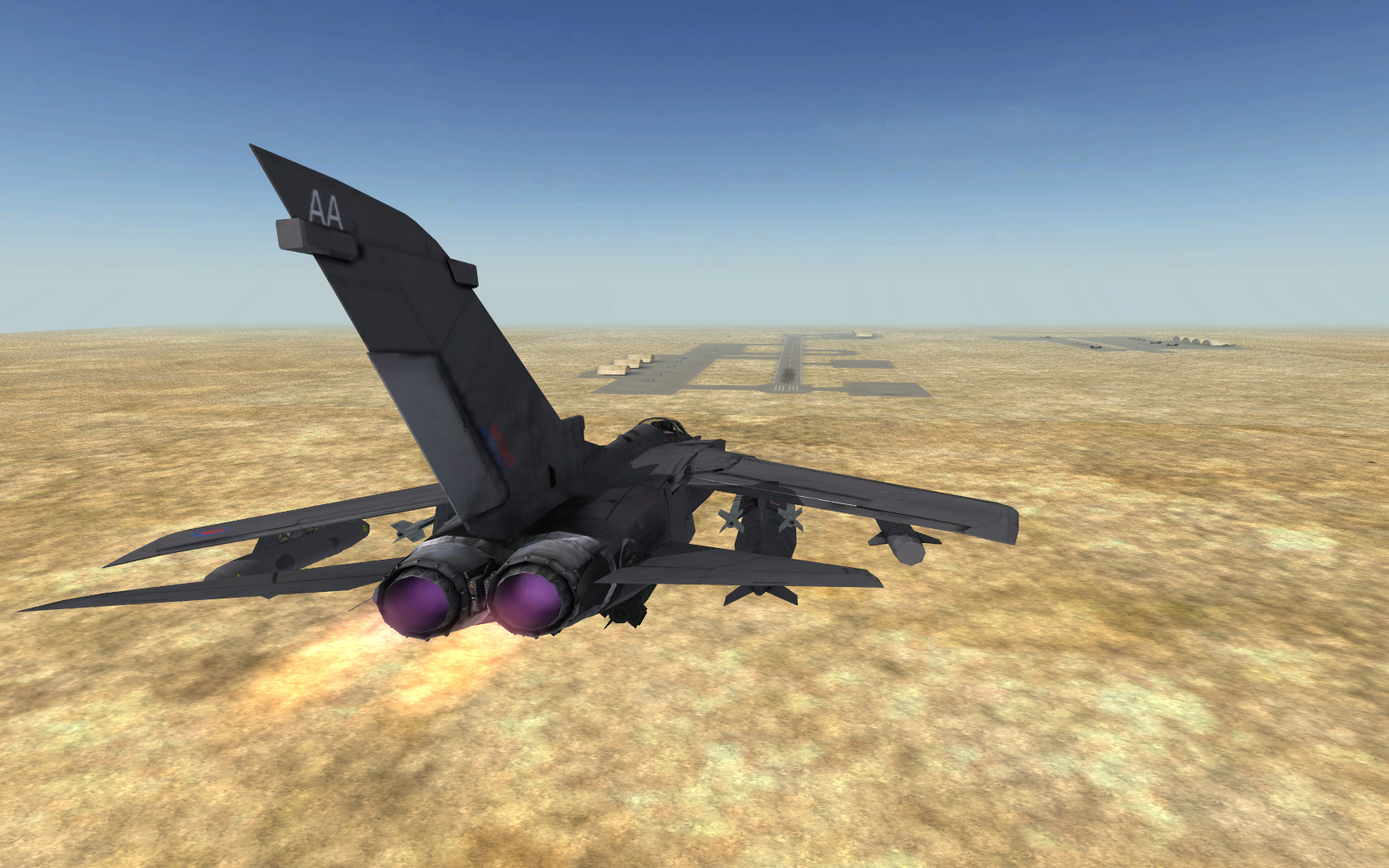
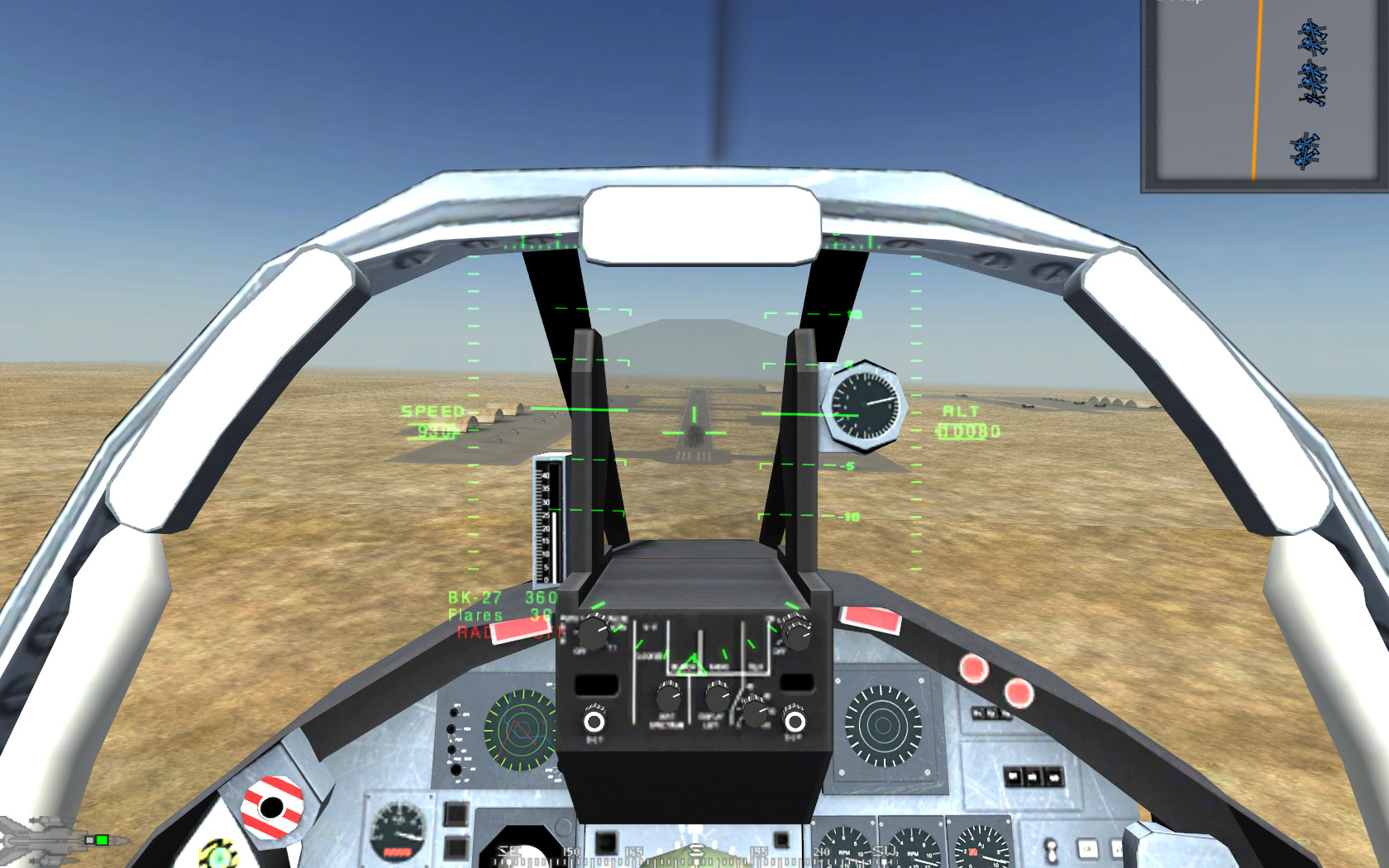
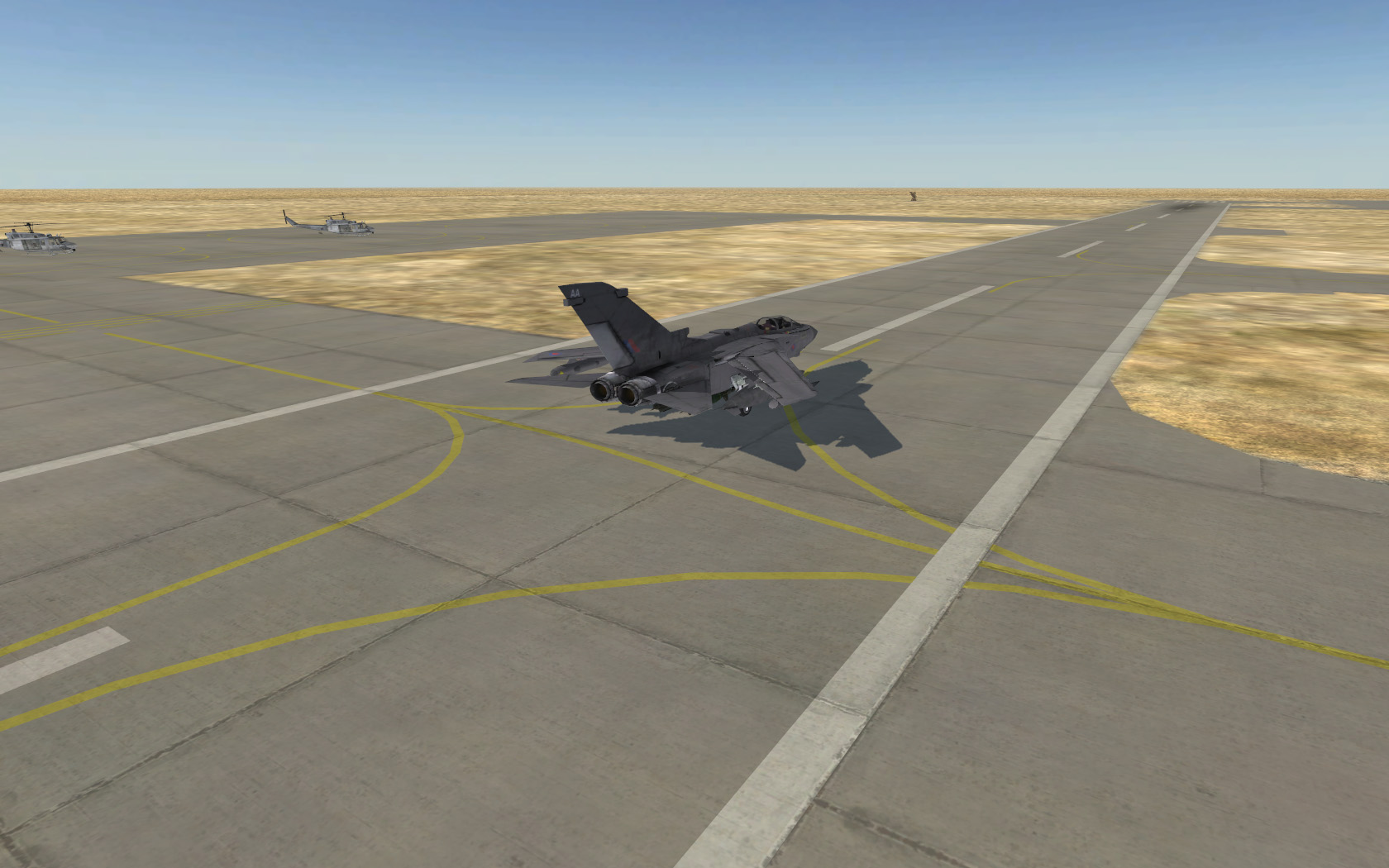
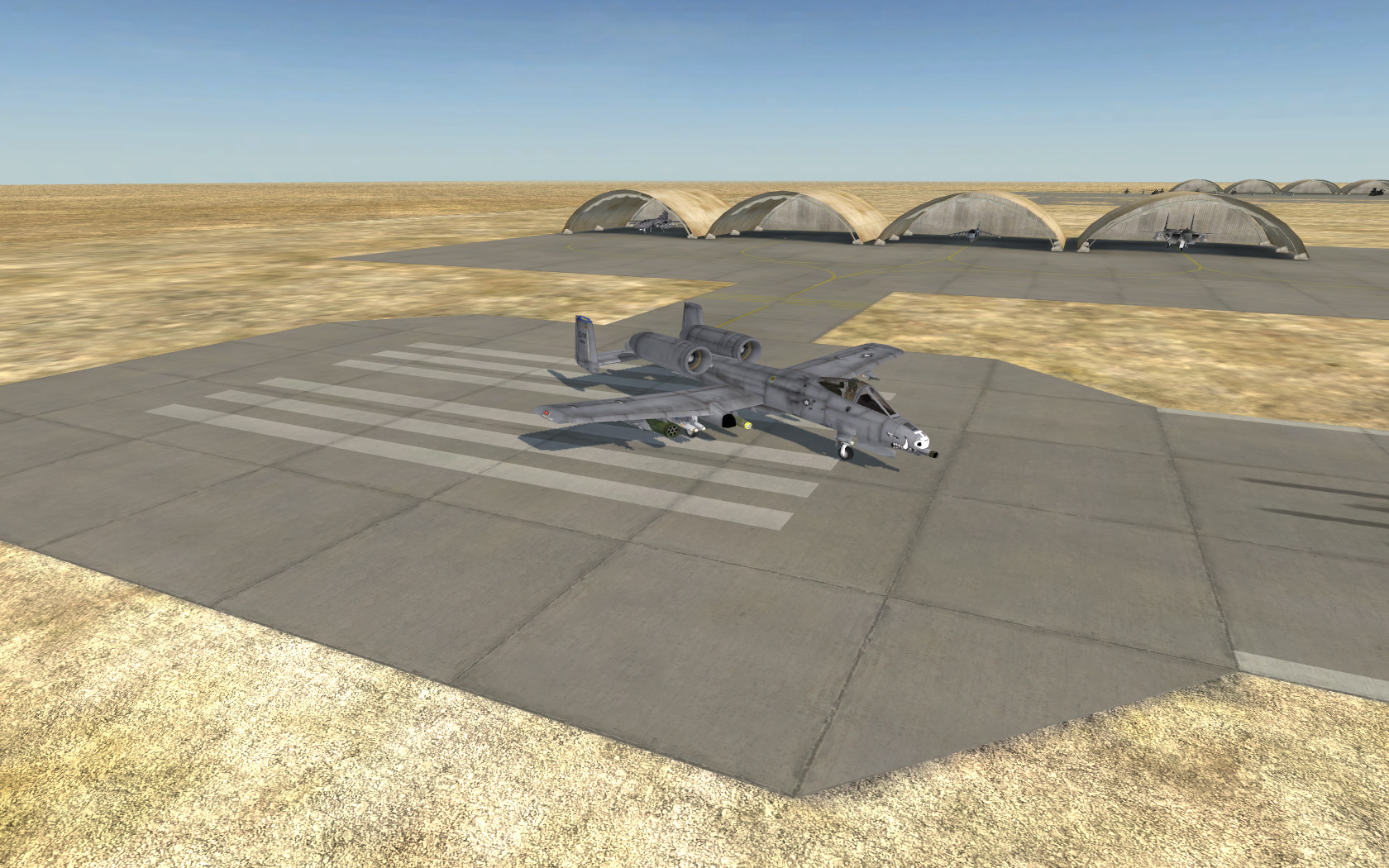
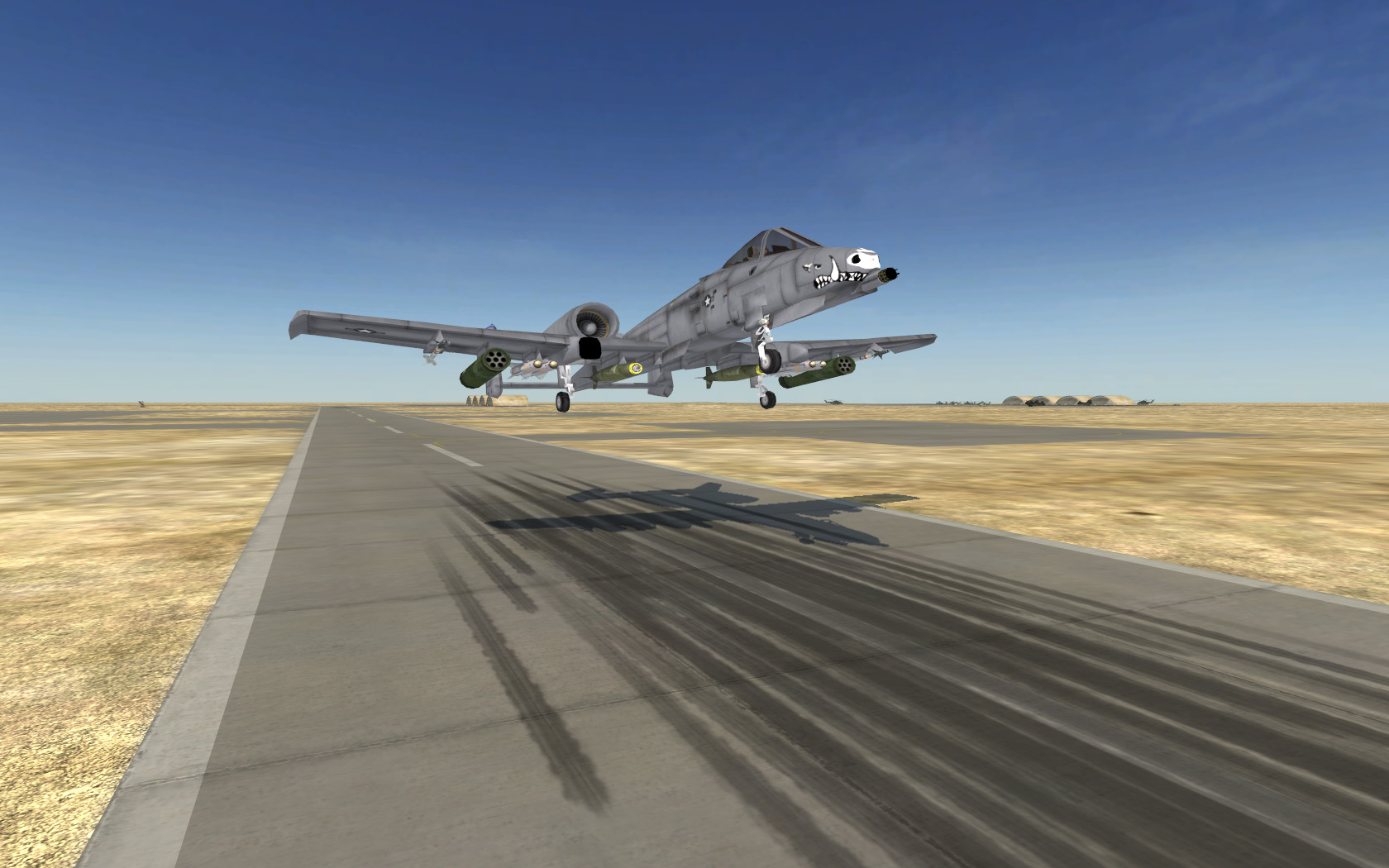
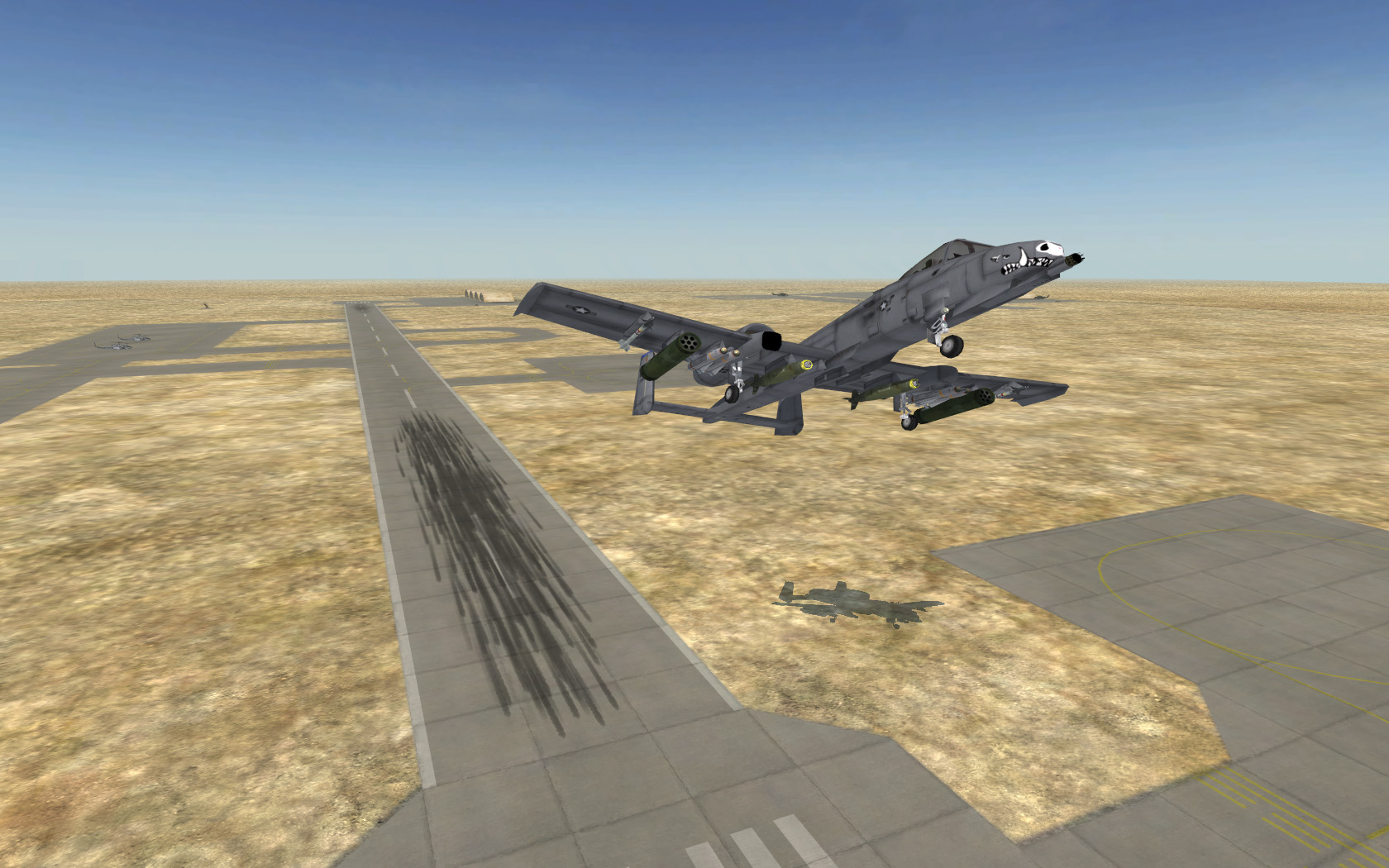
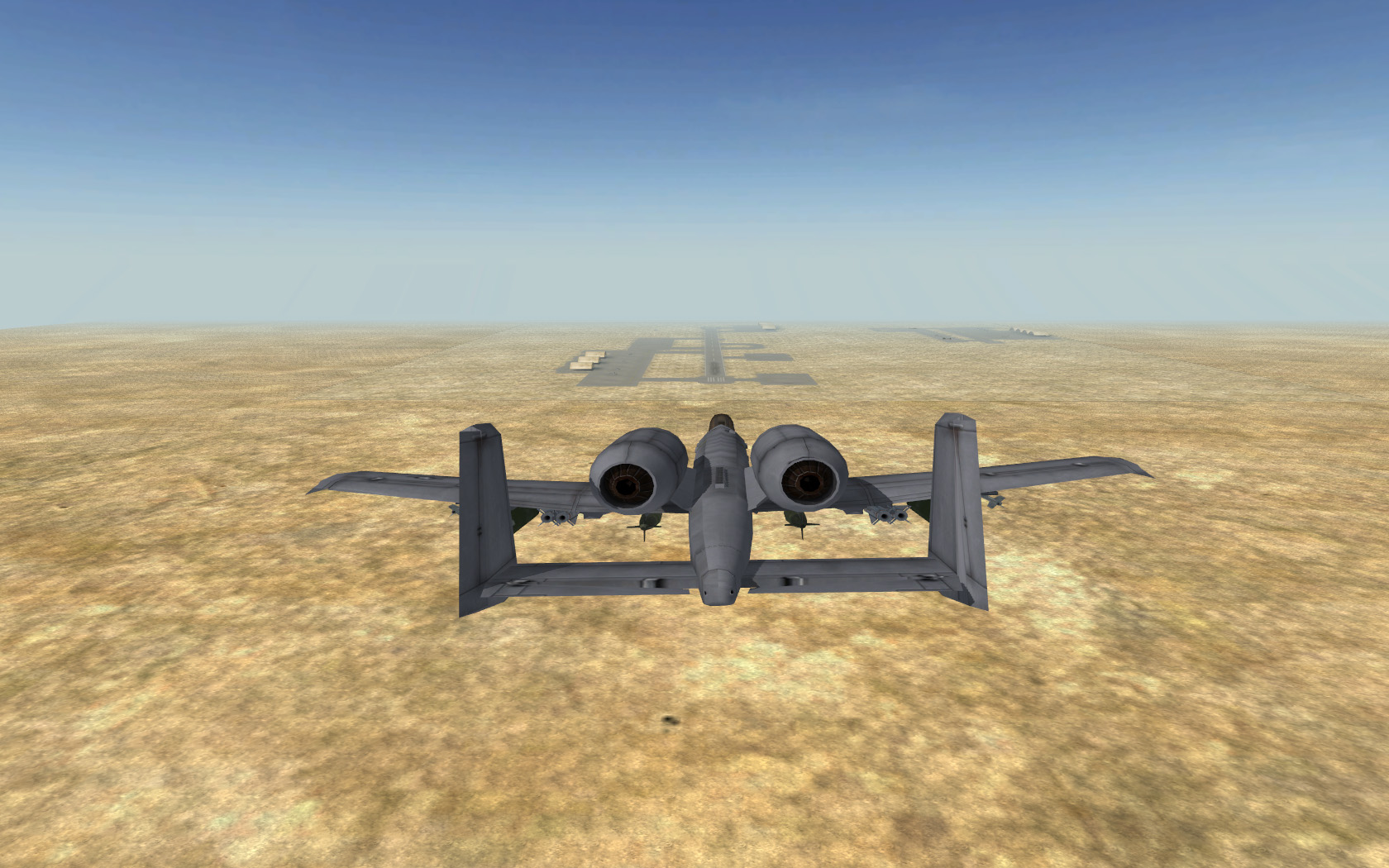

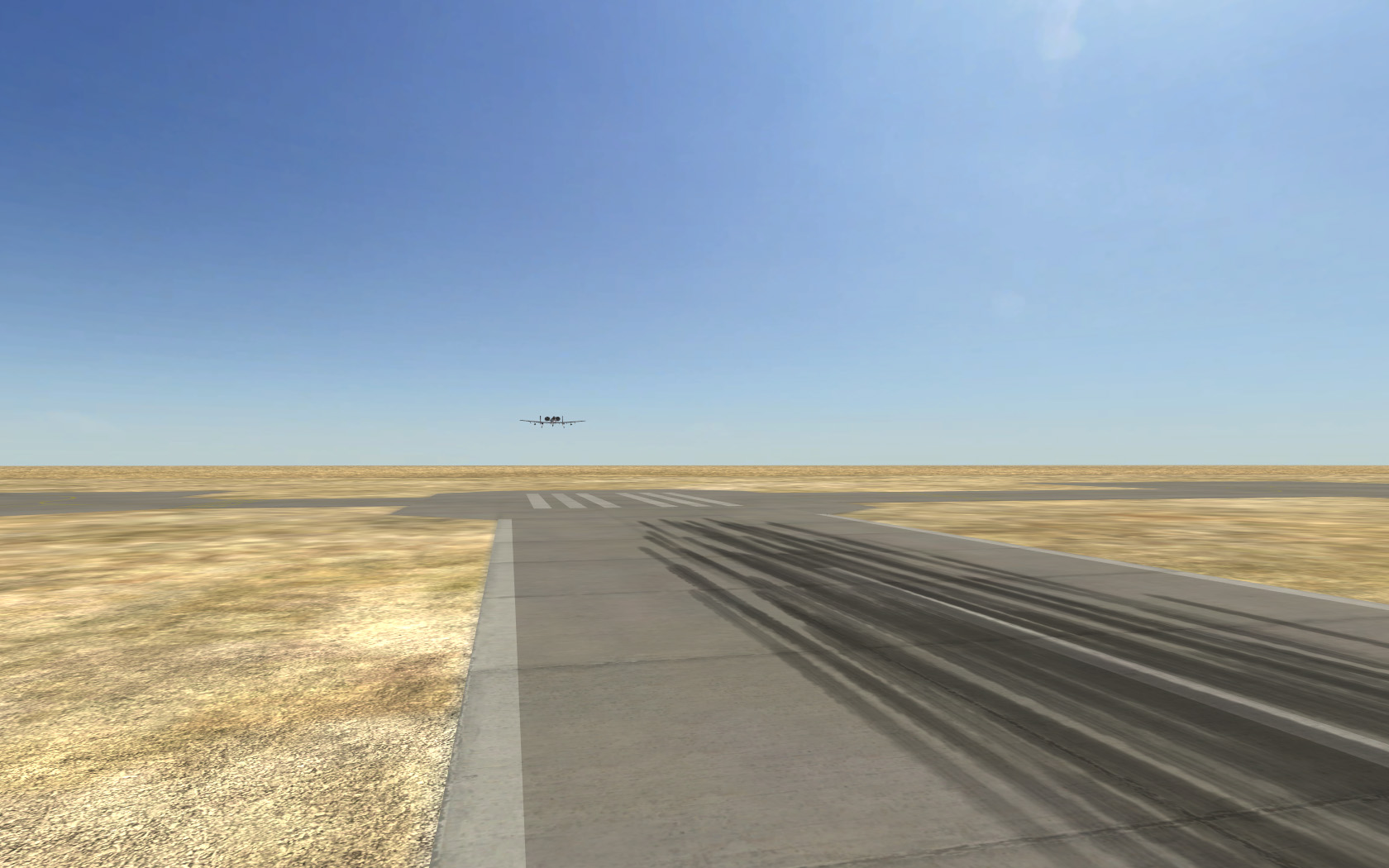
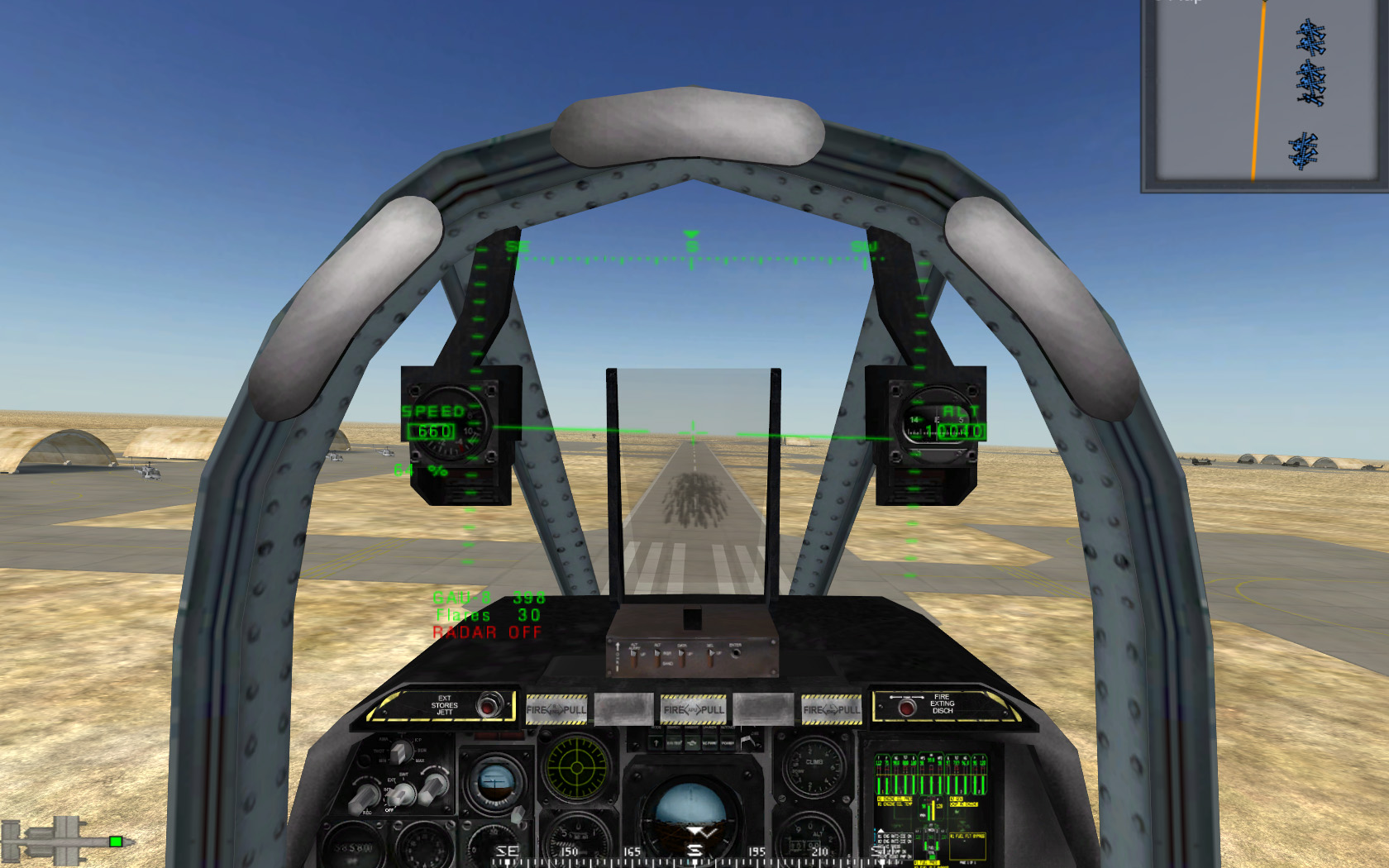
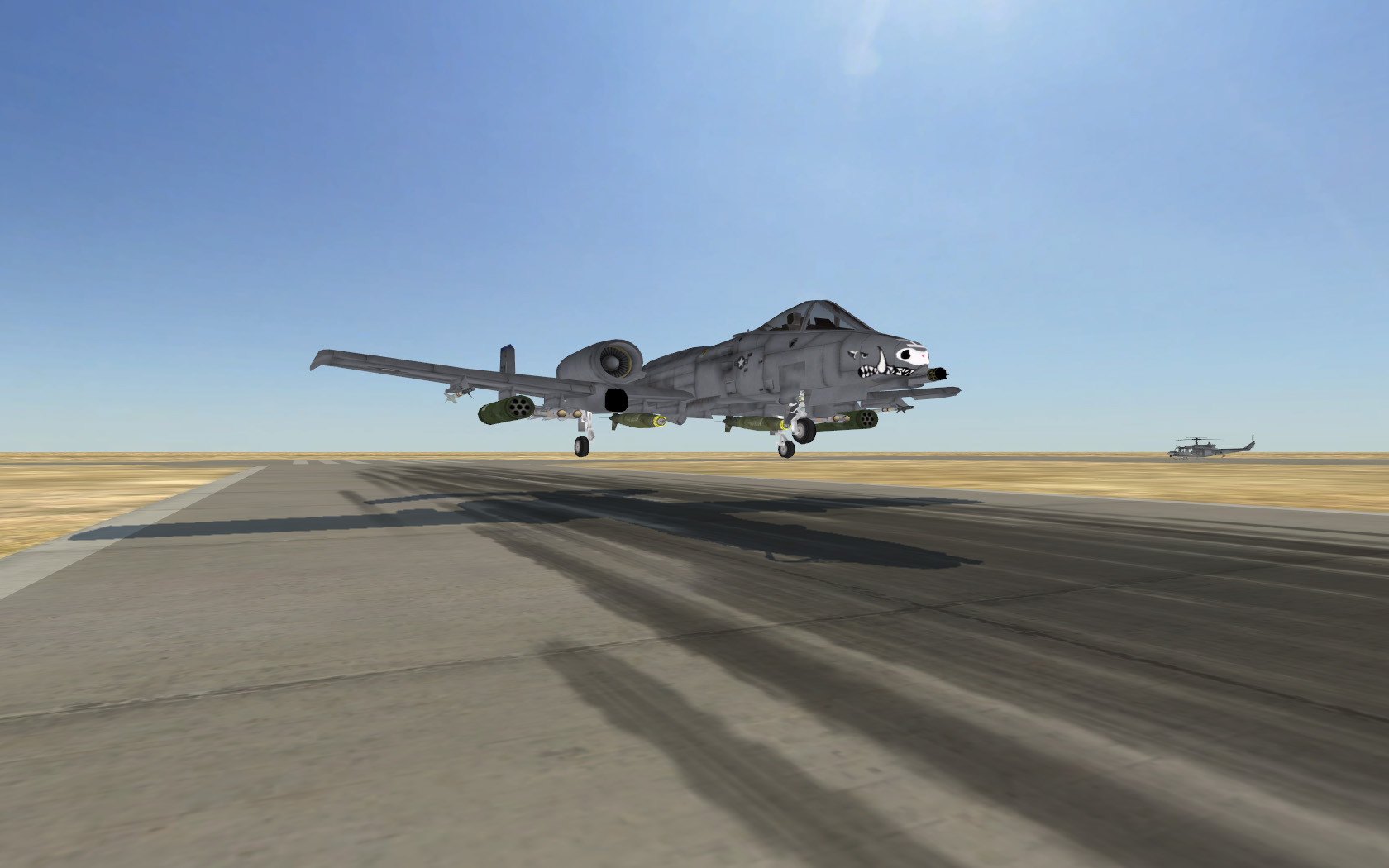
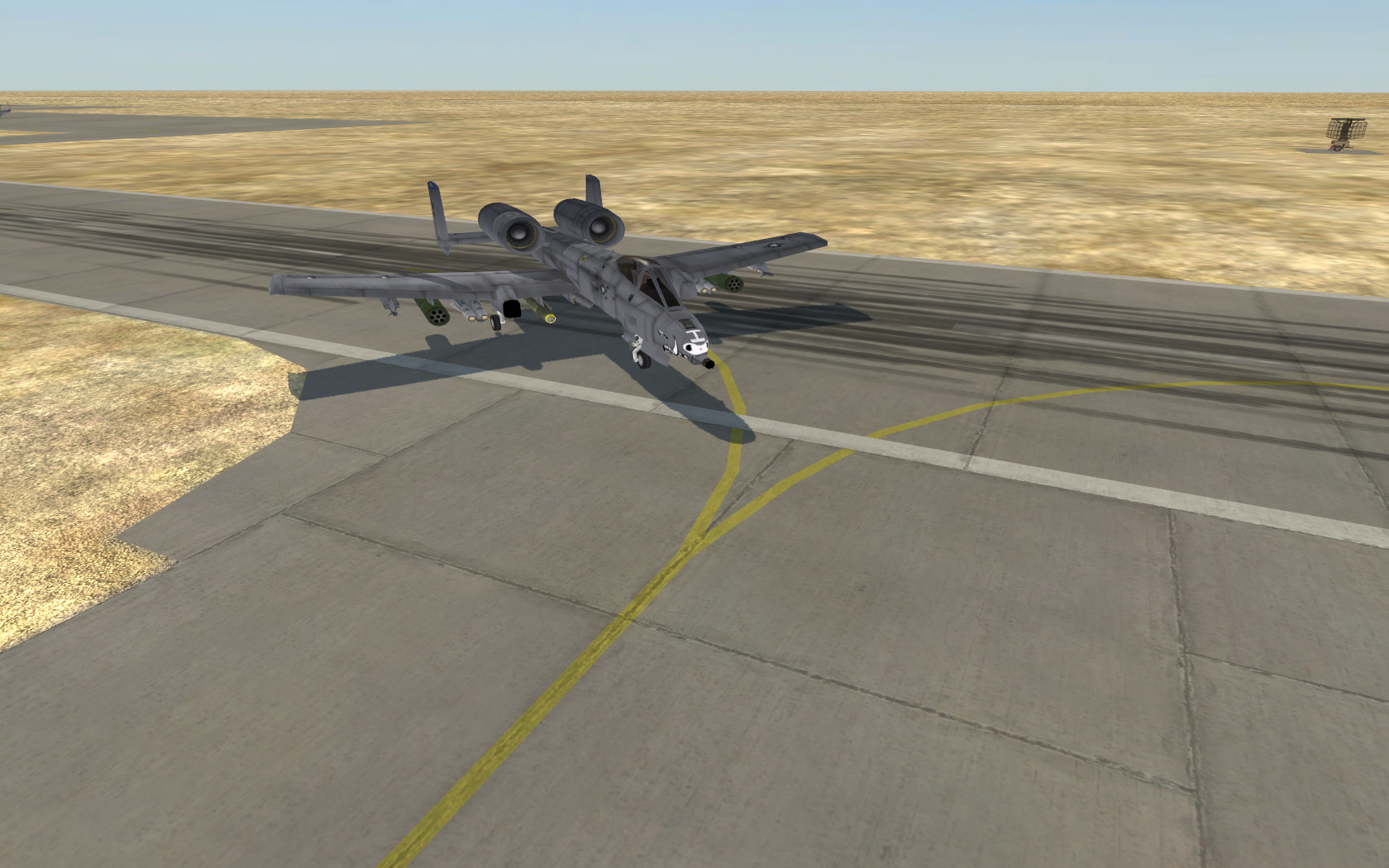


References:


More on the new Airbase System:
As mentioned at the begging of this topic, this new Airbase System solves pretty much all of the problems presented by all the old airbases currently present in PR on maps such as Qinling, Kashan and Silent Eagle. While each one is slightly different, and each one has there own pros and cons, none of them have really represented a realistic airbase correctly without any problems. While Qinling had a pretty realistic layout, it didn't look very good and had serious gameplay issues with jets falling off the taxiway and couldn't get back on, and had z-fighting problems at long distances. Kashan while it worked pretty well, didn't represent a realistic airbase, didn't have any detail other than on the runway and wasn't friendly to multiple aircraft, as well as had z-fighting problems at long distances. The German Airbase on Silent Eagle also had quite a few problems, with while having a somewhat realistic layout, it doesn't take full advantage of it with reloading still being on the runway. It also has no detail, not even runway markings to help pilots take-off and land there aircraft and the way it promoted players to use the taxiway system with huge bushes around the taxiway, isn't at all realistic.
Like I said, this new Airbase System fixes pretty much all these problems, with the only con being that a modeller needs to model an airbase, possibly multiple airbases for each new map which the most mappers can not do themselves.
So anyways now I'm going to go into detail on each bullet point I posted above to explain how we have overcome each problem for those of you who are interested.
No Z-fighting
As mentioned before, this new system doesn't have any Z-fighting, unlike the Qinling and Kashan runways, which at a distance, z-fight at long distances. Also the vBF2 type of runway z-fights on the edge of a 4km map when walking over it at close distance.
I've managed to overcome this problem with kinda combining the Qinling and vBF2 runways, to basically make a 3D road mesh, which is slightly offset from the ground (so it doesn't z-fight when up close, and also is more realistic) and also using the road system, as you get further away the engine compensates for that in a way that stops z-fighting at a distance. So in all we get the best of both worlds
Realistic Airbase Layouts with Realistic Detail Markings
This really comes down to how the model is made, as its a 3D model we can do pretty much what we like with it, although its down to the modeller to ensure the layout is realistic and has detail markings. These detail markings include realistic, smooth taxiway lines, Hold markings before runway/ramps, runway markings etc. Bastion actually lacks quite a lot of the common markings you would expect to find on most runways but this is mainly down to the Bastion runway being very basic and at first, wasn't planned to have so much activity on it.
One of the big improvements is a nice new set of textures that I've created which really enhance the look of the airbases. Unfortunately, we can't apply a normal map to them in the way these new airbases are done for added detail but it still looks pretty good without one
Basically, with this new system, we have custom medium sized colour texture, which each individual airfield will have which sets the colour of the concrete, while also painting down a basic dirt texture around key movement areas, such as taxiway lines, on the runway etc.
On top of that we have a nice new, concrete slabs detail texture which is then tiled all over the surface which is tiled so each whole slab is exactly 8m by 8m and the entire airfield is also modelled on a 4m grid.
Then for added detail we have an extra dirt texture on top, for things like detailed oil stains, tyre skid marks etc which you can see over parts of the airfield
This all adds up to a really nice look and feel for the entire airfield
3D Airbase Model, without any drawbacks
As mentioned the airfield is mainly 3D to stop z-fighting up close, but its not so far off the ground that jets fall off and can't get back on, like the Qinling airfield. Its only 5cm above the terrain by default, although has a 1m foundation so mappers can modify the terrain quite a lot around it without any issues, but even if you had the full 1m drop, you can still get back on via an invisible ramp in the col mesh.
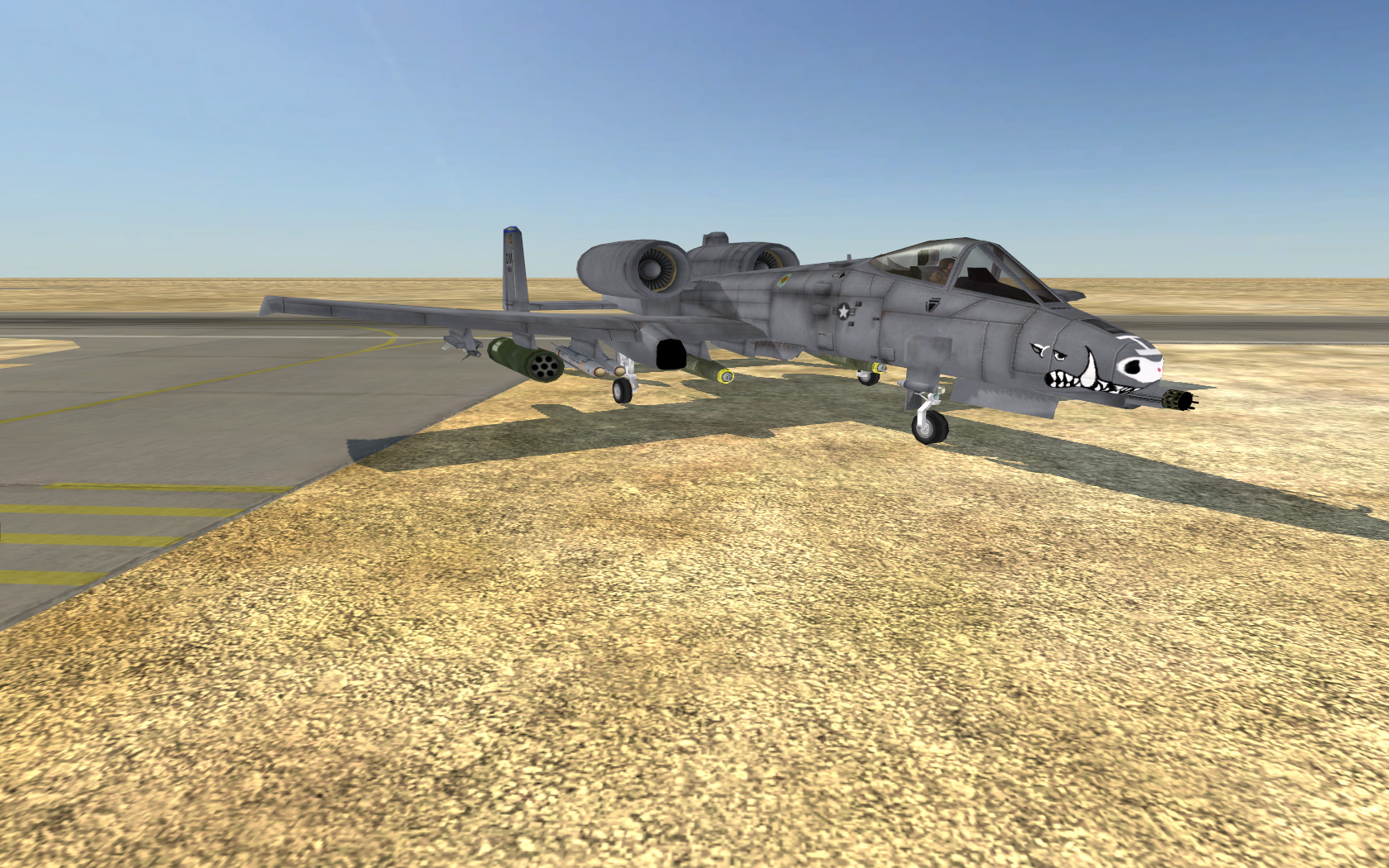
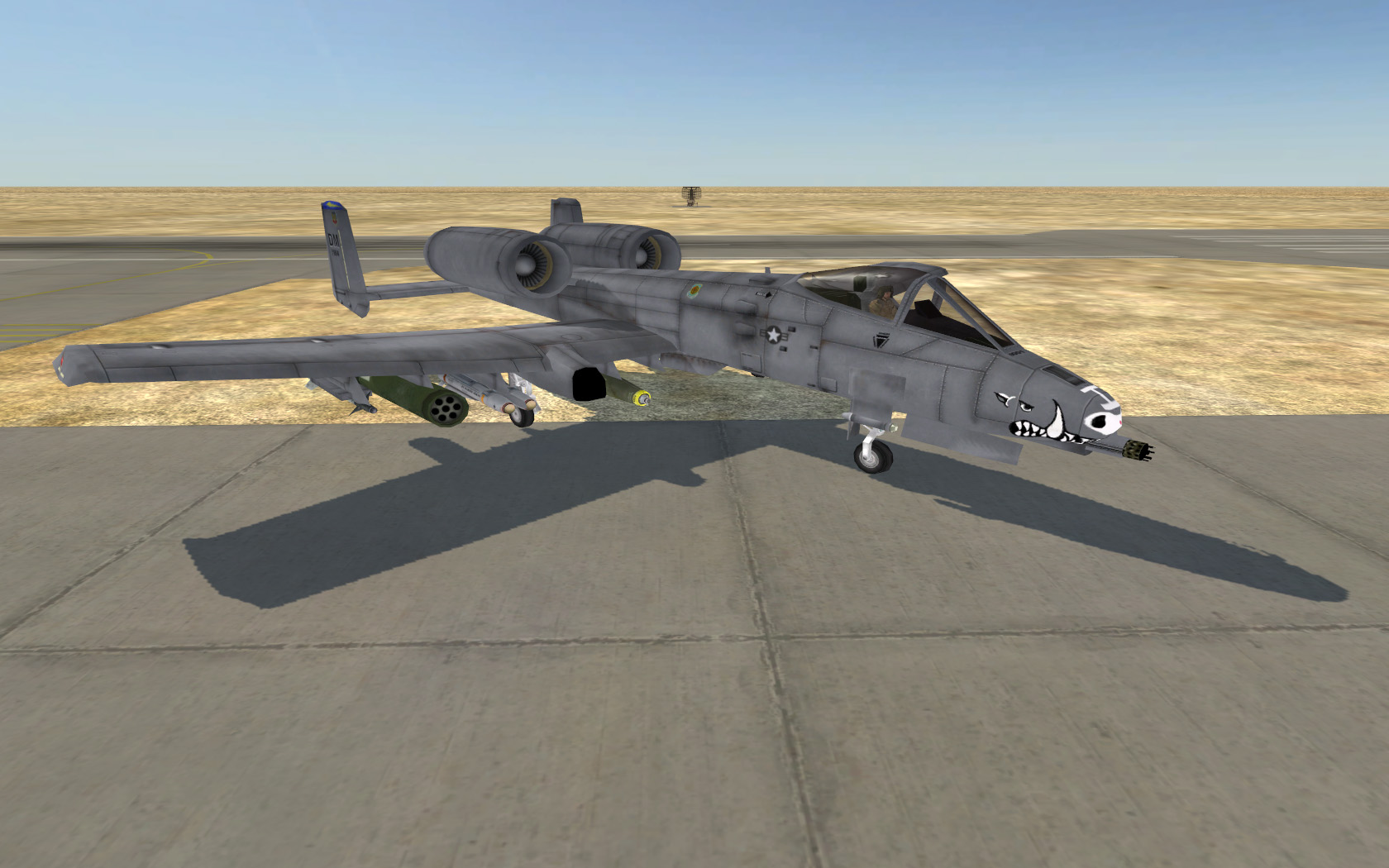
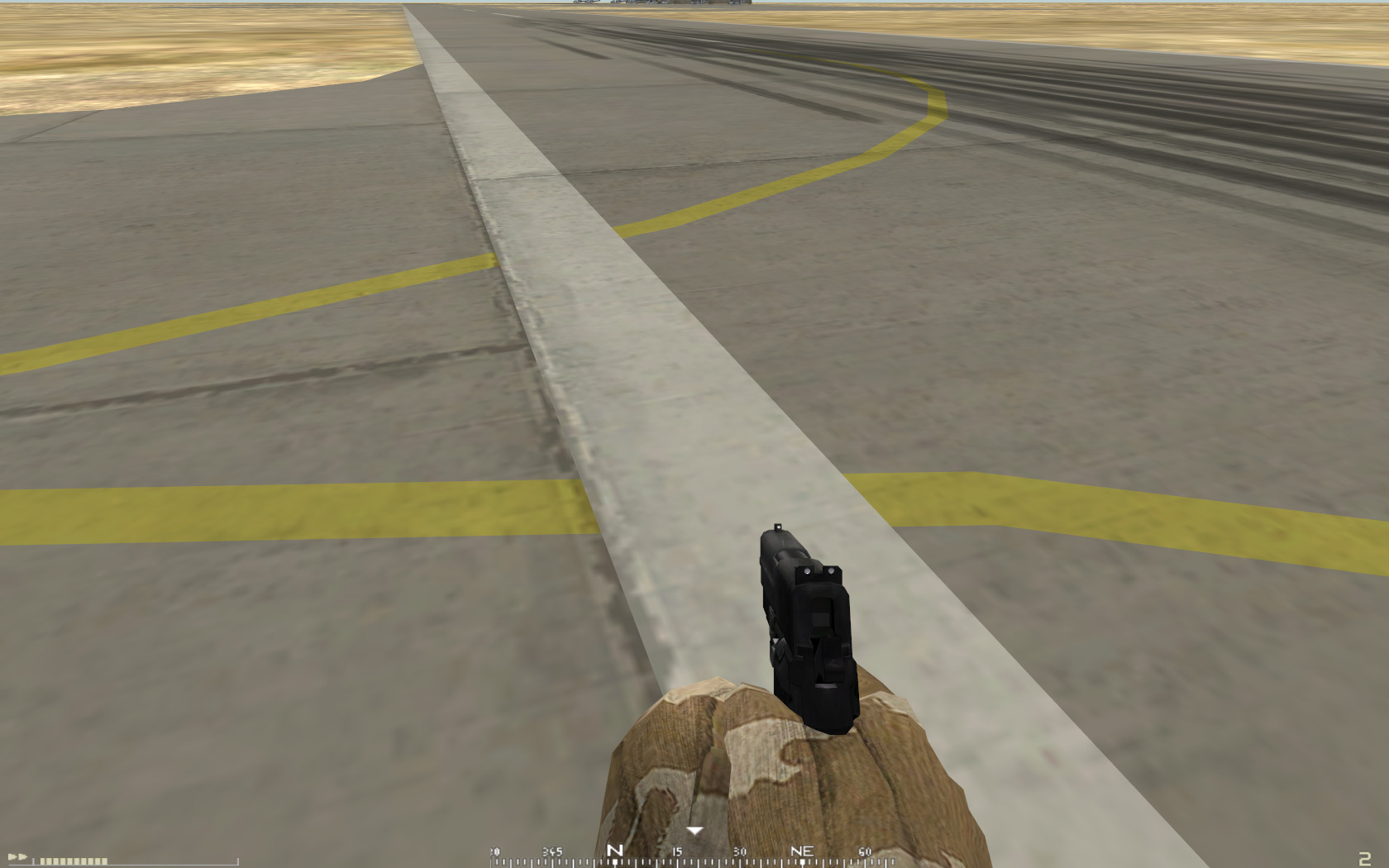
As mentioned before, we have now got a system where jets that do go on the terrain, start to take damage. The longer they are on the terrain, the more damage they take. If its a quick cut of a corner, perhaps by mistake, you might only loose something between 10% and 25% HP, but try and cut a big section and and you might loose over 50% HP. This is to ensure that pilots use the taxiway and runway system as they would in r/l, for pretty much the same reason, possible damage to the aircraft. So if you do go off by mistake, you can quickly get back on, but you should repair before thinking about taking off again. This system is still not 100% confirmed however but dose look promising
No Large Object Lightmap File
With the new airbases essentially being roads, they now use the terrain's lightmap, saving on extra, large, unnecessary lightmap files to be loaded into the players RAM while still keeping a good quality shadow
As shown before, reloading and repairing areas are in appropriate areas, on the Ramps/Plane Stands rather than on the runway like vBF2 Airbases.
Please note that British and USMC Helicopter Supply Points are separate from each other, so if the map is a British map, only British helicopters can resupply from there points, and if its a USMC map, only USMC helicopters can resupply from there points. This isn't to say that the USMC will ever use this exactly, this is just encase they ever do. Also please note that the Jet supply points are common for both factions.
Cheers for reading and hope you all like the improvements!
Modeller Information:
Anyone looking into making an airbase for their/someone's map should read this tutorial: https://www.realitymod.com/forum/f189-m ... rbase.html





 ops:"
ops:"


