How To Place Accurate Map Markers
Posted: 2012-12-06 23:41
All,
Absolute Killer showed me this a couple years ago but I still see people place markers (observe, move, attack, mortars) that are inaccurately placed when viewed on the map.
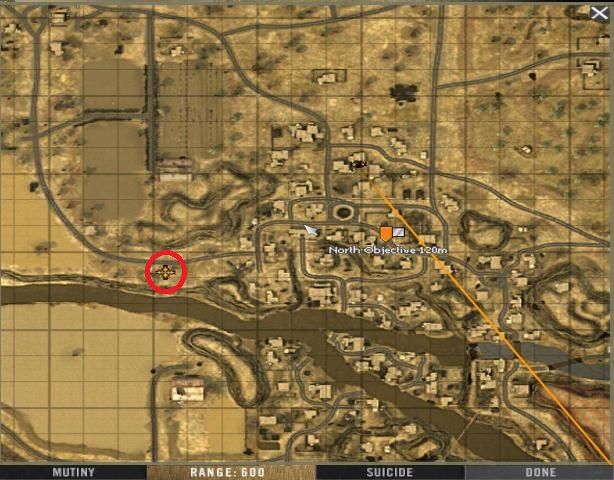
There is a way to get accurate enemy markers by following these steps below. I used mortars for this example.
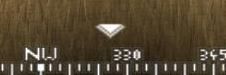
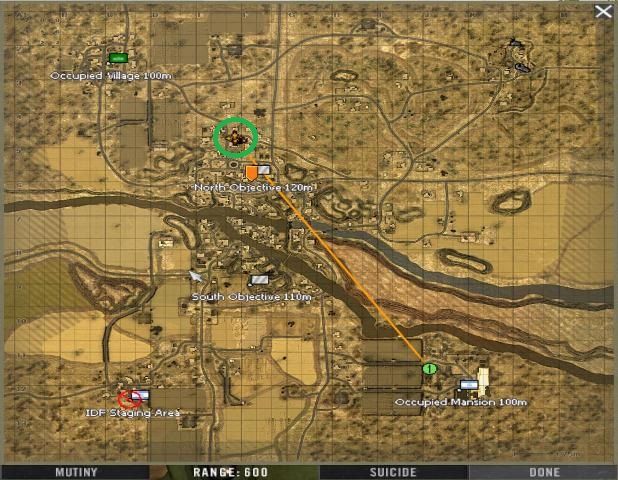
Your enemy markers (tanks, jeeps, infantry. etc.) and location of incoming mortars location will be accurate and it will greatly help the team.
Absolute Killer showed me this a couple years ago but I still see people place markers (observe, move, attack, mortars) that are inaccurately placed when viewed on the map.
There is a way to get accurate enemy markers by following these steps below. I used mortars for this example.
- Use radio/binoculars/mouse to make your targeting mark (observe, move, attack).
- Note the range to target on your map
- Accurately line up towards the mark with radio/binoculars and select your range (distance) to target.
- Important: Move forward or backward with your move key "W" one step
- While still lined up on the mark use your radio/binoculars to select the item you want to target - Mortars (air-burst, he, smoke) Tank, Jeep, Infantry... etc.
Your enemy markers (tanks, jeeps, infantry. etc.) and location of incoming mortars location will be accurate and it will greatly help the team.


