BF2 TPaint

Information and tutorials related to modding BF2.
Rhino
Retired PR Developer
Posts: 47909
Joined: 2005-12-13 20:00

BF2 TPaint

Post by Rhino »

I'm posting this up here as the main site TPaint use to be hosted on has gone down and I dont want this to be lost to the community :)

I did not make this tool or this tut, this was made by [PC]BF2C|Token :)
'[PC wrote:BF2C|Token']
BF2_TPaint

I've created a simple tool to make texturing your maps easier. It will make both the color map and detail map, based on height and gradient.

Image

It does not make highly realistic textures like terragen and world machine, but it is useful to create a base texture if you want to paint the terrain by hand. It also includes a tool that will split a whole color/detail map into the correct format for the editor (tx00x00.dds...), which will be useful if you use an external program, eg Terragen.

Download BF2_TPaint_v0.33:
Link 1: http://realitymodfiles.com/rhino/editor ... _v0.33.rar
Link 2: Domein gereserveerd door VIP Internet
Link 3: bf2_tpaint.rar Download File on FileFront

WinRAR Beta 3.60 beta 7 save and install, then when unzipping bf2_tpaint put it in the Battlefield 2\bf2_tpaint folder. Yes you will have to make the directory.


Instructions:

1. BACKUP your level first, I won't accept any blame if you screw up your map that you have been working on for 20 hours :) .
2. Extract the rar to your level folder so that the files sit in the subfolder ..\MY_LEVEL\bf2_tpaint\
3. Run "BF2_TPaint.exe"
4. You have some new (as of v0.3) options now:
Image
For best results you should select "Mirror colour texture" unless your colours textures are seamless. Deselect "Paint surrounding terrain" if you want to just paint the primary terrain and save time. Click "Go" to make it go.
5. Delete the folders MY_LEVEL\editor\detailmaps, MY_LEVEL\editor\colormaps and MY_LEVEL\editor\lowdetailmaps. Remember you should have made backups.
6. Copy the folders "colormaps", "detailmaps" and "lowdetailmaps" (if you painted the surrounding terrains) to ...\MY_LEVEL\editor
7. Open the editor
8. Assign detail textures and materials, so that Layer 1 is your steep texture (eg. Rock), Layer 2 is your high texture(eg. Grass) and Layer 3 is your low texture(eg. sand):
Image
9. Assign LowDetailTypes and generate the Low Detailmap.
10. Save your level with the following options:
Image


How To Change Colours:
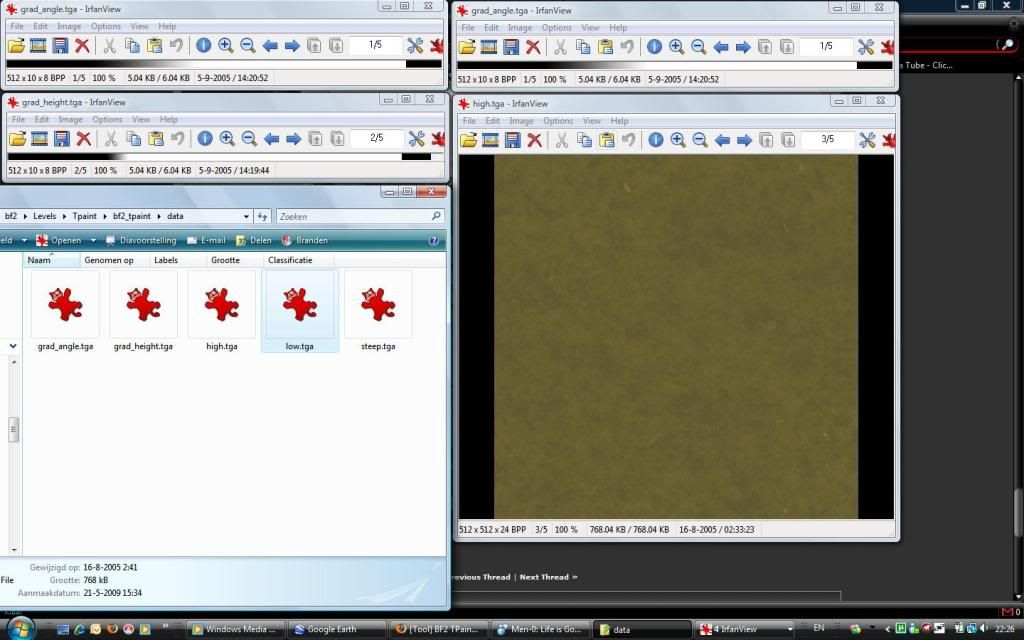
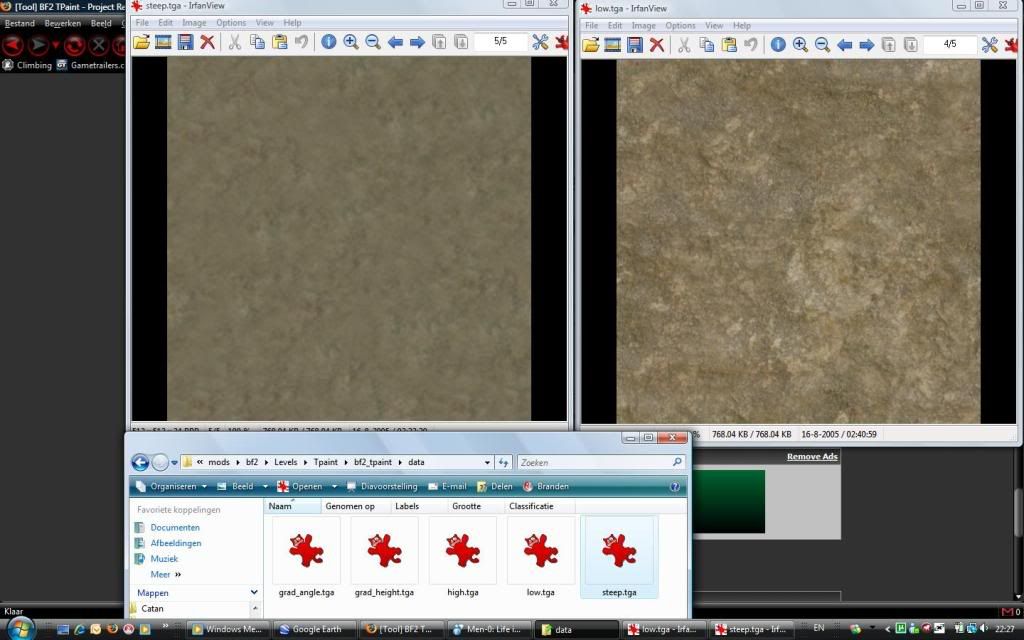
BF2_TPaint uses 3 textures to paint the high areas, the low areas and the steep areas, named "high.tga", "low.tga" and "steep.tga" respectively. You can change these textures to suit your map, but they must be 512x512 24-bit BGR TGA images. The images need to be placed in the "data" subfolder.


How To Change Blending Coefficients:
BF2_TPaint uses 2 gradients to determine how the 3 colour textures are blended together, called "grad_angle.tga" and "grad_height.tga", found in the data subfolder. They are 512x10 8-bit Mono TGA images that can be easily created in an image editing program, such as Photoshop.

grad_height.tga
Open this image and you will see the gradient that determines the height and smoothness of the blend between the low.tga and high.tga.
Image

The maximum height of your terrain can be found on the tweaker bar:
Image

grad_angle.tga
The texture created by blending low.tga and high.tga is then blended with steep.tga depending on the normal angle of the terrain and this gradient.
Image


Command Line Parameters
As of version .33 BF2_TPaint can take command line parameters. If the program is executed with the following parameters then the dialog box will not appear and BF2_TPaint will process the textures maps straight away.

bf2_tpaint -mirror 1 -surround 1 -deltemps 1


Where 1==true and 0==false, be carefull of the case-sensitivity.

Token 2005
'[PC wrote:BF2C|Token']
BF2_TSplit

A simple command line tool, used by BF2_TPaint that will take a full size color / detail texture and split it up in to the smaller textures used by the bf2 editor.

You could also use it to split up textures generated with programs such as Terragen or World Machine. It's syntax is:

bf2_tsplit [detailmap] [colormap]

or you can give "null" as the filename to either argument if you want to just split a colormap, or just split a detailmap. Just make sure that the original images that you are splitting are the right size for your height map.

Token 2005
Image
Rhino
Retired PR Developer
Posts: 47909
Joined: 2005-12-13 20:00

Re: [Tool] BF2 TPaint

Post by Rhino »

ye, where I got this off but just encase that goes down, + more ppl will see it here :)
Image
Durkie
Posts: 264
Joined: 2009-01-12 08:10

Re: [Tool] BF2 TPaint

Post by Durkie »

I got a problem whit Tpaint it is only painting layer 3
"Goddam it, you'll never get the Purple Heart hiding in a foxhole! Follow me!"
Captain Henry P. Jim Crowe
Durkie
Posts: 264
Joined: 2009-01-12 08:10

Re: [Tool] BF2 TPaint

Post by Durkie »

Jonny wrote:Did you happen to edit the tga files in the data folder, so that you only paint the 'low' texture?
no I used the tga files from the rar
"Goddam it, you'll never get the Purple Heart hiding in a foxhole! Follow me!"
Captain Henry P. Jim Crowe
Durkie
Posts: 264
Joined: 2009-01-12 08:10

Re: [Tool] BF2 TPaint

Post by Durkie »

Jonny wrote:Did you set textures, detailmaps and low detailmaps for the first two slots?
I did and if I set the low detail type in another order I still got the same problem
"Goddam it, you'll never get the Purple Heart hiding in a foxhole! Follow me!"
Captain Henry P. Jim Crowe
Durkie
Posts: 264
Joined: 2009-01-12 08:10

Re: [Tool] BF2 TPaint

Post by Durkie »

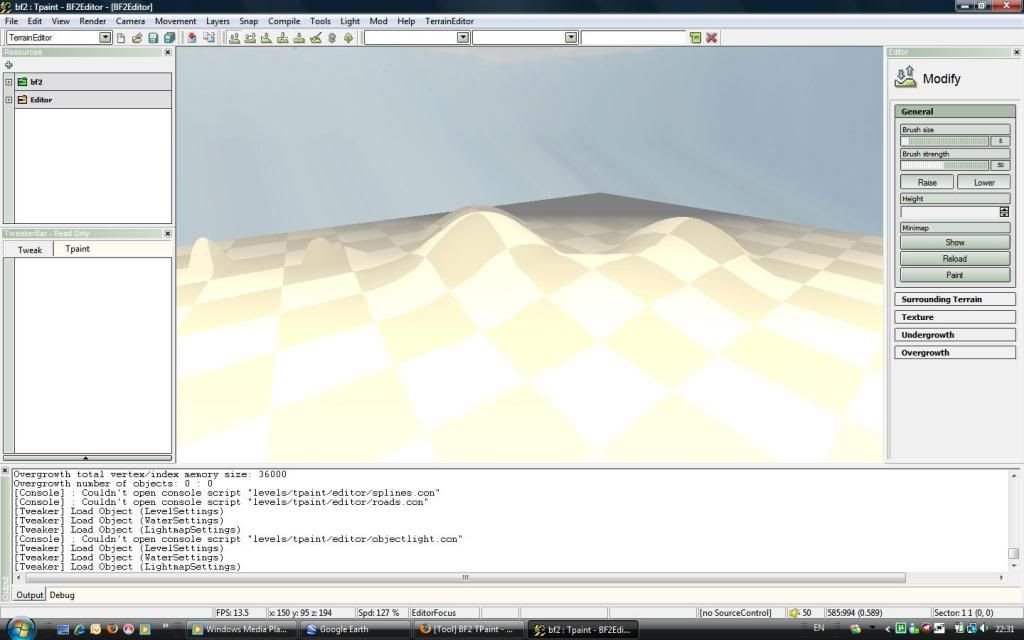
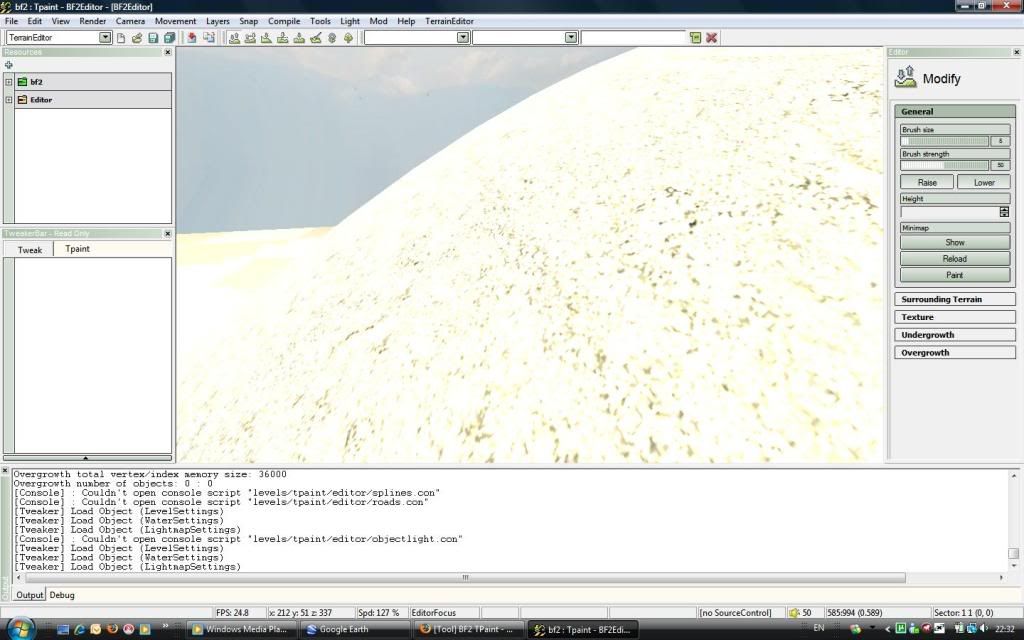
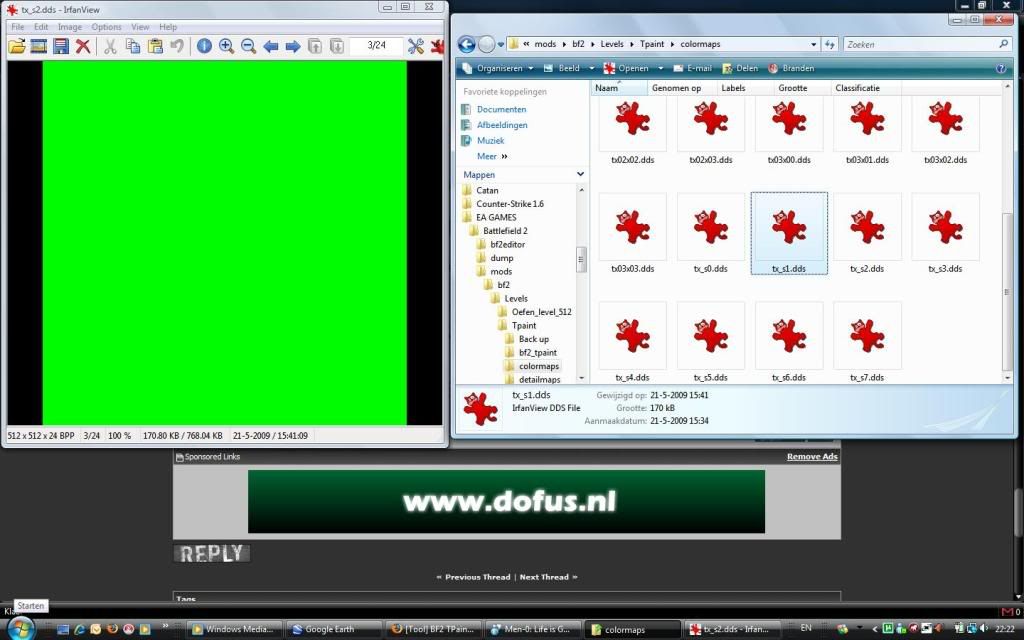
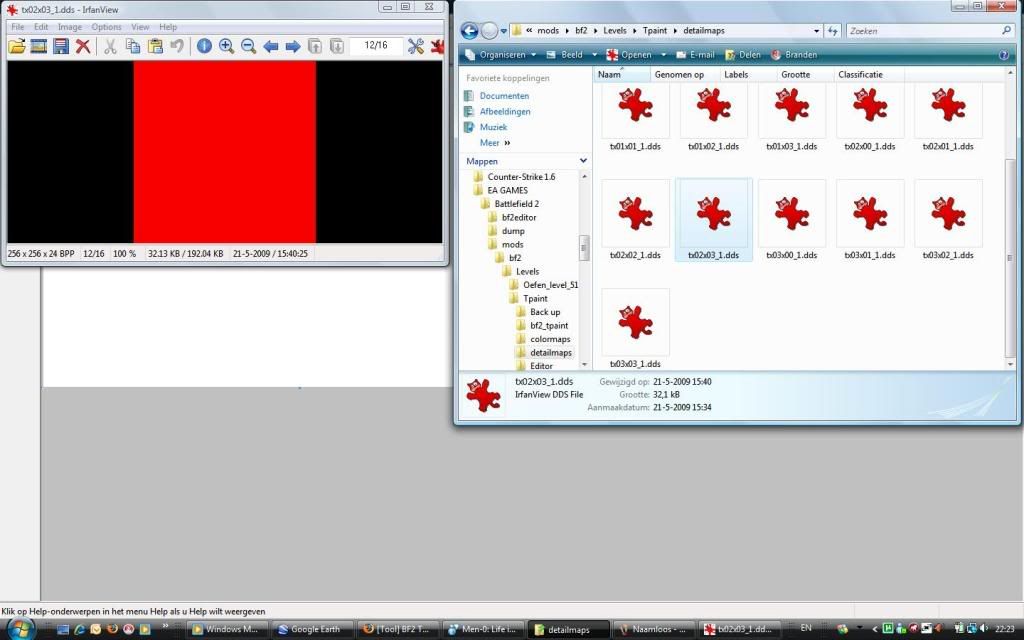
I still have the same problem so here come the screenshots

Editor

Image

Editor more closer so you can see the texture

Image

Detailmaps

Image

Image

Colormaps

Image

Image

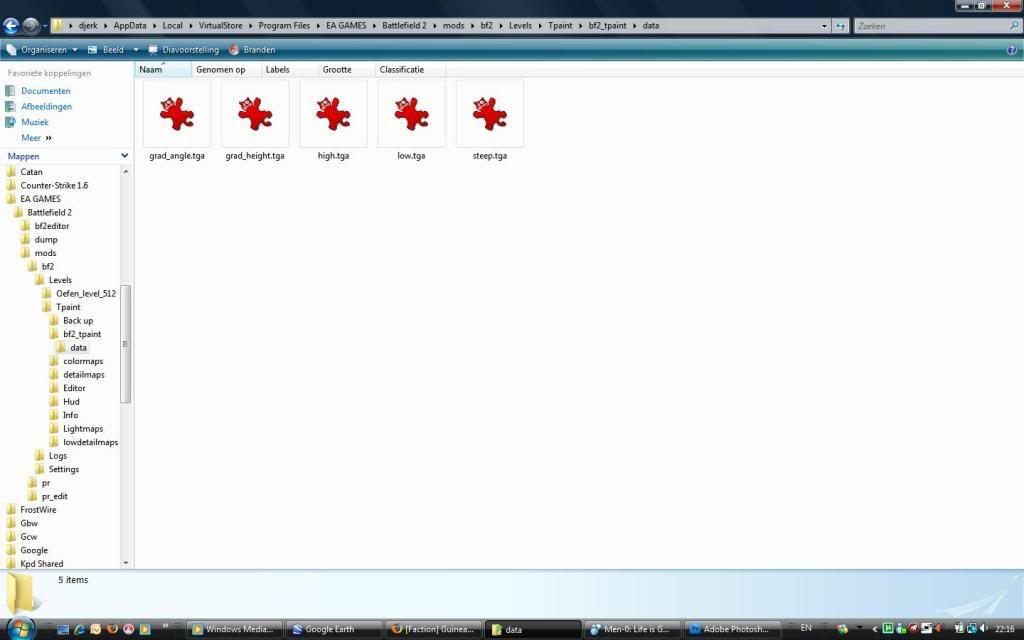
Data Folder

Image

PS: this is just a test map so the terrain is just to test Tpaint
"Goddam it, you'll never get the Purple Heart hiding in a foxhole! Follow me!"
Captain Henry P. Jim Crowe
Durkie
Posts: 264
Joined: 2009-01-12 08:10

Re: [Tool] BF2 TPaint

Post by Durkie »

Do you have to close the editor when you run Tpaint and copy the files?
just to make sure

Never mind its working now I forgot to copy the detail and colormaps into the editor map.
Thanks for your help Jonny
Last edited by Durkie on 2009-05-22 09:22, edited 1 time in total.
"Goddam it, you'll never get the Purple Heart hiding in a foxhole! Follow me!"
Captain Henry P. Jim Crowe
Black Magic
Posts: 6
Joined: 2009-08-20 02:23

Re: [Tool] BF2 TPaint

Post by Black Magic »

thanks for this one rhino!
Sniper77shot
Posts: 509
Joined: 2009-12-24 04:46

Re: [Tool] BF2 TPaint

Post by Sniper77shot »

Durkie wrote:Do you have to close the editor when you run Tpaint and copy the files?
just to make sure

Never mind its working now I forgot to copy the detail and colormaps into the editor map.
Thanks for your help Jonny
Did you do the surrounding terrain?
DHope129
Posts: 27
Joined: 2010-05-26 21:10

Re: [Tool] BF2 TPaint

Post by DHope129 »

Can i use Tpaint if i already put static objects and roads in my map already? Im just checking if that will mess my objects up.. I hope not. :D
sylent/shooter
Posts: 1963
Joined: 2009-04-10 18:48

Re: [Tool] BF2 TPaint

Post by sylent/shooter »

yes you can, but any manual painting you've done will be replaced

Killing the enemy sylently
DHope129
Posts: 27
Joined: 2010-05-26 21:10

Re: [Tool] BF2 TPaint

Post by DHope129 »

okay, thanks man :D
Bossgator
Posts: 19
Joined: 2006-01-18 03:19

Re: [Tool] BF2 TPaint

Post by Bossgator »

Would it be safe to say that if you use TPaint and paint manually, do the manual painting at the very last?
sylent/shooter
Posts: 1963
Joined: 2009-04-10 18:48

Re: [Tool] BF2 TPaint

Post by sylent/shooter »

it would be very safe to say that :P

Killing the enemy sylently
Rhino
Retired PR Developer
Posts: 47909
Joined: 2005-12-13 20:00

Re: [Tool] BF2 TPaint

Post by Rhino »

Bossgator wrote:Would it be safe to say that if you use TPaint and paint manually, do the manual painting at the very last?
I dont use Tpaint (although I do use Tsplit which is part of Tpaint) but yes that is the best move. When I was making Muttrah I pretty much made the entire map before I painted it in terms of laying out all the statics and more importantly getting the terrain pretty much final.

If you look at the WIP pics of Muttrah you will see that the entire map is pretty much done with just temp textures. (The TV station was a place holder for the Fort :p )

Image

And then I painted my map with L3DT:
Image
Image

Image
Image


And then once that was done did I start painting on the map by hand the concrete etc.
Image
Post Reply

Return to “Modding Tutorials”