[Reference] Stone Textures

Making or wanting help making your own asset? Check in here
Post Reply
Tomking
Posts: 110
Joined: 2010-02-13 03:55

[Reference] Stone Textures

Post by Tomking »

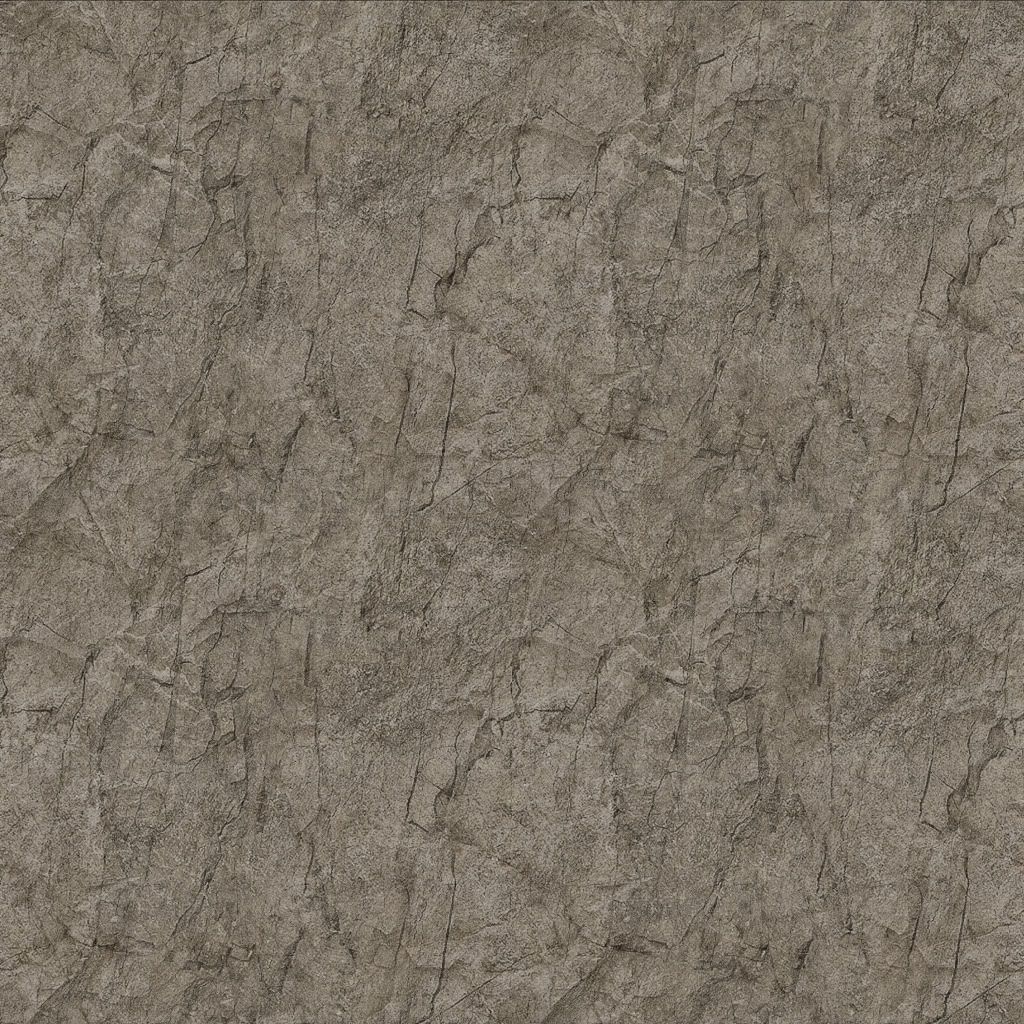
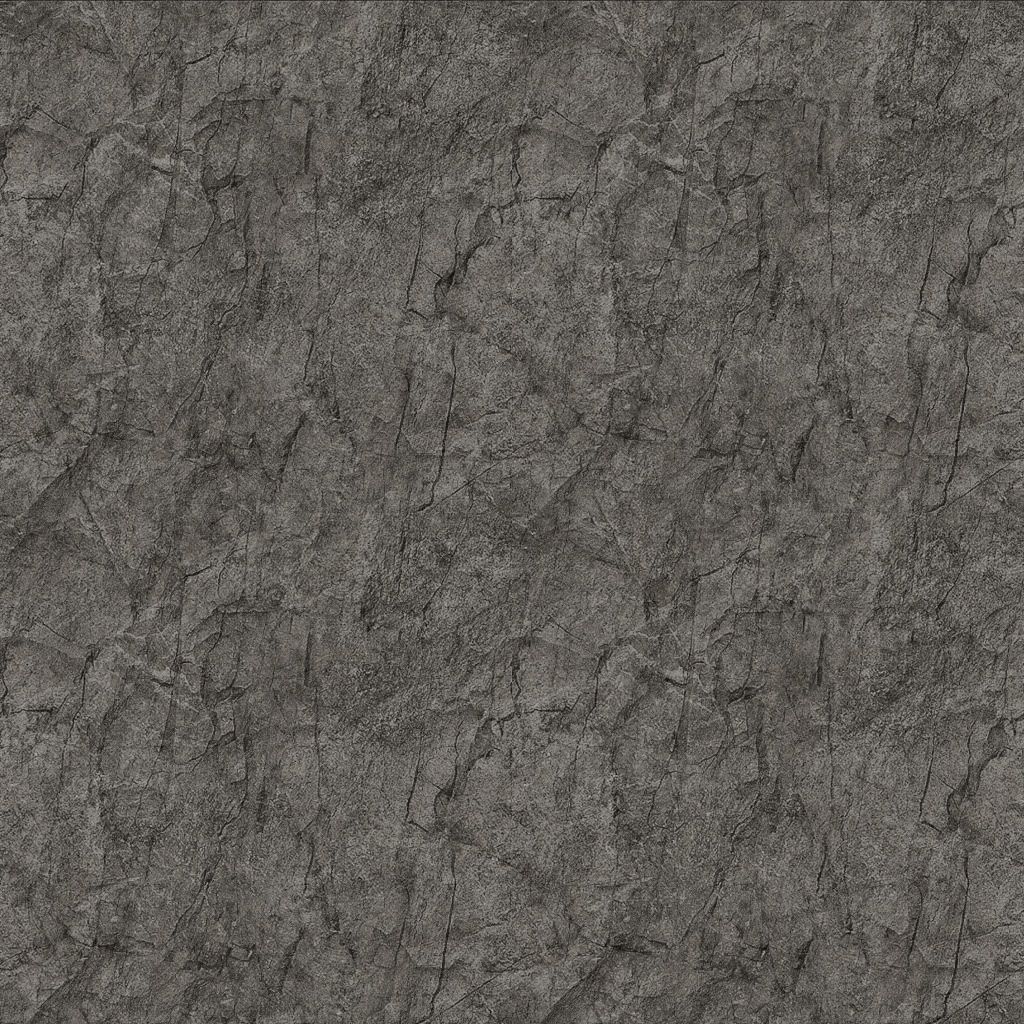
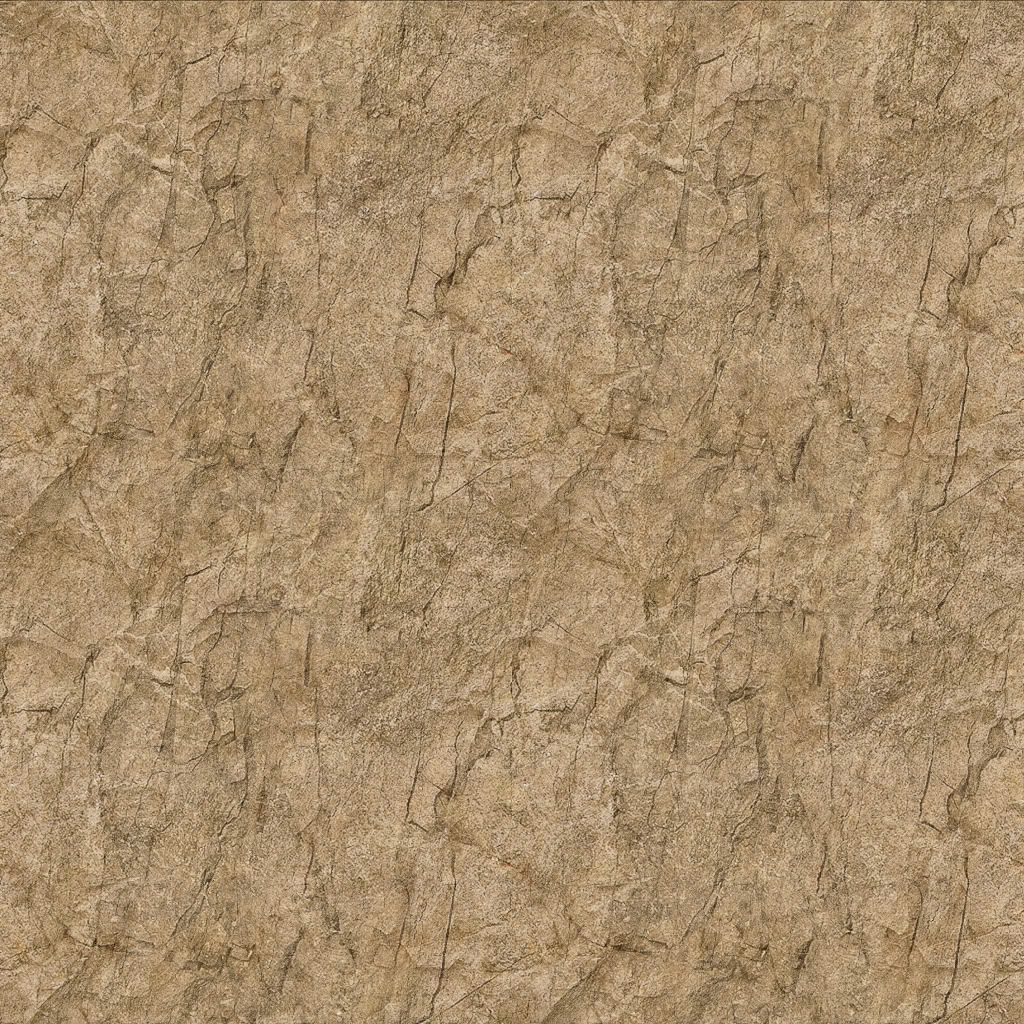
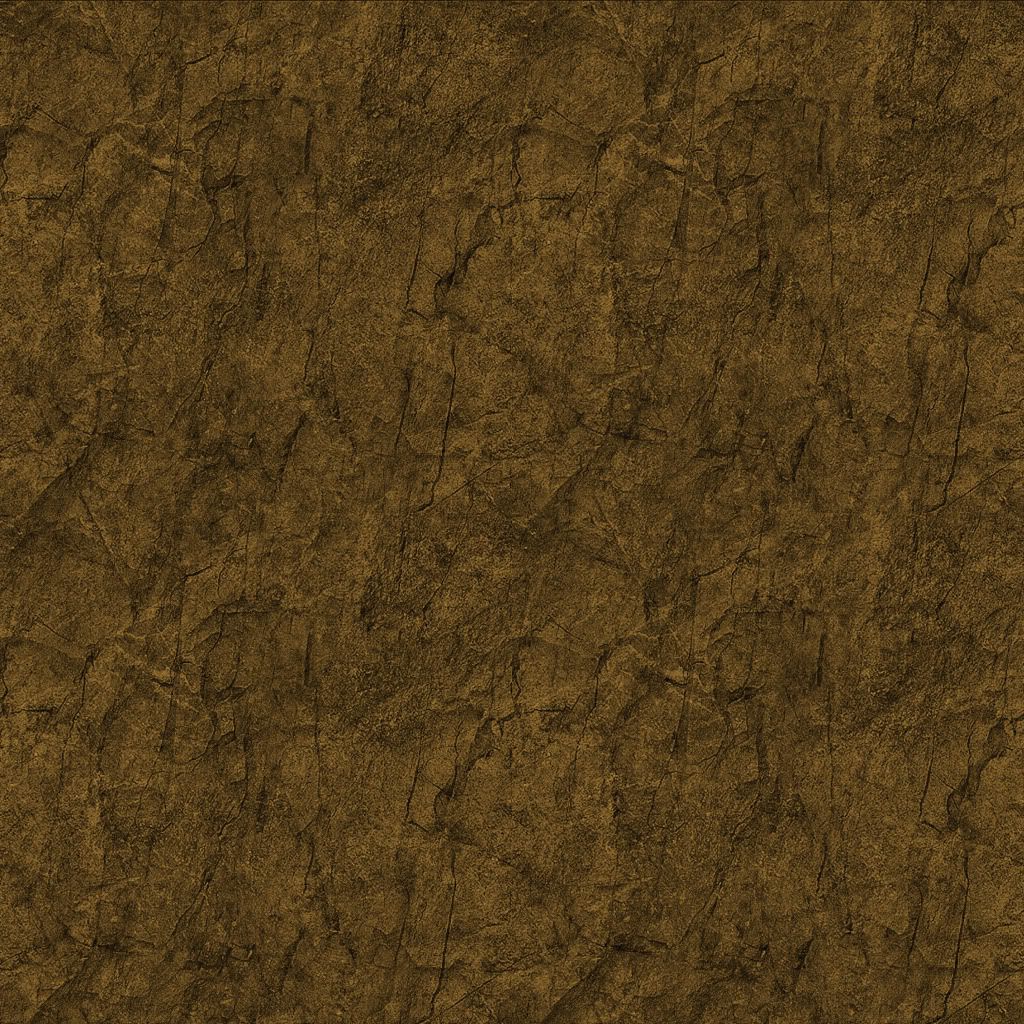
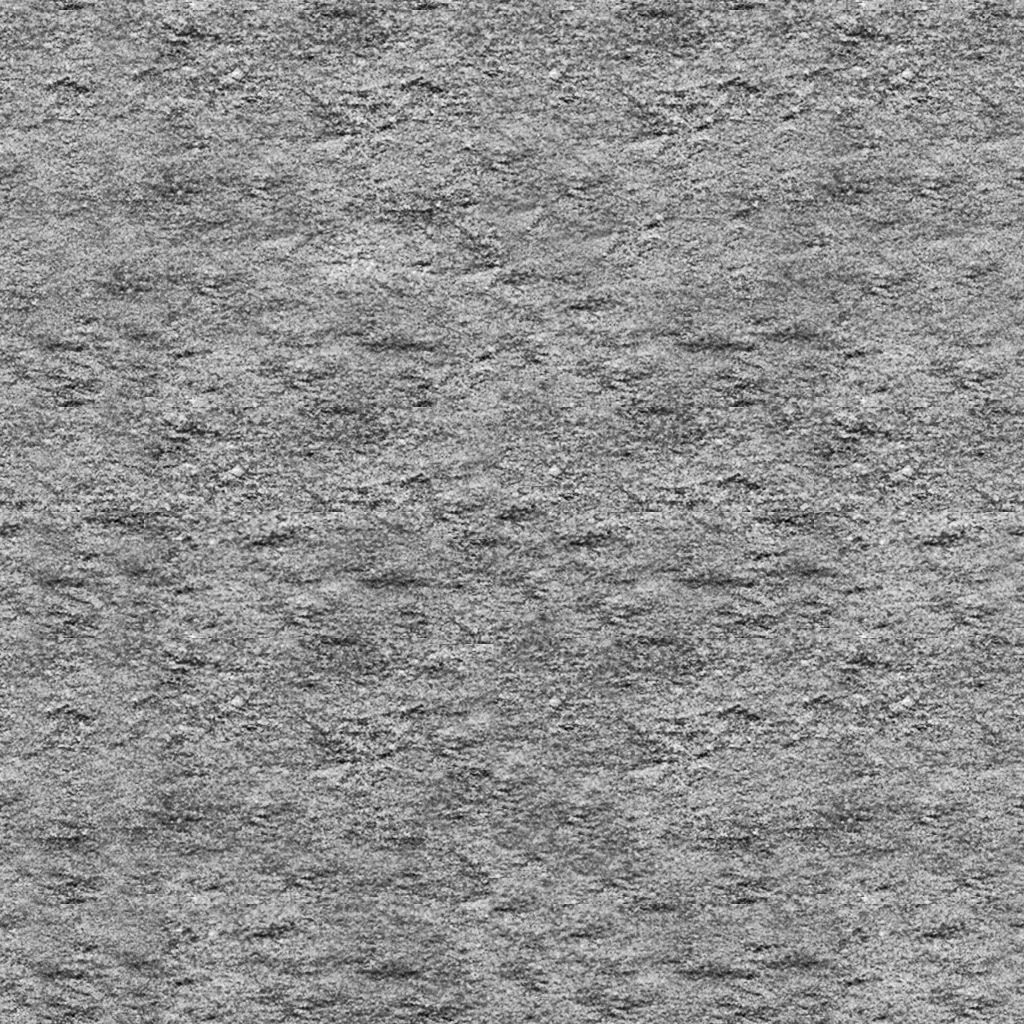
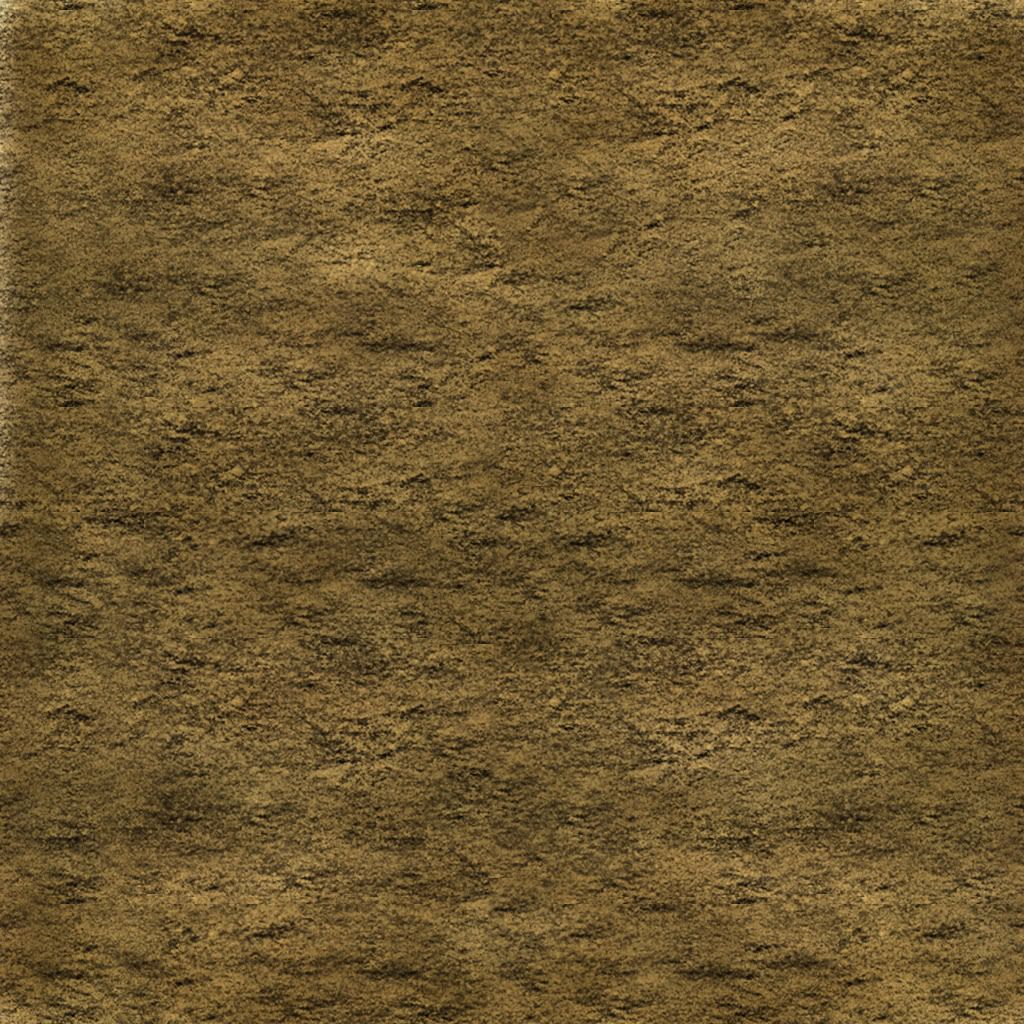
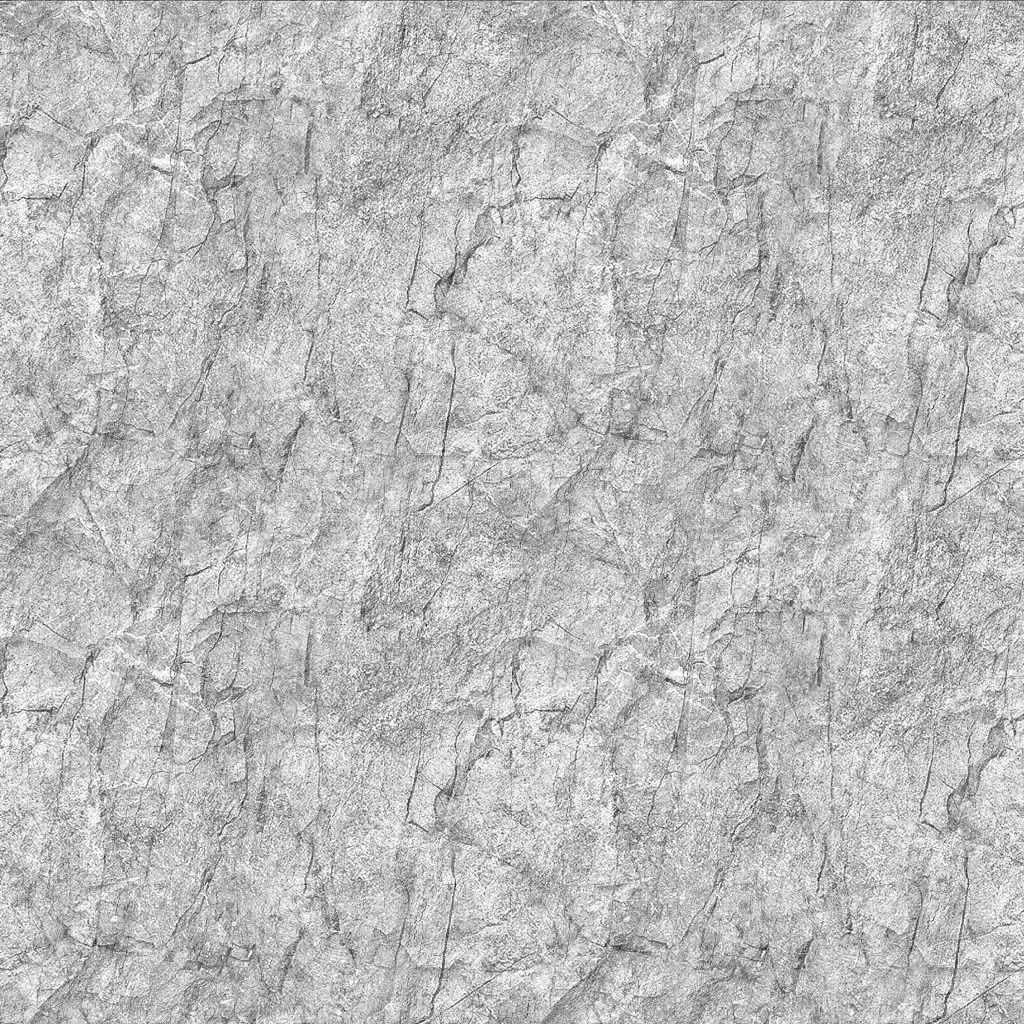
I was editing some mountain color textures and decided that I would share my edits on the forums in case anyone wanted to use them as a bf2_tpaint tga or on their map.

DISCLAIMER: The original image was off google search. I have made substantial changes to it that are well beyond what I understand as customization to clear it for fair use. It did not contain any watermark or copyright on the image.

Cheers
Hope this helps someone.

Image
Image
Image
Image
Garack
Posts: 624
Joined: 2006-05-04 07:20

Re: [Reference] Stone Textures

Post by Garack »

better ambient textures for pr i love to see..the mountains or caves look like 1995 Textures :)
AquaticPenguin
Posts: 846
Joined: 2008-08-27 19:29

Re: [Reference] Stone Textures

Post by AquaticPenguin »

I like them all, though the last looks a bit vibrant.

Since they are all colour variations of the same texture, would it be better to just have this be grey scale and have the colour add in lower-detail?
Tomking
Posts: 110
Joined: 2010-02-13 03:55

Re: [Reference] Stone Textures

Post by Tomking »

I'm not sure what the process is for altering the tga into a detailmap is compared to a colormap. I assume it could be used to make a detailmap but there are a lot of really good detailmaps for rock already in the bf2_editor for PR.

I have been doing a lot of colormap experiments using photoshop and the bf2_tsplit function. Trying to establish methods for myself to start creating more realistic colormaps for farms, grass ect than the editorbrushes or tpaint will allow.

If I finish more textures I will place them in the forum to anyone who wants to take them the extra step. I doubt I will package them to be specific colormap/detailmap data but having the jpeg will allow anyone to play with them if they are inclined.

Also @the vibrant comment. It is a bolder brown color. But keep in mind the editor does desaturate quite a bit and also you need to factor in the effects of terrain lighting ect.
Tomking
Posts: 110
Joined: 2010-02-13 03:55

Re: [Reference] Stone Textures

Post by Tomking »

I made this custom Sandstone texture today. It would need to be converted into a .dds file to use as a detailtexture. Worth it if you want to take the time to do it, i tested it and it tiles pretty decently.

DETAIL
Image

COLOR
Image
Rhino
Retired PR Developer
Posts: 47909
Joined: 2005-12-13 20:00

Re: [Reference] Stone Textures

Post by Rhino »

that sand texture has way too much fake lighting (the shadows) in it for it to be usable as either a colour or detail texture and too much detail in it to be used as a colour texture.

Also you shouldn't upload the textures as a .jpg as saving in .jpg compresses the textures loads. You should use a format that has little to no compression (preferentially no compression) like .tga
Image
Tomking
Posts: 110
Joined: 2010-02-13 03:55

Re: [Reference] Stone Textures

Post by Tomking »

I'm curious how a detail texture could have too much lighting (shadows ect).
Editor Detail.DDS files seem to be just that ie:"Fake Lighting"
They are Illusory images of light/dark to create forms representing a type of material on a flat surface.

Is it just a matter of the percentage of darker shades on the image? Should the overall level of darkness be reduced?

Detail textures like Beachgravel.dds and certain grasses seem to have plenty of shadow and fake lighting. Colormaps like SandDetailed.tga even have 3-D qualities to their image. Are they culprits that should belong in the "Should not be used" sandbox that is the editor?
Tomking
Posts: 110
Joined: 2010-02-13 03:55

Re: [Reference] Stone Textures

Post by Tomking »

Regarding uploading files. If I were to create a texture pack I could upload a .zip somewhere. Photobucket does not allow hosting of .tgas. I would have to use some other free image ftp. Ideas?
Rhino
Retired PR Developer
Posts: 47909
Joined: 2005-12-13 20:00

Re: [Reference] Stone Textures

Post by Rhino »

Tomking wrote:I'm curious how a detail texture could have too much lighting (shadows ect).
Editor Detail.DDS files seem to be just that ie:"Fake Lighting"
They are Illusory images of light/dark to create forms representing a type of material on a flat surface.

Is it just a matter of the percentage of darker shades on the image? Should the overall level of darkness be reduced?
You can have some fake lighting in a detail texture to make the details in the detail texture seem a little more 3D, but this should only be in cases where you have say a solid drop or a rock in your detail texture which would cause a slight shadow, where sand you do not get any of them as sand is a smooth surface, even rippled sand isn't rippled enough to give any significant shadows in the detail. What you have is way too much, epically for something like sand and will look really odd.

Fake shadow is how ever much worse for colour textures as the shadows would conflict with the lightmaps and colour textures should have no fake lighting in them as it will make your ground look like there is a drop or something in a part of the terrain which is actually flat.
Tomking wrote:Detail textures like Beachgravel.dds and certain grasses seem to have plenty of shadow and fake lighting. Colormaps like SandDetailed.tga even have 3-D qualities to their image. Are they culprits that should belong in the "Should not be used" sandbox that is the editor?
Well Detail_beachgravel.dds for starters only has very slight shadows, and where they are appropriate to give it a slighty more 3D look to it, which is good. Its shadows are how ever very soft and only where appropriate, the texture was most likley made off a real life photo and the shadows you see are actually real shadows from the rocks etc, maybe slightly photoshopped a little to be less dominate.

The SandDetail.tga colour texture is ok, if stretched out over a wide area so its details are not so apparent but tbh, I wouldn't use that texture myself due to its fine details and its slight shadows.

All you want from a decent colour texture is just good colour with lots of verity to make it natural, nothing more :)

Tomking wrote:Regarding uploading files. If I were to create a texture pack I could upload a .zip somewhere. Photobucket does not allow hosting of .tgas. I would have to use some other free image ftp. Ideas?
I would also upload .dds of any detail textures you upload so they can be used directly with the BF2 editor without anyone having to play around with them to get them into the right formats etc. As for upload sites, dropbox or 4shared.com are the most popular.

Image
Tomking
Posts: 110
Joined: 2010-02-13 03:55

Re: [Reference] Stone Textures

Post by Tomking »

What are your thoughts on these.

Dirt_Medium.tga
Stone_DarkGray.tga
Rhino
Retired PR Developer
Posts: 47909
Joined: 2005-12-13 20:00

Re: [Reference] Stone Textures

Post by Rhino »

If you could still upload previews of the textures as .jpgs that would be good to save me waiting ages before I can download a single texture :p

Just upload the final ones you want people to use as .tgas etc :)
Image
Tomking
Posts: 110
Joined: 2010-02-13 03:55

Re: [Reference] Stone Textures

Post by Tomking »

Sorry. I guess I took don't upload jpegs too literally.

Here are JPEG previews for the TGA links.

Stone
Image

Dirt
Image
Rhino
Retired PR Developer
Posts: 47909
Joined: 2005-12-13 20:00

Re: [Reference] Stone Textures

Post by Rhino »

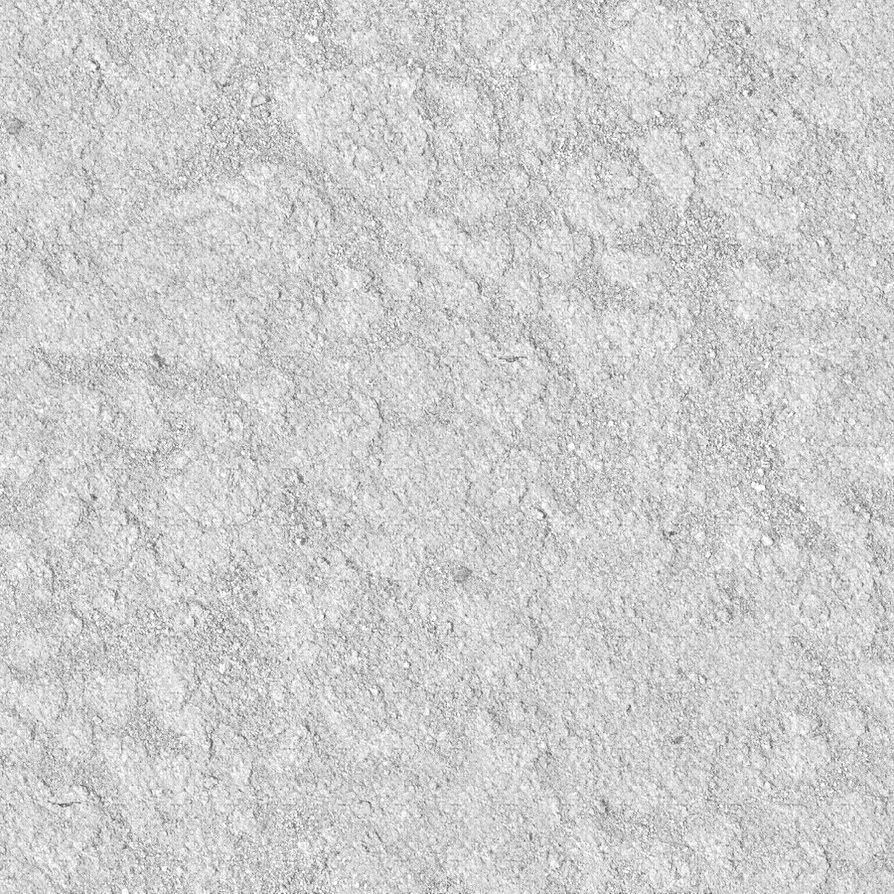
for a detail texture far too bright, I can't remember the brightness they need to be exactly, but with them like that, they will make the terrain close to you "glow" where the terrain further away from you will be darker, which will look epically odd when your moving.

also texture sizes must be a power of 2 for a detail texture (you may be able to have non power of 2 textures for colour, depends if the editor/bf2tpaint etc accepts them or not but still really should be a power of 2) ie, 256, 512, 1024, 2048 etc sizes, not 894px.

But the shadow in the textures generally looks fine.
Image
Tomking
Posts: 110
Joined: 2010-02-13 03:55

Re: [Reference] Stone Textures

Post by Tomking »

I will have to take these files home with my and compare them to the .dds files that are on my home PC. I don't have any editor stuff with me but i believe being able to compare in real time would help. Changing the levels is a simple matter so comparing it to an existing file should solve it.

More posts later.
Post Reply

Return to “PR:BF2 Community Modding”