I know this is the wrong place but somehow i cannot post in the right section. Please move this thread.
First off you need these programs:
- Adobe Photoshop - Adobe Photoshop - Download
- L3DT - L3DT - Downloads page
- BF2 Editor v.1.3 - Battlefield 2 Editor - Maps & Mods
- T-paint - BF2_TPaint
1.
Start L3Dt
go File/New Projekt/
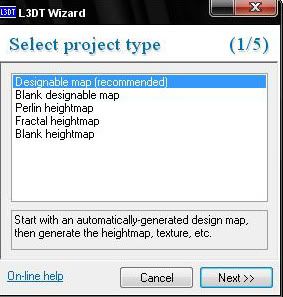
next until this pops up,
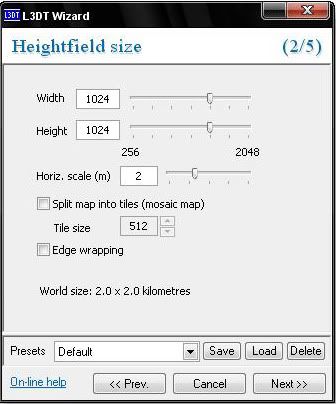
use the same setting like in the picture above.
next again until this pops up,
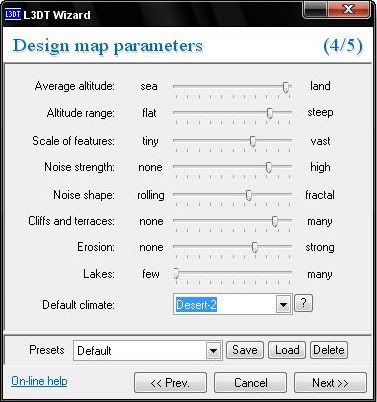
try to find your own settings or use mine.
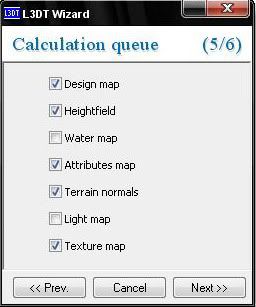
Check the boxes like in the picture.
next again
untick "Use light map" click okay
Now the program has generated your color and heightmap:
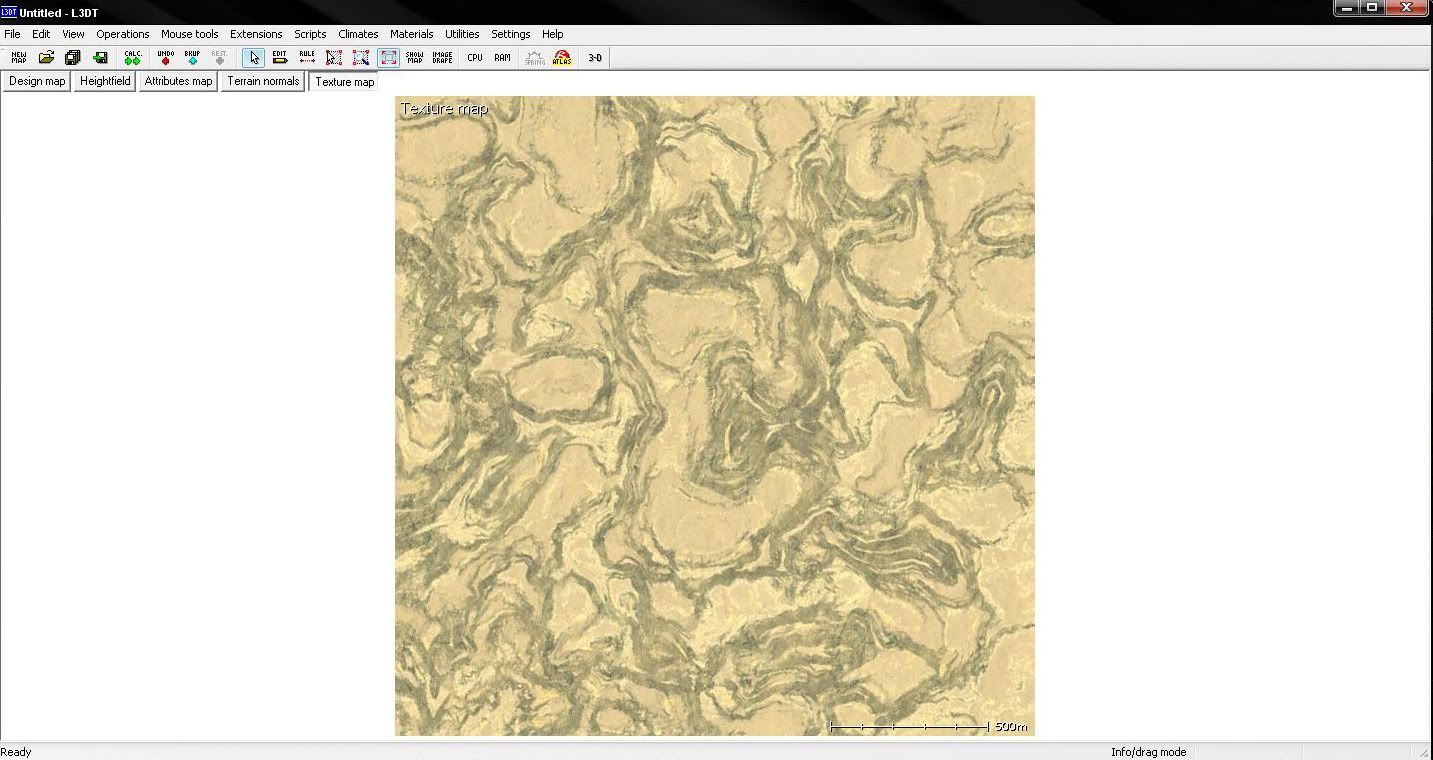
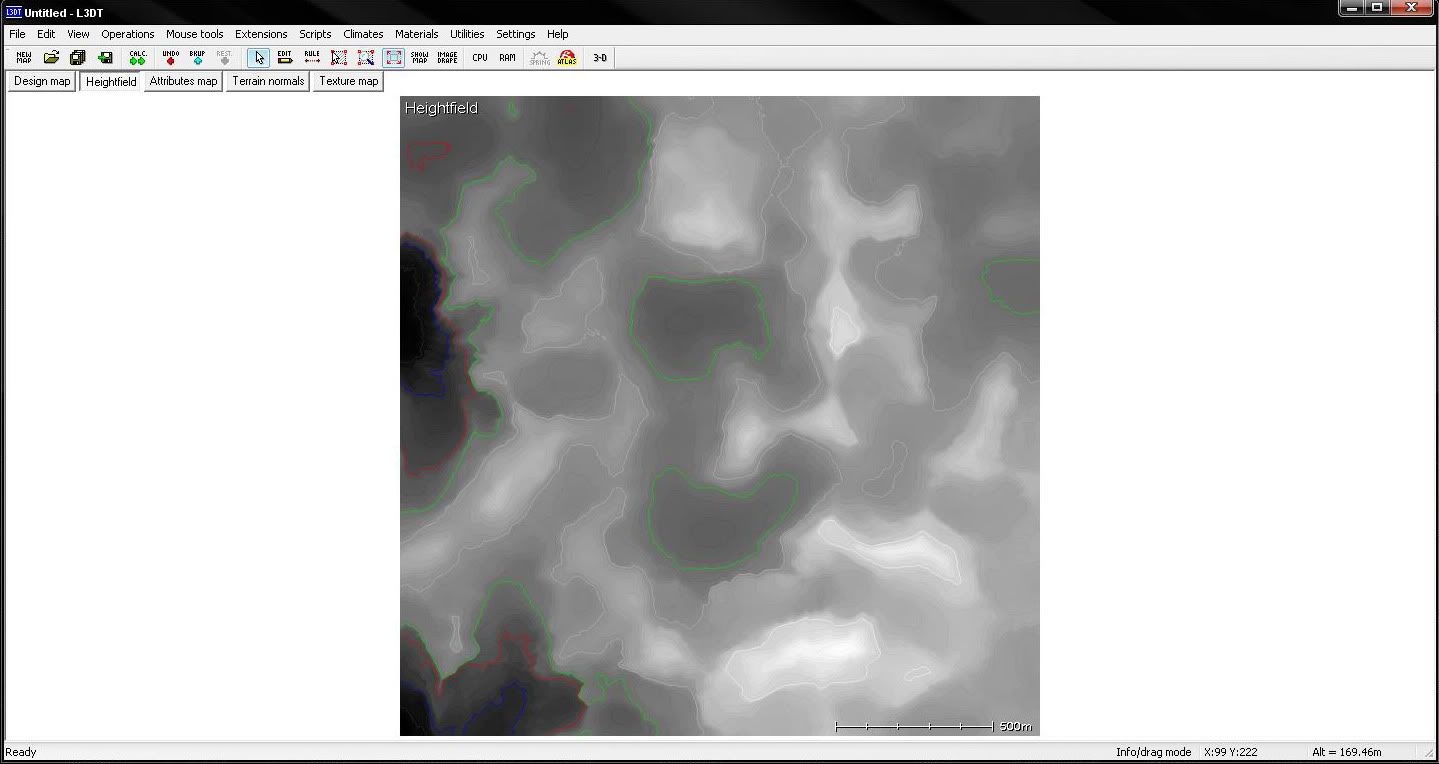
Export the heightmap (I created a projekt folder for this on my Desktop)
go File/Export/Export Active Map
someting like this should pop up,
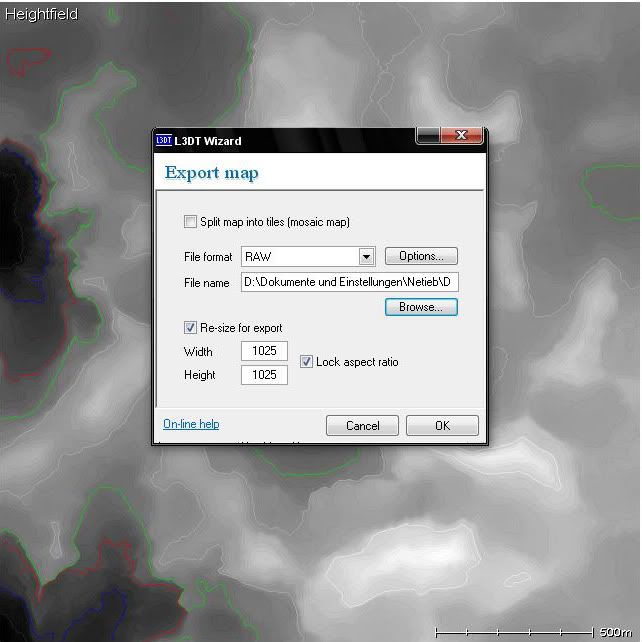
use the same settings like above.
Save it as HeightmapPrimary
Now export the colourmap,
go File/Export/Export Active Map
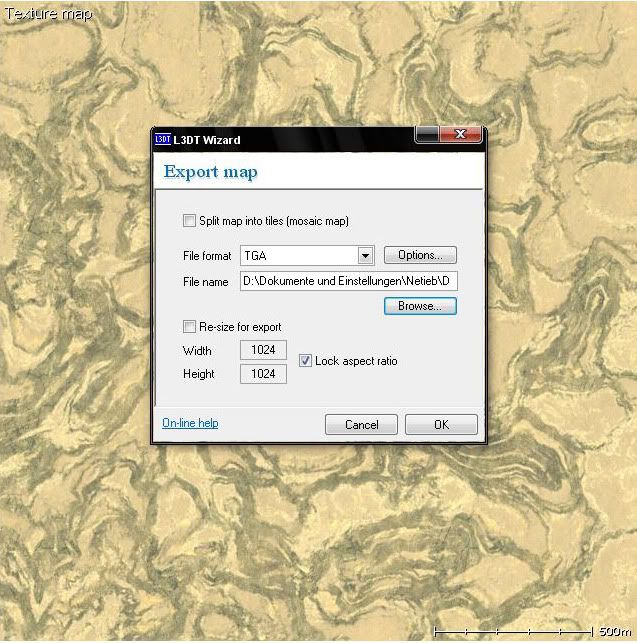
use same settings like above.
Now close the program, and start the editor create a level (1024x2) and close it again.
Now open up your saved colourmap and resize it.
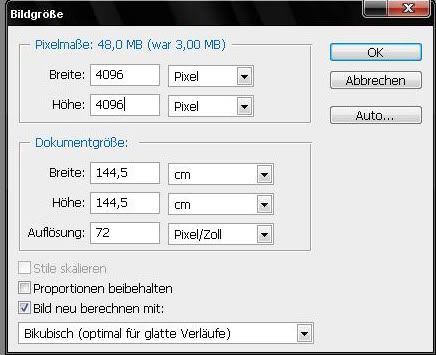
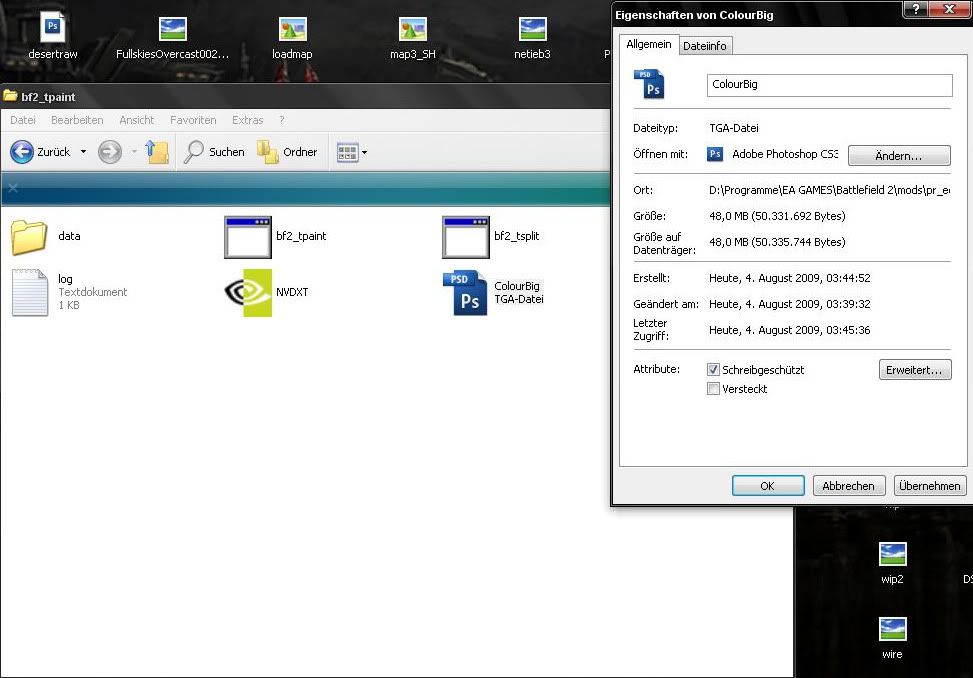
save it as ColourBig
go to you maps dictory and copy the bf2-tpaint folder in it.
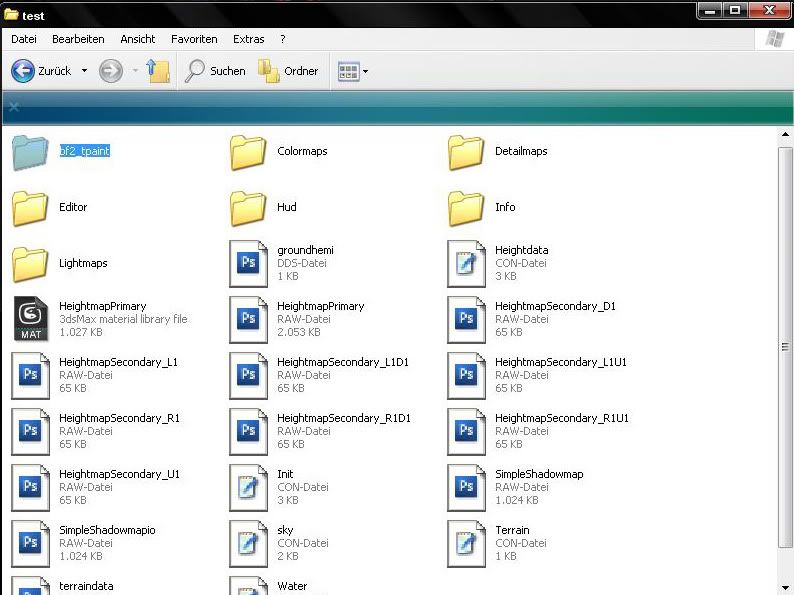
After that copy the ColourBig file in the T-paint folder.
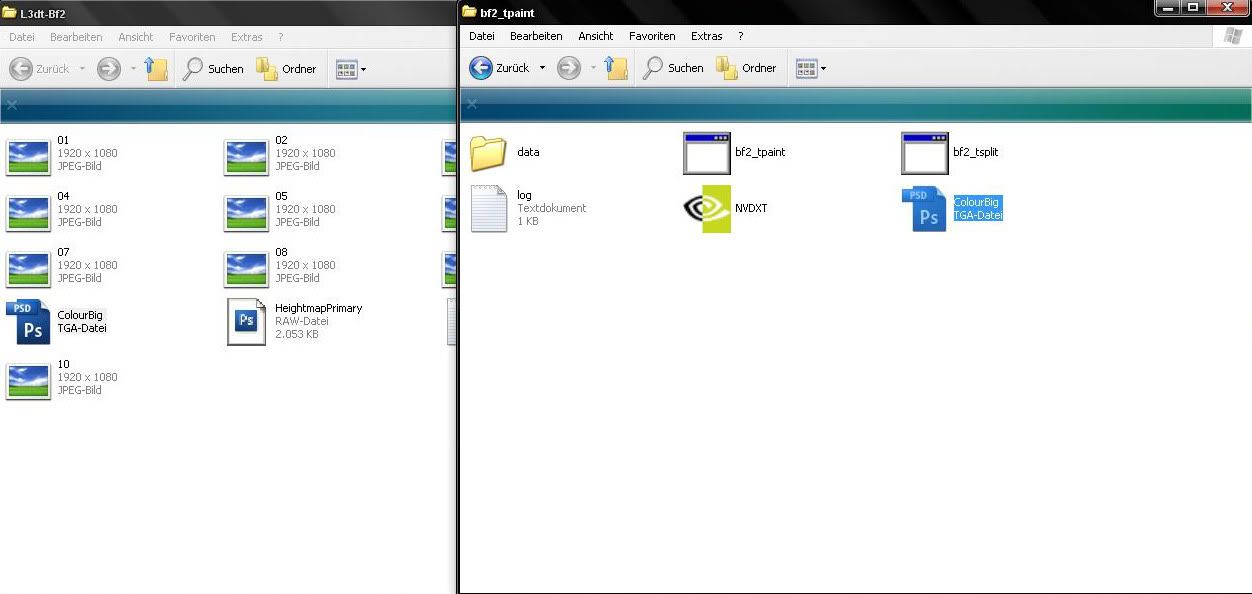
and make it "read only"
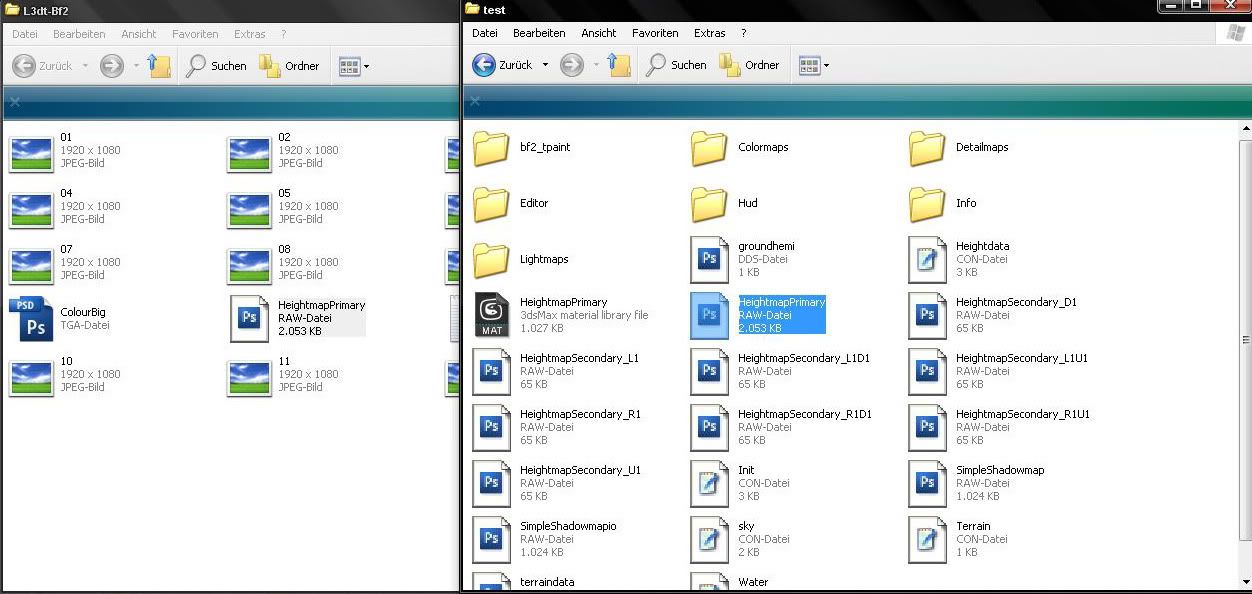
Now copy your HeightmapPrimary and overwrite the exsisting one.
After that we have to modify the way t-paint works, go in the t-paint folder/data
and open up grad_height
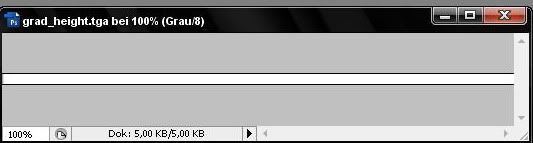
Edit it so it looks like the one above and save it as tga. 24bit.
After you did that run the t-paint exe
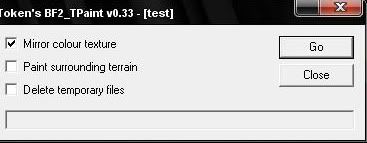
untick the boxes like above.
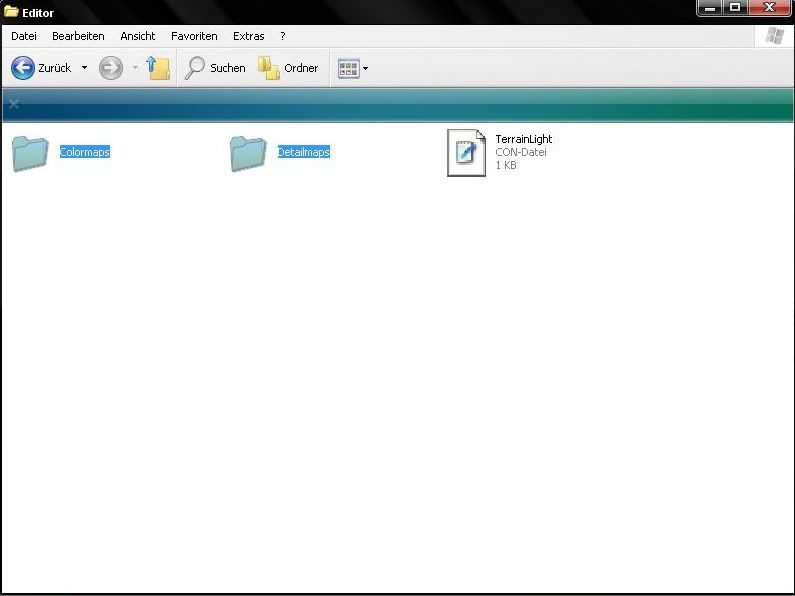
The program will generate a detail and colormaps folder, copy and paste them into the editor folder.
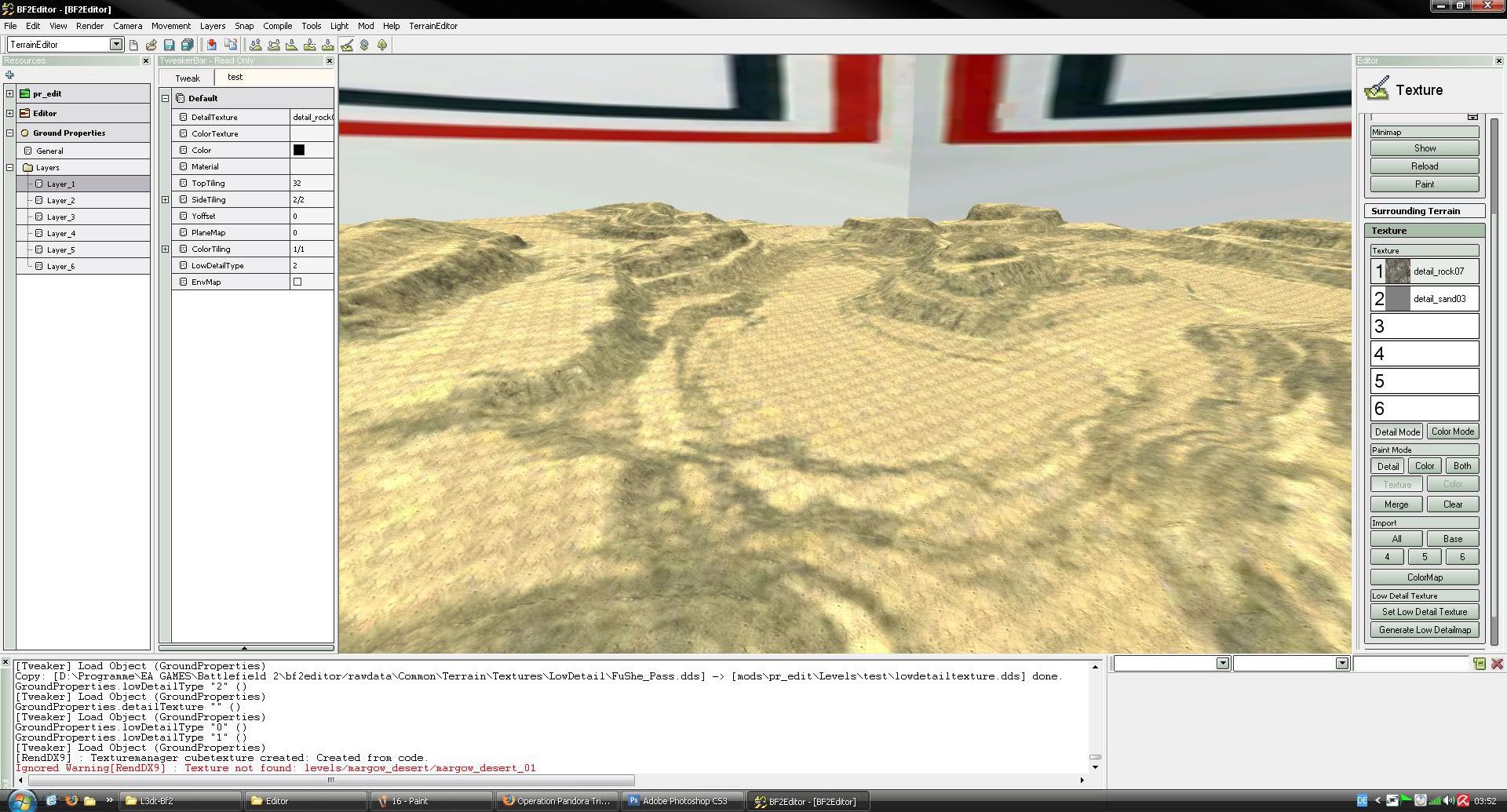
Start up the Editor and load your level it should look someting like this.