Show your models thread...(IMAGE HEAVY)

Making or wanting help making your own asset? Check in here
Post Reply
Rhino
Retired PR Developer
Posts: 47909
Joined: 2005-12-13 20:00

Re: Show your models thread...(IMAGE HEAVY)

Post by Rhino »

Tim270 wrote:YouTube - cresshead 3dsmax pro boolean

Surprised you never heard of it, can be useful, but as the poster said, its notorious for causing problems with the mesh.
:shock:

never seen that, been looking for something like that for god knows how long in max since that is pretty much how most dimension driven CAD programs work which is what I use to use before I got into modelling. Cheers! :mrgreen:


@tmnoobage, still dont understand how this has anything to do with zfighting tbh. What you need to do is get rid of the faces behind the object its sitting on, otherwise that face will zfight though and its also wasted texture space + extra area that needs to be rendered that can't be seen. Having a few extra polys is well worth not having these things since modern GFX cards are very, very good at rendering polys, but still not much improved in rendering textures etc so it evens itself out in terms of performance.
Image
Howitzer
Posts: 648
Joined: 2008-01-20 17:49

Re: Show your models thread...(IMAGE HEAVY)

Post by Howitzer »

my imaginary tank :-)


Image

And now that i know about pro bolean , ill go back to work !!
tmnoobage
Posts: 155
Joined: 2008-09-15 19:54

Re: Show your models thread...(IMAGE HEAVY)

Post by tmnoobage »

@Rhino: Like you said, to eliminate Z-fighting you have to attach small parts to the main mesh so that there is no plane underneath for the object to Z-fight with. I was just wondering if boolean caused any problems in-game, as the tool is pretty buggy. If it did you probably would have seen it yourself, as it's a common enough tool :)

Your tank looks great Howitzer, it reminds me of the IS-3 Stalin tank, one of the coolest looking tanks ever made (from that angle, at any other angle the IS-3 looks like a dodgy T-34)

The armor plating on the turret of your model looks particularily good :) You might want to make the walls of the gun barrel a bit wider though, usually the wall is a few inches thick.

Image
[url=noobage.wordpress.com][/url]
Rhino
Retired PR Developer
Posts: 47909
Joined: 2005-12-13 20:00

Re: Show your models thread...(IMAGE HEAVY)

Post by Rhino »

tmnoobage wrote:@Rhino: Like you said, to eliminate Z-fighting you have to attach small parts to the main mesh so that there is no plane underneath for the object to Z-fight with. I was just wondering if boolean caused any problems in-game, as the tool is pretty buggy. If it did you probably would have seen it yourself, as it's a common enough tool :)
well I aint heard of the tool until you said it :p

providing the mesh is optermized etc afterwards and there are no bad polys etc there should be no reason why it shouldn't work afaik. But personally until I get use to the tool I'm going to stick to the bridge tool etc :D
Image
Vaiski
Retired PR Developer
Posts: 894
Joined: 2006-07-17 23:29

Re: Show your models thread...(IMAGE HEAVY)

Post by Vaiski »

didn't know proboolean is now part of the default 3ds max :D IIRC it used to be a plugin few years ago.
Very cool.
Image
seb120
Posts: 44
Joined: 2009-08-25 00:19

Re: Show your models thread...(IMAGE HEAVY)

Post by seb120 »

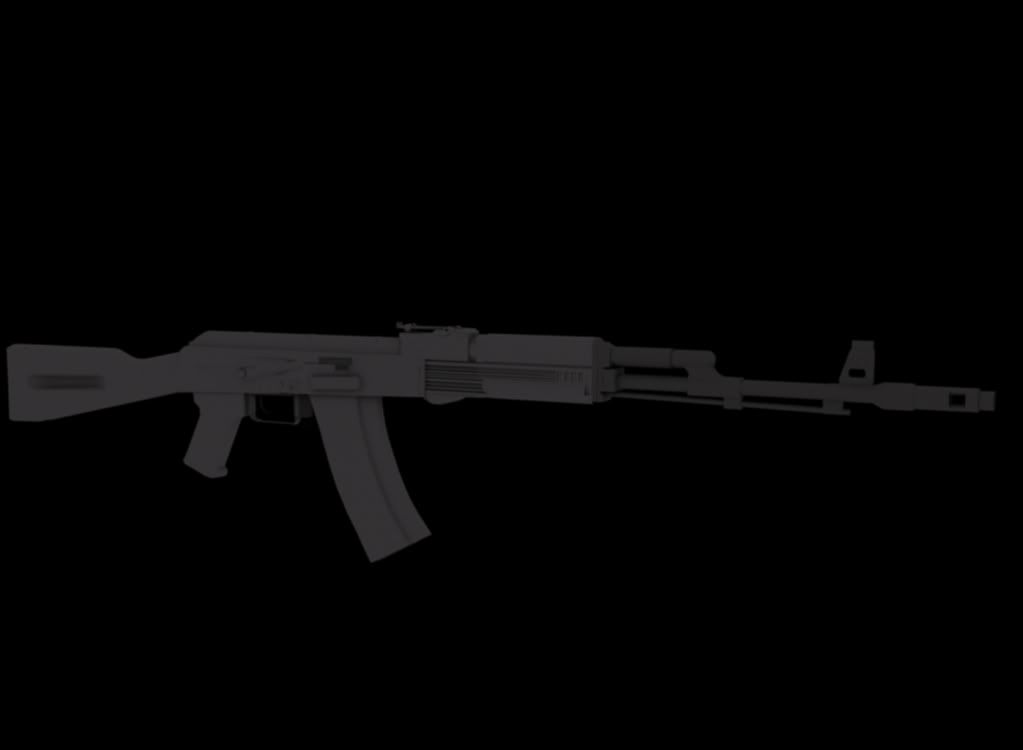
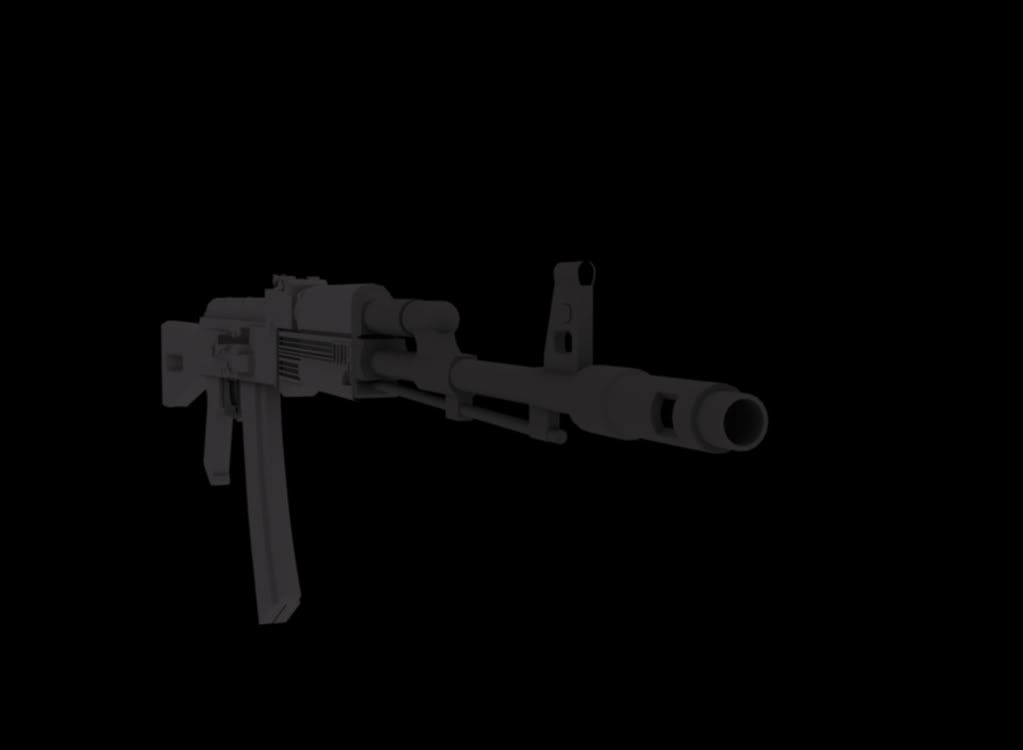
hey, i just recently learned to make models so i gave a try at modeling an ak74

Image

Image

its done(basically) there are a few spots that need to be fixed but ill do that later, dont judge to harshly and any suggestions of how to improve it?
Tomato-Rifle
Posts: 2091
Joined: 2007-12-31 22:24

Re: Show your models thread...(IMAGE HEAVY)

Post by Tomato-Rifle »

Nice model


One thing i would do is when your saving the render picture in jpg, put the smoothing in the options box to 0%, otherwise they look blurry like that.
Image
Z-trooper
Retired PR Developer
Posts: 4166
Joined: 2007-05-08 14:18

Re: Show your models thread...(IMAGE HEAVY)

Post by Z-trooper »

[R-DEV]Vaiski wrote:didn't know proboolean is now part of the default 3ds max :D IIRC it used to be a plugin few years ago.
Very cool.
Lol dude :D

... my hero didn't know that, its been around since max 8 or 9 as a std. Still don't like booleans, but I agree probool is the best of them when I absolutly have to use one.
Image
"Without geometry, life is pointless"
Vaiski
Retired PR Developer
Posts: 894
Joined: 2006-07-17 23:29

Re: Show your models thread...(IMAGE HEAVY)

Post by Vaiski »

[R-DEV]Z-trooper wrote:Lol dude :D

... my hero didn't know that, its been around since max 8 or 9 as a std. Still don't like booleans, but I agree probool is the best of them when I absolutly have to use one.
Oh my goodness! :lol:
I remember watching some demonstration trailer few years ago and hoping that I could afford probooleans. I was probably using max 9 back then... and it must have been integrated into max already :roll:

/facepalm
Image
seb120
Posts: 44
Joined: 2009-08-25 00:19

Re: Show your models thread...(IMAGE HEAVY)

Post by seb120 »

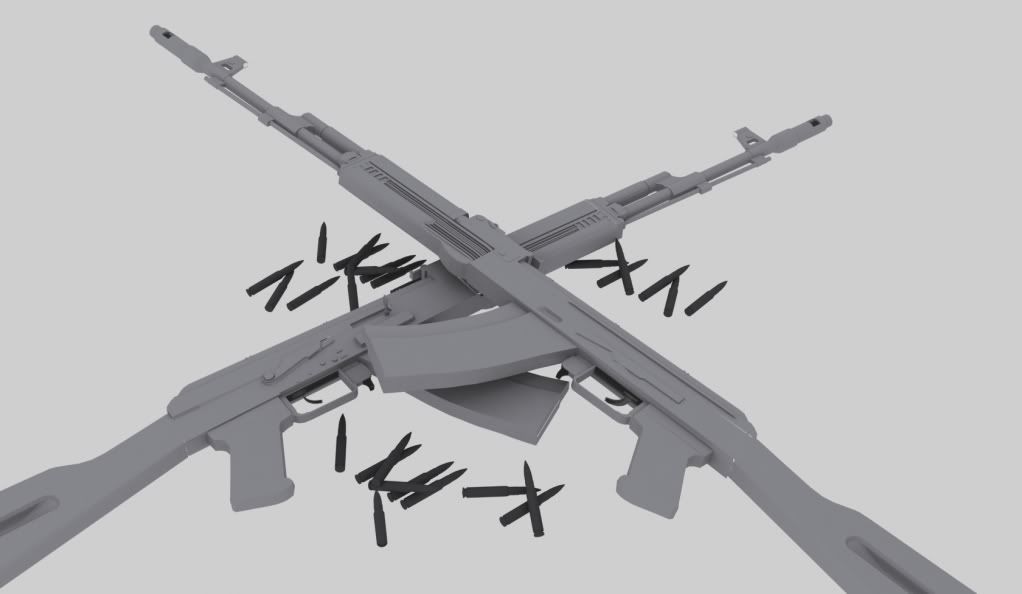
ok thanks for the tip tomato, ive improved the render a bit(still messing around with it)
Image
gumball
Posts: 331
Joined: 2007-03-19 01:12

Re: Show your models thread...(IMAGE HEAVY)

Post by gumball »

started to model again with something nice and simple, a m1911, here is a very early WIP shot.
Image

Plan to learn to finally skin and UV it too.
GhostDance101
Retired PR Developer
Posts: 473
Joined: 2008-05-24 20:19

Re: Show your models thread...(IMAGE HEAVY)

Post by GhostDance101 »

This is my first attempt at a character model complete with fancy backed normal map. The cloths and hair looks like **** because the texture was rushed... :mrgreen: But other than that I'm pretty pleased with it.
Image
Z-trooper
Retired PR Developer
Posts: 4166
Joined: 2007-05-08 14:18

Re: Show your models thread...(IMAGE HEAVY)

Post by Z-trooper »

backed normal map? from what? :P
Image
"Without geometry, life is pointless"
GhostDance101
Retired PR Developer
Posts: 473
Joined: 2008-05-24 20:19

Re: Show your models thread...(IMAGE HEAVY)

Post by GhostDance101 »

I think I meant to say baked :) . From A Higher poly version onto the low poly version...
Z-trooper
Retired PR Developer
Posts: 4166
Joined: 2007-05-08 14:18

Re: Show your models thread...(IMAGE HEAVY)

Post by Z-trooper »

Haha, yea I did, but you made the same mistake ;)

Why didn't you show the high poly version?
Image
"Without geometry, life is pointless"
GhostDance101
Retired PR Developer
Posts: 473
Joined: 2008-05-24 20:19

Re: Show your models thread...(IMAGE HEAVY)

Post by GhostDance101 »

Well Tbh I didn't think it was necessary :)
My high poly model is just a subdivided version of my base mesh. I recently got a copy of z brush and have been trying to get to grips with it ... But I really suck at it atm... but I am trying to learn. So I ended up just using nurbs subdivision so it's lacking really fine details , like proper ears :-( .
I just did it as an attempt to learn how to model a character and also learn how to bake normals in 3dsmax...

High
Image


Low
Image
Last edited by GhostDance101 on 2009-08-30 23:34, edited 1 time in total.
Z-trooper
Retired PR Developer
Posts: 4166
Joined: 2007-05-08 14:18

Re: Show your models thread...(IMAGE HEAVY)

Post by Z-trooper »

ah, ok :)

I'll advice to study some anatomy for greater realism and proportions, but I'd say that it is a good first character. Biggest flaw I see is the 'arc' from the back to the butt, something is wrong here. Almost as if a donkey has kicked her in the lower part of the back :D
Image
"Without geometry, life is pointless"
GhostDance101
Retired PR Developer
Posts: 473
Joined: 2008-05-24 20:19

Re: Show your models thread...(IMAGE HEAVY)

Post by GhostDance101 »

[R-DEV]Z-trooper wrote:ah, ok :)

I'll advice to study some anatomy for greater realism and proportions, but I'd say that it is a good first character. Biggest flaw I see is the 'arc' from the back to the butt, something is wrong here. Almost as if a donkey has kicked her in the lower part of the back :D
Thanks Man ,for the crits.

I get the Impression you mock me sir :o ops: A Donkey you say :p
Some women have a more pronounced curve to there back check 3dsk's Iva for instance.
For a women who has had her back caved in by a donkey kick shes kind of hot...
Image
Z-trooper
Retired PR Developer
Posts: 4166
Joined: 2007-05-08 14:18

Re: Show your models thread...(IMAGE HEAVY)

Post by Z-trooper »

Hehe, no I wasn't trying to mock you at all :) sorry if it came across that way.

I was merly curious as to what sort of high poly work you had baked from :)

I've been looking at what makes your characters proportions/pose look 'off' (character creation is by far the toughest part of the CG world!!)

I was trying to see what I could figure out, but I am not sure that I found 'the one thing' that is 'off' but I found a few places that could be improved and make the character look a bit more realistic.

First I thought it might be something with the general proportions, but your character seems to fit the '7 heads' criteria :)

Then I looked at the curve, and that seemed to fit the reference somewhat ok, so I figured that it was a series of small things that was throwing the overall look off a bit. So here are some suggestions to try out :) :

Image

Try putting more curves/shape into the legs, right now they are pretty straigt on both front and back. The calfs and thighs need more volume tbh - look at the negative space I've drawn on the reference model and your character. (negative spaces are a great help! if you start focusing on the negative space you can often correct a lot of stuff as these shapes often are simple and easy to spot differences between)

Also I think she needs a breast lift (not that she should look like a porn star or anything, but I think they are a bit low compared to your reference)

The neck is another area to adress. I can't quite make out what exactly needs doing, but I think you could try a number of things:

- Move the head a bit back / or put some more volume into the back of the head.
- Scale down the size as I've tried to mark
- Try flattening the back of the neck/back a bit, there might be a bit too much curvature in it.
- The neck seems too long and has too many 'joints' (look at the orange lines I've drawn on both images)

Just some suggestions :) I am looking forward to seeing more character work from you :o
Image
"Without geometry, life is pointless"
Double Doppler
Posts: 74
Joined: 2009-07-19 15:33

Re: Show your models thread...(IMAGE HEAVY)

Post by Double Doppler »

'[R-DEV wrote:Vaiski;451786']

Evil grin sculpt. Took about 1.5 hours to sculpt. Started form a geosphere.
Image
Looks like Patrick Stuart lol!!! :mrgreen:
Last edited by Double Doppler on 2009-09-01 09:57, edited 1 time in total.
I2oubleI2oppler
Post Reply

Return to “PR:BF2 Community Modding”