
First of all I still think the colour and brightness needs a bit of tweaking.
Here's the version you sent me:


And here's after I've done a bit of colour, hue/saturation and brightness tweaking to the entire sheet since I only had the .dds to work from so some things have been affected that didn't need to be:


Ref:

Really these colour tweaks need to be done on your .psd so other stuff isn't affected but I think that's a pretty good colour target myself

Also on your AO Map, I would suggest you don't have it on 100% opacity as things are very, very rarely 100% black/fully in shadow in real life other than at the bottom of the deepest darkest caves since light comes from everywhere and bounces all over the place. I say this because some parts of your texture are 100% black from your AO map where they really shouldn't be. I normally have my AO map's opacity at around 90%, sometimes a bit more sometimes a bit less depending on the object which then means things in shadow are not 100% black, only 90% black but are still got a tiny bit of light on them
Only exception to this rule I normally have is where you want a bottomless hole like down a rifle barrel or in your case, the bottomless hole your detonator thing fits into in the FMK-1, which brings me onto my next point.

Not sure what your trying to do here but looks like you might be trying to show a screw thread but its simply not working

Firstly the hole isn't bottomless, ie, not 100% black shadow from around its 1/2 way point to the end. Take the Scorpion Barrel that lucky quoted when originally talking about this back in post #49 and you will see what I mean:

But your real problem is the screw thread thing your trying to do here which is looking super odd from the side on where its most likley to be seen:

TBH your far better off just having a flat colour with a endless bottom shadow. If you really want to do a thread then your better off doing it with the normal map and far less with the diffuse, but you would need a much higher rez texture to really do it and you would need to do it quite differently from what you have but tbh, you don't need any of that in this case. If you look at my scorpion barrel's rifling side on, since its pretty high rez (mainly since I had plenty of unused space on the texture sheet to use) and also supporting it though the normal and spec map it works quite well side on:

So ye, I recommend just having a flatish grey colour or something, with a bottomless shadow with also like my scorpion barrel, having the shadow at the top being closer to the front than the bottom and then it should work fine
Going by the refs (although most aren't under natural light) this is quite a shiniey object and right now your spec isn't doing much so I suggest bumping it up quite a bit so its doing something more

Before:


After:


As for your normal map, its looking good although still a few small fixes that you could try to clean up with photoshop? Mainly on the corners of the FMK-3 is still the worse ones but ye, they are pretty tricky to fix:

Lasty on your watermarks, personally I don't bother with them (mainly as it never crosses my mind to do them
) but if your going to do them, you should firstly hide them far better, making them stick out like that means anyone who even takes a glance at the file is going to see them and can easily brush them out if they wanted to try and plagiarise the work. Your better off hiding them in the spec or normal map or something where people aren't going to see them so easily and make them very subtle for two reasons, the first is so they can't be so easily spotted as I said and secondly, so they don't bleed into the main texture. Right now your ones, especially your name is really going to bleed in the mips into the corner of the FMK-3 etc 
You should have them as far away as possible from the UVs so they don't bleed while right now it looks right on the edge.
Other than that its looking good and keep up the good work!
Also two last points, normal textures without the alpha channel being used should be saved in DXT1 with no alpha, not DXT5 as DXT5 doubles the size when you don't need it unless your using the alpha channel and also when you send me textures, please send me the .psd or very minimum some .tga or some other high quality images, although best .psd especially for the final texture so its firstly backed up and I can upload it to our Assets repo and then if we need to do any fixes/changes we easily can with also no re-re-re-compression issues like we've had when we've only had .dds files to work with
So ye, fine to send me .dds textures, saves me having to save them myself to test them but please, send me the .psd too so any changes that are needed in the future can be easily done, and if the texture is saved incorrectly like your normal map is in this case, then I don't need to re-re-compress it, loosing quite a bit of detail
Cheers!



 ??:
??: 
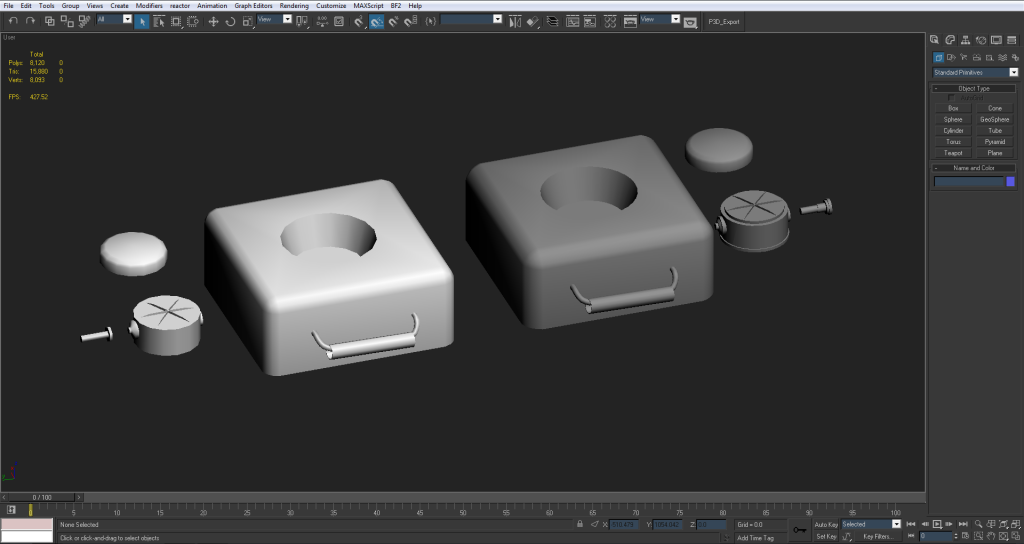
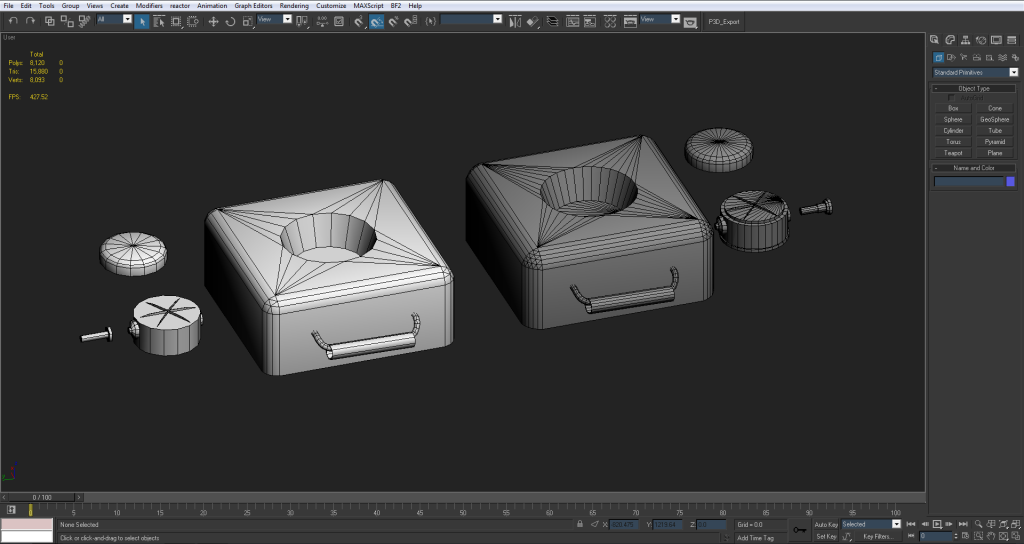


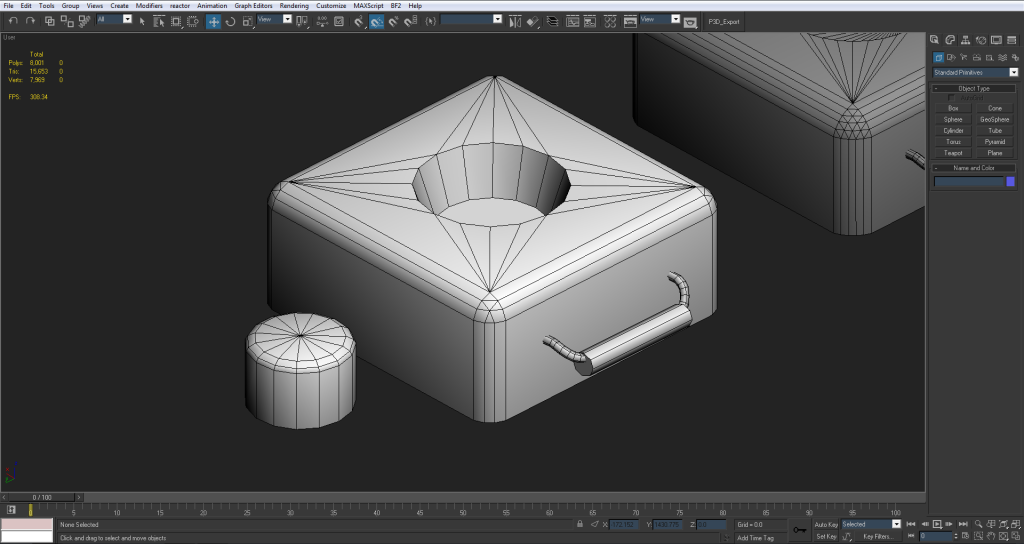
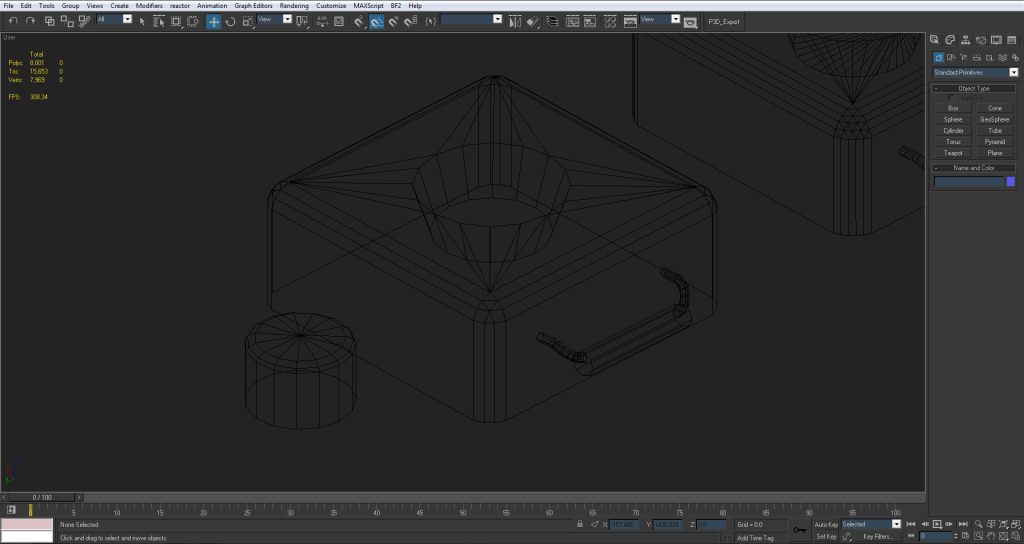


 Maybe a few fix ups on the normal (where the hole in the handle is) but I like the way it looks so far.


